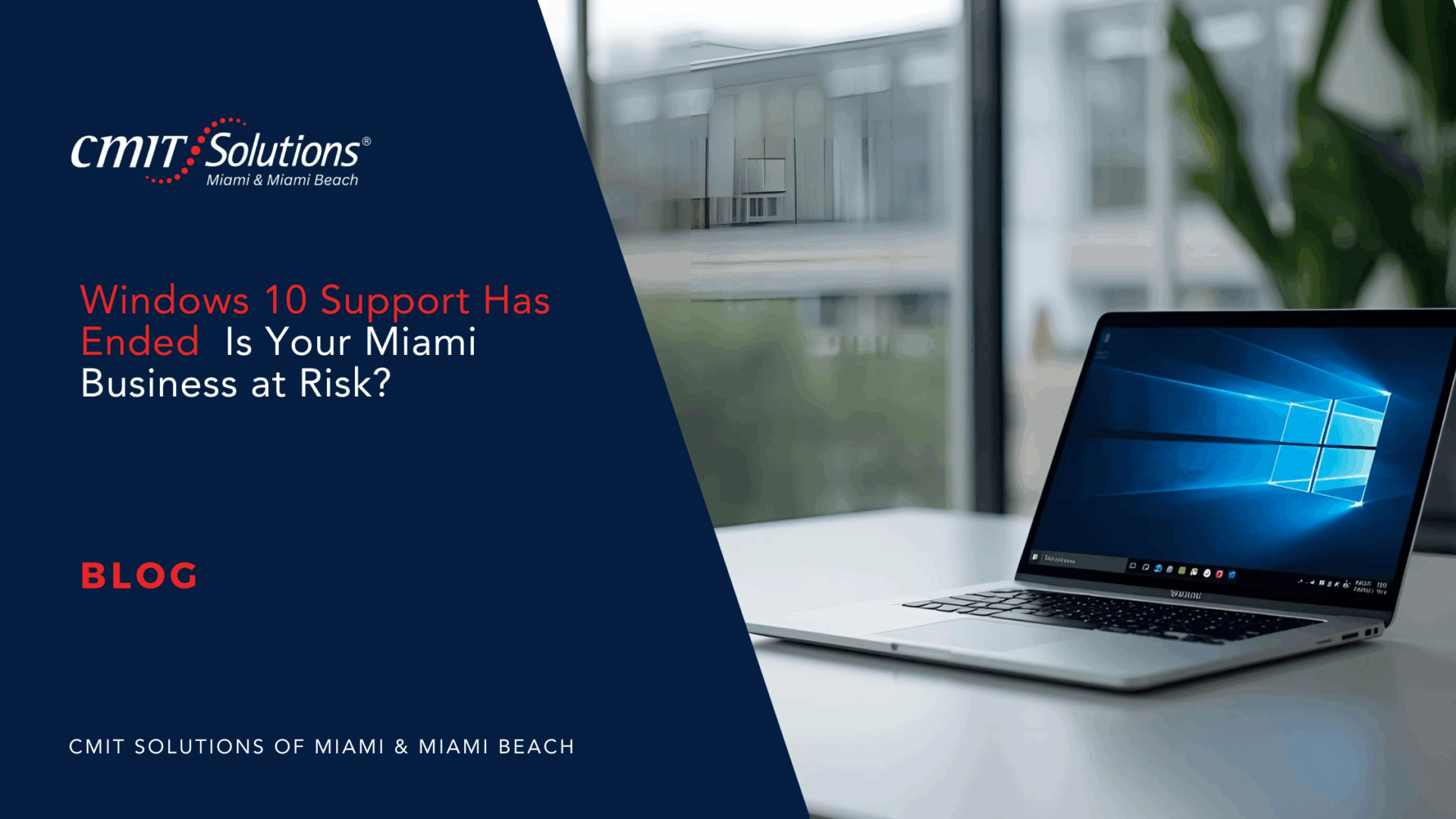
Microsoft officially ended support for Windows 10 on October 14, 2025.
This means no more security updates, patches, or bug fixes. If your Miami business is still using Windows 10 devices, every computer is now a direct gateway to cyberattacks, compliance penalties, and unexpected downtime.
Below is a structured guide to understand the risks and take action today.
1. What End of Support Really Means
End of support is more than a technical milestone—it is a business risk.
- No security patches – Hackers can exploit known flaws indefinitely. See the danger of unpatched systems.
- No vendor help – Third-party applications may stop releasing updates for Windows 10.
- No bug fixes – Performance issues and crashes will remain unresolved.
2. Why Your Business Is Now Exposed
Operating on an unsupported system brings measurable risks.
- Cyberattack target – Outdated devices attract ransomware and phishing attempts. Learn how cybercriminals target SMBs.
- Compliance penalties – HIPAA, PCI, and state privacy laws require supported software. Review IT compliance to avoid fines.
- Insurance gaps – Cyber-liability insurers may deny claims if unsupported systems cause a breach.
- Productivity loss – Aging hardware slows teams and increases downtime. See how proactive IT keeps work moving.


3. First Step: Get a Free Technology Assessment
Before migrating, you need a full view of your current environment.
- Device inventory – Identify which computers can upgrade to Windows 11 and which need replacement.
- Budget estimate – Plan realistic costs for hardware, software, and installation.
- Risk review – Combine upgrades with a full cybersecurity check using proactive IT management.
4. Panning a Smooth Windows 11 Migration
A structured migration avoids chaos and hidden costs.
- Hardware review – Replace end-of-life equipment before failures occur.
- Smart purchasing – Follow guidance from IT procurement to avoid overspending.
- Pilot testing – Upgrade a small group first to catch issues early.
- Upgrade checklist – Use our detailed Windows 11 guide to plan every stage.

5. Strengthen Security During Migration
An upgrade is the perfect time to tighten defenses.
- Advanced detection – Add threat detection and endpoint monitoring.
- Employee training – Teach staff to spot scams using phishing tips.
- 24/7 monitoring – Protect systems with IT support and rapid response.
6. Protecting Remote and Hybrid Teams
Miami companies with flexible workforces need consistent protection.
- Remote security – Apply safeguards from hybrid workforce to protect home offices.
- Cloud management – Control apps and storage with cloud clarity.
- Password upgrades – Strengthen access with tips from password tips.
7. Meeting Compliance and Audit Requirements
Regulated industries face strict penalties for unsupported systems.
- Audit checklist – Prepare with the audit readiness guide.
- Continuous updates – Maintain compliance through proactive IT support.
- Data privacy – Keep customer information secure to meet HIPAA, PCI, and Florida privacy rules.

8. Action Plan for Miami Business Owners
Move quickly to avoid escalating costs and security threats.
- Schedule a free assessment – Call 786-509-4977 or connect on LinkedIn.
- List upgrade needs – Document every Windows 10 device and business-critical application.
- Set budget and timeline – Lock in pricing before hardware demand spikes.
- Pilot and train – Test Windows 11 and train staff on key features.
- Complete migration – Finish upgrades promptly to reduce exposure.
- Monitor systems – Protect new devices with 24/7 monitoring.
9. Business Benefits of Upgrading Early
Acting now delivers measurable gains.
- Lower costs – Avoid emergency purchases and inflated hardware prices.
- Better performance – Employees work faster on modern, reliable systems.
- Stronger security – Immediate access to Windows 11 protections.
- Growth readiness – Modern tools support cloud services and AI projects.
Conclusion – Protect Your Business Today
Windows 10 support has ended, and every day you delay increases the chance of a cyberattack, compliance fine, or costly outage.
This is not a minor software update it is a business emergency.
CMIT Solutions of Miami & Miami Beach can help you:
- Perform a free technology assessment to uncover hidden risks
- Design a custom Windows 11 migration plan that fits your budget
- Provide managed IT services for continuous protection after the upgrade
How CMIT Solutions of Miami & Miami Beach Can Help
At CMIT Solutions of Miami & Miami Beach, we deliver end-to-end technology solutions that keep your business secure, productive, and future-ready. Our services cover everything from managed IT services and cybersecurity protection to cloud migrations, data backup, and network management all tailored to the needs of small and mid size businesses.
We’ll audit your systems, eliminate hidden inefficiencies, and build a simple, secure IT strategy that supports long-term growth.
Call 786-509-4977 or book a free IT assessment today to uncover hidden costs, strengthen your cybersecurity, and unlock the full potential of your technology with your trusted local IT partner CMIT Solutions of Miami & Miami Beach.
Read our latest blog to see how Miami businesses are staying secure and compliant after Windows 10’s end of support with smarter upgrades and proactive IT strategies. Learn more