
Reviewed by Dallas Stewart, President & Owner, CMIT Solutions of Bellevue. Last updated: October 2026.
Mobile device management (MDM) for hotels is a way to set up, secure and control the phones, tablets and laptops that hotel staff use every day. With MDM, a hotel can push apps and settings, require passcodes and keep devices updated. It can also lock or wipe a device if it is lost or stolen.
Hotels rely on mobile devices for check-in, housekeeping, maintenance, room service and guest messaging. Each device can access guest data and hotel systems. This guide explains why MDM for hospitality matters, what it should include and how to roll it out on Seattle’s Eastside and beyond.
Why do hotels need mobile device management?
Staff devices move around the property all day and are easy to misplace. Without central control, devices may run outdated software, use weak passcodes or install unapproved apps. A lost tablet with access to the property management system or guest messaging can expose guest information. MDM gives managers one place to see every device and keep it secure.
How do hotels use mobile devices?
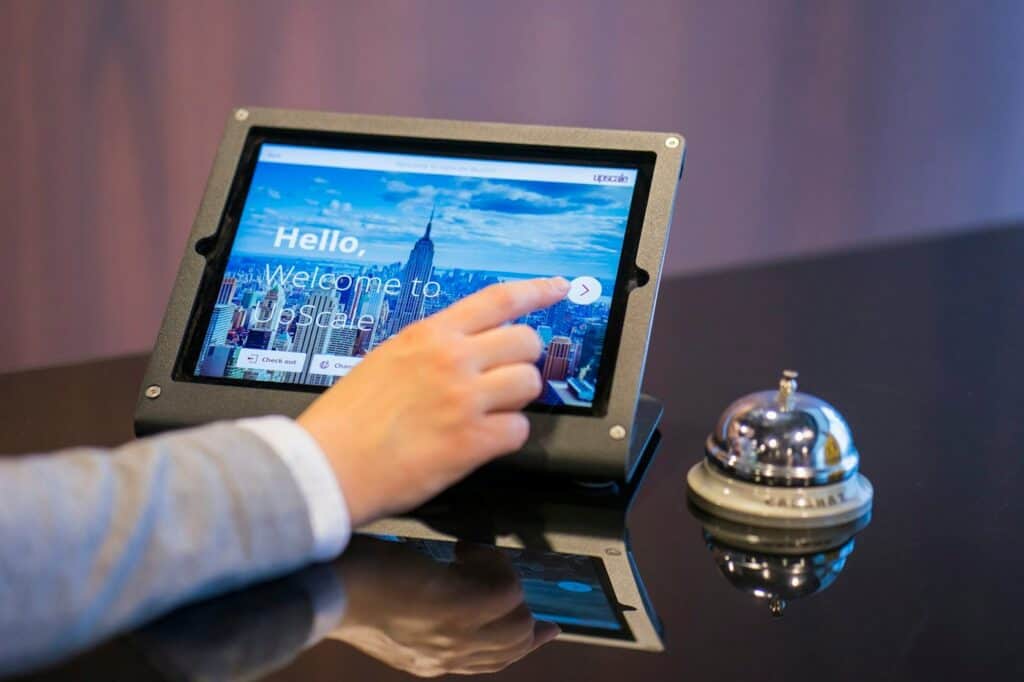
- Mobile check-in and front desk tablets. Staff check guests in away from the desk.
- Housekeeping and maintenance apps. Teams update room status and work orders in real time.
- Restaurant and room service. Servers take orders and payments on handheld devices.
- Guest messaging. Staff answer guest requests by text or chat.
- Managers on the go. Leaders review reports and approve tasks from anywhere on the property.
What should mobile device management for hotels include?
- Enrollment of every staff device, including shared devices
- Required passcodes and screen locks
- Automatic operating system and app updates
- Approved apps only, pushed and removed centrally
- Separate profiles for work and personal use on employee-owned phones
- Remote lock and wipe for lost or stolen devices
- Wi-Fi settings that connect devices to the staff network, not guest Wi-Fi
- Reports that show device status and compliance
How does MDM protect guest data and payments?
MDM keeps devices updated and locked, limits which apps can run and separates hotel data from personal data. If a device that handles guest information or payments goes missing, managers can wipe it quickly. Payment devices should also follow the Payment Card Industry Data Security Standard (PCI DSS) and stay on a protected network segment.
How do hotels manage shared devices?
Many hotel devices are shared across shifts. Use shared device modes or individual logins so each person’s activity is tracked. Set devices to sign out automatically at the end of a shift, and keep them charged and stored in a secure place.
Should hotels allow staff to use personal phones?
Some hotels allow staff to use personal phones for scheduling or messaging. If you do, use MDM work profiles so hotel apps and data stay separate from personal content. The hotel can then remove work data when someone leaves without touching their personal photos and apps.
What are the benefits of hotel mobile device management?
- Faster setup. New devices arrive ready to use, with the right apps and settings.
- Better security. Passcodes, updates and app controls are applied to every device.
- Less downtime. IT can troubleshoot and update devices remotely.
- Lower risk from lost devices. Managers can locate, lock or wipe a missing device.
- Clear visibility. Reports show which devices are up to date and which need attention.
What mistakes should hotels avoid with mobile devices?
Common mistakes include sharing one login across a department, leaving devices without passcodes and letting staff install any app they want. Another is connecting staff devices to guest Wi-Fi. Each of these makes it easier for guest data to leak. MDM helps fix all of them with clear policies that apply automatically.
How does MDM support guest experience?
Reliable devices help staff respond faster. When tablets and phones are updated and configured the same way, housekeeping, maintenance and front desk teams can update room status and answer guest requests without delays. Fewer device problems mean more time spent on guests.
How do you roll out hotel mobile device management?
- List every device, who uses it and what it accesses.
- Choose an MDM platform that supports your device types.
- Create policies for passcodes, updates, apps and Wi-Fi.
- Enroll devices department by department and train staff.
- Review reports regularly and update policies as needs change.
What else do hotels ask about MDM for hospitality?
Is MDM only for large hotels?
No. Small and independent hotels benefit too, because a single lost device can expose guest data.
Does MDM slow down staff?
Not when it is set up well. Approved apps and settings are pushed automatically, so staff spend less time on setup.
Can MDM manage different device types?
Most MDM platforms manage iPhones, Android devices, tablets and laptops from one console.
How can CMIT Solutions of Bellevue help hotels with mobile devices?
CMIT Solutions of Bellevue helps hotels and hospitality businesses on Seattle’s Eastside manage and secure staff devices. We help with MDM setup, Wi-Fi segmentation, security and ongoing support.
Call (425) 495-2214 to talk with our local team about mobile device management for your hotel.