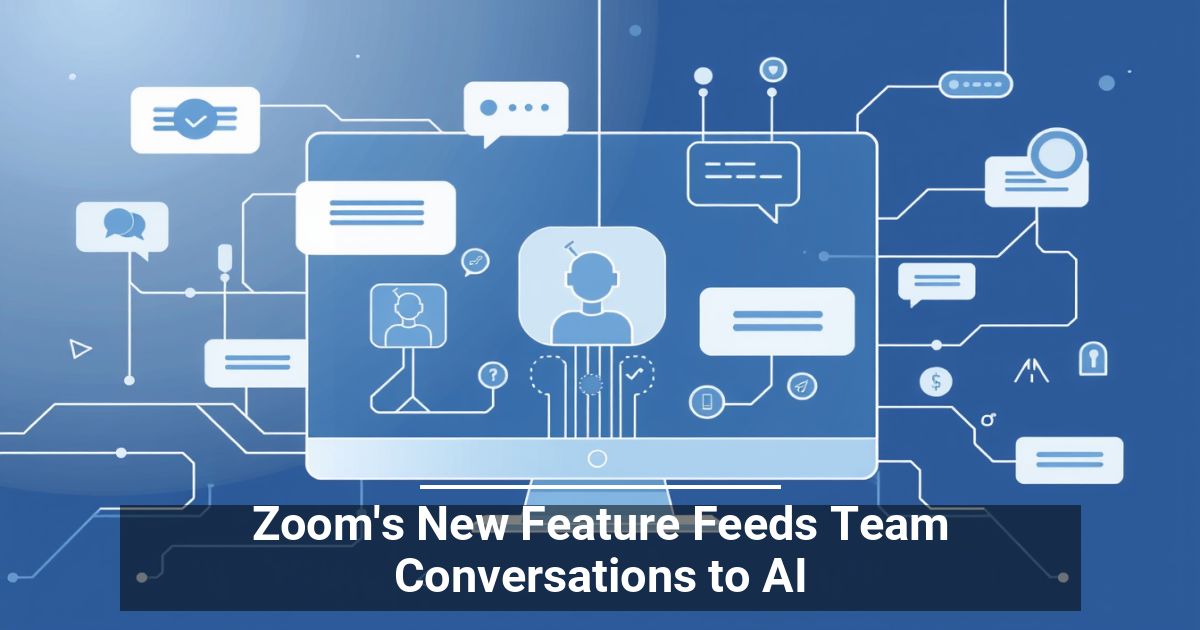
How much valuable information gets buried in your team’s daily conversations? Zoom’s new AI feature aims to change that by connecting workplace discussions and business data, giving AI agents more context to handle tasks without constant human input. Learn more here.
The Problem With Today’s Workplace Data
Modern businesses rely on more digital tools than ever, but keeping information organized across them isn’t always easy.
Important decisions often get buried in team conversations and video calls, while related documents sit in entirely different applications. Employees end up wasting valuable time piecing together details from multiple sources.
The challenge is even greater when your workflows rely on AI. Automated assistants may struggle to piece together the full picture when enterprise conversation data is scattered across disconnected systems.
Zoom’s Unified Context Layer Connects the Dots
On October 20, 2026, Zoom introduced its Unified Context Layer (UCL) during its annual Zoomtopia conference. This shared information hub connects meeting transcripts, chats, documents, and activity from supported third-party applications, so previously fragmented information turns into a more cohesive resource for employees and AI-powered agents.
UCL also supports application programming interfaces (APIs), which allow external AI platforms like ChatGPT, Claude, and Gemini to query relevant information. Zoom includes configurable permissions to help organizations control what these tools can retrieve.
What Can UCL Do for Your Business?
When implemented properly, context-aware AI interactions may bring the following worthwhile advantages to your operations.
Less Time Spent Searching
How often does your team dig through old messages to find one important detail? AI assistants can quickly retrieve relevant discussions and summarize meeting outcomes, allowing your employees to focus more on actual work instead of reconstructing previous conversations.
More Personalized Customer Service
Customer experience automation becomes more useful when virtual assistants understand previous interactions. Zoom’s technology aims to help AI systems recognize earlier customer inquiries and respond with greater relevance. Human support representatives may also benefit from shared customer histories, especially when handling complicated cases.
More Informed Decisions
Not every important business decision makes it into a formal report. By referencing previous discussions and project developments, AI assistants may help teams understand why certain choices were made. This can prove particularly useful when responsibilities change hands or employees join ongoing projects.
The Human Touch Still Matters
Giving AI greater visibility into workplace information naturally raises legitimate concerns. For example, internal conversations may contain confidential negotiations or private employee discussions. Even with built-in safeguards, businesses must carefully consider which information their automated systems should be permitted to process.
Zoom has announced additional administrative protections, but some aren’t expected until late 2026 or early 2027. Before adopting Zoom’s new AI feature, consider taking precautions, including:
- Reviewing permissions for sensitive business information
- Establishing clear policies for AI use and data handling
- Requiring human approval for high-impact decisions
- Regularly reviewing AI-generated outputs for accuracy
Ultimately, better information doesn’t guarantee better judgment. AI may make everyday work more efficient, but your employees remain essential for decisions that require discretion and accountability.
Used with permission from Article Aggregator