Ransomware is no longer a distant enterprise problem. It is now one of the most serious threats facing local businesses, professional firms, medical offices, manufacturers, contractors, and nonprofits. For companies looking for ransomware protection Des Moines has, the challenge is not simply buying another security tool. The real goal is building a practical defense strategy that keeps the business operating when criminals try to shut it down.
Ransomware Has Become a Business Continuity Problem
Ransomware used to be described as malicious software that locked files until a payment was made. That definition is still true, but it is no longer complete. Today’s ransomware attacks are designed to interrupt revenue, create panic, and pressure business owners into making fast decisions under stress.
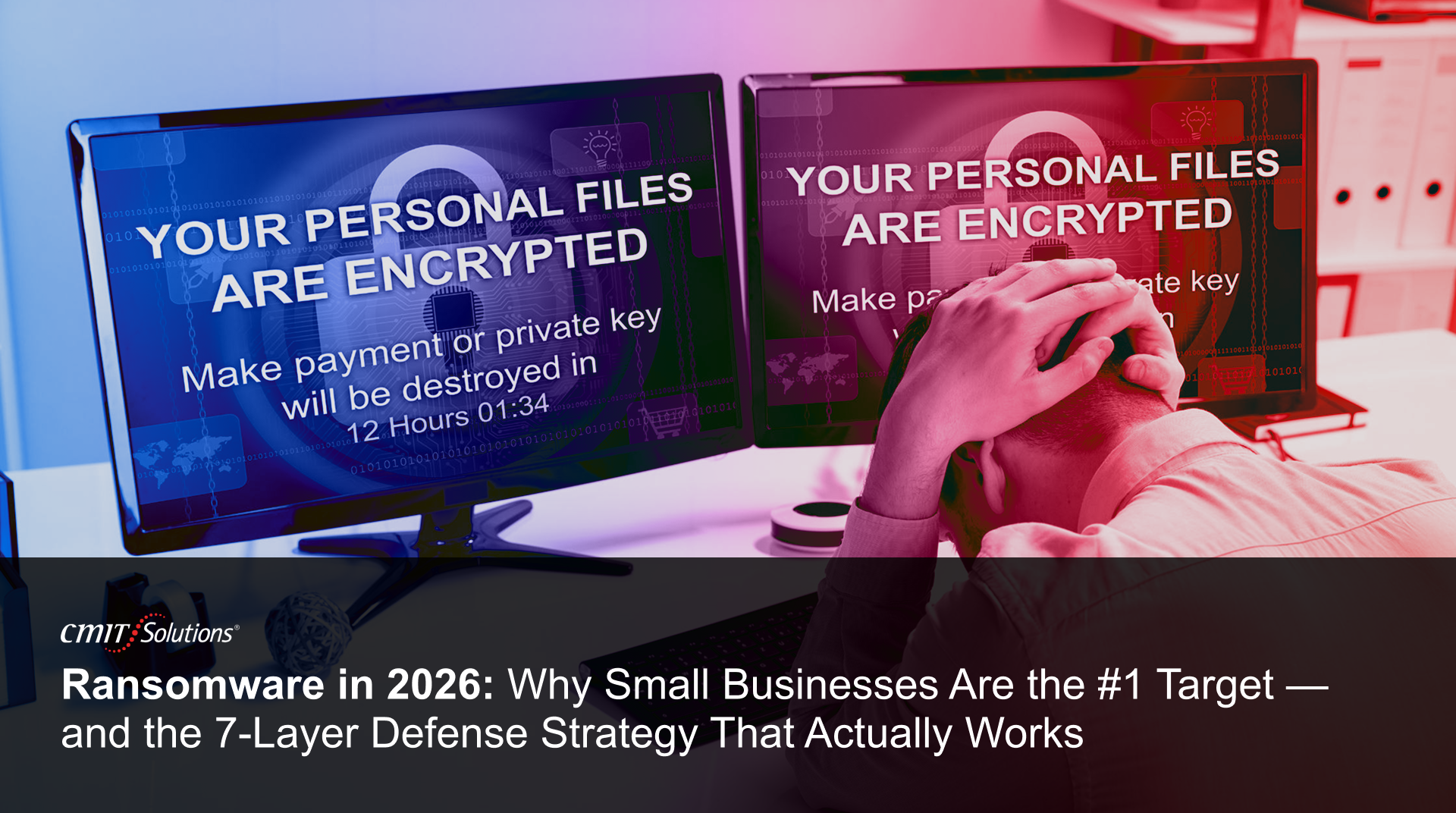
In the podcast episode, Edgar Ortiz of CMIT Solutions of Des Moines explained ransomware in a way any business owner can understand. He compared it to someone changing every lock in your office overnight and leaving a note that says, “Pay me fifty thousand dollars in Bitcoin or you’ll never get access again.” That image works because ransomware is not abstract when it happens. It feels like being locked out of your own company.
The damage can touch every part of the business. Accounting files may be encrypted. Customer records may become inaccessible. Contracts, emails, shared folders, scheduling tools, and line-of-business applications can stop working at once. Employees cannot do their jobs, customers cannot get answers, and leadership is forced into crisis mode.
Modern ransomware is also more aggressive because many attackers steal data before encrypting systems. This is called double extortion. The criminal does not only say, “Pay us or you lose access.” They may also say, “Pay us or we publish your private information.” For a small business, that can create legal, regulatory, reputational, and customer trust issues all at the same time.
Why Small Businesses Are a Prime Target in 2026
Many business owners still assume cybercriminals are mainly interested in large corporations. That assumption is dangerous. Small businesses are attractive targets because they often have valuable data, limited internal IT resources, and less mature cybersecurity systems.
Attackers are practical. They look for the path of least resistance. A smaller company may not have a full-time security team, 24/7 monitoring, tested backups, written response procedures, or strict access controls. That does not mean the business is careless. It often means the company has been focused on serving customers, managing cash flow, hiring staff, and keeping operations moving.
Cybercriminals know this. They also know that smaller businesses may be more likely to pay because downtime is so painful. A law office that cannot access case files, a dental practice that cannot open patient schedules, or a manufacturer that cannot process orders may feel immediate pressure to restore operations at any cost.
The FBI’s Internet Crime Complaint Center reported more than $16 billion in total reported cybercrime losses in 2024, a 33 percent increase from the previous year. Ransomware also remained one of the most serious threats to critical infrastructure organizations. Those numbers do not fully capture the cost of lost time, lost customers, stress on employees, or long-term reputation damage.
This is why ransomware should not be viewed only as an IT issue. It is a leadership issue. It belongs in the same category as insurance, financial controls, emergency planning, and business continuity.
AI Has Made Ransomware Attacks Harder to Spot
Artificial intelligence has changed the quality and speed of cyberattacks. Phishing emails used to be easier to recognize because they often contained awkward wording, strange formatting, or obvious grammar mistakes. In 2026, attackers can use AI to create messages that sound natural, local, timely, and personal.
A phishing email can now look like it came from a vendor, a bank, a delivery service, a job applicant, or even a member of the leadership team. It may reference a real invoice style, copy a familiar tone, or create urgency around a believable business request. That makes the old advice of “just look for spelling mistakes” far less useful.
During the podcast, Edgar noted that he had recently received a phishing email that almost fooled him. That matters because it shows how realistic these attacks have become. If someone who works in cybersecurity can pause over a message, the average busy employee is even more vulnerable.
AI also helps attackers scale. Criminals can research companies faster, generate convincing messages in bulk, and customize scams for different industries. A construction company may receive a fake bid document. A medical office may see a fake insurance request. A nonprofit may get a donation-related message. The more relevant the message feels, the more likely someone is to click.
The solution is not to blame employees. The solution is to give them better systems, clearer processes, and repeated training so they know what to do when something feels unusual.
The Three Most Common Ways Ransomware Gets In
Ransomware does not always require a sophisticated breach. In many cases, attackers enter through basic security gaps that were never closed. Understanding the most common entry points helps business owners prioritize the right defenses.
Phishing Emails
Phishing remains one of the most common ways attackers reach employees. A malicious email may contain a dangerous attachment, a link to a fake login page, or a message that tricks the recipient into sharing credentials. The message may appear to come from a trusted person or company.
This is why verification habits matter. If an email from a manager, vendor, or client asks for something unusual, employees should verify through a separate channel. A quick phone call or in-person confirmation can stop a serious incident before it starts.
Unpatched Software and Vulnerabilities
Attackers constantly scan the internet for exposed systems and known weaknesses. Outdated software, old firewall firmware, unsupported operating systems, and unpatched applications can become open doors. Once a vulnerability is public, criminals often move quickly to exploit organizations that delay updates.
Patch management is not glamorous, but it is one of the most important parts of ransomware prevention. It reduces the number of easy opportunities attackers can use to enter the network.
Weak or Stolen Passwords
Passwords are still a major weakness for many organizations. Employees may reuse passwords across personal and work accounts. They may choose simple passwords because they are easy to remember. They may also unknowingly have credentials exposed in a prior data breach.
Criminals can buy stolen credentials on underground markets and test them against company systems. Without multi-factor authentication, a stolen password may be enough to access email, remote systems, cloud storage, or administrative tools.
The 7-Layer Defense Strategy That Actually Works
No single product can stop every ransomware attack. Strong protection comes from layered security. Each layer reduces risk, slows attackers down, or improves recovery if something breaks through.
Layer 1: Endpoint Detection and Response
Endpoint Detection and Response, often called EDR, watches what devices are doing instead of only checking files against a known malware list. This is a major step beyond traditional antivirus. If a workstation suddenly begins encrypting files or behaving abnormally, EDR can help isolate the device before the attack spreads.
Edgar described EDR as “not your grandmother’s antivirus,” and that distinction is important. Modern ransomware changes quickly. Behavior-based detection gives businesses a better chance of stopping suspicious activity before it becomes a company-wide outage.
Layer 2: Advanced Email Security
Because email remains a common entry point, businesses need more than a basic spam filter. Advanced email security can scan links, inspect attachments, detect impersonation attempts, and block known malicious senders.
This layer does not remove the need for employee awareness, but it reduces the number of dangerous messages that reach inboxes in the first place. That matters because every blocked message is one less chance for a costly mistake.
Layer 3: DNS Filtering
DNS filtering helps prevent devices from connecting to known malicious websites. If an employee clicks a bad link, DNS filtering can block the connection before the browser reaches the dangerous destination.
This is a quiet but powerful layer. It works in the background and helps protect users even when they make an honest mistake. In ransomware defense, reducing the impact of human error is essential.
Layer 4: Patch Management
Patch management keeps operating systems, applications, firewalls, and other systems updated. It closes known weaknesses before attackers can exploit them.
For small businesses, the challenge is consistency. Updates may be delayed because people are busy or worried about disruption. A managed patching process helps balance security with operational stability.
Layer 5: Multi-Factor Authentication
Multi-factor authentication, or MFA, adds a second step beyond the password. Even if a password is stolen, the attacker still needs another form of verification.
MFA should be used for email, cloud platforms, remote access, administrative accounts, financial tools, and any system that stores sensitive information. It is one of the most practical ways to reduce credential-based attacks.
Layer 6: Employee Security Training
Technology matters, but people are still part of the defense. Employees should know how to recognize suspicious emails, report concerns, verify unusual requests, and avoid unsafe links or downloads.
Training should not be a once-a-year checkbox. Short, repeated training and phishing simulations help build habits. As Edgar said in the episode, “Technology is only as strong as the person clicking the mouse.”
Layer 7: Offsite, Tested Backups
Backups are the layer that can change the entire negotiation. If the business can restore clean data, the attacker has less leverage. That is why backups should be automated, stored offsite, protected from tampering, and tested regularly.
Cloud replication and versioning can help roll systems back to a point before the infection. Immutable backups can also prevent criminals from deleting or altering backup copies. As Edgar put it, “A backup you’ve never tested is not a backup—it’s just hope.”
What to Do in the First 60 Minutes of a Ransomware Attack
The first hour after a suspected ransomware attack is critical. The goal is to contain the damage, preserve evidence, and avoid actions that make recovery harder.
First, disconnect the affected machine from the network. Pull the Ethernet cable or disable Wi-Fi. This may slow or stop the spread. However, do not immediately power the machine off unless instructed by a qualified expert, because doing so may destroy useful forensic evidence.
Second, contact your IT or cybersecurity provider right away. This is not the time for guesswork or random online fixes. A trained team can determine what systems are affected, whether the attack is still spreading, and whether backups are safe.
Third, document everything. Record what users saw, when the issue started, what systems were affected, and what steps were taken. This information can help with recovery, cyber insurance, legal obligations, and future prevention.
Businesses that recover faster are usually not lucky. They are prepared. They already know who to call, where their backups are, and which systems must be restored first.
Why Paying the Ransom Is Usually the Wrong First Move
When systems are down and customers are waiting, paying the ransom may feel like the fastest way out. In reality, payment creates more uncertainty. There is no guarantee the criminals will provide a working decryption tool, return stolen data, or avoid targeting the business again.
Paying may also signal that the company is willing to cooperate with criminals. That can make the business a future target. In some cases, payments may create legal complications if money flows to sanctioned groups or criminal organizations.
The better path is preparation. If the business has clean backups, a documented incident response plan, cyber insurance contacts, and professional support, it has more options. The goal is to avoid making desperate decisions because there was no plan in place.
Prevention Costs Less Than Recovery
Ransomware recovery is expensive because the ransom is only one part of the damage. Businesses may also face downtime, lost revenue, emergency IT costs, legal review, regulatory reporting, insurance complications, employee overtime, and customer churn.
Prevention is almost always less expensive than rebuilding after an attack. It is also less stressful. A layered cybersecurity program gives leadership more confidence because the business is not relying on hope, luck, or one outdated tool.
CMIT Solutions of Des Moines brings authority to this conversation because the team understands both technology and local business realities. Small businesses need security that is practical, affordable, and aligned with how people actually work. They do not need fear-based advice. They need a clear plan that reduces risk and keeps operations moving.
Watch the Full Podcast Episode
Ransomware protection Des Moines business owners can trust starts with education, planning, and the right cybersecurity partner. To hear the full conversation, watch the complete Behind the Firewall podcast episode on YouTube with Mike Downer and Edgar Ortiz of CMIT Solutions of Des Moines. They break down how ransomware works, why small businesses are being targeted, what to do in the first 60 minutes, and how layered defense can protect the future of your company.
FAQs About Ransomware Protection for Small Businesses
What is ransomware?
Ransomware is malicious software that blocks access to systems or encrypts files until a payment is demanded. Many modern ransomware attacks also involve data theft, which means criminals may threaten to publish or sell sensitive information.
Why do ransomware attackers target small businesses?
Small businesses often have valuable data but fewer cybersecurity resources than large enterprises. Attackers know that downtime can be devastating, which may pressure smaller companies to pay quickly.
Can ransomware spread across a business network?
Yes. Once one device is infected, ransomware may move laterally to other workstations, servers, shared drives, and cloud-connected systems. Fast containment is critical.
What is the best first step after a ransomware attack?
Disconnect the affected device from the network and contact a cybersecurity professional immediately. Avoid deleting files, restarting systems, or attempting unverified fixes before the incident is assessed.
Do backups protect against ransomware?
Backups can dramatically improve recovery, but only if they are automated, offsite, protected from tampering, and tested. A backup that has never been tested may fail when the business needs it most.
Should a small business pay a ransom?
Paying should not be the first move. There is no guarantee that payment will restore data or prevent stolen information from being exposed. Businesses should work with cybersecurity professionals, law enforcement, cyber insurance providers, and legal counsel before making that decision.