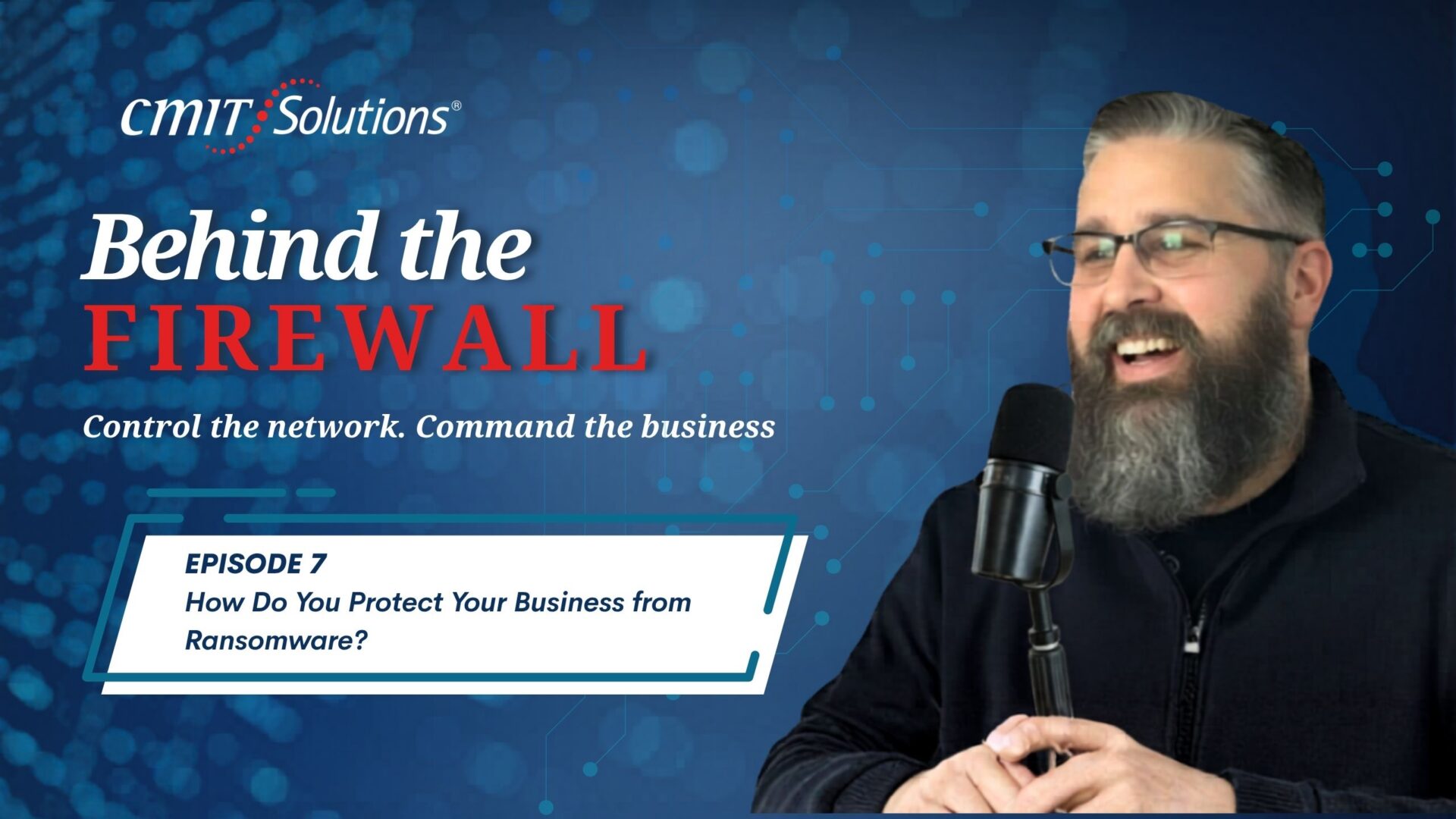
In this episode of Behind the Firewall, host Mike Downer welcomes Edgar Ortiz, managing partner of CMIT Solutions of Des Moines, for a practical conversation about one of today’s biggest cyber threats: ransomware. Together, they explain what ransomware is, why small businesses are such common targets, and what owners can do to reduce risk before an attack happens.
The key takeaways are simple but urgent: ransomware can lock and steal company data fast, phishing is still a leading entry point, weak passwords and outdated systems create easy openings, and layered security plus tested backups can make the difference between quick recovery and major business disruption.
For business owners searching for how to prevent ransomware attacks on small business, Edgar’s message is clear: prevention is always stronger than panic.
What Ransomware Does to a Business
Edgar describes ransomware as the digital version of someone changing every lock in your office overnight and demanding money before you can get back in. Once ransomware infects a system, it encrypts files so the business can no longer open them. That may include accounting data, client records, contracts, email archives, and other information needed to operate.
Today’s ransomware is even more serious because attackers often steal data before locking it. That means a company may face both downtime and the threat of confidential information being leaked or sold. Edgar warns that once ransomware enters a network, it can spread from one computer to another within minutes.
Why Small Businesses Are Targeted
Many owners believe ransomware criminals only chase large corporations, but Edgar explains that smaller companies are often easier targets. They may not have dedicated IT security teams, mature backup systems, or strong protections in place. Attackers know that a small business may pay quickly because extended downtime can threaten cash flow, customer trust, and survival.
As Edgar puts it, “Ransomware is the biggest cyber threat facing small businesses today.” The cost is not limited to the ransom itself. Businesses may also face lost revenue, recovery expenses, legal fees, regulatory concerns, and reputational damage.
The Most Common Entry Points
Ransomware usually gets in through three main paths. The first is phishing email. These messages can look convincing, especially as AI makes scams more personalized and realistic. Edgar recommends verifying unusual requests directly, especially when an email appears to come from a boss, vendor, or trusted contact.
The second entry point is unpatched technology. Old software, outdated operating systems, and firewalls with aging firmware create vulnerabilities attackers can scan for and exploit. The third is compromised credentials. Reused or weak passwords can be purchased online and tested against business systems.
The common theme is that ransomware often succeeds by exploiting basic security gaps, not by using complicated hacking techniques.
Building Layers of Protection
Edgar explains that no single tool is enough. Strong ransomware prevention requires layers. CMIT Solutions of Des Moines uses tools such as Endpoint Detection and Response, advanced email security, DNS filtering, patch management, and employee training.
Endpoint Detection and Response watches for suspicious behavior, such as files being encrypted rapidly, and can isolate a device before the attack spreads. Email filtering blocks malicious links and attachments. DNS filtering prevents devices from reaching dangerous websites. Patch management closes known security holes, while employee training helps people recognize threats before they click.
Why Backups Matter
Backups are one of the strongest defenses because they reduce the attacker’s leverage. If a company can restore clean data, it may not need to consider paying a ransom. Edgar recommends automated daily backups, offsite storage, cloud replication, and regular restore testing. “A backup you’ve never tested is not a backup—it’s just hope,” he says.
What to Do During an Attack
If a ransomware attack is suspected, the first step is to disconnect the infected machine from the network by unplugging Ethernet or disabling Wi-Fi. Do not power it off, because that may destroy forensic evidence. Then contact cybersecurity professionals immediately so they can assess the scope, protect backups, document the event, and begin recovery.
Paying the ransom is risky. There is no guarantee the data will be restored, and paying may mark the business as a future target. A better response is to rely on backups, activate an incident response plan, involve insurance and law enforcement when needed, and strengthen defenses afterward.
The lesson from Edgar and Mike’s conversation is straightforward: ransomware preparation must happen before an emergency. Layered security, trained employees, strong passwords, timely updates, and tested backups are essential parts of how to prevent ransomware attacks on small business.
FAQs
What is ransomware?
Ransomware is malicious software that locks or encrypts business files and demands payment for access. Many attacks also involve data theft.
Why are small businesses vulnerable?
They often have limited IT resources, weaker backups, fewer security tools, and less time to recover from downtime.
What is the best ransomware defense?
A layered approach: EDR, email security, DNS filtering, patching, employee training, and tested offsite backups.
Should a business pay the ransom?
Usually, no. Payment does not guarantee recovery and may create future risk.
What should happen first during an attack?
Disconnect the infected device from the network and call cybersecurity professionals immediately.
Podcast Transcript:
Mike Downer: Hey, everybody. I am your host, Mike Downer, and thanks for joining myself and Edgar Ortiz on Behind the Firewall. Edgar Ortiz is the managing partner of CMIT Solutions of Des Moines. How are we doing today, Edgar?
Edgar Ortiz: Hey, we’re doing amazing. Another episode to help people in Des Moines and beyond, so glad to be here.
Mike Downer: Perfect. So today, as we promised in our last episode, we’re going to talk about how a business protects itself from ransomware. We’ll cover three main things: what ransomware is, how it attacks small businesses, and what steps businesses can take to prevent it. Edgar, I know you’re the expert on this, and it’s kind of a scary subject for a lot of business owners. So let’s start with the basics. What is ransomware in simple terms, and how does it typically affect a small business?
Edgar Ortiz: Yeah, that’s an amazing question, especially in this day and age with AI making these attacks even more sophisticated. Think of ransomware like someone changing every lock in your office overnight and then leaving a note on the front door saying, “Pay me fifty thousand dollars in Bitcoin or you’ll never get access again.”
That’s essentially what happens to your files when ransomware is deployed. Ransomware is malicious software that encrypts your data, meaning it scrambles every file on your network so you can’t open anything. Your QuickBooks file, client records, contracts, email archives—everything is turned into gibberish.
Then you get the ransom note. It’s like walking into your office on a Monday morning and seeing an eviction notice on the door. Attackers often include a countdown timer to create psychological pressure and force payment in cryptocurrency.
Modern ransomware doesn’t just lock your files anymore. Many variants now steal your data first. Attackers may threaten to publish your information online or sell it if you don’t pay. So now you’re dealing with multiple threats at once: losing access to your data, exposure of confidential information, and the possibility of that data being sold.
What makes ransomware especially devastating is how quickly it spreads. Once one computer on your network is infected, ransomware moves laterally from machine to machine and server to server—sometimes within minutes. By the time someone notices, the entire network may already be locked down.
Mike Downer: Yeah, so you’ve done a really good job of opening people’s eyes and probably scaring them a little bit, which honestly people need. Business owners often assume ransomware only targets large corporations, but the numbers tell a different story. How serious is the ransomware threat for small and mid-sized businesses today?
Edgar Ortiz: This is a really important subject. If business owners take one thing away from this podcast, let it be this: ransomware is the biggest cyber threat facing small businesses today. It literally keeps me up at night, and it should keep every business owner up at night too.
Eighty-eight percent of ransomware attacks target small businesses. Attackers go after smaller companies because they usually don’t have dedicated security teams, mature backup systems, or strong protections in place. Large organizations spend millions of dollars annually on cybersecurity. Small businesses don’t have those resources.
Attackers also know small businesses are more likely to pay because they can’t afford prolonged downtime.
The financial impact is staggering. Ransomware accounts for more than fifty-one percent of the average cyberattack cost for small and medium-sized businesses. We’re not talking about a minor inconvenience. We’re talking about ransom payments, loss of revenue, downtime, recovery expenses, legal fees, regulatory fines, and reputational damage.
For many small businesses, a ransomware event is an extinction-level event. Nearly half of small businesses that suffer a major ransomware attack don’t survive beyond six months. That happens because owners underestimate the risk and fail to address vulnerabilities before the attack occurs.
Mike Downer: That makes complete sense. And the long-term effects, like losing clients, can be devastating too. So to avoid all this, what are the most common ways ransomware gets into a business network?
Edgar Ortiz: Great question. Ransomware usually enters through three main doors.
The first and biggest one is phishing emails. Attackers send thousands of emails, and eventually someone clicks. AI has made these phishing attempts incredibly convincing. I recently received one myself that almost fooled me.
That’s why I always say: if you get an email from your boss asking for something unusual, get up from your desk and verify it in person. Zero trust is critical.
The second entry point is exploited vulnerabilities. This accounts for roughly thirty-two percent of attacks. That means outdated software, unpatched systems, or old firewalls with outdated firmware. Attackers constantly scan the internet looking for weaknesses, and once they find one, they walk right in.
The third common method is compromised credentials. Employees reuse passwords from breached websites or use weak passwords like “Company123.” Attackers buy stolen credentials on the dark web for pennies and test them against company systems.
The common thread is this: most ransomware attacks don’t require genius hackers. These attacks are highly automated and opportunistic. They exploit basic security gaps.
Mike Downer: Absolutely. So what layers of protection does CMIT Solutions of Des Moines put in place to help prevent ransomware attacks before they spread?
Edgar Ortiz: We focus on what I call the “three numbers” of risk:
- What is the likelihood it happens?
- What does it cost when it happens?
- What does it cost to prevent it?
When you look at those numbers, prevention wins every time.
First, we implement Endpoint Detection and Response, or EDR. This isn’t your grandmother’s antivirus. It monitors device behavior continuously. If a program suddenly starts encrypting files rapidly, the system isolates that machine before the attack spreads.
Second is advanced email security. Since phishing is the number one entry point, we filter malicious links and attachments before employees even see them.
Third is DNS filtering, which blocks devices from connecting to malicious websites. Even if someone clicks a bad link, the connection is stopped.
Fourth is patch management. We keep operating systems, firewalls, and software updated so attackers can’t exploit known vulnerabilities.
Fifth—and maybe most important—is employee training. Technology is only as strong as the person clicking the mouse. We run phishing simulations, provide cybersecurity awareness training, and help create a security-first culture.
No single tool is enough by itself. Security works because of layers. Attackers look for easy targets, and layered protection makes your business much harder to attack.
Mike Downer: Perfect. So why are reliable backups so critical in ransomware defense? And how do automated offsite cloud backups make ransomware less damaging?
Edgar Ortiz: Backups completely change the equation. If you have good backups, ransomware loses leverage. If you can restore your data, there’s nothing to negotiate.
Our strategy includes automated daily backups with offsite and cloud replication.
“Automated” means nobody has to remember to do it manually. If your backup strategy depends on someone plugging in a drive every Friday afternoon, it’s eventually going to fail.
“Daily” means the maximum data loss is usually limited to twenty-four hours of work.
“Offsite” means your data is stored somewhere physically separate from your office. If ransomware encrypts your local systems, you still have safe copies elsewhere.
Cloud replication adds another layer because it allows versioning. We can roll back your systems to a point before the infection occurred.
But the key is testing. A backup you’ve never tested is not a backup—it’s just hope. We regularly test restoration processes to ensure they actually work when needed.
Mike Downer: So if a business suspects a ransomware attack is happening, what should they do in the first sixty minutes?
Edgar Ortiz: The first sixty minutes are critical.
First, disconnect the infected machine immediately. Pull the Ethernet cable or turn off Wi-Fi. The goal is containment. But do not power the machine off because that can destroy forensic evidence.
Second, call us immediately. Don’t try to fix it yourself. Don’t Google how to remove ransomware. Every action you take can either help or hurt your recovery options.
Third, we assess the scope of the attack. Which systems are affected? Is it spreading? Are backups intact?
Then we establish a recovery plan. We identify critical systems, verify clean backups, and coordinate with cyber insurance providers. Documentation is extremely important during this phase.
Businesses that recover quickly are the ones that already had a plan before the attack happened.
Mike Downer: Some businesses panic and consider paying the ransom immediately. Why is that usually not the best option?
Edgar Ortiz: This is a very complicated issue because emotions are involved. You’re losing money, customers can’t reach you, and someone is offering to “fix” the problem for a price.
But there are major problems with paying.
First, there’s no guarantee you’ll get your data back. Studies show only about sixty-five percent of businesses that pay recover all their data.
Second, paying marks you as someone willing to pay. Attackers share lists of paying companies on the dark web, making you a future target.
Third, the decryption tools they provide often don’t work properly. Recovery can still be slow, incomplete, and painful.
And finally, you may be funding criminal organizations or sanctioned entities, which can create legal issues.
Instead, businesses should restore from backups, activate their incident response plan, involve law enforcement, notify cyber insurance providers, and strengthen their defenses afterward.
Mike Downer: So to wrap this up, can you give an example of how CMIT Solutions of Des Moines has helped businesses recover from ransomware and strengthen defenses afterward?
Edgar Ortiz: Absolutely. Without naming specific clients, I can say we’ve helped Iowa businesses through ransomware situations many times.
Businesses that already had prevention measures and backups in place were often back up and running within hours. We restored clean backups, identified how attackers got in, closed the gaps, and strengthened their environment.
Businesses without those protections faced longer downtime, greater data loss, and much higher recovery costs. But even then, we helped them rebuild and implement the right defenses moving forward.
The pattern is always the same: the cost of prevention is only a fraction of the cost of recovery.
Business owners shouldn’t think of cybersecurity as an expense. It’s an investment in the value and longevity of the business itself.
Mike Downer: Agreed. Edgar, thank you so much. Ransomware is a huge concern for businesses of every size, and you answered a lot of important questions today. I always learn something new from these conversations. Until next time, we’ll figure out the topic for our next episode.
Edgar Ortiz: Looking forward to it. I hope this conversation helps businesses out there. If anyone wants to reach us, we’re online or they can call us at 515-416-4113. We’re here to help.
Mike Downer: Call Edgar right away, guys. Remember, cybersecurity is not an expense—it’s an investment. Thanks for joining us on Behind the Firewall. I’m Mike, this is Edgar, and we’ll talk to you soon.
Edgar Ortiz: Talk to you soon.