
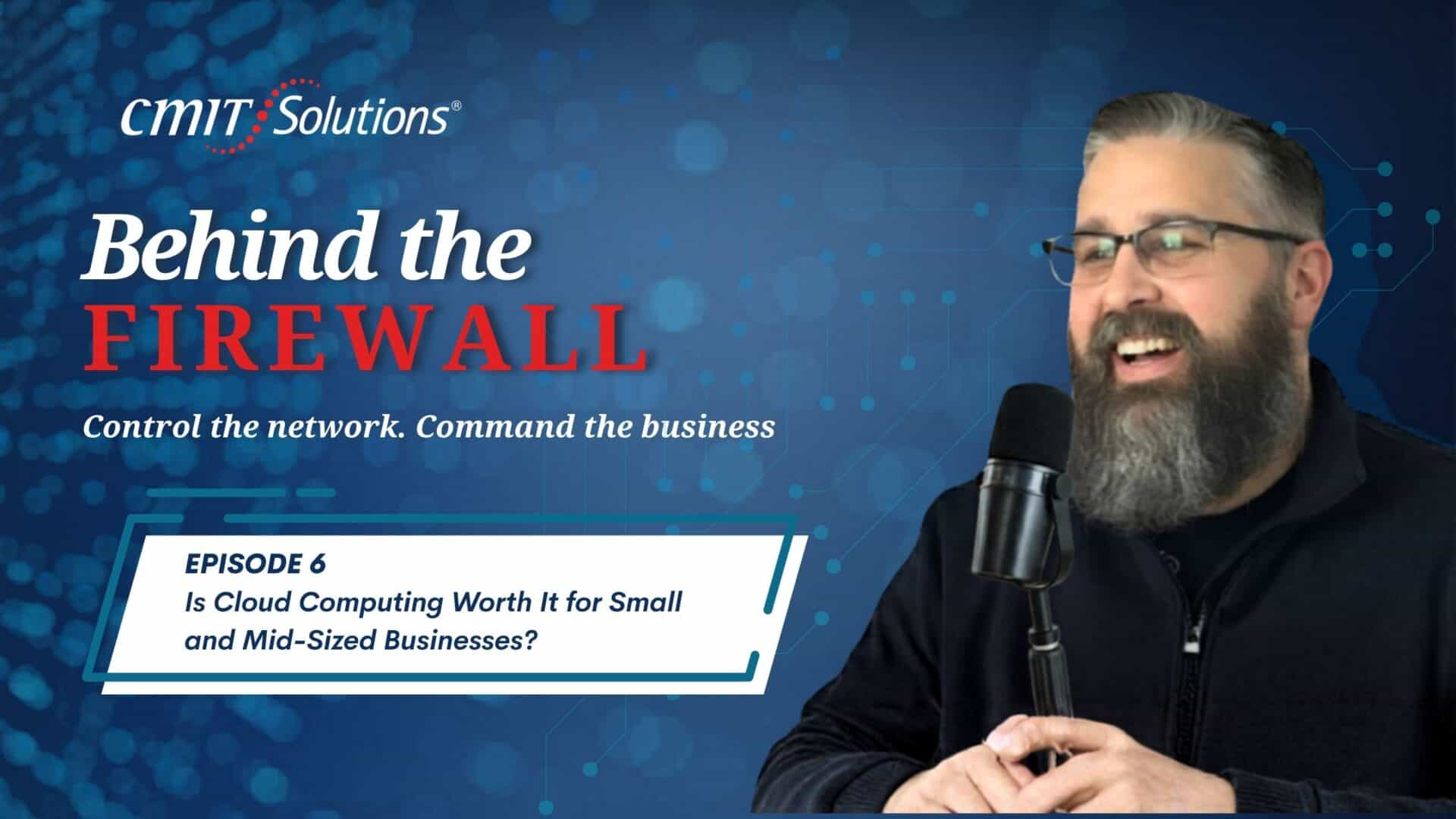
In this episode of Behind the Firewall, host Mike Downer speaks with Edgar Ortiz, managing partner of CMIT Solutions of Des Moines, about a question many small and mid-sized business owners are asking: is cloud computing worth it for small business? Edgar explains that the cloud is not a future trend; many companies already use it through tools like Microsoft 365, Google Workspace, OneDrive, SharePoint, Outlook Online, Gmail, and QuickBooks Online. The real decision is how much of the business should move to the cloud, which model fits best, and how to make the transition securely.
The conversation highlights several key takeaways: cloud computing can reduce hardware costs, support remote and hybrid work, improve security when properly managed, and help smaller businesses compete with larger organizations. At the same time, success depends on planning, choosing the right platform, and securing the environment after migration.
What Cloud Computing Means
Edgar describes cloud computing as using secure, professionally managed data centers instead of relying only on computers or servers inside the office. Rather than storing files and running software from a local server, businesses access their data and applications through the internet.
For daily operations, this means employees can work from almost anywhere as long as they have a secure connection. Teams can access email, files, collaboration tools, and business applications from the office, home, client sites, or while traveling. For many small businesses, that flexibility is one of the cloud’s most practical advantages.
Public, Private, and Hybrid Cloud Options
Mike and Edgar also discuss the three main types of cloud environments: public, private, and hybrid.
The public cloud includes services such as Microsoft 365, Google Workspace, Amazon Web Services, and Microsoft Azure. It is usually the most affordable and accessible option for small businesses. Companies share the provider’s infrastructure, but their data remains separated and protected. For businesses with ten to fifty employees and few compliance requirements, this is often the best starting point.
A private cloud is dedicated to one organization. It costs more, but it provides greater control and isolation. This model often fits businesses in healthcare, financial services, or other industries with strict regulatory or data protection requirements.
A hybrid cloud combines both approaches. A company may keep sensitive systems or legacy applications on local infrastructure while moving email, file sharing, and productivity tools to the public cloud. Edgar notes that this balance can work well for businesses that want cloud flexibility without giving up control over critical data.
How the Cloud Can Lower Costs
Cloud computing can help businesses move away from large upfront technology expenses. Traditional on-premise systems often require companies to buy servers, maintain hardware, pay for cooling and electricity, and replace equipment every few years. They may also pay for capacity they are not fully using.
With cloud services, businesses typically use a pay-as-you-go model. If they hire new employees, they add licenses. If staffing changes, they can scale back. This makes IT spending more predictable and reduces the pressure of maintaining aging hardware.
The cloud also helps small businesses avoid disruptions caused by outdated equipment. Instead of depending on a server in the office, they can use infrastructure designed for reliability, uptime, and scalability.
Better Support for Remote and Hybrid Work
One of the strongest benefits Edgar emphasizes is accessibility. Cloud computing allows teams to use the same files and applications whether they are working in the office, at home, or on the road.
This gives small businesses capabilities that once required enterprise-level budgets. A local company can collaborate with remote employees, serve clients in different locations, and respond faster to business needs. For organizations trying to support flexible work or attract talent, the cloud can be a major advantage.
Is the Cloud Secure?
Security is a common concern for business owners. Edgar explains that a properly managed cloud environment is often more secure than a traditional office server. Major cloud providers invest heavily in cybersecurity, physical data center security, redundancy, and around-the-clock monitoring.
By contrast, many small businesses still rely on servers stored in closets, outdated software, limited monitoring, or backup drives kept near the same systems they are supposed to protect. In the event of ransomware, fire, flood, or severe weather, those setups can fail quickly.
However, Edgar makes an important distinction: moving to the cloud does not automatically make a business secure. Companies still need multi-factor authentication, encryption, access controls, monitoring, endpoint protection, and email filtering. The cloud must be configured and managed correctly to deliver its full security value.
Common Cloud Migration Mistakes
Edgar identifies three major mistakes businesses make when moving to the cloud.
The first is migrating without a plan. Moving everything too quickly, with no testing or rollback strategy, can lead to downtime, lost data, and frustrated employees.
The second is choosing the wrong provider or platform. A law firm, manufacturer, medical office, and professional services firm may all need different solutions. The right setup depends on size, workflow, industry, budget, and compliance requirements.
The third is forgetting security after migration. Without proper configuration, businesses may create new risks instead of reducing them.
Why Managed IT Support Matters
If you’re asking, “Is cloud computing worth it for small business?” CMIT Solutions looks beyond the tools to evaluate workflows, sensitive data, security needs, and business goals before recommending what should move to the cloud.
With a clear migration plan, businesses can reduce downtime, protect critical systems, and make the transition easier for employees.
FAQs
What is cloud computing in simple terms?
Cloud computing means storing data and running applications on secure servers accessed through the internet instead of relying only on office-based computers or servers.
Are small businesses already using the cloud?
Yes. Many already use cloud tools such as Gmail, Outlook Online, OneDrive, SharePoint, Google Workspace, Microsoft 365, and QuickBooks Online.
Which cloud model is best for small businesses?
Many small businesses start with the public cloud because it is affordable and scalable. Businesses with stricter compliance needs may require private or hybrid cloud options.
Can cloud computing save money?
Yes. It can reduce spending on servers, maintenance, electricity, cooling, and hardware replacement while allowing businesses to pay for what they use.
Is the cloud safer than an office server?
A properly managed cloud environment is often safer than an unmanaged office server, but it still requires multi-factor authentication, encryption, access controls, and monitoring.
What is the biggest cloud migration mistake?
The biggest mistake is moving without a plan. Businesses need testing, the right platform, a rollback strategy, and proper security configuration.
Podcast Transcript
Mike Downer: Hi, everybody. Thanks for joining us on Behind the Firewall. I am your host, Mike Downer. I’m here with Edgar Ortiz, the managing partner of CMIT Solutions of Des Moines. How are we doing today, Edgar?
Edgar Ortiz: We’re doing amazing. It’s getting warmer here in Iowa, so that’s always a plus. Happy to be here again and see how we can help small and medium-sized businesses not only here in Des Moines, but also in Kansas.
Mike Downer: Perfect. So Edgar, today I think what we’re going to be talking about is whether cloud computing is worth it for a small to mid-sized business. What are the real benefits, risks, and costs of moving to the cloud for a small to mid-sized business?
Edgar Ortiz: This is a great starting point. Cloud computing simply means that instead of running your software and storing all your data on computers or servers sitting in your office like back in the day, you’re doing it on servers in a secure data center that you access over the internet.
You’re essentially taking your data from your own computer and placing it in someone else’s professionally managed environment. Most business owners are already using cloud computing and don’t even realize it. If you use Gmail or Outlook Online, you’re using the cloud. If you use OneDrive or SharePoint, that’s the cloud. If your accounting team uses QuickBooks Online instead of the desktop version, that’s the cloud too.
What it means for daily operations is simple: your data and applications live in a professionally managed, secure facility instead of a server sitting in your office closet. Your team can access everything through the internet, and as long as they have a connection, they can work from anywhere, anytime, on almost any device.
The real question isn’t, “Should I move to the cloud?” It’s, “How much of my business should be in the cloud, and how do I do it securely?”
Mike Downer: That’s a great explanation. I think you opened a lot of people’s eyes to the fact that they’re already using the cloud without realizing it. Can you explain the difference between a public cloud, a private cloud, and a hybrid cloud, and which types of businesses are the best fit for each?
Edgar Ortiz: Absolutely. There are three main cloud models, and which one fits depends on your business, your industry, and especially your compliance requirements.
First, there’s the public cloud, which includes services like Microsoft 365, Google Workspace, Amazon Web Services, and Microsoft Azure. You’re sharing the infrastructure with other customers, but your data is securely separated. This is the most affordable option and what most small businesses use. If you have a company with ten to fifty employees and no heavy compliance requirements, the public cloud is probably your best starting point.
Second is the private cloud. This is a dedicated cloud environment built exclusively for your organization. Nobody else shares that infrastructure. This is common in industries with strict compliance requirements like healthcare, financial services, or businesses handling sensitive government data. It costs more, but it provides greater control and isolation.
Third is the hybrid cloud, which combines both approaches. You might keep sensitive data or legacy applications on local infrastructure while running email, collaboration tools, and productivity apps in the public cloud. For many businesses in Des Moines, the hybrid approach ends up being the sweet spot because you get the flexibility and cost savings of the public cloud while maintaining tighter control over sensitive systems.
Mike Downer: That makes sense. So what kind of cost savings and operational efficiencies do businesses gain from cloud services, especially with pay-as-you-go pricing and support for remote or hybrid teams?
Edgar Ortiz: Cloud computing almost always saves businesses money over time, but you have to do it correctly.
When you run everything on-premises, you’re buying servers, paying someone to maintain them, covering electricity and cooling costs, and replacing hardware every three to five years whether you’re ready or not. You’re also paying for capacity whether you’re using ten percent or one hundred percent of it.
With the cloud, you shift to a pay-as-you-go model. You only pay for what you actually use. If you hire five new employees, you add five licenses. If you reduce staff, you scale back. You eliminate large capital expenses and avoid worrying about aging hardware surviving another hot Iowa summer.
But the biggest efficiency gain is accessibility. Cloud computing allows businesses in Des Moines to compete with companies ten times their size. Teams can work from the office, from home, from a coffee shop, or anywhere else while still having secure access to the same files and applications. That kind of flexibility used to be reserved for large enterprises with massive budgets.
Mike Downer: I know a lot of small business owners worry about security in the cloud. Why is a properly managed cloud environment often more secure than traditional on-premise systems?
Edgar Ortiz: I hear that concern every single week, and I completely understand it. But this is one of the biggest misconceptions about cloud computing.
When properly managed, cloud environments are often far more secure than what most small businesses can provide on their own. Companies like Microsoft, Amazon, and Google spend billions of dollars on cybersecurity. They have dedicated security teams, 24/7 threat monitoring, and highly secure data centers.
Some of the data centers here in Iowa honestly look like military bases. They have multiple layers of physical security and geographic redundancy. If one facility goes down because of a disaster like a tornado, your data is still safe somewhere else.
Compare that to what I often see in small businesses: a server sitting in an unlocked closet, outdated software, no monitoring, and backup drives sitting right next to the server itself. If there’s a fire, flood, ransomware attack, or tornado, they lose everything.
That said, cloud services are not automatically secure just because you migrated. If you don’t configure security properly—things like multi-factor authentication, access controls, encryption, and monitoring—you absolutely still have risks.
That’s why having a managed IT partner matters. At CMIT Solutions, we secure cloud environments using layered security approaches like endpoint protection, email filtering, encryption, access management, and 24/7 monitoring.
Mike Downer: It sounds like you really help businesses make the transition smooth. How does cloud technology help Des Moines businesses compete globally while enabling secure access from anywhere?
Edgar Ortiz: That’s exactly what we focus on at CMIT. We help businesses move to the cloud the right way. We don’t just sell tools—we act as advisors.
We start by understanding your business, your workflows, and your critical data. Then we determine what should move to the cloud and what should stay local. We build a migration plan, test everything thoroughly, and handle most of the heavy lifting after hours or on weekends.
The number one fear business owners have isn’t actually security—it’s downtime. They worry their team won’t be able to work during the transition. Our goal is for employees to come in Monday morning and have everything simply work—maybe even faster than before.
Mike Downer: When businesses do move to the cloud, what are some of the most common mistakes they make, and how can they avoid them?
Edgar Ortiz: There are three major mistakes I see regularly.
First, businesses move too fast without a plan. They try to migrate everything over a single weekend with no testing and no rollback plan. That’s how you end up with lost data, broken email systems, and employees unable to access files.
Second, they choose the wrong provider or platform. A five-person law firm has very different needs than a forty-person manufacturing company. Businesses need solutions tailored to their industry, size, and workflows.
Third, they fail to secure the cloud environment after migration. Moving to the cloud is only step one. Securing it is step two. Without MFA, access controls, and proper security configurations, you’re creating a major vulnerability.
Mike Downer: Great answer. Very informative. Last question for today: How do CMIT’s cloud solutions integrate with your broader managed IT services like monitoring, cybersecurity, backup, and ongoing support?
Edgar Ortiz: That’s the perfect question to end on.
When businesses sign up for cloud services on their own, they get the tools, but they don’t get the full strategy behind them. At CMIT Solutions, cloud services are part of a complete managed IT ecosystem.
Your cloud environment is monitored the same way we monitor your computers and servers. Your cloud backups are integrated into your overall backup strategy. Your cloud security works alongside your email security, network security, and endpoint protection.
Everything works together.
It’s the difference between buying a lock for your front door versus having a full security system with cameras, sensors, monitoring, and someone watching it 24/7. A lock by itself isn’t a strategy.
Mike Downer: Well Edgar, you’ve given us a lot of great information about cloud services and how many people are already using them without realizing it. I always enjoy our conversations, and I think you’re helping business owners understand how working with a managed IT company like CMIT Solutions can really benefit their business. Thanks for joining me today.
And on our next episode of Behind the Firewall, we’re going to talk about protecting businesses from ransomware.
Edgar Ortiz: Excellent. Thank you. I’m always happy to be here and help small businesses understand that they can have a trusted advisor and partner who will help them build a strategic IT plan that keeps them safe and keeps them running.
I’ll see you in the next episode.
Mike Downer: Thanks, Edgar. Have a great day.
Edgar Ortiz: You too. Bye.