Key Takeaways
- Cybersecurity is a layered strategy, not a single product
- Employees are a critical line of defense and require ongoing training
- MFA and strong password practices can prevent the majority of breaches
- Incident response planning is essential for minimizing damage
- Continuous monitoring is required in today’s threat landscape
- Cybersecurity plans must be tailored to each business
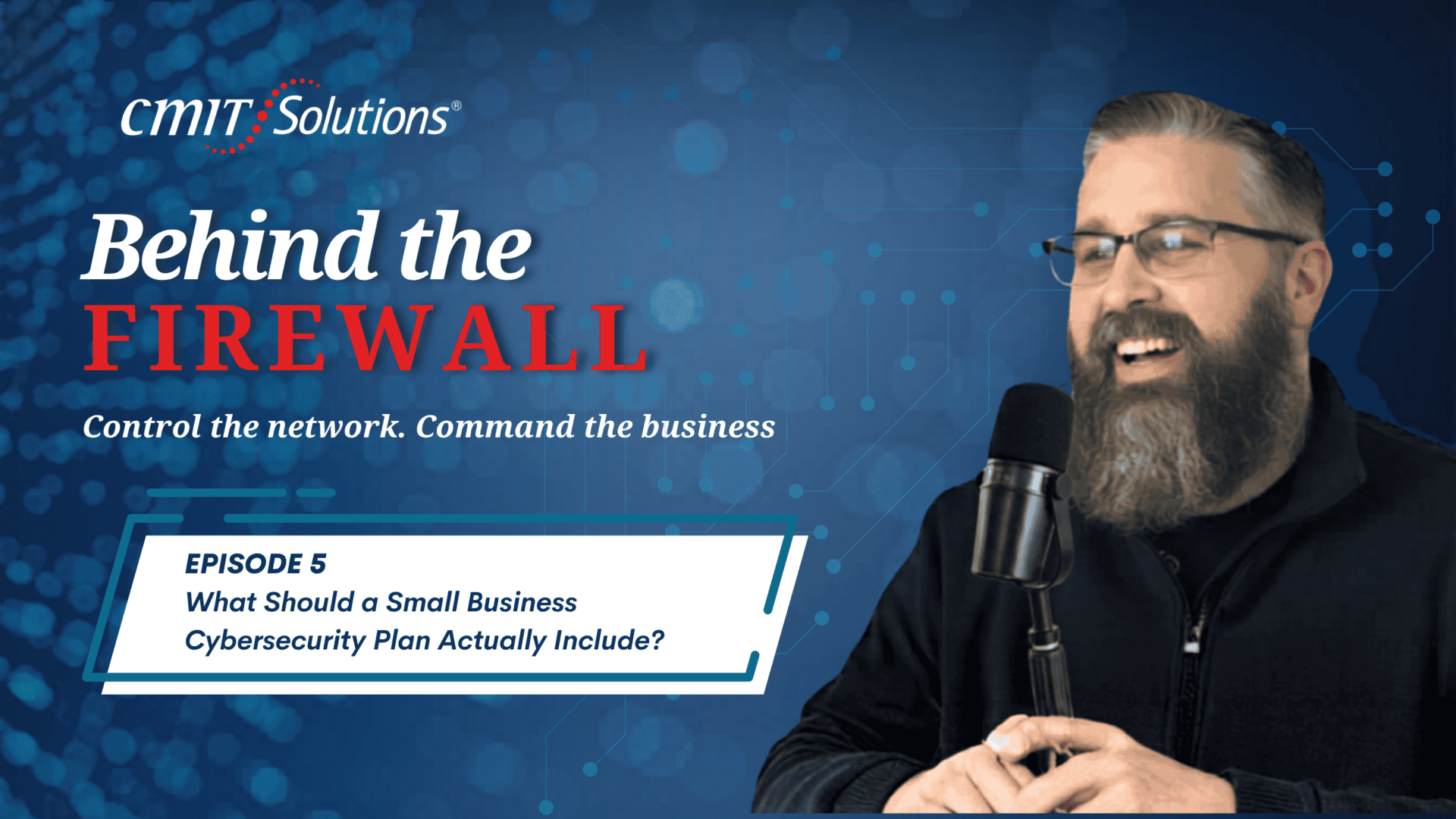
In today’s rapidly evolving threat landscape, understanding what should a business cybersecurity plan include is no longer optional—it’s essential. The recent episode of Behind the Firewall podcast reveals many small and mid-sized businesses still believe cybersecurity is just about installing antivirus software. In reality, it’s a comprehensive, layered strategy designed to protect people, systems, and data from increasingly sophisticated attacks.
Drawing insights from Edgar Ortiz of CMIT Solutions, this guide translates expert advice into practical, business-focused cybersecurity strategies.
Cybersecurity Is a Strategy, Not a Product
One of the biggest misconceptions highlighted on Behind the Firewall is that cybersecurity can be solved with a single tool.
“They think cybersecurity is just one product. It’s not—it’s a layered defense strategy.” — Edgar Ortiz
Antivirus software alone is no longer sufficient. Modern threats—ransomware, AI-driven phishing, and social engineering—require a dynamic, multi-layered defense approach.
Think of cybersecurity like home security: a lock on the door isn’t enough. You need monitoring, alerts, and awareness working together.
The 7 Essential Layers of a Cybersecurity Plan
According to Edgar Ortiz of CMIT Solutions, every small to mid-sized business should implement these seven critical layers:
1. Endpoint Protection (EDR)
Advanced, behavior-based protection for laptops, desktops, and servers that can detect and stop threats like ransomware in real time.
2. Email Security
Since over 90% of attacks begin with email, advanced filtering is essential to block phishing, malicious attachments, and impersonation attempts.
3. DNS Filtering
Prevents access to dangerous websites, stopping threats before they even reach your systems.
4. Multi-Factor Authentication (MFA)
One of the most effective controls against unauthorized access—especially for email, cloud apps, and administrative accounts.
5. Dark Web Monitoring
Provides early warning if employee credentials are exposed in data breaches.
6. SIEM (Security Information and Event Management)
Gives visibility into your environment by collecting and analyzing logs to detect real threats.
7. Security Awareness Training
Often the most overlooked—but most important—layer.
Why Employees Are Your First Line of Defense
A recurring theme from the podcast is that cybersecurity isn’t just technical—it’s human.
“90% of successful cyberattacks start with a human decision.” — Edgar Ortiz
Employees are frequently the entry point for attacks, whether through phishing emails or social engineering tactics.
Effective programs—like those implemented by CMIT Solutions—focus on:
- Monthly micro-training
- Simulated phishing campaigns
- Real-time coaching after mistakes
This approach transforms employees from a vulnerability into a powerful defense layer.
The Importance of Strong Passwords and MFA
Credential-based attacks remain one of the biggest risks.
“If you fix passwords and authentication, you eliminate most of your risk.” — Edgar Ortiz
Best practices include:
- Using long passphrases (14+ characters)
- Avoiding password reuse
- Using a password manager
- Enabling MFA everywhere possible
Authenticator apps or hardware keys provide stronger protection than SMS-based authentication.
What to Do in the First Hour After a Breach
One of the most practical takeaways from Behind the Firewall is how to respond when something goes wrong.
The first hour is critical:
- 0–10 minutes: Contain the threat by isolating systems (without shutting them down)
- 10–20 minutes: Notify your incident response team and cyber insurance provider
- 20–35 minutes: Preserve evidence and document actions
- 35–50 minutes: Assess scope and rotate credentials
- 50–60 minutes: Activate internal communication with leadership and legal teams
Preparation—not reaction—is what makes the difference during a breach.
Customizing Your Cybersecurity Plan
CMIT Solutions emphasizes that no two businesses are alike.
Cybersecurity strategies should be built around:
- Industry requirements (HIPAA, PCI, etc.)
- Business size and infrastructure
- Risk profile and data sensitivity
A structured implementation roadmap typically includes:
- 30-day plan: Address critical vulnerabilities
- 60-day plan: Deploy core security controls
- 90-day plan: Establish monitoring and response
- 12-month roadmap: Mature and optimize the program
Cybersecurity and Compliance Go Hand in Hand
Rather than treating compliance as a checklist, the smarter approach is to build strong security first.
As discussed in the podcast, when proper controls are in place—such as access management, encryption, and monitoring—compliance naturally follows.
Continuous Monitoring Is Non-Negotiable
Cyber threats evolve constantly, which means cybersecurity cannot be static.
“Cybersecurity isn’t a project you finish. It’s an ongoing practice.” — Edgar Ortiz
Modern security programs require:
- Continuous vulnerability scanning
- Regular penetration testing
- Quarterly reviews
- Annual formal assessments
Businesses that treat cybersecurity as a continuous process are far better positioned to prevent and respond to attacks.
Building a Resilient Business with Cybersecurity
Understanding what should a business cybersecurity plan include is the foundation of a resilient organization. Insights from Behind the Firewall and experts like Edgar Ortiz at CMIT Solutions make one thing clear: cybersecurity is not about buying tools—it’s about building a living, evolving strategy.
Businesses that adopt a layered approach, invest in employee awareness, and commit to continuous improvement will be far better equipped to navigate today’s complex threat landscape.
FAQs
What is the most important part of a cybersecurity plan?
A layered defense strategy that combines technology, processes, and employee awareness.
Is antivirus software enough for protection?
No. Antivirus alone cannot defend against modern threats like phishing, ransomware, and AI-based attacks.
How often should cybersecurity training be conducted?
Training should be continuous, with monthly updates and regular phishing simulations.
Why is multi-factor authentication so important?
MFA drastically reduces the risk of unauthorized access, even when passwords are compromised.
How often should a cybersecurity plan be reviewed?
Quarterly reviews combined with continuous monitoring are recommended to stay ahead of evolving threats.
Podcast Transcript:
Mike Downer: Hi everybody, I’m your host, Mike Downer on Behind the Firewall. I’m here again with Edgar Ortiz, owner and managing partner of CMIT Solutions of Des Moines. How are you doing today, Edgar?
Edgar Ortiz: We’re doing excellent—really happy to be here for another episode.
Mike Downer: Absolutely. Today, we’re discussing one of your favorite topics: what a small business cybersecurity plan should actually include. So let me ask you—what are the essential components of a cybersecurity plan for a small to mid-sized business, and how do you build one?
Edgar Ortiz: That’s a great place to start, because this is where most small businesses get it wrong. They think cybersecurity is just one product. It’s not—it’s a layered defense strategy.
We typically talk about seven layers every small business should have:
Layer one is endpoint protection—modern EDR (Endpoint Detection and Response). This should be running on every laptop, desktop, and server. Not just consumer antivirus like Norton—this is behavior-based detection that can stop ransomware before it encrypts your files.
Layer two is email security. Over 90% of cyberattacks start with email. You need advanced filtering to catch phishing, malicious attachments, and business email compromise—especially with AI making attacks more convincing.
Layer three is DNS filtering. This blocks malicious websites at the network level, stopping malware before it downloads.
Layer four is multi-factor authentication (MFA). This should be on everything—email, VPN, cloud apps, admin accounts. It’s one of the most effective controls against credential-based attacks.
Layer five is dark web monitoring. If employee credentials show up in a breach, you need to know immediately and force password resets.
Layer six is security information and event management (SIEM). This collects and analyzes logs across systems to detect real threats. Without it, you’re essentially blind.
Layer seven is security awareness training. Most attacks happen due to human error, so you must train employees continuously.
That’s why cybersecurity is a multi-layered approach.
Mike Downer: That makes sense. Early on, you mentioned antivirus. Can you explain why having a full cybersecurity plan is different from just buying antivirus software?
Edgar Ortiz: Absolutely. This is a question every business owner should ask before a breach.
Antivirus is a product. A cybersecurity plan is a living strategy.
Antivirus scans for known threats—that worked back in 2005. But today’s threats—ransomware, AI phishing, social engineering, supply chain attacks—don’t always show up in antivirus databases.
A real cybersecurity plan evolves constantly. It includes governance, incident response, training, patch management, vendor risk, and continuous monitoring.
Here’s the analogy: buying antivirus and calling it cybersecurity is like buying a deadbolt and calling it home security. Real security includes alarms, cameras, monitoring, and more.
At CMIT, we build programs—not products. We review them quarterly, update them as threats evolve, and test them regularly.
Mike Downer: Great explanation. Let me ask you this—why are employees considered the first line of defense?
Edgar Ortiz: Because 90% of successful cyberattacks start with a human decision. Someone clicks a link, opens an attachment, or wires money based on a fake email.
No technology can stop everything—but training employees can stop most attacks.
At CMIT, training isn’t a once-a-year video. That approach is outdated.
We provide:
- Monthly micro-training (short, relevant videos)
- Simulated phishing campaigns
- Immediate coaching when someone clicks
This isn’t about punishment—it’s about improving behavior.
Industry click rates are 20–30%. We bring that down to 2–3%.
We also train for modern threats like deepfake voice scams, AI phishing, vendor impersonation, and QR code attacks.
The threat landscape has evolved, and training must evolve with it.
Mike Downer: That’s powerful. Let’s talk about passwords and MFA. Why are they so critical?
Edgar Ortiz: Here’s a key stat: over 80% of data breaches involve stolen or weak credentials.
If you fix passwords and authentication, you eliminate most of your risk.
For passwords:
- Use long passphrases (at least 14 characters)
- Use a password manager
- Never reuse passwords
- Monitor the dark web for leaks
Old advice like changing passwords every 90 days is outdated—it leads to weaker passwords.
For MFA:
- Use it everywhere
- Authenticator apps are better than SMS
- Hardware keys are even stronger
If you combine strong passwords, MFA, and monitoring, you eliminate about 80% of breach risks.
Mike Downer: Let’s say something still goes wrong. What should a business do in the first hour after discovering a breach?
Edgar Ortiz: The first hour is critical.
0–10 minutes: Contain the threat. Isolate affected systems. Disconnect them from the network—but don’t shut them down, or you’ll lose forensic evidence.
10–20 minutes: Notify your incident response team. Call your cyber insurance provider immediately—this is crucial.
20–35 minutes: Preserve evidence. Don’t wipe systems or restore backups yet. Document everything.
35–50 minutes: Assess the scope. Identify affected systems and rotate credentials.
50–60 minutes: Activate your communication plan. Notify executives, legal counsel, and others as needed—but don’t go public without legal guidance.
The key is having a plan заранее—so no one is guessing during a crisis.
Mike Downer: How do you customize cybersecurity plans for different businesses?
Edgar Ortiz: Every business is different. We base plans on three factors: industry, size, and risk profile.
Industry determines compliance requirements (HIPAA, PCI, etc.).
Size determines the scale of your security architecture.
Risk profile determines priorities.
We conduct assessments and build:
- 30-day plan (fix critical gaps)
- 60-day plan (deploy controls)
- 90-day plan (monitor and respond)
- 12-month roadmap (mature the program)
We translate technical risks into business language so owners can act on them.
Mike Downer: How does a cybersecurity plan help with compliance?
Edgar Ortiz: Cybersecurity and compliance go hand in hand.
If you build strong security controls, you naturally meet most compliance requirements.
For example:
- HIPAA requires access control, encryption, and training
- PCI requires segmentation, MFA, and monitoring
Instead of treating compliance as a checklist, we build real security first—compliance becomes a byproduct.
Mike Downer: Final question—why are regular assessments so important today?
Edgar Ortiz: Because threats change constantly.
An annual assessment gives you a snapshot—but everything can change within weeks.
Modern cybersecurity requires:
- Continuous vulnerability scanning
- Monthly penetration testing
- Quarterly reviews
- Annual formal assessments
Attackers operate 24/7—your defenses must too.
Cybersecurity isn’t a project you finish. It’s an ongoing practice.
Mike Downer: Edgar, this has been incredibly insightful. Thank you for breaking this down so clearly. I’m looking forward to our next conversation.
Edgar Ortiz: Thank you—happy to be here.
Mike Downer: Thanks again for joining me on Behind the Firewall. Until next time—have a great day.
Edgar Ortiz: See you next time.