Key Takeaways
- Managed IT services provide a complete, integrated technology solution
- The flat-rate model ensures predictable costs and proactive support
- 24/7 monitoring helps prevent downtime before it happens
- Cybersecurity and patch management are essential for protection
- Small businesses can access enterprise-level tools affordably
- Vendor management is simplified through a single IT partner
- Technology becomes a long-term asset rather than a short-term expense
In today’s fast-paced digital environment, many business owners are asking an important question: when does a business need managed IT support? As technology becomes more central to daily operations, understanding managed IT services is no longer optional—it’s essential.
Understanding Managed IT Services
Managed IT services refer to a comprehensive, proactive approach to handling a company’s technology needs. Instead of reacting to problems as they occur, businesses partner with an IT provider who continuously monitors, maintains, and improves their systems.
According to insights shared by Edgar Ortiz of CMIT Solutions, managed IT is not just a collection of services—it’s a fully integrated system. This includes:
- 24/7 system monitoring
- Help desk support
- Cybersecurity protection
- Cloud services
- Data backup and recovery
- Network management
- Strategic IT consulting
All of these components work together to eliminate gaps and turn technology into a business asset rather than a liability.
The Shift from Break-Fix to Proactive IT
Traditionally, businesses relied on a “break-fix” model—calling IT support only when something went wrong. While this may seem cost-effective upfront, it often leads to unpredictable expenses and downtime.
Managed IT flips this model. With a flat-rate monthly fee, providers are incentivized to prevent issues rather than profit from them. This means:
- Predictable IT costs
- Proactive maintenance
- Fewer disruptions
- Better alignment between provider and business goals
Why 24/7 Monitoring Matters
One of the biggest advantages of managed IT services is continuous monitoring. This ensures potential problems—like failing hardware, missed updates, or backup failures—are detected early.
Think of it as having a digital security guard watching over your systems at all times. Instead of waiting for a crash, issues are resolved before they impact your operations.
A Better Support Experience
Managed IT providers offer accessible and responsive support channels, including phone, email, and live chat. More importantly, clients work with professionals who already understand their systems.
This familiarity allows most issues to be resolved quickly—often remotely and within minutes—minimizing disruption to daily operations.
Strengthening Security Through Patch Management
Cybersecurity threats are constantly evolving, and unpatched systems are a common entry point for attackers. Managed IT services ensure that:
- Software updates are tested and deployed properly
- Systems remain compliant and secure
- Vulnerabilities are minimized
This behind-the-scenes work plays a critical role in protecting business data.
Enterprise-Level Protection for Smaller Businesses
One of the most compelling benefits is access to advanced security tools that were once only available to large corporations. Managed IT providers make these solutions affordable by distributing costs across multiple clients.
This levels the playing field, giving small and mid-sized businesses the protection they need without overwhelming expenses.
Simplifying Vendor Management
Businesses often juggle multiple technology vendors—from internet providers to software companies. Managed IT providers act as a single point of contact, handling all vendor relationships.
This saves time, reduces complexity, and ensures issues are resolved efficiently.
Technology as a Strategic Asset
Perhaps the most important shift is mindset. Managed IT services transform technology from a reactive expense into a strategic asset. With the right systems in place, businesses can:
- Increase operational efficiency
- Improve security posture
- Enhance business value for future growth or sale
As businesses continue to rely more heavily on technology, the question is no longer if but when does a business need managed IT support. The answer, for many, is sooner than they think.
FAQs
What are managed IT services?
Managed IT services are outsourced IT solutions that include monitoring, maintenance, cybersecurity, and support, all delivered proactively for a fixed monthly fee.
How is managed IT different from break-fix IT?
Break-fix IT reacts to problems after they occur, while managed IT focuses on preventing issues through continuous monitoring and maintenance.
Is managed IT expensive?
Managed IT typically offers predictable monthly pricing, which can be more cost-effective than unexpected repair bills and downtime.
Do small businesses really need managed IT support?
Yes. Small businesses are often more vulnerable to cyber threats and downtime, making proactive IT management especially valuable.
What problems can managed IT prevent?
Managed IT can prevent system crashes, security breaches, data loss, and downtime by identifying and resolving issues early.
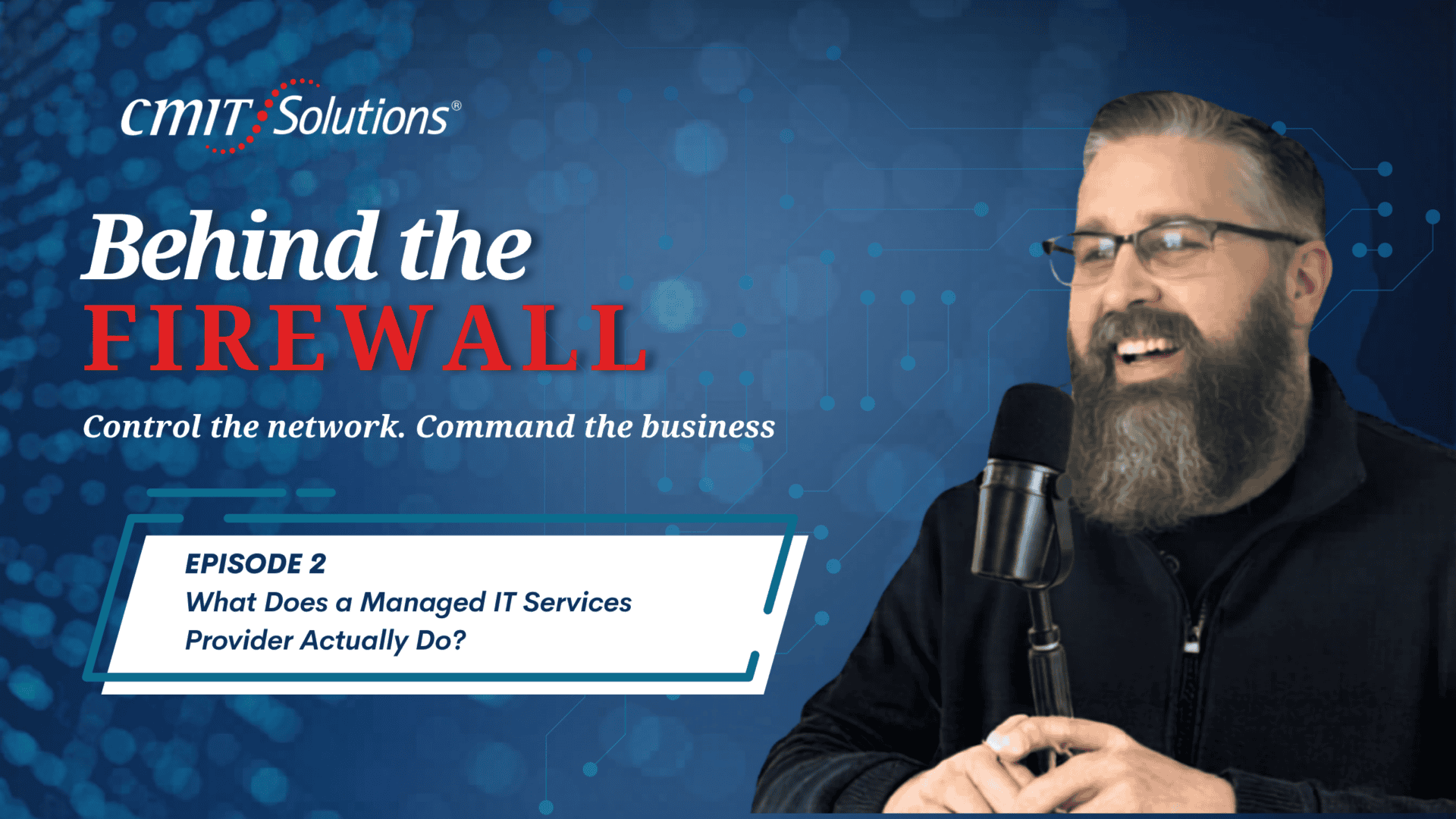
Mike: Hi everybody, I’m your host Mike Downer, and I’m here with Edgar Ortiz, the managing partner of CMIT Solutions. We’re on Behind the Firewall. How are you doing today, Edgar?Edgar: I’m doing amazing. How are you doing, Mike?
Mike: Hey, I’m doing great. Today we’re going to talk about what a managed IT service provider actually does. The question I have for you, Edgar, is: What are managed IT services? What do they include, and how do they work for small and mid-sized businesses?
Edgar: That’s a great question. When people ask me about managed IT and what it actually includes, here’s the complete picture. At CMIT Des Moines, we provide 24/7 monitoring, help desk support, cybersecurity, cloud services, data backup, network management, and strategic IT consulting.
This is not a menu — it’s a system. Every piece works together. Pull one out and you have gaps. If everything doesn’t work together, you’re definitely going to have gaps. Keep everything in one place and your technology stops being a liability and starts becoming an asset for your company.
What we do here at CMIT Des Moines is deliver a whole system for one predictable monthly cost. One of the biggest things we do is help small businesses understand this is not an expense in your P&L — this is actually an asset. When you go to sell your business, we can demonstrate to a buyer that all the security, cloud, and services you’ve implemented add real value to your business.
Mike: Perfect. I know you briefly touched on this, but can you walk us through the full scope of services that CMIT Solutions of Des Moines provides?
Edgar: We don’t follow the old model where something breaks, you call, and you pay. That’s like taking your computer for a drive to Best Buy. You don’t need to do that — your computer should stay in your office.
The break-fix model sounds cheap until something really breaks, like a server going down. Suddenly the bill is over eight thousand dollars on a Tuesday afternoon. Here’s the deeper problem: IT companies only make money when you have a problem. There’s zero incentive to prevent the next one.
With flat-rate managed IT, we flip that. You pay a fixed monthly fee, and we make money when your technology works. Our interests are aligned with yours. You get predictable costs, proactive maintenance, unlimited help desk support, and no surprise invoices. No more IT roulette — you get services that work.
We understand your business, your environment, how you use your computers, and how much backup you need. Our goal is to help your business stay open and running so you don’t have to worry about backups, cloud services, or email. That’s what we’re here for.
Mike: I know you briefly touched on this, but can you explain the difference between a flat-rate model and a break-fix model?
Edgar: With a flat-rate model, you’re not paying every time something breaks. It’s predictable and proactive. We monitor your system 24/7, apply patches, align Microsoft updates with your business, and keep everything maintained and updated.
One of the biggest benefits is protection. We prevent issues before they cause downtime. You come to work expecting everything to function. The old break-fix model only reacts after something breaks. If that person isn’t available, you’re stuck. You might even disconnect your computer and take it somewhere for repair. We don’t want you doing that. Our goal is to keep your business running smoothly.
Mike: What does 24/7 monitoring actually mean, and how does it help detect issues before they cause downtime?
Edgar: 24/7 monitoring means we’re constantly watching your systems for signs of trouble — failing hard drives, missing patches, backup errors, and more. Instead of waiting for something to crash, we get alerts early and fix issues before they cause downtime.
It’s like having a digital security guard that never sleeps, keeping your business running smoothly.
Mike: That was a great analogy. What does the help desk experience look like for clients?
Edgar: Our clients can reach us by phone, email, or through a support portal. They even have a widget on their computer to chat with us. They get a real IT professional who already knows their system — not a generic call center.
Most issues are resolved remotely within minutes, often in less than thirty minutes. Sometimes we dispatch someone onsite, but over ninety percent of issues can be resolved remotely.
Mike: That’s great to know. A true human connection is very important.
Edgar: Absolutely. Having someone who understands your business, compliance, and network is key.
Mike: How does patch management and regular updates keep systems secure?
Edgar: Every piece of software has vulnerabilities. Hackers know which systems haven’t been patched, and they scan for them automatically. Many small businesses don’t have a systematic patching process, which leaves security gaps open.
We handle everything. We test patches, deploy them after hours, and document everything. This keeps your systems secure and healthy. Patch management may not be glamorous, but it’s critical for security.
Mike: How can small and mid-sized businesses access enterprise-level protection without enterprise-level costs?
Edgar: Years ago, the tools used by Fortune 500 companies were priced only for large budgets. Small businesses couldn’t afford them. We changed that.
We deliver enterprise-grade endpoint protection, threat detection, and cloud security as a managed service. We spread the cost across our client base, so small businesses get the same level of protection at a fraction of the cost.
Mike: What is vendor management, and how does CMIT handle technology vendors?
Edgar: Think about all your vendors — internet provider, Microsoft, software vendors, hardware providers, phone systems. Each has contracts, support numbers, and renewal dates.
We manage all those relationships. You make one call to us, and we handle the rest. That saves hours every month and lets you focus on running your business.
Mike: What makes CMIT Solutions of Des Moines different from other IT companies?
Edgar: We’re locally owned. I live here in Des Moines, and I’m accountable to this community. But we’re backed by a national network of over 170 locations and more than 2,000 technicians.
If we don’t know something, we tap into that network. You’re not just getting one IT provider — you’re getting a nationwide team behind your business. We operate as strategic advisors, aligning technology with your business goals.
I’m also a U.S. Army veteran. I approach every client with commitment. Our flat-rate model means we win when your business runs better. This is not just IT support — it’s a technology partnership built for how Des Moines businesses operate.
Mike: That definitely gives you a lot of advantages. Edgar, thanks for joining me today and explaining what a managed IT services provider actually does.
Edgar: No problem. See you in the next one.