
Cloud Security Tips for Small Businesses
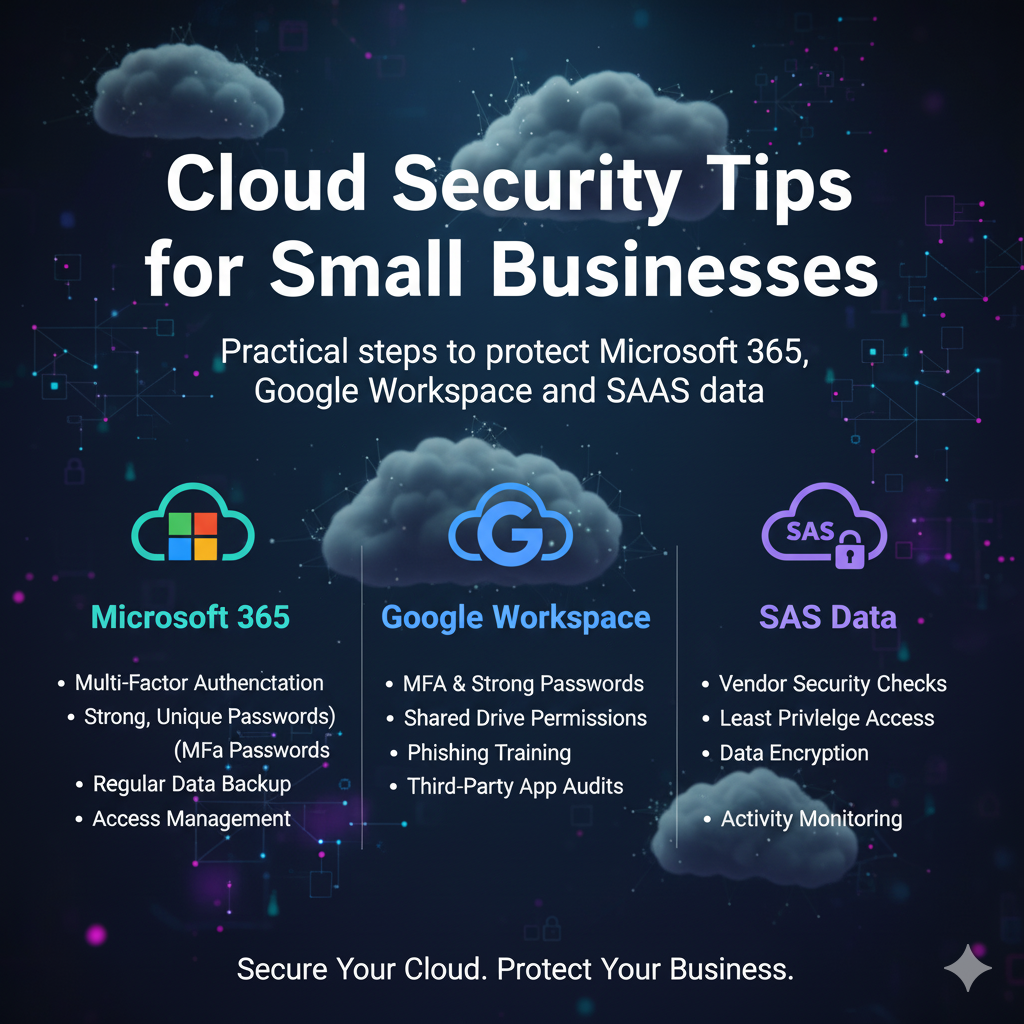
Summary: You rely on cloud tools for email; files; HR; finance; and sales. This guide shows you how to lock them down with clear steps; quick wins; and an action plan you can start today.
Why Cloud Security Matters
Your team works from everywhere. Data lives in email; drives; and SaaS platforms. Attackers follow the data. They steal logins; push fake prompts; and exfiltrate files. One weak link leads to downtime; lost revenue; and unhappy clients.
Cloud security is a set of habits plus the right controls. You reduce risk by hardening identity; restricting access; backing up data; and preparing for response.
Quick Wins; Start Here
- Enforce MFA for email; finance; and admin accounts today.
- Turn on conditional access; block legacy protocols and risky sign ins.
- Deploy a password manager; move staff to passphrases.
- Back up Microsoft 365 or Google Workspace with an independent service.
- Disable auto forwarding to external domains.
- Review sharing links older than 90 days; tighten to company only.
Identity First; Your New Perimeter
MFA Done Right
- Use number matching; deny unknown prompts.
- Require MFA for all users; include executives and service accounts.
- Avoid SMS for admins; use app or hardware key.
Conditional Access
- Require compliant devices for admin portals.
- Block legacy authentication; POP; IMAP; basic auth.
- Prompt step up MFA on risky sign ins; new locations; or TOR exits.
Least Privilege
- Use separate admin accounts; no daily email on admin.
- Assign roles with the lowest rights needed.
- Time bound elevated access; review monthly.
Email and Collaboration; Stop the Easiest Attacks
Anti Phishing Controls
- Advanced filtering; attachment sandbox; link rewriting.
- External sender tags; brand impersonation detection.
- Quarantine policies with alerts to IT.
Data Loss Prevention
- Flag SSNs; bank data; and health details.
- Auto encrypt outbound messages with sensitive content.
- Block public link creation for high risk groups.
Sharing Hygiene
- Default to people in your organization.
- Expire links after 30 days.
- Alert on mass downloads; unusual sharing spikes.
Device Security; Trust but Verify
Baseline
- Disk encryption on laptops and phones.
- EDR on endpoints with 24×7 monitoring.
- OS and browser patching on a weekly cadence.
Compliance Gates
- Block access to mail and files if device is noncompliant.
- Require screen lock; minimum OS versions; and no jailbreak.
- Use app protection policies for BYOD.
Network and Access; Treat Cloud Like Production
- Use secure DNS with malware blocking.
- Segment guest; IoT; and office networks; separate VLANs.
- Zero trust network access for remote users instead of open VPNs.
- Lock down admin portals by country; restrict with conditional access.
Microsoft 365; Priority Hardening
- Security defaults or baseline conditional access policies.
- Block legacy protocols; audit all mail transport rules.
- Enable Defender for Office 365; safe links; safe attachments.
- Turn on mailbox auditing; alert on inbox forward creation.
- Limit Power Automate and third party app consents; admin approval required.
- Back up Exchange; OneDrive; SharePoint; and Teams data.
Google Workspace; Priority Hardening
- Enforce 2 Step Verification; app prompts over SMS.
- Context aware access; block risky devices.
- Alert on suspicious inbox rules; OAuth app whitelisting.
- Restrict external sharing in Drive; expire public links.
- Back up Gmail; Drive; and Shared Drives.
SaaS Sprawl; Tame OAuth and Shadow IT
- Inventory connected apps; revoke unused tokens.
- Use SSO where available; disable local logins.
- Vendor due diligence; availability; retention; and export options.
Backups and Recovery; Your Safety Net
- Independent backups; immutable copies; separate credentials.
- Quarterly restore tests; record timing; fix gaps.
- Prioritize email; file shares; finance; CRM; and project platforms.
Monitoring and Response; 24×7 Coverage
- Centralize logs; identity; endpoints; firewalls; and SaaS.
- Use an MDR or XDR service for always on detection.
- Playbooks for account takeover; ransomware; data exfiltration.
Compliance Mapping without Jargon
- MFA; least privilege; logging; and backups satisfy core control families.
- Short policies; acceptable use; access control; incident response; backup.
- Quarterly reviews; phishing drills; vendor questionnaires.
90 Day Cloud Security Plan
Days 1–30; Stabilize
- Force MFA for all users; block legacy auth.
- Turn on safe links; safe attachments; and external banners.
- Deploy password manager; set passphrase policy.
- Start SaaS backups; email and files first.
Days 31–60; Strengthen
- Enable conditional access; require compliant devices for admins.
- Remove dormant accounts; rotate keys and tokens.
- Lock sharing defaults to internal only; expire existing public links.
- Start monthly phishing simulations; coach within a week.
Days 61–90; Operationalize
- Connect logs to MDR or XDR; tune alerts.
- Tabletop an account takeover; runbooks for reset and comms.
- Test a restore of a mailbox and a shared drive.
- Publish a quarterly security report to leadership.
Executive Dashboard; Five Metrics to Watch
- MFA adoption rate; target 100 percent.
- Phishing failure rate; target under 3 percent.
- Patch compliance; target above 95 percent.
- Backup success rate; target 100 percent.
- Time to disable compromised accounts; target under 15 minutes.
Common Mistakes to Avoid
- Leaving sharing links open to anyone with the link.
- Trusting SaaS retention as a backup.
- Using one global admin account for daily email.
- Skipping restore tests; discovering issues during a crisis.
- Ignoring connected OAuth apps and stale tokens.
Lightweight Graphics for Clarity
Identity Flow; MFA and Conditional Access
Conditional Access
Data Protection; Backup and Restore
Restore
User Request
MFA Challenge
Conditional Access
Source
Backup
Restore