
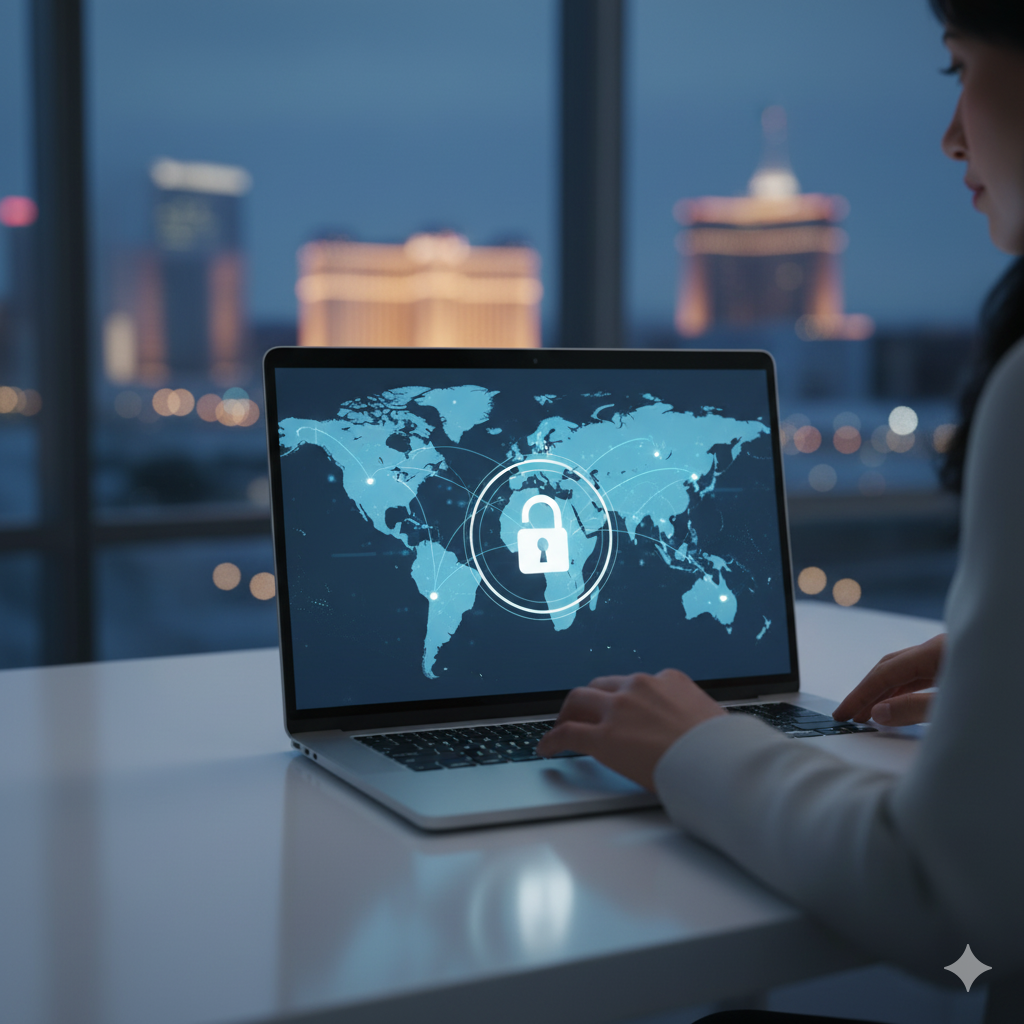
What Is a VPN
A Virtual Private Network protects your connection when you work online. It creates a secure tunnel between your device and the destination you access. This tunnel keeps your traffic private from attackers, Wi-Fi threats, and anyone trying to view your activity.
How a VPN Works
When you connect to a VPN, your internet traffic routes through an encrypted server before it reaches any website or service. This removes direct exposure of your IP address and keeps outsiders from reading your data.
- Your connection becomes encrypted end to end.
- Your IP address is hidden from public networks.
- Your data stays private on open Wi-Fi.
- Your online activity passes through a secure gateway.
Why Businesses Use VPNs
A VPN strengthens company security by protecting remote workers, traveling employees, and staff who connect from personal devices. It prevents attackers from intercepting emails, sign-ins, and business applications.
- Secure access to internal systems.
- Encrypted traffic for remote employees.
- Protection against public Wi-Fi threats.
- Safer access to file servers and applications.
VPN Types
Remote Access VPN
Employees use this to connect to company resources from home or while traveling. This is the most common VPN type for small and midsize businesses.
Site to Site VPN
This links office networks across multiple locations. It keeps traffic encrypted between branches.
Cloud VPN
This protects traffic to cloud services. It is used when companies rely heavily on Microsoft 365, Azure, or hosted applications.
Key Features to Look For
- Strong encryption standards.
- Multi factor authentication for sign-in.
- High-speed gateways for stable performance.
- Support for mobile, laptops, and on-site devices.
- Centralized management and reporting.
VPN Security Benefits
A VPN adds another layer to your cybersecurity stack. It reduces risk during travel, public Wi-Fi use, and remote work. It also limits exposure of internal systems and lowers the chance of a successful attack.
- Protection from packet sniffing.
- Defense against man in the middle attacks.
- Hidden IP addresses for safer browsing.
- Encrypted traffic during authentication.
When a Business Should Use a VPN
You want a VPN when staff connects from unsecured networks, when offices share sensitive files, or when you want to lower your cyber insurance risk.
- Remote workers accessing internal systems.
- Teams traveling for business.
- Staff using hotel or airport Wi-Fi.
- Multiple locations sharing company data.
- Doctors, lawyers, casinos, and financial offices handling sensitive information.
Related reading: Managed cybersecurity services in Las Vegas · Cybersecurity in Las Vegas: the 2026 threat landscape