
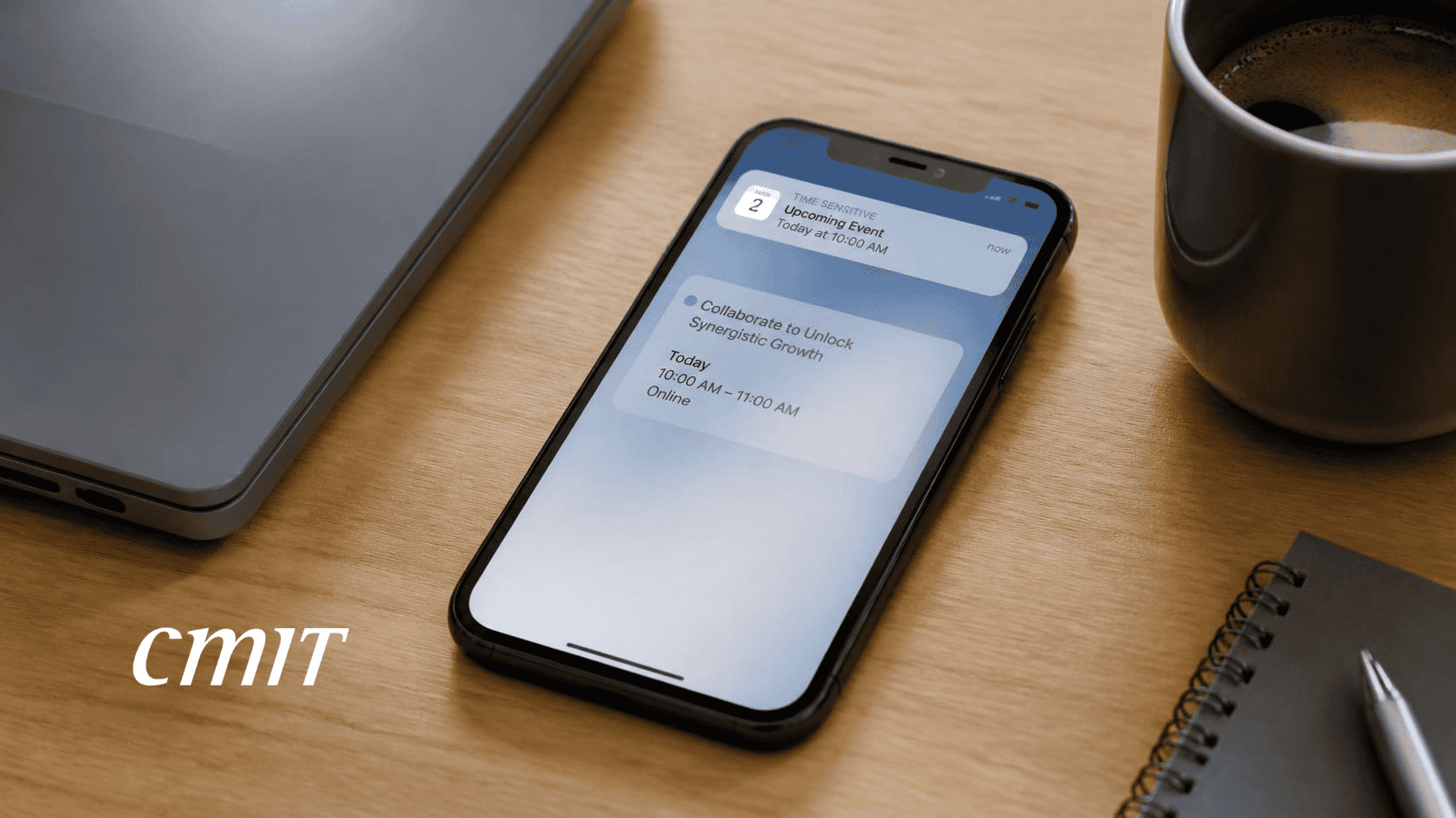
A member of my business group, who has heard me speak every week for ten years, sent me a screenshot recently. He thought calendar invite spam deserved a warning for other business owners, and he was right. The screenshot showed an invitation to a live webinar from a sender he did not recognize. It sat unanswered on his calendar, with a reminder set to fire ten minutes before it started. He ignored it and sent me the picture.
Why Calendar Invite Spam Is Dangerous
Most of us know that spam arrives by email. Fewer of us know that anyone who has your email address can send you a calendar invitation. In Google Calendar, the default setting shows invitations from everyone, so a stranger’s event can appear on your calendar before you have read a word of it. That is how calendar invite spam works.
I see three dangers. First, an invitation delivers whatever its sender chooses to put inside it. The invitation can hold links, and the one my friend received held two. A link on your own calendar borrows the trust you give the calendar itself. Second, the event may not stay private. Depending on how you share your calendar, other people in your office may see it as well. Third, the buttons are bait. This invitation told him to click Yes or Maybe to confirm his attendance, and any answer is a reply. A reply can tell the sender that a real person reads that address, and even declining can send a response.
What to Do With an Invitation You Did Not Ask For
Start with one question: did I ask for this, or do I already deal with this sender? If the answer is no, do not touch the links, and do not press Yes, No, or Maybe. Open the event, choose the menu, and select Report as spam. Brown University’s IT help desk recommends that step, and says it removes the event and flags the sender.
Then fix the setting that lets calendar invite spam in. In Google Calendar, open Settings and choose Event settings. Find the option labeled Add invitations to my calendar, and change it to Only if the sender is known. Google added that option in 2022. Strangers can still email you an invitation, but the event reaches your calendar only after you accept it. That email deserves the same suspicion, so the same question applies. If you already clicked anything inside an invitation, tell whoever handles your IT right away. Other calendar programs may offer a similar setting, and it is worth looking for.
The same rule covers text messages. If you did not ask for it and do not know the sender, do not click anything inside it and do not reply. The FTC suggests forwarding unwanted texts to 7726 so your wireless provider can spot and block similar messages, and you can report them in your messaging app as well.
Calendar invite spam is only the newest address for an old problem, and the rule has not changed. If you did not ask for it, do not answer it.
Until next time, keep IT simple.
Dave