Last week I told you about a business owner who nearly lost fifty thousand dollars to an invoice scam that started with a friendly LinkedIn conversation. I mentioned that multi-factor authentication was not enabled on his account, and I also mentioned that phishing-resistant MFA would have stopped it, while ordinary MFA would not have. I left that distinction unexplained. I want to fix that now.
Multi-factor authentication rests on a simple idea: prove who you are with more than one kind of evidence. Something you know, like a password or a PIN. Something you have, like a phone or a physical key. Combine them and a stolen password alone stops being enough.
You have already used this logic without thinking about it as security. Swipe a card at an unattended gas pump and it asks for your zip code before it lets the transaction through, pairing the card in your hand with a number tied to your billing address. That one is technically a fraud check on the transaction rather than a formal identity check on you, but the underlying logic is the same pairing of something you have with something you know. Walk into a retail store and get asked for your phone number at checkout, and that one is worth a second look, because in most cases it has nothing to do with verifying you. It is a loyalty program collecting a way to reach you later, wearing the language of verification because customers have learned to comply with it.
Why Standard MFA Has a Blind Spot
In the IT world, MFA solved a real and specific problem. Passwords get reused, written down, phished, and guessed, so a stolen password by itself became too easy to obtain. Adding a second factor meant a criminal with your password still hit a wall. For years, that assumption held.
Here is what has changed. The attacks we are seeing now do not steal a password and try to use it later. They steal your session while you are actively logged in. The fake login page is not a dead end built to harvest a password and discard you. It is a live relay sitting between you and the real Microsoft or Google login. You type your username, it passes through. You enter your password, it passes through. You get the multi-factor prompt, because it is a completely real prompt from the real service, and you approve it. The moment you finish, the attacker is not holding your password. He is holding your session, the same authenticated access your browser has right now. Nothing about that login looked wrong, because nothing about it was wrong, until the copy sitting in the middle used it.
This is precisely what happened to a dental office employee we worked with, a story some of you may remember from earlier this year. She had multi-factor authentication enabled. She entered the code when prompted. She still lost control of her inbox, because the code was never the thing standing between her and the attacker. The session was. If this pattern sounds familiar, we walked through a nearly identical case in last week’s issue.
What Phishing-Resistant MFA Actually Does
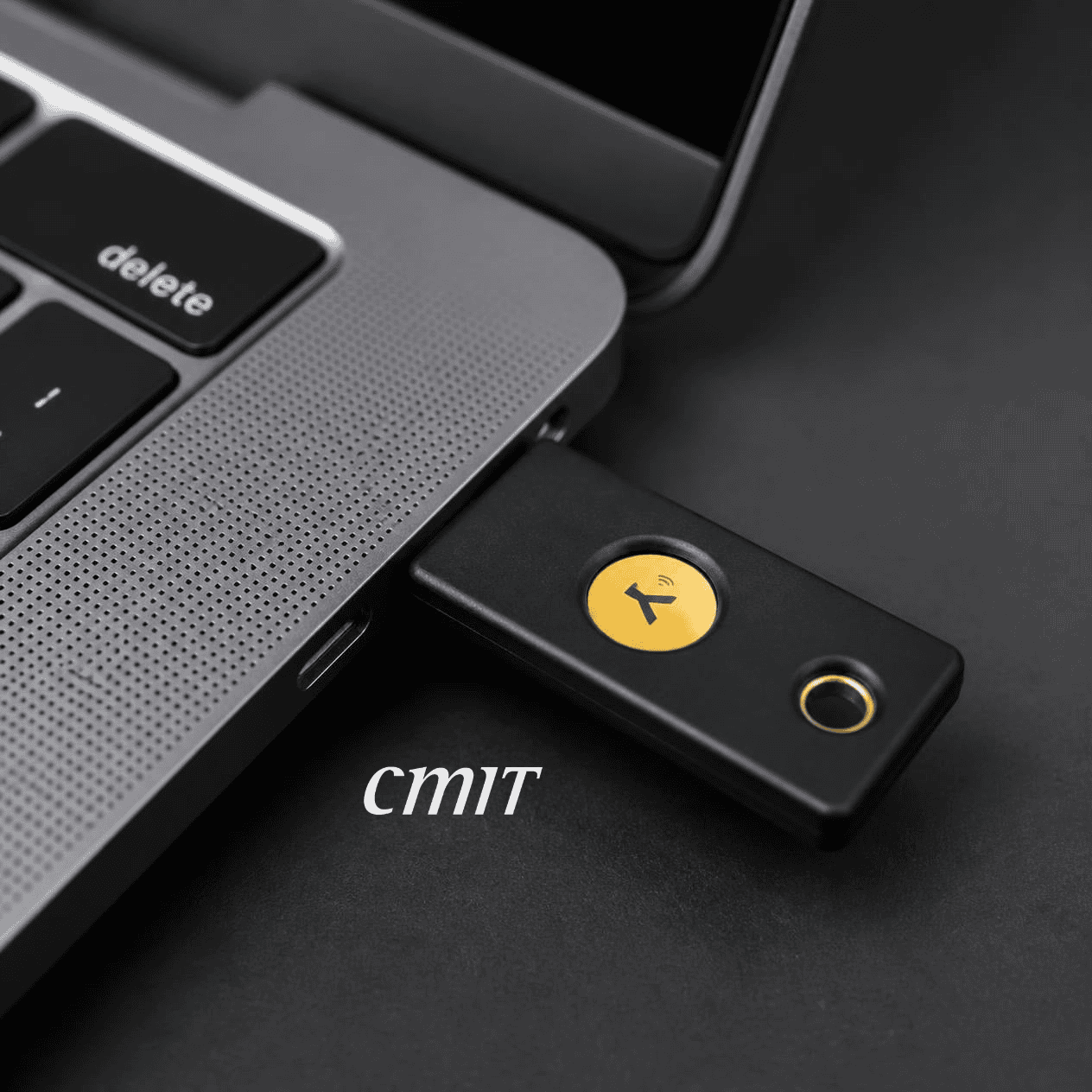
The standard that actually closes this gap has a name: phishing-resistant MFA. CISA’s own guidance points to it as the current bar, and it works differently from the code-based MFA most businesses still run. Instead of a number you read and type, it uses a physical security key or a device feature like Windows Hello or Face ID, and the authentication check happens by cryptographically confirming which website is asking, not just who is answering. A relay site pretending to be Microsoft gets nothing, because the check fails before you ever get the chance to hand anything over.
The second layer, and the one that actually closed both of these stories, is watching what happens after login rather than only guarding the door. That is identity threat detection and response, and it is why the dental office and the national company both have endings where the damage stopped early instead of spreading.
What to Ask Your IT Provider This Week
If you have not asked your IT provider whether you are running phishing-resistant MFA or the code-based version, ask this week. A code is not the same thing as a key.