
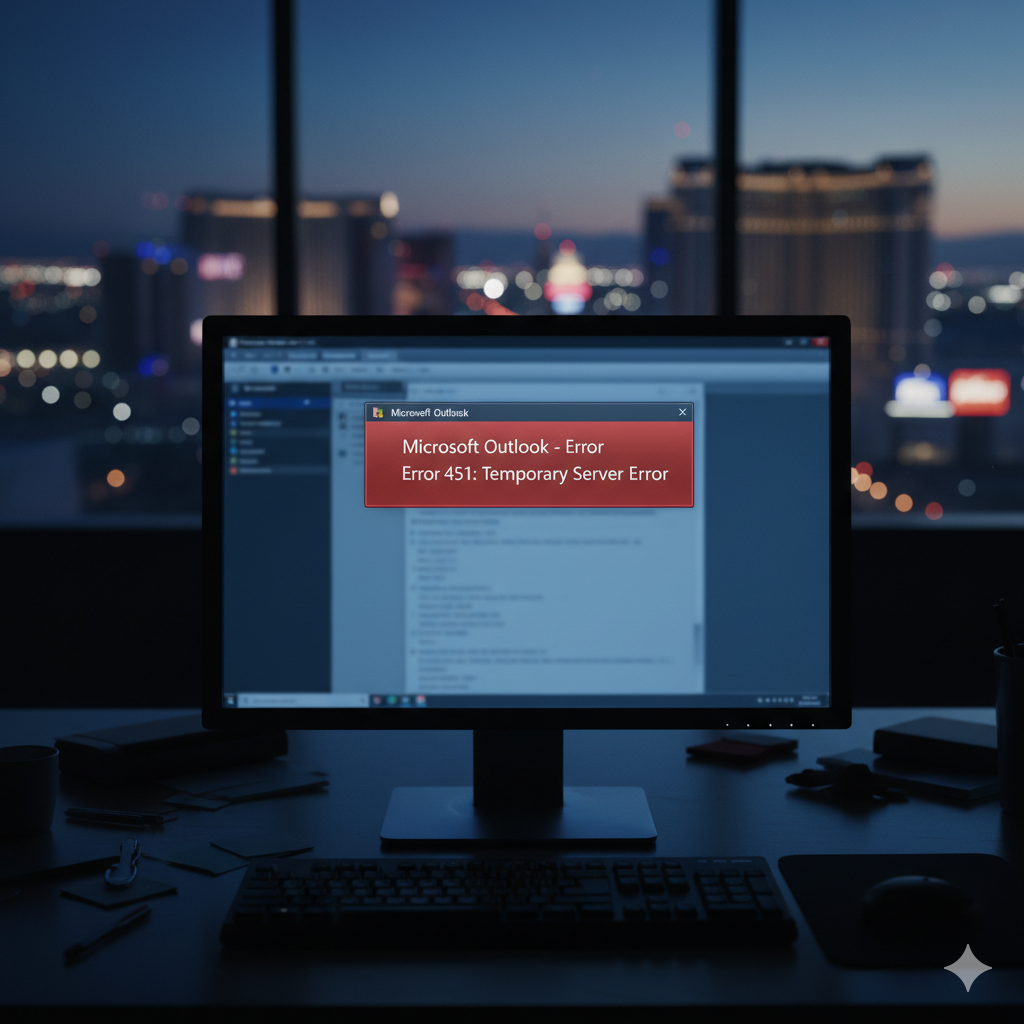
Microsoft 365 Outage: What Las Vegas Businesses Learned in January and November 2026
Outlook and Teams went down twice this year. The second time was yesterday. Here is what happened and what to set up before the next one.
Published by CMIT Solutions of Las Vegas · Cybersecurity · 5 min read · Updated November 13, 2026
Microsoft 365 Outage Update: November 12, 2026
A Microsoft 365 outage knocked out Outlook, Teams and other Microsoft services on Thursday, November 12, 2026, the second major disruption this year for Las Vegas businesses that run on the platform. User reports started around 12:39 p.m. Eastern (9:39 a.m. here in Las Vegas). Within half an hour, Downdetector had logged more than 129,000 Outlook problem reports, and the count reached nearly 140,000 by 1:30 p.m. Eastern.
Microsoft tracked the incident in the admin center as MO1550821 and EX1550543. Affected services included Exchange Online (Outlook), Microsoft Teams, SharePoint Online, Microsoft 365 Copilot and Microsoft Defender XDR. Microsoft said the cause was “a number of servers being unexpectedly unavailable,” which overloaded the servers still running. It ruled out a traffic surge, and nothing Microsoft has published points to a cyberattack. As of late Thursday afternoon, Microsoft had not declared the incident fully resolved.
If you are still seeing delayed mail today, check your tenant’s Service Health page before you start troubleshooting your own network. Then read the January section below. The pattern is the same, and so is the fix.
Two Microsoft 365 outages in one year, both landing in the middle of the Pacific business day. If your company’s only way to reach staff and clients is Outlook and Teams, an outage like this stops your business, not just your inbox.
The January 22 Microsoft 365 Outage (MO1221364)
The first big one hit mid-day on January 22, 2026, under incident MO1221364, one day after a smaller outage on January 21. Thousands of North American businesses lost Outlook email, Teams chat and Microsoft Defender alerts. For Las Vegas organizations that run around the clock, from casino floors to law firms, that meant hours of stalled work.
- Affected services: Exchange Online (Outlook), Microsoft Teams, SharePoint Online, Microsoft Defender and Microsoft Purview, mainly in North America.
- The “Error 451” bounce: senders received a non-delivery report reading “451 4.3.2 Temporary server error. Please try again later.” The message was queued, not lost, but most people resent it anyway and created duplicates.
- Microsoft’s explanation: a “portion of service infrastructure in North America is not processing traffic as expected.” Microsoft later said it had “restored the infrastructure to a healthy state” and rebalanced traffic to clear the remaining delays.
- November comparison: the November 12 outage (MO1550821) hit more services, including Copilot and Defender XDR, and was traced to servers going offline unexpectedly rather than a traffic problem.
What a Microsoft 365 Outage Puts at Risk in Las Vegas
The outage itself is Microsoft’s problem. What your staff does during it is yours. Las Vegas Metro Police data reported this week by 8 News Now shows hacking and computer invasion cases climbed from 29 to 102 year over year, so the people waiting to exploit confusion are already here.
- ⚠Shadow IT: staff switch to personal Gmail, WhatsApp or text to keep deals moving. Those messages skip your archiving, which is a real problem for healthcare, legal and gaming compliance.
- ⚠Delayed security alerts: both outages touched Microsoft Defender. If alerts are queued, a phishing click or malware run may go unnoticed for hours.
- ⚠Outage-themed phishing: attackers time fake “Microsoft password reset” and “service restored, sign in again” emails to outages, when users expect odd messages from Microsoft.
- ⚠Lost guest and client messages: hotels, restaurants and event companies that book through Outlook can miss reservations and vendor confirmations stuck in the queue.
- ⚠Wasted troubleshooting: staff reboot laptops and reset routers, and internal IT burns hours on a problem that sits in Microsoft’s data center.
• Step 1: Confirm it’s Microsoft before anyone touches anything
The GapMost offices find out about a Microsoft 365 outage from a frustrated employee, then spend the first hour rebooting machines and calling the internet provider.
The FixHave one person check admin.microsoft.com under Health > Service Health and look for the incident ID (MO1221364 in January, MO1550821 and EX1550543 in November). If Microsoft lists it, tell staff not to reboot and to try Outlook on the web while you wait.
• Step 2: Set up a backup channel that isn’t Microsoft
The GapWhen Outlook and Teams are both down, there’s no approved way to reach staff, so everyone improvises with personal apps that IT can’t see or archive.
The FixPick one approved out-of-band channel now, such as an SMS alert list or a separate encrypted messaging tool, and put it in your incident plan. Tell staff in advance: “If Outlook is down, watch for a text from us. Don’t move client work to personal email.”
• Step 3: Audit the backlog after the all-clear
The GapOnce mail starts flowing, nobody checks whether queued client emails arrived, whether security alerts fired late, or whether someone clicked a fake “sign in again” link during the confusion.
The FixAfter Microsoft marks the incident resolved, review mail queues and message traces for anything stuck, then review security alerts from the outage window. Send one short staff reminder that Microsoft will never ask them to re-enter a password by email after an outage.
Las Vegas Businesses: Don’t Wait for the Breach.
We’ll build your outage plan and backup communication channel before the next Microsoft 365 outage hits.
Defending Las Vegas with CMIT Solutions
We can’t fix Microsoft’s servers, but we can keep your business working when they fail: 24/7 service health monitoring, an approved backup communication channel, and a post-outage review of mail and security alerts. Las Vegas companies in gaming, entertainment, healthcare and other discretion-heavy industries trust us with their systems because we keep their data, and their names, confidential.
BleepingComputer: Massive Microsoft 365 outage disrupts Outlook, Teams, Copilot worldwide (Nov. 12, 2026)
8 News Now (KLAS): Hacking, computer invasion cases spike more than 250% in Las Vegas (Nov. 13, 2026)
Protect Your Las Vegas Business Today
Get a Microsoft 365 continuity plan from a local team that answers the phone.
Prefer to talk? Call (702) 725-2877 or email LVSales@cmitsolutions.com