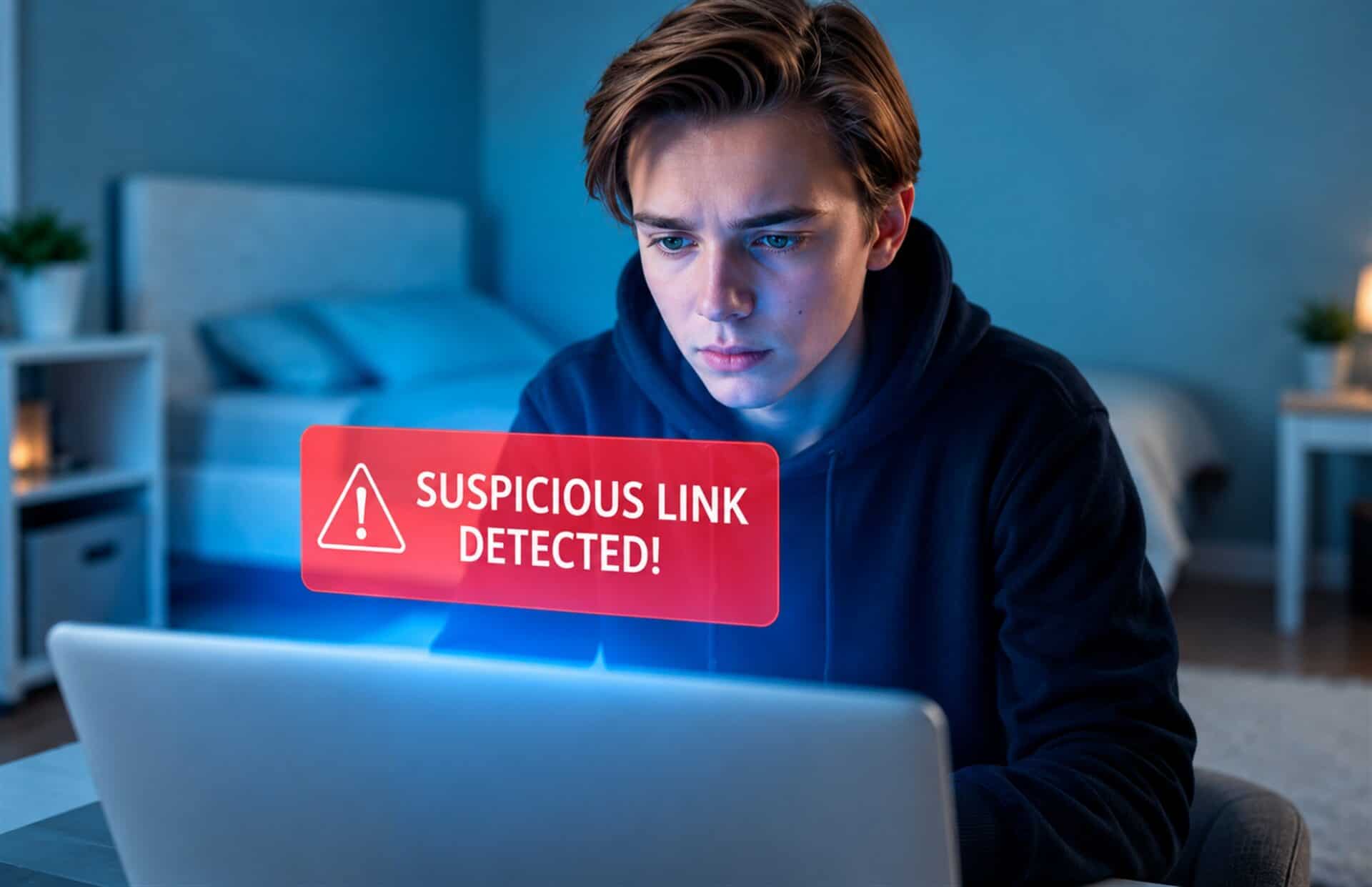
Realizing you clicked a suspicious link is stressful, but taking fast, methodical action limits the damage. Malicious links launch cyberattacks designed to install spyware or steal credentials. To protect your data, cybersecurity consulting services provide targeted and hands-on response strategies. Follow this 15-minute action plan to secure your device, protect your accounts, and stop unauthorized access before it spreads. Let’s explore exactly what to do if you clicked on a phishing link, breaking down the urgent actions for the first minute, the next five, and the final ten.
Minute 1: Isolate Your Device by Disconnecting from the Internet
The single most important action you can take right now is to disconnect the compromised device from the internet. Think of this as putting your system in quarantine. Severing your connection immediately blocks any link an attacker may have established, halting active device infections and cutting their remote access. Not only does this action protect your device, but it also prevents malware from propagating across a network to infect other computers and synchronized devices. While it may be tempting to save your work first, the risk of a widespread Network Breach far outweighs the loss of a single document.
To disconnect your device, follow the correct steps below:
- If you are connected via Wi-Fi, turn it off immediately in your device’s settings or simply switch off your router’s power.
- For a wired connection, unplug the Ethernet cable from your computer.
- It is critical to remain offline, as any active connection could allow malware to be further transmitted. Don’t worry about running a virus scan just yet; most security software can perform a full scan without an active internet connection. Now that your device is safely isolated, let’s explore how to find and remove any threats.
Minutes 2 to 5: Assess the Situation with a Full Malware Scan
Your next step is to use your antivirus software to scan your system for malware. Once you open the application, be sure to start a comprehensive or full system scan, not just a quick one. You can run a complete scan even though your device is not connected to the internet.
This scan checks all files and applications on your system for malicious software, commonly known as malware. Malware is a broad category of harmful code, including spyware, ransomware, and viruses that can execute without your knowledge. These malicious files can infect your device and are often designed to collect confidential data for the cybercriminal.
After the scan is finished, the software will show you if any Suspicious files were discovered. Follow the on-screen prompts to either quarantine or delete the threats it has found. Having reputable anti-virus software is not only crucial for responding to these events, but it is also a vital part of preventing future phishing attacks. To stay protected, ensure your security software is always set to update automatically and run a manual scan periodically.
Now that you have scanned your device and removed any immediate threats, it’s time to secure your accounts to prevent any unauthorized access.
Also Read: Ransom Recovery
Minutes 6 to 15: Secure Your Digital Identity by Changing Passwords
A phishing attack’s main goal is to acquire your Personal information, such as Usernames and passwords, and other sensitive Login information. Therefore, if you input any of these details on a suspicious site, you must prioritize changing passwords immediately. It is absolutely essential to change them from a different, uncompromised device, like a trusted smartphone or another computer. This prevents any malware on your primary device from stealing your new credentials as you type them.
To be most effective, you need to change your passwords in a specific order.
- First, reset the password for the specific account that the phishing email was impersonating.
- Next, immediately secure your primary email account, since this is often the key that hackers use to access and reset your other accounts.
- Finally, change the passwords for all financial, banking, and key business accounts.
As you secure your accounts, it’s a good opportunity to improve your overall security habits. Many people make it easier for hackers by using the same password across multiple services, a practice that can lead to widespread unauthorized account access. To avoid this, make sure you are using strong and unique passwords for each service.
For an even stronger defense, you must enable Two-Factor Authentication (2FA) wherever it is available. This feature adds an extra layer of defense, preventing illicit logins even if a phisher acquires your primary credentials. Making sure this is enabled on your critical accounts dramatically reduces the chances of a successful compromise.
With your accounts now secured, the final steps involve reporting the attack to protect your organization and learning how to prevent future incidents.
Beyond 15 Minutes: Report the Incident and Fortify Your Defenses
Now that you have secured your accounts, it’s time to shift your focus to two equally critical actions: reporting what happened and fortifying your long-term defenses. Contact your company’s IT department immediately. This step isn’t about assigning blame; your first responsibility is to contact IT support because it helps protect the entire organization. The IT team can use this information to block the phishing source and check for a wider network breach.
Next, it is also good practice to contribute to the company’s automated defenses by reporting spam email. Marking the message as junk or spam helps train your company’s email filters, making them better at stopping similar threats before they reach anyone else.
With the immediate threat handled, let’s turn this incident into a valuable learning opportunity to prevent it from happening again. Here are a few proactive habits you can build
- Phishing education and training are your first line of defense. Learning the common signs of phishing — like urgent language or suspicious sender addresses — helps you spot scams instantly.
- Get into the habit of hovering over links before you click. A small preview of the actual URL will appear, often in the bottom corner of your screen, revealing if it’s a legitimate site.
- Always ensure you are updating software and security definitions. Your computer’s software and antivirus programs need these updates to protect you from the newest threats.
By diligently reporting the incident and embracing these preventative habits, you can turn a moment of panic into a valuable step toward stronger cybersecurity.
Turning a Security Scare into Smarter Online Habits
Given the growing sophistication of cybercriminals, phishing attacks are becoming more common; schemes are now designed to trick even careful users. Acting quickly by disconnecting your device, scanning for threats, and changing passwords is your most effective response. These immediate steps are crucial for damage reduction and prevention, stopping criminals before they exploit your data. Instead of panicking, view this experience as a valuable lesson in cybersecurity awareness. Ultimately, the best defense is prevention, making ongoing phishing education and training the cornerstone of a strong cybersecurity posture. For businesses, a dedicated IT support company like CMIT Solutions of North Raleigh provides the expert guidance needed to build these critical defenses.