I’ve been resistant on the passkeys vs passwords question for a while now, and if I’m honest about why, it’s not because I had a good technical objection. It’s because something new gets put in front of us every week demanding attention, and passkeys felt like one more thing to evaluate rather than something I’d actually thought through. Our office has recommended them to clients for a while. I just hadn’t personally sat with the reasoning until recently.
Why Passkeys vs Passwords Stopped Being a Close Call
That changed while I was reviewing a prospect’s environment for PCI compliance. Part of that review meant going deep on their authentication setup, and that took me down a research path on how multi-factor authentication actually fails in practice. The attacks that matter most right now aren’t guessing passwords. They’re real-time phishing proxies that sit between a user and the real login page, capturing whatever gets typed, including one-time codes and even approved push notifications, and replaying it to the real site before the window closes. It’s the same mechanism that got past a client’s MFA a few months back. Standard MFA doesn’t stop that. It was never built to.
How Phishing-Resistant MFA Actually Works
What stops it is authentication that’s cryptographically tied to the actual website requesting it, not just to the user typing something in. Hardware security keys work this way, and so do passkeys, because both are built on the same underlying standard, the one CISA names as the gold standard for phishing-resistant authentication. When a passkey is created, the resulting credential will only produce a valid response for the exact site it was made for. A phishing site can look identical down to the pixel, and it still can’t get a working answer out of that credential, because the check happens underneath the page, not on it.
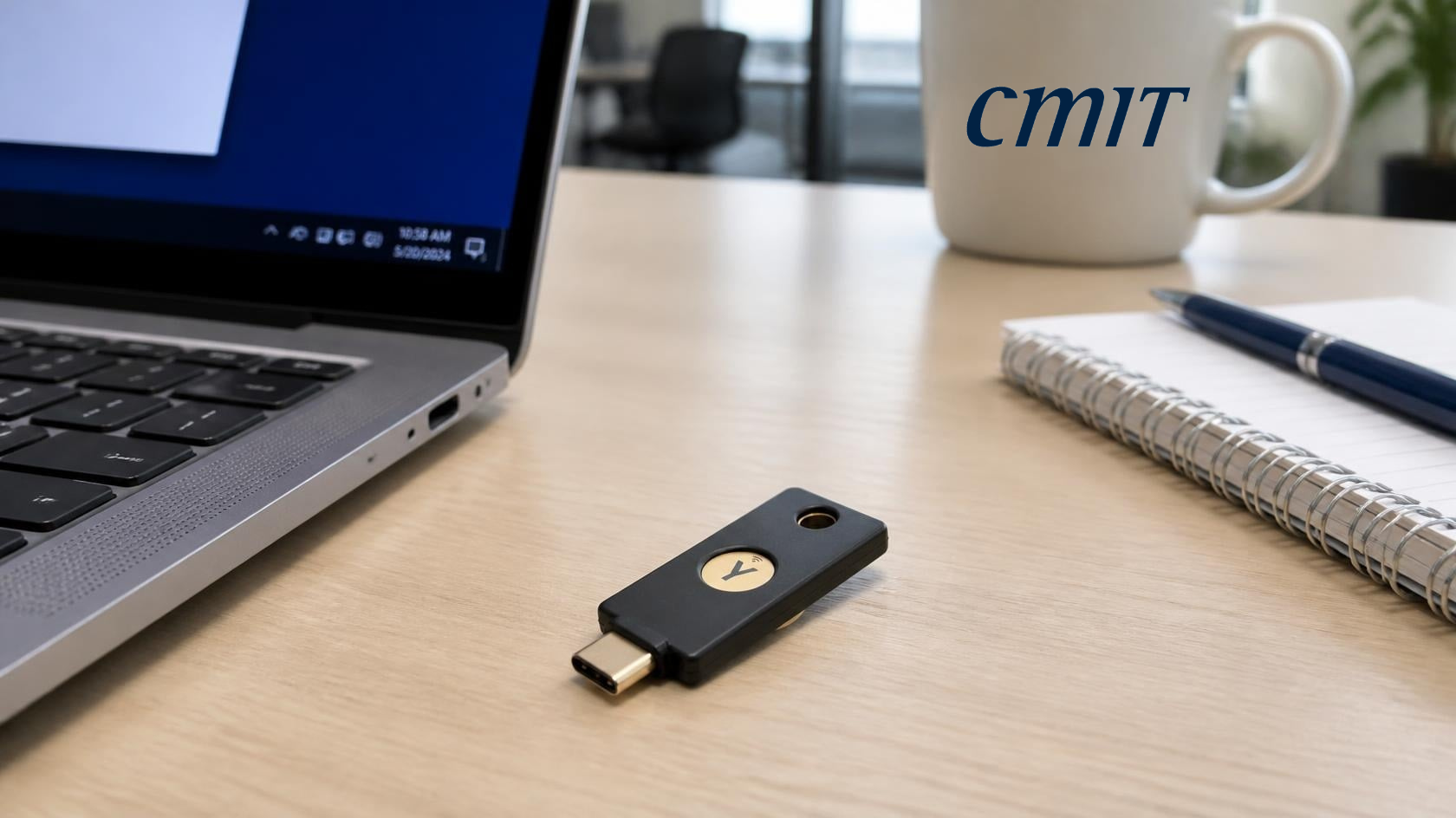
Physical security keys are the strongest version of this, since the credential never leaves hardware built to make it unextractable. Passkeys are a reasonable substitute when handing every employee a physical key isn’t practical, and they close the same phishing gap.
Passkeys vs Passwords: Where You Store Them Matters
Where I’ve refined my own recommendation is on where those passkeys live. Storing them in a browser profile or a platform account keeps them tied to whatever else lives in that same account, email, cloud storage, all of it, behind one login. If that one account gets compromised, everything behind it goes with it. A dedicated password manager keeps that boundary separate, so one compromise doesn’t hand over everything else too.
I’d recommended passkeys before I could have explained any of this. Now I can, and that’s the difference that actually matters.