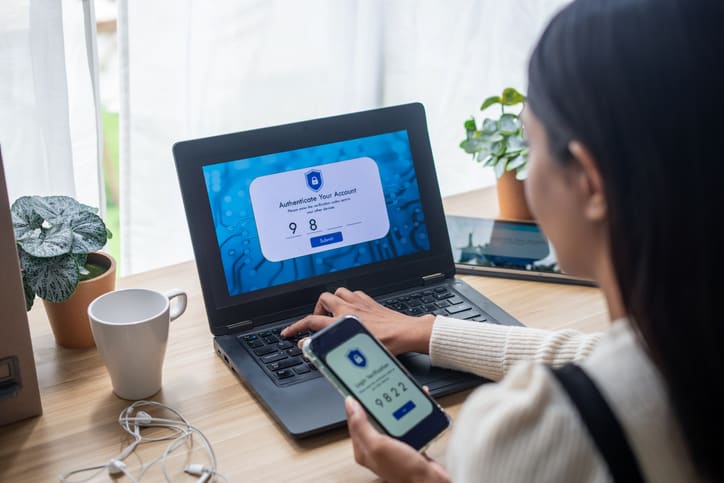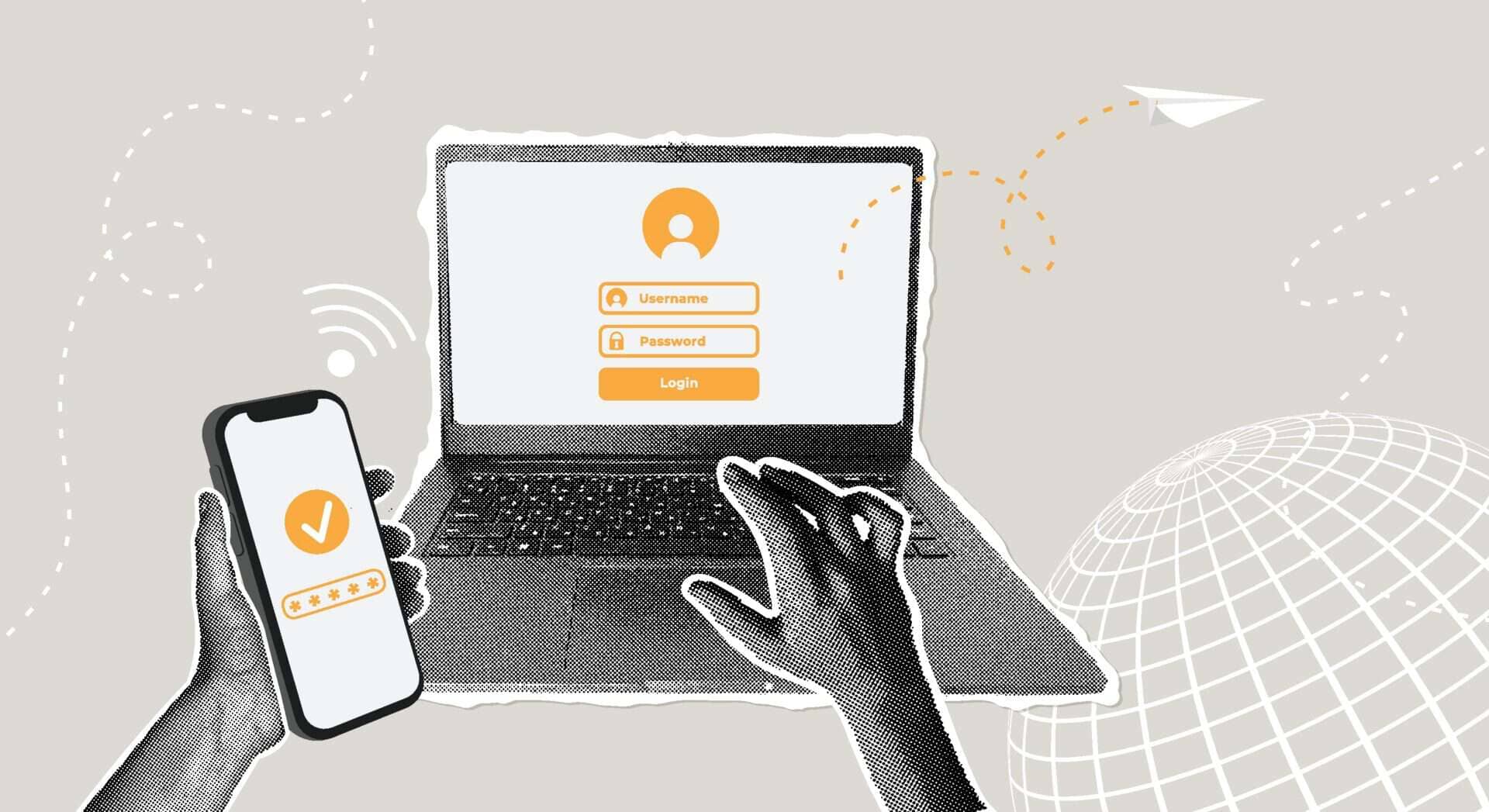
If you run a business in San Mateo, Belmont, or Foster City, here’s a statistic that demands action: Microsoft’s security team claims that more than 99.9% of compromised accounts didn’t have multi-factor authentication (MFA) enabled. In other words, the accounts that get taken over are almost always the ones protected by a password alone. MFA (sometimes called 2FA) works by proving it’s really you with an extra step beyond your password, such as a prompt on your phone, a six-digit code from an app, or a fingerprint or face scan. It takes seconds to use, but it stops an attacker with your stolen password.
That’s an uncomfortable thought when you consider how much of your business lives behind a login for your email, banking, payroll, client portals, and cloud storage. The good news is that MFA is one of the fastest, cheapest security upgrades available to a small business. For most firms, turning it on across your key systems takes about five minutes per account, and most up-to-date applications have adopted it.
Why passwords alone don’t cut it anymore
Here’s how most account takeovers actually happen: an attacker buys a list of usernames and passwords from a breach and simply tries them in an automated process called credential stuffing. Microsoft sees over 300 million fraudulent sign-in attempts targeting its cloud services every single day.
If your password shows up in one of those lists, a password-only account is open territory. However, with MFA enabled, a stolen password still isn’t enough as the attacker hits a second wall: a prompt on your phone, a fingerprint, or a hardware key they don’t have. In a Google study conducted with researchers from New York University and the University of California, San Diego, SMS verification blocked 100% of automated bot attacks, 96% of bulk phishing attacks, and 76% of targeted attacks observed in the study. On-device prompts performed better against phishing and targeted attacks, blocking 99% and 90%, respectively.
For professional services firms in San Mateo County, such as law offices, accounting firms, consultants, wealth managers or anyone dealing with sensitive information, the stakes are higher than most. Your email alone likely contains client financials, legal files, and personally identifiable information. A takeover of one mailbox can cascade into wire fraud, data theft, and a very difficult conversation with your clients. While the extra verification step adds a moment of friction to your login, it can create an even bigger barrier for criminals trying to break in.
The five-minute setup, done right
The practical version of MFA for a small business is simple. Start with the accounts that matter most, in this order:
- Email (Microsoft 365 or Google Workspace) – the master key to everything else
- Banking and financial platforms
- Payroll and benefits systems
- Cloud storage and document management
- Remote access and VPN tools
- Social media and marketing accounts
In Microsoft 365 or Google Workspace, an admin can enforce MFA for an SMB in one afternoon, and roll it out team by team so nobody is locked out mid-workday.
One tip that matters: not all MFA is equal. Push notifications and authentication apps are far more secure than SMS codes, which can be intercepted or tricked out of users by a scammer posing as your bank. And if you’ve heard about “MFA fatigue” attacks – where a hacker spams approval prompts hoping someone taps “yes” by reflex – the fix is number matching, where the user has to type a code shown on their screen. It takes the same five minutes and closes that door.
What MFA doesn’t cover
MFA stops account takeovers. It doesn’t stop a phishing email from landing, a ransomware infection on an unpatched machine, or a vendor with too much access to your data. That’s why MFA is the foundation of a security posture, not the whole building. The firms that do well treat it as step one: enable MFA everywhere, then layer on patching, backups, employee training, and vendor reviews. While MFA increases security substantially, bad actors can still take advantage of human engineering through other means to gain authentication, making it ever more important to stay up to date, and practice good cyber hygiene throughout each layer of security.
If you’re not sure where your firm stands, that’s exactly what a cybersecurity assessment is for – a structured look at where your gaps are and which ones to close first.
Find out where your organization stands and identify potential vulnerabilities before attackers do.
Start this week
Multi-factor authentication is a cheap, fast, and dramatically effective security measure, and well worth the extra step. If your firm in San Mateo, Belmont, or Foster City hasn’t turned it on everywhere yet, this is the week. Five minutes per account, one afternoon for the whole company, and the single most common path into a small business gets a lot harder to walk.
CMIT Solutions of San Mateo helps local firms deploy MFA across Microsoft 365, Google Workspace, and line-of-business applications, and can review the rest of your security posture while we’re at it.
Sources
- Microsoft Security Blog – “One simple action you can take to prevent 99.9 percent of account attacks” (99.9% of compromised accounts lacked MFA)
- Microsoft Security Blog / Microsoft Entra documentation (300+ million fraudulent sign-in attempts per day targeting Microsoft cloud services)
- Google Security Blog – “New research: How effective is basic account hygiene at preventing hijacking” (Google/NYU/UCSD study: SMS verification blocked 100% of automated bots, 96% of bulk phishing, 76% of targeted attacks; on-device prompts blocked 99% and 90%)
- Microsoft Learn – “Number matching for MFA” (number matching as mitigation for MFA fatigue/push-bombing attacks)