Don’t Just Toss It: How to Properly Dispose of an Old Computer
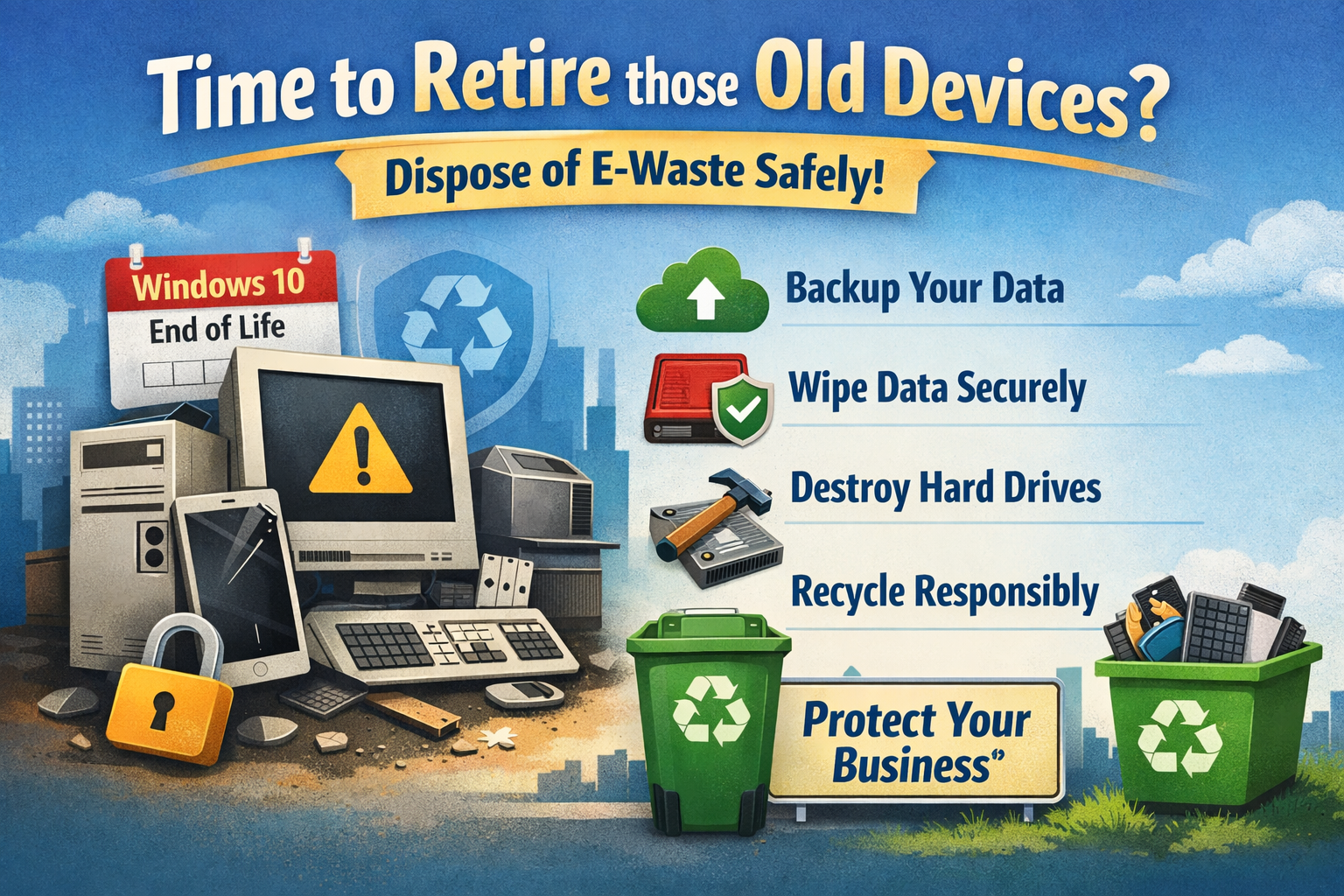
With Windows 10 reaching end of life, a whole lot of businesses just upgraded their machines so they can run Windows 11 securely.
Which means somewhere in your office right now… there’s probably a small graveyard of retired desktops and old employee phones.
They’re sitting in a closet. Or under a desk. Or stacked in that one storage room nobody wants to deal with.
And everyone’s thinking the same thing:
“We’ll handle that later.”
Friend, later is how security risks grow legs.
Here’s the truth: tossing old tech in the trash isn’t just bad for the environment, it’s risky for your business.
Even if a computer won’t turn on, the hard drive inside may still hold:
- Client files
- Financial records
- Saved passwords
- Email archives
- Employee information
And if that device ends up in the wrong hands? That’s not just clutter anymore. That’s liability.
Step 1: Back Up What You Actually Need
Before you dispose of anything, make sure all important data has been properly backed up or migrated. If you’re unsure whether something lives on that old machine, don’t guess.
This is where having an IT partner pays off. We can verify what’s stored locally versus in the cloud, so you’re not accidentally throwing away something critical.
Step 2: Wipe It Properly
Deleting files is not the same as erasing data.
Dragging things to the recycle bin is like closing the blinds — it looks private, but anyone determined enough can still see inside.
Devices should be professionally wiped using secure data destruction methods that meet industry standards. In some cases, especially for regulated industries like legal, medical, or financial services, you may even need documentation proving the data was destroyed.
That’s peace of mind you can’t get from a hammer in the parking lot.
Step 3: Physically Destroy Hard Drives (When Appropriate)
For maximum protection, especially with sensitive data, hard drives can be removed and physically destroyed.
Think shredded beyond recognition.
It may sound dramatic, but when your reputation is on the line, dramatic is sometimes responsible.
Step 4: Recycle Responsibly
Electronics contain materials that shouldn’t end up in a landfill. Use a certified e-waste recycling partner who follows environmental and data security guidelines.
Many reputable recyclers will even provide certificates of destruction for your records.
The Bigger Picture
Those old Windows 10 machines aren’t harmless. They’re little time capsules of sensitive information.
Proper disposal protects:
- Your clients
- Your employees
- Your compliance standing
- Your reputation
And most importantly? It lets you sleep at night.
If you just upgraded to Windows 11 and now have a stack of retired devices staring at you, don’t shove them back in the closet.
Close the loop safely, securely, and without surprises.
Because around here, we don’t just replace technology.
We protect what it carried.
We’re Your Partner in Peace of Mind
Call CMIT Solutions of Northwest DFW Today at (817) 591-1633 or Email Info@CMITSolutionsDFW.com
Because when your tech is taken care of, you get to focus on what really matters—serving your clients, growing your business, and sleeping a little easier at night.