Title: Why Basic Passwords Aren’t Enough: 7 Essential Microsoft 365 Security Settings for Your Practice
In modern healthcare, protecting sensitive patient data demands far more than a complex password. For medical practices and clinics, cyber threats are escalating, and strict compliance with regulations like HIPAA is non-negotiable. Relying on default configurations leaves your network vulnerable to data breaches, costly downtime, and severe regulatory penalties.
Fortunately, Microsoft 365 offers robust security features designed to safeguard your practice from cyber threats, prevent compliance violations, and ensure operational continuity. Implementing these critical settings allows you to focus on delivering exceptional patient care while knowing your sensitive information remains secure.
If you are evaluating your medical practice cybersecurity strategy, here are the essential Microsoft 365 security settings every business owner must review:
1. Multi-Factor Authentication (MFA)
Compromised credentials are the leading cause of data breaches. MFA blocks unauthorized access by requiring users to provide two or more verification factors to log in. This simple step stops 99.9% of automated account compromise attacks, ensuring only authorized personnel access patient records.
2. Password Policies and Conditional Access
Static passwords are easily exploited. By enforcing strict password policies and Conditional Access, you establish adaptive security. Conditional Access evaluates the user, device, location, and risk level in real-time before granting access to your network, immediately blocking suspicious login attempts.
3. Email Protection and Threat Intelligence
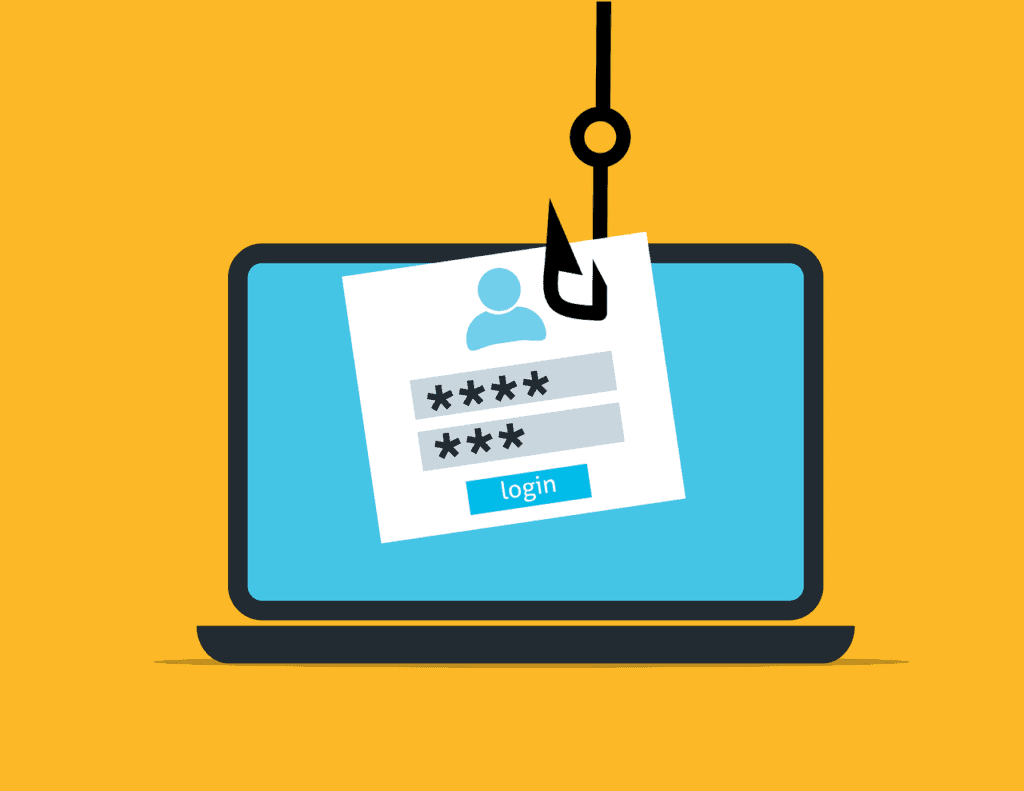
Healthcare providers are prime targets for phishing and ransomware. Advanced email protection and threat intelligence features automatically scan incoming messages for malicious links and dangerous attachments, stopping sophisticated phishing campaigns before they reach your employees’ inboxes.
4. Data Loss Prevention (DLP)
Accidental data exposure can be just as damaging as a targeted hack. DLP policies automatically identify, monitor, and protect sensitive information—like patient health information (PHI) or financial data—preventing staff from accidentally sharing restricted files outside the organization.
5. Encryption and Information Rights Management (IRM)
If a breach occurs, encryption ensures your data remains unreadable to unauthorized parties. Information Rights Management goes a step further by controlling what recipients can do with a document, preventing stolen data from being forwarded, copied, or printed.
6. Audit Logs and Activity Monitoring
Proving fiduciary responsibility and HIPAA compliance requires complete visibility into your network. Audit logs and activity monitoring track user actions, file access, and administrative changes. This detailed trail is critical during compliance audits or security investigations.
7. Device Compliance and Mobile Management
With staff increasingly accessing files from smartphones or home computers, securing remote access is vital. Mobile Device Management (MDM) ensures that only devices meeting your strict security standards can connect to company data, allowing you to remotely wipe PHI from lost or stolen devices.
Secure Your Practice Today
Your patients trust you with their health and their privacy. Managing these configurations requires expertise, which is why outsourced IT services in Southlake, Texas, are essential for growing practices. Don’t leave your infrastructure vulnerable to avoidable risks.
Let us help you lock down your environment so you can focus on your patients. Email us at Info@CMITSouthlake.com or call (817) 591-1633.
Sources:
- Microsoft Security Documentation: “Securing Microsoft 365 for Business” and “Zero Trust Deployment Guide for Microsoft 365.” (Microsoft.com)
- Cybersecurity & Infrastructure Security Agency (CISA): “Implementing Phishing-Resistant MFA.” (CISA.gov)
- U.S. Department of Health & Human Services (HHS): “Health Information Privacy and the HIPAA Security Rule.” (HHS.gov)