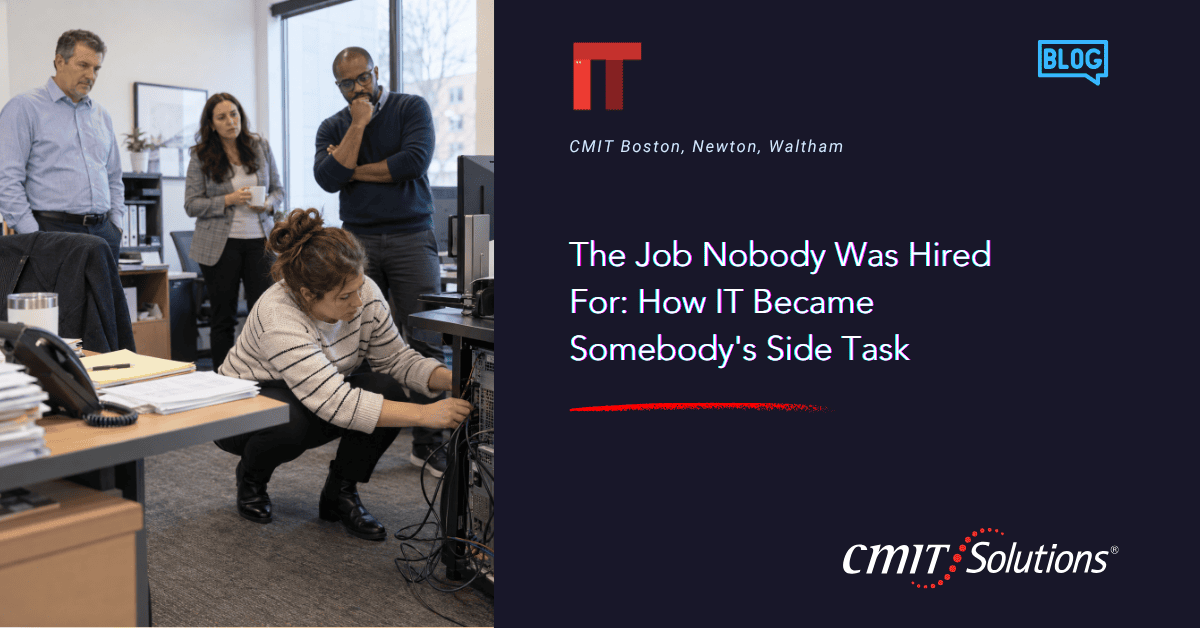
The Job Nobody Was Hired For: How IT Became Somebody’s Side Task
IT ends up on the desk of somebody hired for a different job gradually. Four steps, and every one of them makes sense at the time.
Step one: Somebody helps out
Early on, the firm has a handful of laptops,an email service, and a printer. Somebody comfortable with technology takes care of it, because it costs twenty minutes a month and hiring for twenty minutes a month would make no sense.
This is the right call, and it works for years.
Step two: Helping out becomes the routine
The firm adds people. Each new person needs accounts, a laptop, access to the right folders, anda phone that syncs. Each departure needs all of that undone. The helpful person becomes the go-to everyone that uses any screen goes, because they are good at it and because they are there.
Twenty minutes a month is a few hours a month now, spread thin enough to stay invisible.
Step three: The stakes rise
By this point the firm holds things that matter a great deal. For an accounting practice, financial statements, returns, and a client portal. For an advisory firm, everything a client shares in the course of an engagement. For an engineering or architecture practice, drawing sets and project files representing months of work.
The questions get bigger too. A client sendsa security questionnaire.An insurer asks whatcontrols are in place at renewal. Somebody wants to know where the data lives. These take real time to answer well, and they are questions about how the firm accounts for what it has been trusted with.
Step four: It runs through one person
The arrangement works, and it works because one person is available and knows how everything fits together. A good deal of it lives in their head, since writing it down has never been on anybody’s list either.
This is the step most firms are in when they call me. The systems are usually fine. Somebody has looked at the shape of it and decided it is time.
What to move first
If this describes your firm, the useful question is what to hand over first. The order that causes the least disruption tends to be this:
Onboarding and offboarding. It happens most often, it is the easiest to standardize, and getting it right saves work for months afterward.
Backup and recovery, with a restore actually tested. This is the question you will be asked at some point, and it is good to already know the answer.
Monitoring and patching. Quiet routine work that runs best when it sits with somebody whose week it cannot be pushed out of.
The account andlicense inventory. Most firms find something they have stopped using and something they assumed was covered.
Awritten record of how the environment is set up, so the knowledge lives somewhere besides one person’s memory.
The hiring question
Firms at this stage often ask whether to hire someone instead. Sometimes that is the right answer, and when it is, I will tell you.
More often the work is real without being full-time, and it covers three different skills. Help desk work, security work, and planning work sit with three separate people in a larger organization. Hiring one person means choosing which of the three you get. That trade is worth naming before anybody writes a job description.
Where to start
Write down who handles each of the five items above. If one name covers all five, you have learned something useful about what happens the week that person is away.
I am happy to look at the list with you. No obligation, and if your setup is working I will say so.
Call to action
Have a straightforward conversation with me. Call 617-221-4100 or use thecontact form at cmitsolutions.com/boston-ma-1020
Frequently Asked Questions
1. How does IT become someone’s side responsibility at a small business?+
It often starts when a technology-comfortable employee helps with a few simple tasks and gradually becomes the person everyone relies on for IT support.
2. Why do small firms initially handle IT internally?+
When a company has only a few employees and devices, IT needs may be limited enough that hiring dedicated support does not seem necessary.
3. When does informal IT support become a problem?+
It becomes a concern when IT tasks start consuming significant employee time, involve sensitive data, or depend heavily on one person.
4. What IT tasks usually increase as a business grows?+
Common tasks include employee onboarding, offboarding, account management, laptop setup, software access, backups, security updates, and troubleshooting.
5. Why can internal IT workload be difficult to notice?+
IT work often appears as small interruptions throughout the week rather than one large project, making the total time commitment easy to underestimate.
6. What happens when a business depends on one person for IT?+
Important knowledge and processes can become concentrated with one employee, creating delays and risk when that person is unavailable.
7. What types of businesses face growing IT responsibilities?+
Accounting firms, advisory businesses, engineering companies, architecture firms, and other professional organizations often manage increasingly sensitive data as they grow.
8. Why do cybersecurity requirements become more important as a firm grows?+
Larger clients, insurers, and partners may begin asking detailed questions about security controls, data protection, access management, and compliance practices.
9. What should a business outsource first when moving away from informal IT?+
Employee onboarding and offboarding are often good places to start because they happen regularly and can be standardized.
10. Why is employee onboarding important for IT management?+
A structured onboarding process ensures new employees receive the correct devices, accounts, permissions, applications, and security settings from the beginning.
11. Why is employee offboarding important for cybersecurity?+
Proper offboarding ensures accounts and access permissions are removed promptly when an employee leaves the organization.
12. Why should businesses test their backups?+
A backup is only useful if the data can actually be restored. Regular recovery testing confirms that important information can be recovered when needed.
13. What are monitoring and patching?+
Monitoring tracks the health and security of technology systems, while patching keeps operating systems and applications updated against known vulnerabilities.
14. Why should businesses maintain an inventory of accounts and software licenses?+
An inventory helps identify unused accounts, unnecessary subscriptions, missing licenses, and potential security risks.
15. Why is IT documentation important?+
Documentation records how systems, accounts, networks, and processes are configured so critical information does not exist only in one employee’s memory.
16. Should a growing company hire an internal IT employee?+
Sometimes. The right choice depends on the amount of IT work, the required expertise, the business’s size, and whether there is enough work to justify a full-time role.
17. What skills does a growing business typically need from IT?+
Businesses often need a combination of help desk support, cybersecurity expertise, system administration, and long-term technology planning.
18. Can one internal IT employee handle every technology need?+
One person may be able to manage many tasks, but it can be difficult for a single employee to provide deep expertise across support, cybersecurity, infrastructure, and strategic planning.
19. What are signs a business has outgrown handling IT informally?+
Warning signs include frequent technical interruptions, dependence on one employee, unclear backup procedures, growing security requirements, and difficulty keeping systems documented.
20. How can a business evaluate whether its current IT setup is sustainable?+
Start by listing who handles onboarding, offboarding, backups, monitoring, software licenses, and documentation. If most responsibilities fall to one person, it may be time to consider additional IT support.