
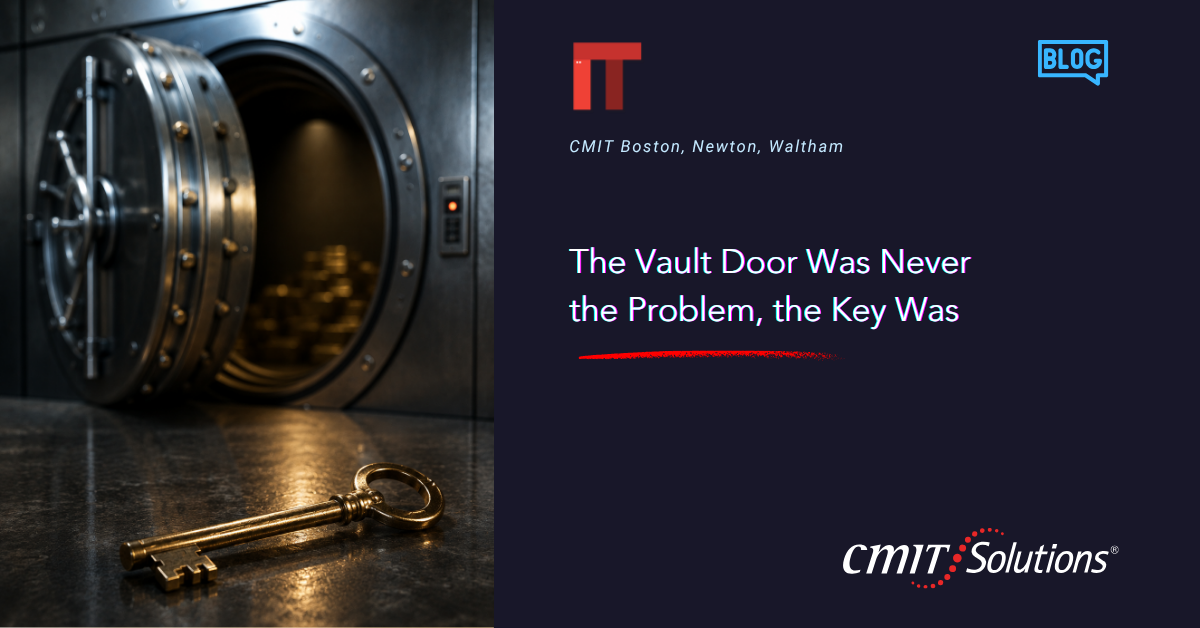
Bank vaults are built to withstand almost anything. Reinforced steel, time locks, alarms, walls thick enough to stop a truck. Every design decision assumes someone will try to break in through the front.
Yet when banks get robbed, it’s rarely the vault door that fails. It’s the key. A guard tricked into handing it over. An employee who writes the combination on a sticky note. A manager who reuses his vault code for his email and his garage door.
The lesson translates directly to business technology, and most owners haven’t caught up. Companies spend real money on firewalls and antivirus software, then hand out the digital equivalent of a vault key to anyone who asks nicely enough. The door was never the weak point. The key was.
Why credential theft is the real front line
Ask most owners what cybersecurity means, and they’ll describe a wall something that keeps intruders out the way a vault door keeps out a burglar. That picture isn’t wrong, just incomplete. Most attackers today aren’t smashing through walls. They’re walking in the front door with a key they were handed, tricked, or bought.
That key is a credential a username and password, the thing that proves to a system you are who you say you are. And credentials, unlike vault doors, are portable, reusable, and shockingly easy to steal.
A stolen credential doesn’t set off an alarm. It looks, from the system’s point of view, exactly like a legitimate employee logging in to do legitimate work. The intruder isn’t breaking in. They’re logging in.
How the key actually gets stolen
Credential theft rarely looks like a Hollywood hacking scene. Most of the time, it’s almost boring:
- Phishing emails that mimic a bank, vendor, or IT provider, asking someone to log in to fix a problem or claim a refund. We broke down this exact pattern in tax season scams, where fraudsters impersonate trusted institutions right when businesses are least suspicious.
- Password reuse, where a leaked password from an unrelated site gets tried against business systems and simply works.
- Weak passwords like “Company123,” which a script can crack in seconds the comparison we made in your password is the key holds up.
- Social engineering, where a friendly voice and a little urgency talks a help desk into resetting a password straight into an attacker’s hands.
- Leftover access, where a former employee’s login stays active for months after they’ve left, unwatched.
None of these require breaking through a wall. They all involve someone handing over, or losing track of, the key.
Why one stolen key opens more than one door
Here’s what makes credential theft worse than it looks. One login rarely opens one door. The same employee who logs into email might also have access to shared drives, financial software, and customer records. Steal that single login, and an attacker walks through every door that employee had quietly, without a single alarm.
This is where network management and access controls matter as much as the password itself. A well-managed network limits how far a stolen credential can travel. A poorly managed one lets it become a master key to the entire business cloud storage of client files, shared productivity tools, unified communications an attacker can use to impersonate an employee, a foothold toward payroll and financial systems.
One key. Many doors. That’s the math attackers are counting on.
The cost is bigger than people expect
When owners picture a cyberattack, they usually picture ransomware dramatic and immediate. Credential theft is quieter, and that quiet is what makes it expensive.
An attacker with a valid login doesn’t need to break anything. They can sit inside your systems for weeks, studying how invoices get approved and how money moves, then strike with precision: a fake invoice with the right logo, the right tone, the right invoice number, just a different bank account. This is one of the most common ways small and midsize businesses lose money to cybercrime, and it almost always starts with a stolen credential, not a broken wall something we touched on in financial data vulnerability.
Beyond the direct loss, there’s the cost of not knowing. Once a credential is compromised, you can’t be sure what was touched or copied and depending on your industry, that uncertainty can trigger mandatory disclosure requirements.

Why ‘strong passwords’ alone aren’t the answer
The old advice mix in a capital letter, a number, a symbol hasn’t aged well. People aren’t good at remembering dozens of unique complex passwords, so they cut corners: reuse, sticky notes, “Password1” repeated everywhere.
The fix isn’t asking employees to memorize chaos better. It’s removing the need to memorize it at all.
- Password managers generate and store a unique password for every account, so employees remember only one master password.
- Multi-factor authentication adds a second lock to the same door. Even a stolen password isn’t enough without a code or approval tap, and this single step blocks the overwhelming majority of credential-based attacks.
- Regular rotation on high-risk accounts, paired with monitoring for leaked credentials on the dark web, catches problems before they become incidents.
None of this is complicated technology. It’s discipline, backed by tools that make the discipline easy instead of a burden.
Access management: the other half of the problem
Passwords get the attention, but access itself matters just as much who has the keys, to which doors, and why. Most businesses grow one decision at a time: a new tool here, a contractor login there that’s still active two years after the project ended. Nobody regularly checks whether access still matches what someone actually needs.
This is the principle of least privilege: give people access to exactly what they need, nothing more. Every permission handed out “just in case” is one more door a stolen credential can walk through. Good access management means reviewing who has access on a regular schedule, cutting off access the same day someone leaves (a gap we detailed in if your IT provider disappeared), and keeping a current list of every system and who’s responsible for it.
A scenario worth thinking through
Picture a mid-sized professional services firm in the Boston area. An employee gets an email that looks like it’s from a software vendor the firm actually uses, asking them to log in and confirm account details before a renewal. They click through without thinking twice.
Nothing happens right away, no alarms, no errors. That’s the point. The attacker now has a working login and is patient, reading emails and learning how the firm operates. Weeks later, a fraudulent invoice goes out to a client with the right logo and tone, just a different bank account number. By the time anyone notices, money is gone and client trust is shaken. None of it required breaking through a firewall. It started and ended with one stolen key precisely the kind of incident that properly managed IT services are built to catch early.
What good key management looks like
A handful of consistent habits, applied across the whole team:
- Make multi-factor authentication mandatory, no exceptions.
- Roll out a password manager company-wide as the default.
- Review access quarterly, using the questions we laid out in 12 questions to ask your IT provider.
- Train your team to spot phishing regularly, not once a starting point is Safer Internet Day habits.
- Monitor for leaked credentials so you can force a reset before an attacker tries to use them.
- Cut off access the same day someone leaves, not next week.
- Standardize onboarding so nobody improvises permissions on the fly, something we covered in standardizing endpoint builds.
Why this connects to more than cybersecurity
Credential and access management touches nearly everything else in how a business runs. It touches insurance, since cyber underwriters now ask pointed questions about MFA and access controls before offering a policy, a shift we detailed in cyber insurance harder to get. It touches vendor relationships too, since every third-party tool is another set of credentials, another potential door which is why we recommend reviewing vendor risk before renewing contracts. And it touches trust: clients and employees assume their information is handled responsibly, and one compromised login can undo years of that in an afternoon.

The vault door still matters, but it’s not the whole story
None of this argues against firewalls or strong perimeter defenses those still matter. But a business that pours all its attention into the vault door while leaving the key sitting out in the open has solved the wrong problem. The businesses that hold up best are the ones that treat both sides seriously: strong defenses at the perimeter, backed by disciplined management of who holds which keys and why.
Where to start
If you’re not sure how many keys are floating around your business right now, you’re not alone. My team works with businesses across Boston, Newton, and Waltham to review credentials, access permissions, and authentication practices, then show you plainly where the doors are propped open. See the full scope in our service packages, or get straightforward IT guidance on where to start.
Schedule a straightforward 10-minute discovery call, and I’ll walk through your current password practices, access controls, and authentication setup, then give you a clear picture of where your business actually stands. No obligation.
Call me at (617) 221-4100, or schedule your call online.
Frequently Asked Questions



