
On a Thursday in February 2026, ransomware hit a university medical center in Mississippi. Ransomware is an attack that locks an organization’s files until a ransom is paid. By the next day, every appointment at its 35 clinics was canceled, chemotherapy included. The electronic health record was offline. Phones and email were restricted. In the hospitals, staff wrote notes and orders on paper.
The clinics reopened on a Monday, more than a week later. Staff then worked extended hours to rebook the patients they had turned away.
That organization runs seven hospitals. A family practice or dental office in Springfield has far fewer people to put on the problem. So the question is worth asking now, while everything works. If your screens locked tomorrow morning, how many days would pass before you could see patients normally again?
This article looks at ransomware recovery for medical practices in Springfield, VA. It covers how long recovery takes and what decides the answer.
How Long Recovery Takes, According to the Data
Timelines for ransomware recovery for medical practices vary widely. Two studies give a realistic range.
Comparitech reviewed 654 ransomware attacks on US healthcare providers since 2018. The average was 17 days of downtime per attack. In 2022, the worst year, it was 27 days.
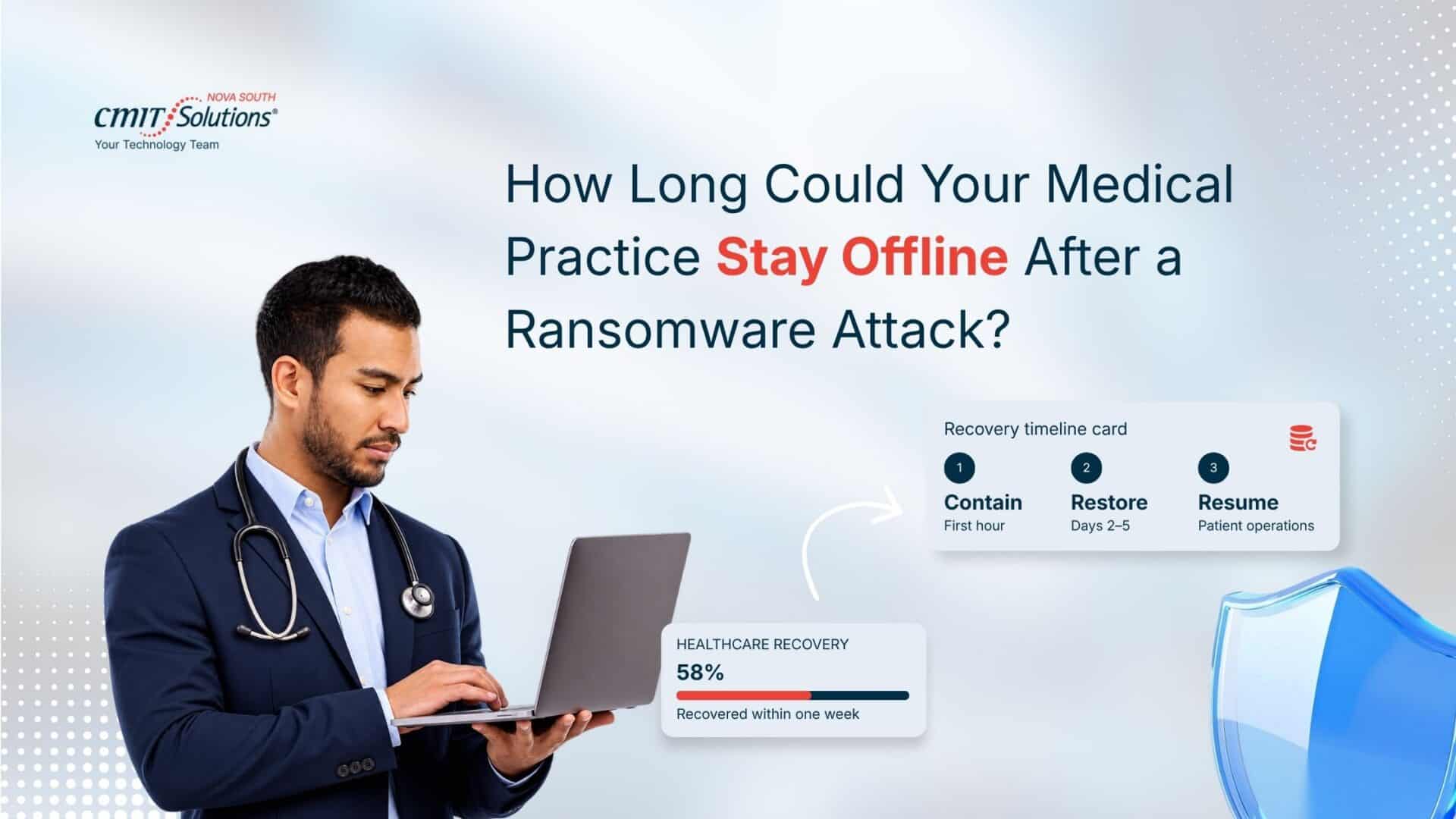
Sophos surveyed 292 healthcare IT leaders in early 2025, and the picture there is better. Of those hit by ransomware, 58% recovered within a week, up from 21% a year earlier. Another 12% needed between one and six months.
Read those numbers with care. The survey covered organizations with 100 to 5,000 employees. A six-person practice has fewer hands and less room for error.
Two more findings matter for planning. Only 51% of the organizations whose data was locked got it back from backups, down from 72% in the previous survey. More than a third, 36%, paid the ransom.
The survey also asked how the attackers got in. The top answers were software weaknesses that had not been fixed (33%), malicious emails (22%), and stolen logins (18%). That is why offices should start with software updates and email.
Same Kind of Attack, Very Different Week
About an hour north of Springfield, a health system in Frederick, Maryland was hit by ransomware in January 2025. HIPAA Journal reported that all of its facilities stayed open. Staff used backup and downtime processes, and most appointments went ahead as scheduled.
Set that beside the Mississippi case. Both organizations were hit hard. One closed its clinics for more than a week. The other kept most of its schedule by falling back on procedures it already had.
Staying open did not make the attack harmless. The Frederick attackers still took the health information of more than 934,000 people. Recovery has two parts: getting patients seen again, and finding out what happened to their data.
Four Things That Decide How Fast You Reopen
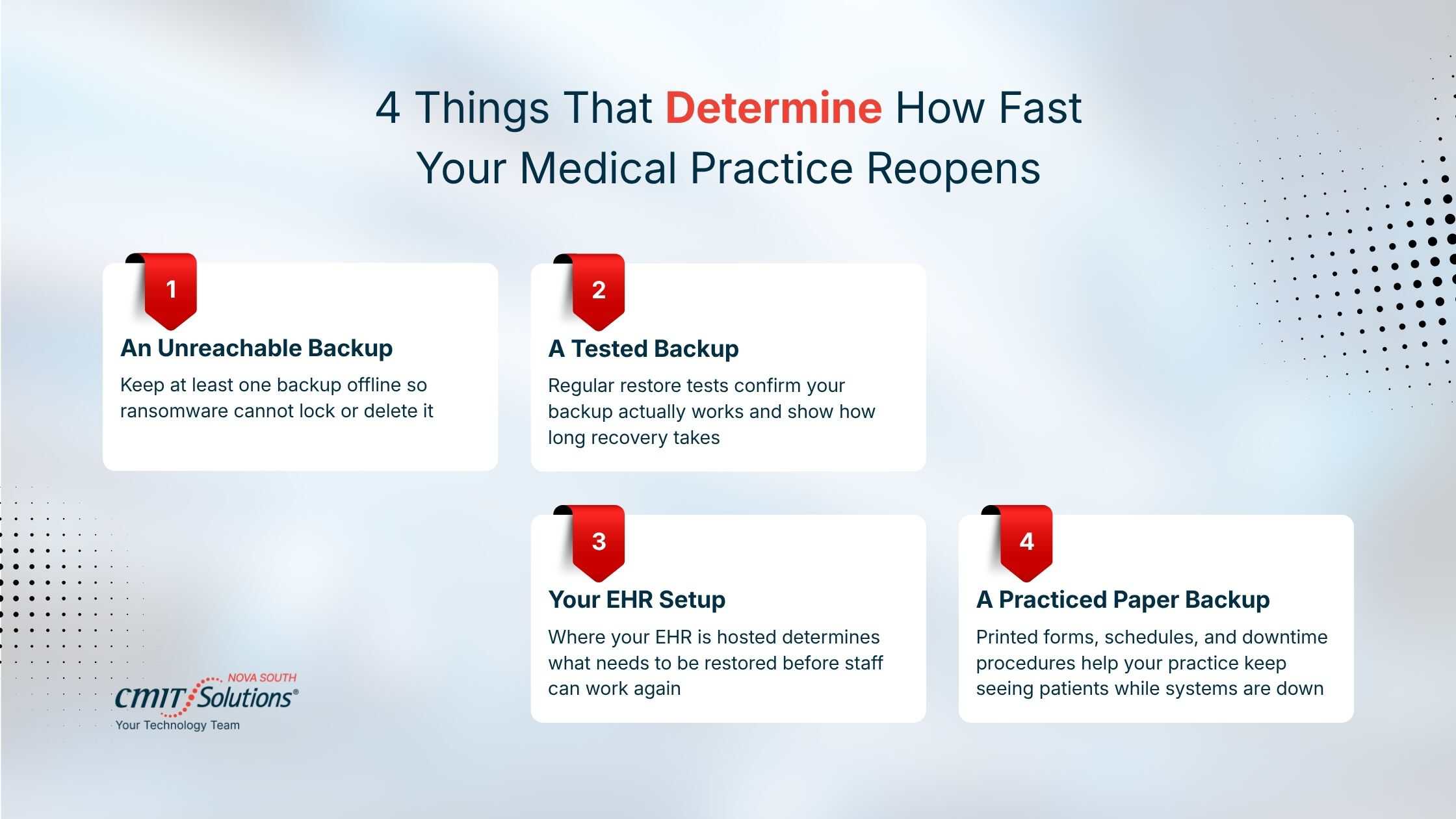
- A backup the attacker cannot reach. Federal guidance from CISA, the national cybersecurity agency, says to keep backups offline. Many kinds of ransomware look for backups and delete or lock them. A backup drive plugged into your server is likely to be locked with everything else. Ask where your backup is kept and whether it is connected to your network.
- A backup someone has tested. You only know a backup works once someone has restored from it. CISA says to test backups regularly. Ask your IT provider when they last restored a full day of your data, and how long it took.
- Where your EHR lives. EHR recovery after a ransomware attack depends on this. If your EHR runs on a server in your office, it is locked along with the rest of your network and has to be rebuilt from backup. If the vendor hosts it online, your records are usually untouched. You still need clean computers and a safe connection before staff can log back in.
- A paper fallback your staff has practiced. This is the part of healthcare ransomware recovery and business continuity that has nothing to do with computers. Business continuity means keeping the practice running while the systems are down. Keep printed intake forms and visit notes on a shelf. Print the next two days of the schedule every evening. The Frederick system kept seeing patients because its staff had those procedures ready.
What the First Week Looks Like
No two recoveries run the same way. The order of the work stays fairly constant.
The first hour. Disconnect the affected computers from the network. CISA’s advice is to unplug the network cable or turn off Wi-Fi, and to power a device down only if it cannot be disconnected. Do not delete or reinstall anything. Call your IT provider and your cyber insurance carrier.
The first day. Your IT team works out how far the attack spread. The front desk switches to paper and starts calling patients. Someone with authority decides which visits go ahead. If the phones still work, change the voicemail greeting so patients know what is happening.
Days two to five. Clean computers are set up, and data is restored in order of need. For most practices that means the schedule first, then the EHR, then billing. Good ransomware recovery services for medical practices investigate while they restore, because you will need to know what the attackers saw.
After you reopen. Paper notes have to be typed into the EHR. You also have a HIPAA question to answer. Federal guidance treats a ransomware attack as a breach of patient information unless the practice can show there is a low chance the data was exposed.
There is a cost side to all of this. We covered it in our article on what ransomware recovery really costs Prince William County financial firms. The same categories of cost apply to a medical practice.
What HIPAA Already Requires
HIPAA does not use the word ransomware. Its contingency plan rule still covers ransomware disaster recovery for healthcare providers. Every practice that HIPAA covers must have:
- A data backup plan, so exact copies of patient records can be retrieved.
- A disaster recovery plan, so lost data can be restored.
- An emergency mode plan, so essential work continues while systems are down.
The rule also calls for testing and updating these plans from time to time. That part is marked “addressable.” In plain terms, a practice must either do it or write down why a different approach is reasonable.
A Plan That Fits on One Page
A ransomware recovery plan for small medical practices can fit on one page. It should answer five questions.
- Who decides whether we close or stay open?
- Who do we call first, and where are those numbers written down?
- Which systems come back first?
- How long can we run on paper?
- Where is the backup, and when was it last tested?
Print it. CISA advises keeping a hard copy, because a plan saved on a locked computer is no help.
Then put two numbers on it. The first is how long you can afford to be closed. The second is how much recent work you can afford to lose and re-enter. For example, a practice that backs up once a night can lose up to a full day of charting. If that is too much, the backup needs to run more often.
Decide who you will call before you need them. A practice that starts searching for ransomware recovery in Springfield, VA, in the middle of an attack loses hours it does not have.
Where CMIT Solutions of NOVA South Fits In
CMIT Solutions of NOVA South supports practices across Fairfax County and Prince William County from its Manassas office. We provide ransomware recovery services Northern Virginia practices can call on, and most of that work happens before any attack.
Our ransomware recovery and backup services for medical practices keep copies of your data where an attacker cannot reach them. We run test restores on a schedule and tell you how long a full restore took.
Somu Valliappan, our Managing Partner, spent more than ten years building data systems for CMS and NIH. Our recovery plans are written with HIPAA’s contingency plan rule in mind.
Day to day, our team watches your systems for unusual activity and keeps software updated. We also check every morning that last night’s backup ran.
So, How Quickly Could You?
If you cannot answer the question in the title yet, the fix is straightforward. Ask us to run a test restore of your data and time it. You will have a real number to plan around. The managed cybersecurity services in Springfield practices get from us start from that number. Call CMIT Solutions of NOVA South.
Frequently Asked Questions
How quickly can a medical practice recover from a ransomware attack?
It ranges from a few days to several weeks. In a 2025 survey, 58% of healthcare organizations recovered within a week and 12% took one to six months. A practice with tested backups and a paper fallback has the best chance of landing at the fast end.
What should a medical practice do immediately after a ransomware attack?
Disconnect the affected computers from the network and leave them as they are. Do not delete files or reinstall anything, because investigators need the evidence. Call your IT provider, or a firm offering ransomware recovery services in Springfield, VA; practices can reach the same day. Call your cyber insurance carrier before agreeing to any payment.
How can medical practices restore patient operations after ransomware?
Start with what patients need first. Run visits on paper, then restore the appointment system, the EHR, and billing in that order. Bring each computer back only after it has been cleaned or rebuilt. Putting an infected machine back on the network can restart the attack.
What backups are needed to recover from a ransomware attack?
At least one copy that is not connected to your network, because ransomware often goes after backups first. It should cover the EHR database, scanned documents, billing data, and shared office files. Keep a copy of the server setup too, so the server can be rebuilt quickly.
Does HIPAA require medical practices to have a ransomware recovery plan?
In effect, yes. HIPAA’s contingency plan rule requires a data backup plan, a disaster recovery plan, and a plan for working in emergency mode. A written ransomware recovery plan for medical practices is the practical way to meet all three.
How can medical practices reduce downtime after a ransomware attack?
Decide the order in which systems come back before anything goes wrong. Keep printed forms and a printed schedule ready. Test your backups so the restore time is known. This is routine work within healthcare cybersecurity services in Springfield, VA; practices can hand it to an outside team.
How often should medical practices test their ransomware recovery plan?
HIPAA says to test periodically and names no schedule. CISA advises testing backups regularly. We suggest a test restore every three months and a walk-through with staff once a year. Test again after any major change, such as a new EHR.