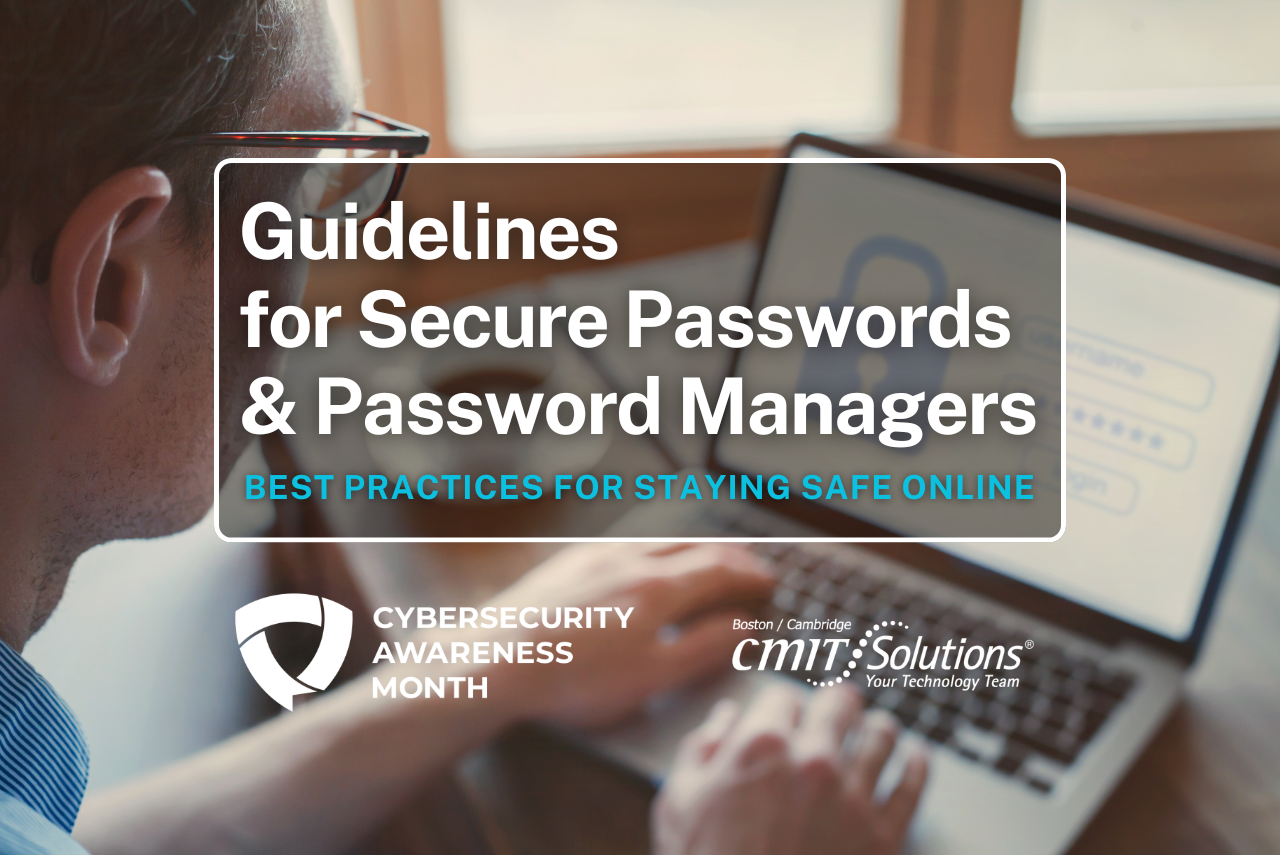
In our daily lives, we rely on dozens of online accounts, from email and social media to banking and shopping. Each of these accounts is protected by a password, a digital key that stands between your personal information and the outside world. The strength of these keys is more important than ever. Let’s explore how to create secure passwords and how password managers can make your digital life both safer and simpler.
The Importance of Secure Passwords
Think of a weak password as a flimsy lock on your front door. It might stop a casual passerby, but it won’t deter someone who is actively trying to get in. Simple or reused passwords are a primary target for cybercriminals. A single compromised account can lead to a domino effect, giving attackers access to other accounts that share the same credentials.
Strong passwords are your first line of defense against unauthorized access, identity theft, and financial fraud. By taking the time to secure your accounts, you build a digital fortress that protects your sensitive information.
Common Password Mistakes to Avoid
Many of us fall into predictable habits when creating passwords. These common mistakes can make an attacker’s job much easier.
- Using Personal Information: Avoid using names, birthdays, anniversaries, or pet names. This information is often publicly available or easy to guess.
- Choosing Common Words: Passwords like “password,” “123456,” or “qwerty” are among the first that attackers try. Dictionary words are also vulnerable to automated attacks.
- Reusing Passwords: Using the same password across multiple websites is a significant risk. If one site experiences a data breach, all your accounts with that password become vulnerable.
- Making Small Variations: Simply changing a number or a letter (e.g., “Password2024” to “Password2025”) is not enough to create a strong, unique password.
Best Practices for Creating Strong Passwords
Creating a strong password doesn’t have to be complicated. The key is to make it long, complex, and memorable only to you. For top password security in 2025, every password should be at least 16 characters long. It takes millions of years for hacker software to crack a 16-character password, even if it is only letters.
- Make it Unique: Use a different password for every account. This way, if one account is compromised, your other accounts remain secure.
- Length = Strength: Aim for a password that is at more than 16 characters long. The longer it is, the more difficult it is to crack.
- Use a Mix of Characters: Combine uppercase letters, lowercase letters, numbers, and symbols (like !, @, #, $). This mix exponentially increases the number of possible combinations.
- Avoid Substitutions: Common substitutions like replacing “a” with “@” or “o” with “0” are well-known to attackers and their tools. While better than nothing, relying solely on these tricks is not a strong strategy.
The Power of Password Managers
Remembering dozens of unique, complex passwords is a nearly impossible task for the human brain. This is where password managers come in. A password manager is a secure, encrypted application designed to store and manage all your login credentials.
How Do They Work?
A password manager acts as a digital vault. You create one strong, memorable master password to access the vault. Inside, the manager stores all your other passwords for different websites and services. When you need to log in to a site, the password manager can automatically fill in your credentials for you.
Benefits of Using a Password Manager:
- Unbreakable Passwords: Most password managers have a built-in generator that creates long, random, and incredibly strong passwords for each of your accounts.
- Enhanced Security: Your passwords are encrypted and stored securely. You only need to remember your one master password.
- Convenience: They eliminate the need to remember or type passwords. Many sync across your devices, so you have your credentials on your computer, phone, and tablet.
- Breach Alerts: Some services monitor the web for data breaches and will alert you if one of your stored passwords has been compromised, prompting you to change it.
Recommended Password Manager Settings
To ensure optimal security and usability, it is recommended to configure your password manager with the following settings:
- MFA (Multi-Factor Authentication): Enable MFA to add an extra layer of security. This requires a second form of verification, such as a code sent to your phone or an authentication app, in addition to your master password.
- Minimum Password Length: Set your passwords to be at least 16 characters long. Longer passwords are significantly harder to crack and improve overall protection.
- Recovery Codes: Generate recovery codes and store them in a secure location, such as a safe, in case you lose access to your account. These codes serve as a backup to help you regain control.
By adopting these settings, you can ensure that your password manager remains a reliable and highly secure tool for protecting your credentials.
Cybersecurity Awareness Month
Taking control of your password security is a simple yet powerful step toward protecting your digital identity. By creating strong, unique passwords and using a trusted password manager, you can navigate the online world with greater confidence and peace of mind.
Throughout Cybersecurity Awareness Month, we’ll share valuable tips, tools, and resources to help you secure your online life. Together, we can build better habits and create a safer digital environment for everyone. Stay tuned and be part of the movement toward stronger cybersecurity!