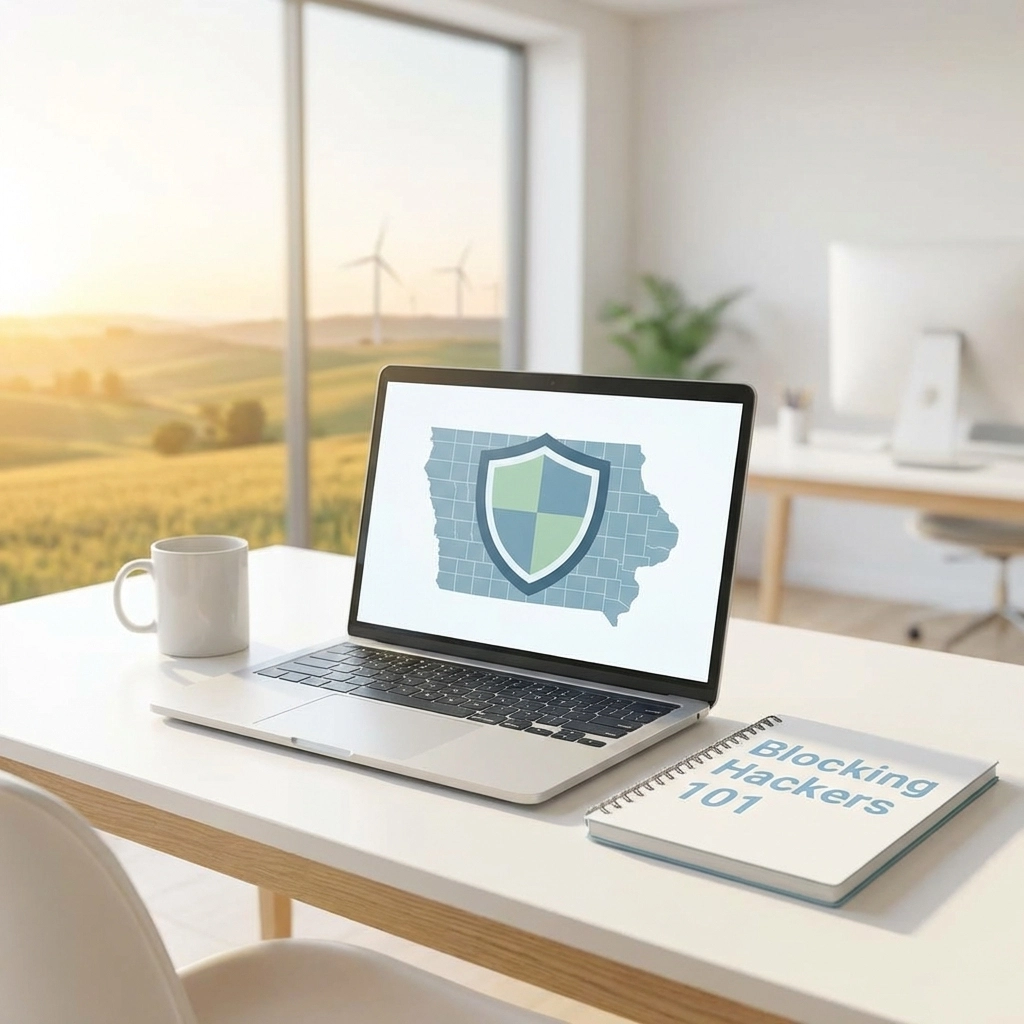
Right now, a hacker somewhere is scanning the internet for their next target. And here's the uncomfortable truth: small businesses in Cedar Rapids and Iowa City are exactly what they're looking for.
You might think your business is too small to attract cybercriminals. But that's exactly what makes you attractive to them. Hackers know that local businesses often have limited IT resources, outdated software, and employees who haven't been trained to spot threats. You're not a target because of what you have: you're a target because of what you don't have.
The good news? Blocking hackers doesn't require a massive budget or a team of tech wizards. Most of the practices that protect your business are simple, affordable, and sometimes even free. You just need to know where to start.
Let's break it down.
Why Iowa Businesses Are Prime Targets
Here's a stat that should get your attention: small and medium-sized businesses lose an average of $120,000 to $1.24 million when hit by malware or ransomware attacks. That's not a typo. And for many local businesses here in Eastern Iowa, that kind of loss could mean closing your doors for good.
Cybercriminals target businesses like yours because of:
- Limited IT budgets that leave security gaps
- Lack of staff training on recognizing threats
- Weak or reused passwords across multiple systems
- Outdated software that hasn't been patched
- One person wearing multiple hats, including IT responsibilities
Sound familiar? You're not alone. Only 14% of small businesses currently have a cybersecurity plan in place. That means the vast majority are flying blind: and hackers know it.
7 Essential Steps for Blocking Hackers Today
You don't need to become a cybersecurity expert overnight. But you do need to take action. Here are seven foundational steps that every Iowa business owner should implement right now.
1. Use Strong Passwords and Multi-Factor Authentication
This one's non-negotiable. Your passwords should be long, unpredictable, and never reused across different accounts or systems.
But passwords alone aren't enough anymore. Enable multi-factor authentication (MFA) on every account that offers it. MFA requires a second verification step: like a code sent to your phone: before granting access. Even if a hacker steals your password, they can't get in without that second factor.
Pro Tip: Use a password manager to generate and store complex passwords. It's easier than trying to remember "X7$mK9!pQw2#" for every account.
2. Keep Your Software and Devices Updated
Those update notifications you've been ignoring? They're often security patches fixing vulnerabilities that hackers actively exploit.
Enable automatic updates on all your devices and software whenever possible. This includes:
- Operating systems (Windows, macOS)
- Web browsers
- Accounting and business software
- Router firmware
Outdated software is like leaving your front door unlocked. Don't make it easy for the bad guys.
3. Install Antivirus and Anti-Malware Protection
Every device in your business: including employee laptops: needs reputable antivirus software. Microsoft Defender comes free with Windows and does a solid job. Bitdefender is another excellent option.
What to look for:
- Real-time protection that catches threats as they happen
- Automatic daily scans
- Regular definition updates
- Coverage for all devices, not just desktops
4. Back Up Your Data Religiously
Imagine waking up tomorrow and all your business files are gone. Customer records, financial data, everything: locked behind a ransomware demand or simply deleted.
This happens every single day to businesses just like yours.
The solution? A solid backup strategy that includes:
- Local backups on external drives or network-attached storage
- Cloud backups stored off-site for disaster recovery
- Regular testing to make sure you can actually restore your files
For more on protecting your data, check out our data backup and recovery resources.
5. Limit Access to Sensitive Information
Not every employee needs access to all your business data. Your receptionist probably doesn't need access to payroll files. Your sales team doesn't need admin rights to your accounting software.
Ask yourself:
- Who has access to our most sensitive data?
- Do they actually need that access to do their job?
- When was the last time we reviewed permissions?
Restrict access based on job roles. If someone leaves the company, revoke their access immediately: not next week.
6. Train Your Team to Spot Threats
Here's a hard truth: human error causes the majority of data breaches. All it takes is one employee clicking a malicious link in a phishing email, and suddenly you've got a serious problem.
Regular training helps your team:
- Identify suspicious emails and links
- Handle sensitive data responsibly
- Report potential threats before they escalate
Make cybersecurity awareness part of your company culture, not just a one-time training session.
Pro Tip: Send dummy phishing emails to test your team's awareness. It's a quick way to identify who needs extra training: without the real consequences.
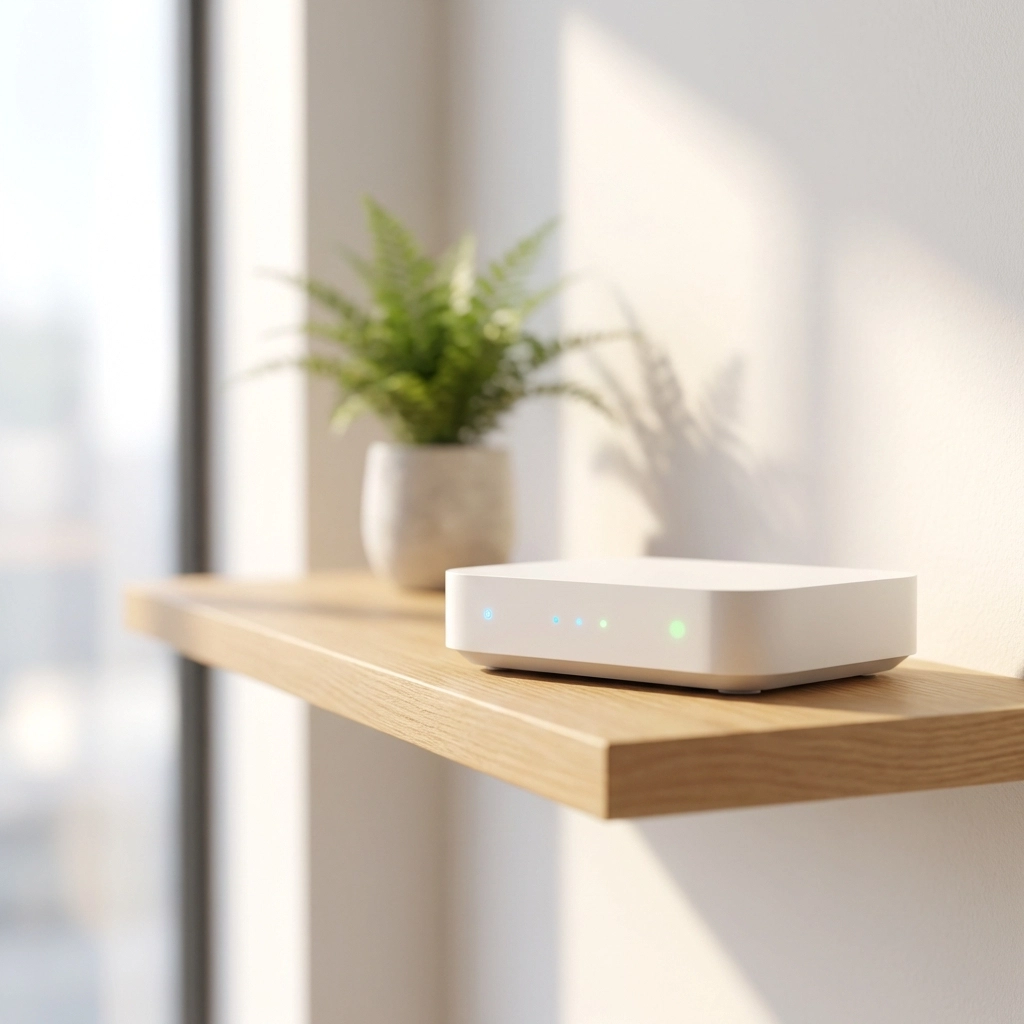
7. Set Up a Separate Guest WiFi Network
If you offer WiFi to customers or visitors, make sure it's completely separate from your internal business network. Sharing one network means a compromised guest device could potentially access your sensitive systems.
Most modern routers let you create a guest network with just a few clicks. It's a simple step that adds a meaningful layer of protection.
Creating Your Cybersecurity Plan
Having security tools is great. But do you have a plan for when things go wrong?
A simple written cybersecurity plan helps you stay organized and respond quickly during incidents. Your plan should outline:
- What data you store and where it's located
- Who has access to which systems
- The security tools you're currently using
- Step-by-step procedures if a breach occurs
Having clear procedures reduces panic and downtime when issues happen. Trust us: you don't want to figure this out in the middle of a crisis.
What to include in your breach response plan:
- Who handles detection, containment, and recovery (even if it's your office manager)
- A communication guide listing whom to call: staff, customers, law enforcement
- What to say and what NOT to say publicly
- Annual testing through simple tabletop exercises
When to Call in the Experts
Look, we get it. You're running a business here in Cedar Rapids or Iowa City, not managing an IT department. You've got customers to serve, employees to manage, and about a hundred other things competing for your attention.
That's exactly why partnering with a business IT services company makes sense for so many local businesses. Professional business IT support services give you access to expertise, tools, and monitoring that would be impossible to maintain on your own.
Ask potential IT partners:
- Do you provide 24/7 monitoring and threat detection?
- How quickly can you respond to a security incident?
- What cybersecurity training do you offer for employees?
- Can you help us create and test a breach response plan?
The right partner doesn't just fix problems: they prevent them from happening in the first place.
Your Next Steps
Cybersecurity might feel overwhelming, but it doesn't have to be. Start with the basics we covered today:
- Strengthen your passwords and enable MFA
- Update your software
- Install antivirus protection
- Back up your data
- Limit access to sensitive information
- Train your team
- Separate your guest WiFi
Each step you take makes your business a harder target. And in the world of cybersecurity, that's often enough to send hackers looking elsewhere.
Want expert help protecting your Iowa business? The team at CMIT Solutions of Cedar Rapids-Iowa City is here to help. We specialize in keeping local businesses safe from cyber threats: without the technical headaches.
Learn more about our cybersecurity services or give us a call today. Let's make sure your business isn't the next easy target.