Tax season is coming. And if you're running an accounting firm in Cedar Rapids or Iowa City, you already know what that means: long hours, stressed-out clients, and zero tolerance for technology problems.
The worst time to find out your IT support isn't cutting it? February 15th, when your server crashes and you've got 200 returns to file.
Here's the thing: most accounting firms don't think about their accounting firm IT support until something breaks. But by then, you're already behind. You're apologizing to clients. You're paying emergency rates. You're wondering why you didn't deal with this sooner.
Let's make sure that's not you this year.
Whether you're shopping for new accounting IT services or just want to make sure your current provider is ready for the rush, here are 10 things every accountant in Iowa needs to know before tax season hits.
1. Your Backups Need to Be Tested: Not Just "Running"
Here's a scary stat: nearly 30% of businesses that think they have working backups discover they don't when they actually need to restore data.
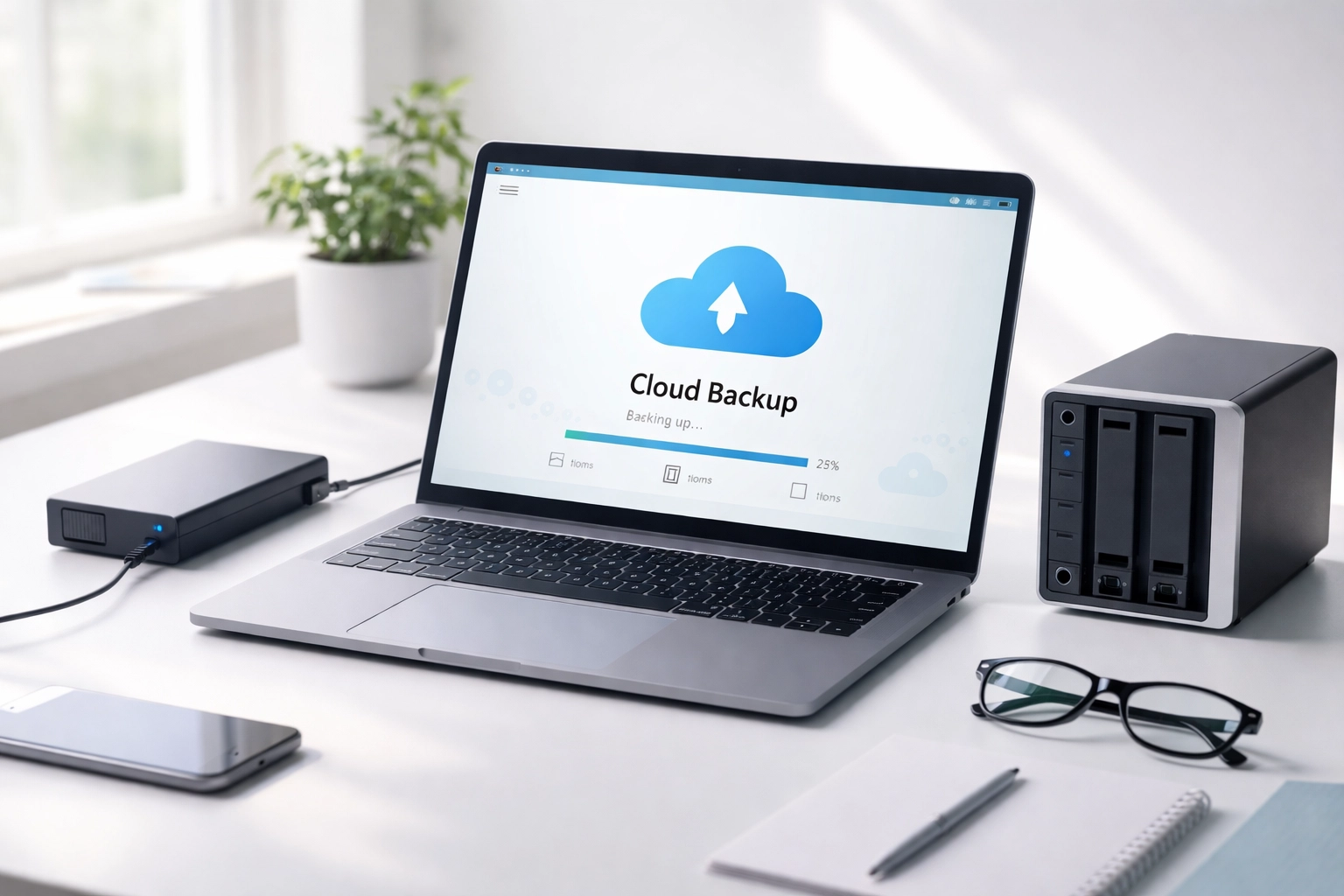
Your IT provider should be testing your backups regularly: not just telling you they're running. That means actually restoring files, confirming offsite and cloud backups meet retention requirements, and making sure critical systems can fail over to backup servers.
Ask your provider: "When was the last time you tested a full restore of our data?"
If they hesitate, that's a red flag.
2. Patch Management Can't Be an Afterthought
Software updates are important. But pushing a bad update to your tax software in the middle of busy season? That's a nightmare.
Your accountants IT support team should have a plan for testing updates before they go live: especially for specialized programs like Lacerte, Drake, or UltraTax. Updates should happen during off-hours with documented rollback plans ready to go.
Pro tip: Ask your IT provider to test tax software updates in an isolated environment first. A little extra caution now saves a lot of panic later.
3. Multi-Factor Authentication Isn't Optional Anymore
This one's non-negotiable. Federal law and FTC compliance rules now require multi-factor authentication (MFA), encryption, and email security for any firm handling taxpayer data.
One compromised email account can expose thousands of client records: and put your firm's PTIN and EFIN privileges at risk.
Your IT provider should already have MFA enabled across your systems, along with email security configurations like SPF, DKIM, and DMARC. If those acronyms sound like alphabet soup, don't worry: just make sure your provider knows what they mean and has them in place.
What to look for: A provider who proactively implements security measures, not one who waits for you to ask.
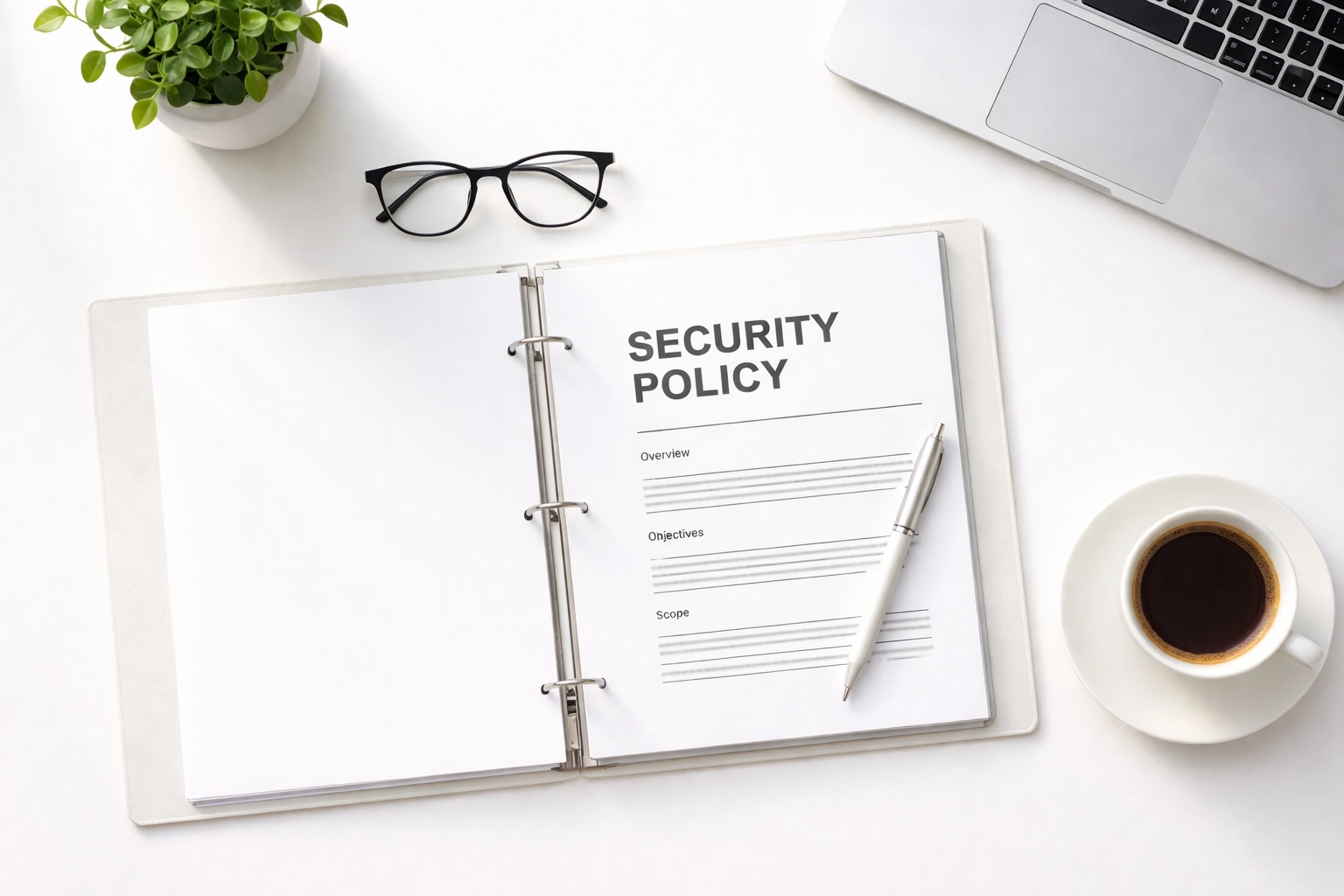
4. You Need a Written Information Security Plan (WISP)
If you're an accounting firm and you don't have a WISP, you're not compliant. Period.
The IRS requires tax preparers to have a written information security plan that includes a designated security coordinator, documented safeguards, and regular risk assessments. Without it, you could face FTC fines or lose your ability to e-file.
Good accounting firm IT support providers will help you create and maintain this documentation: not leave you scrambling to figure it out yourself.
5. Your Network Needs to Handle Peak Traffic
Tax season means more people accessing your systems at once. More staff. More remote connections. More data moving through your network.
If your infrastructure can't handle the load, you'll see slowdowns, dropped connections, and frustrated employees. Before January hits, your IT provider should test your bandwidth, verify remote access tools are working properly, and standardize configurations across all devices.
Ask your provider: "What happens if we double our remote staff during busy season? Can our systems handle it?"
6. Software Licensing Issues Will Bite You at the Worst Time
Nothing kills productivity like discovering your tax software license expired: right when you're trying to file a return.
Your IT provider should verify all software licenses before tax season begins. That includes your tax preparation software, Microsoft 365, Adobe, and any practice management tools you rely on. Improper licensing can deactivate critical software without warning.
Pro tip: Create a license renewal calendar so nothing catches you off guard. Better yet, have your IT provider manage it for you.
7. Security Monitoring Should Be Active 24/7
Cyber attacks don't take holidays. In fact, hackers often target businesses during their busiest, most stressful periods: when employees are distracted and more likely to click on phishing emails.
Your accounting IT services provider should have endpoint detection and response (EDR) or managed detection and response (MDR) actively monitoring your systems around the clock. They should also be running dark web monitoring for your firm's domains and key personnel.
What to look for: A provider with 24/7 monitoring capabilities and documented after-hours support plans. Because if something goes wrong at 2 AM during tax season, you need someone who answers the phone.
8. Access Controls Need a Pre-Season Review
Who has access to what in your firm? Are seasonal employees still using last year's login credentials? Can everyone access every client file?
Before tax season starts, your IT provider should review access permissions for all staff: including temps and seasonal hires. The principle of "least privilege" means people only have access to the data they need to do their jobs. This limits damage if an account gets compromised.
Ask your provider: "Can you run an access audit before we bring on seasonal staff?"
9. Staff Training Is Your First Line of Defense
Here's the truth: most data breaches start with human error. Someone clicks a bad link. Someone opens a suspicious attachment. Someone gives out credentials to a convincing phishing email.
High-stress periods make this worse. When your team is exhausted and rushing to meet deadlines, they're more vulnerable to mistakes.
Your IT provider should conduct security awareness training before tax season: not during it. A quick refresher on spotting phishing emails and handling sensitive data can prevent a lot of headaches.
Pro tip: Local firms in Cedar Rapids and Iowa City can benefit from in-person training sessions. It's more engaging than another boring webinar, and your team will actually remember it.
10. Secure Client Portals Keep Everyone Safe
Still emailing sensitive documents back and forth with clients? That's a risk you don't need to take.
Secure client portals let your clients upload and download documents safely, reducing manual handling and ensuring data privacy. Your IT provider should help you implement a portal that's easy for clients to use and integrates with your existing workflow.
This isn't just about security: it's about professionalism. Your clients expect their data to be protected. A secure portal shows them you take that seriously.
Why Local Accounting Firms Choose CMIT Solutions
Look, we get it. Tax season is brutal. The last thing you need is an IT provider who doesn't understand the pressure you're under.
At CMIT Solutions of Cedar Rapids-Iowa City, we work with accounting firms across the area who need accountants IT support that actually shows up when it matters. We know your deadlines aren't flexible. We know a crashed server isn't just an inconvenience: it's lost revenue and angry clients.
That's why we handle the tech so you can focus on the returns.
Here's what that looks like:
- 24/7 monitoring and support (yes, even at 2 AM in February)
- Proactive maintenance so problems get fixed before they become emergencies
- Compliance expertise for WISP documentation and FTC requirements
- Specialized support for tax preparation software
- Local, friendly service from people who actually know Cedar Rapids and Iowa City
We've helped firms just like yours get through tax season without a single IT disaster. Want to be one of them?
Ready to Get Your IT Sorted Before Tax Season?
Don't wait until something breaks. Reach out to us today and let's make sure your firm is ready for the busiest time of year.
And if you want to learn more about common IT mistakes accounting firms make, check out our post on 7 Mistakes Cedar Rapids Accounting Firms Make with IT Support.
Tax season is stressful enough. Your technology shouldn't add to it.