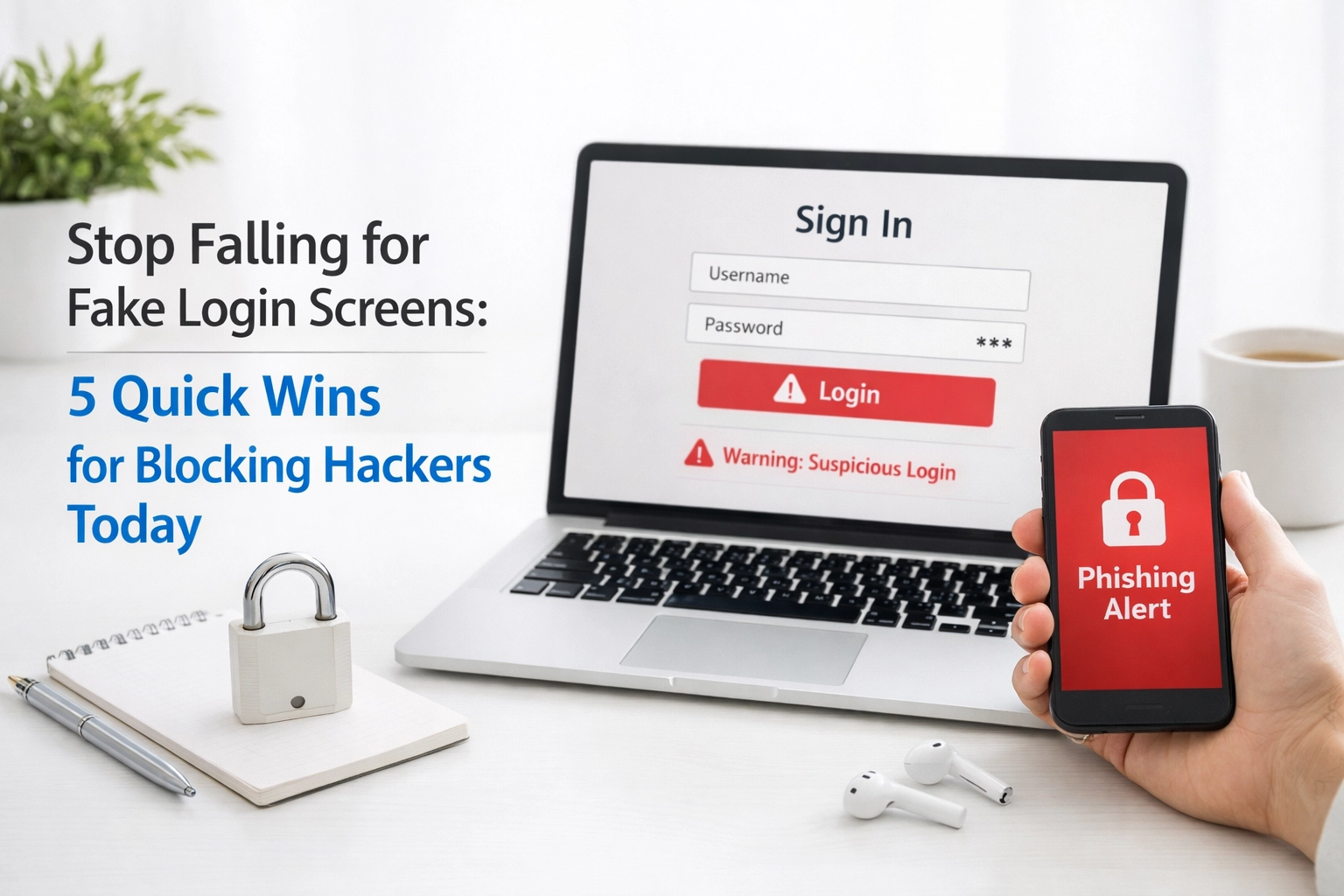
Your employee just got an email that looks exactly like it came from Microsoft. The logo is perfect. The message is urgent, something about suspicious activity on their account. They click the link, see a familiar login screen, and type in their credentials without a second thought.
And just like that, a hacker now has the keys to your business.
This is happening every single day to businesses right here in Cedar Rapids and Iowa City. Fake login screens, also called credential harvesting pages, have become one of the most effective tools in a hacker's toolkit. And they're getting scarier by the minute.
The good news? You don't need a computer science degree to fight back. Blocking hackers who use these tricks comes down to a handful of smart, practical steps that any business can implement today.
Let's break down 5 quick wins that can dramatically reduce your risk.
What Are Fake Login Screens, Anyway?
Before we dive into the solutions, let's make sure we're on the same page about the problem.
Fake login screens are phishing pages designed to look identical to legitimate login portals: think Microsoft 365, Google Workspace, your bank, or even your company's internal systems. Hackers send out emails or text messages with links that lead to these convincing fakes. When someone enters their username and password, that information goes straight to the attacker.
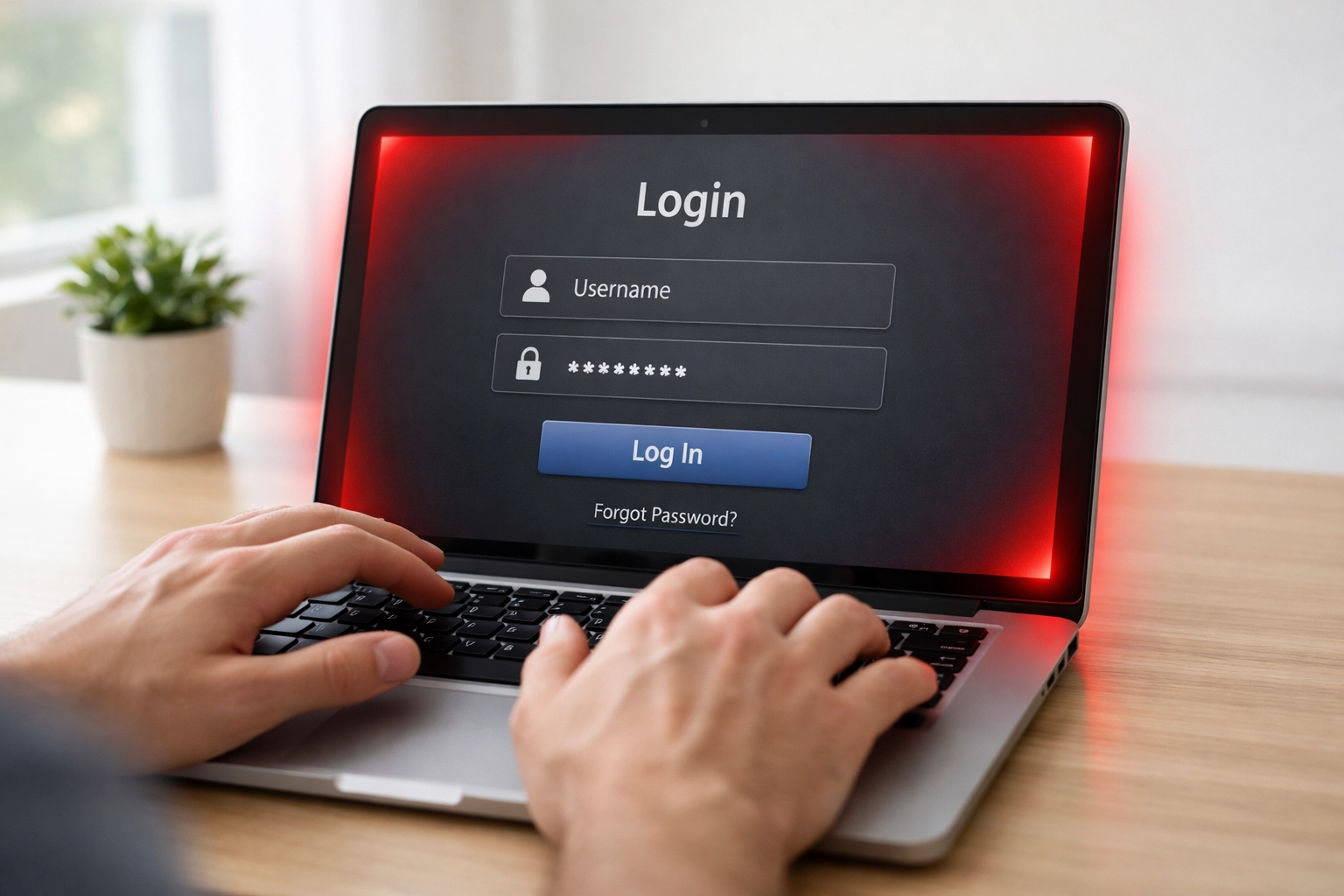
What makes this especially dangerous in 2026? Attackers have gotten incredibly sophisticated. They're now creating something called "Browser-in-the-Browser" attacks: fake pop-up windows that even include realistic-looking address bars. Your team might check for "https://" and the padlock icon, think everything looks legit, and still get burned.
The bottom line: You can't rely on your eyes alone anymore. You need layers of protection.
1. Make Password Managers Your First Line of Defense
Here's something most people don't realize: password managers are actually security tools, not just convenience tools.
A good password manager is designed to recognize only legitimate login forms. When your team lands on a fake login page, the password manager won't autofill their credentials: because it knows something is off.
This is huge for blocking hackers who rely on Browser-in-the-Browser attacks. Those fake pop-ups might fool a human, but they can't fool a password manager that's looking at the actual page code.
What to look for:
- A business-grade password manager (not the free consumer versions)
- Centralized admin controls so you can manage team access
- Integration with your existing business it support services
Pro Tip: If your password manager suddenly refuses to autofill on a page that looks familiar, treat that as a red flag. Don't manually type your credentials: investigate first.
2. Turn On Multi-Factor Authentication Everywhere
If there's one thing that keeps hackers up at night, it's multi-factor authentication (MFA).
Even if someone on your team falls for a fake login screen and hands over their password, MFA adds a second barrier. Without that additional code from an authenticator app, text message, or email, the attacker can't get in.
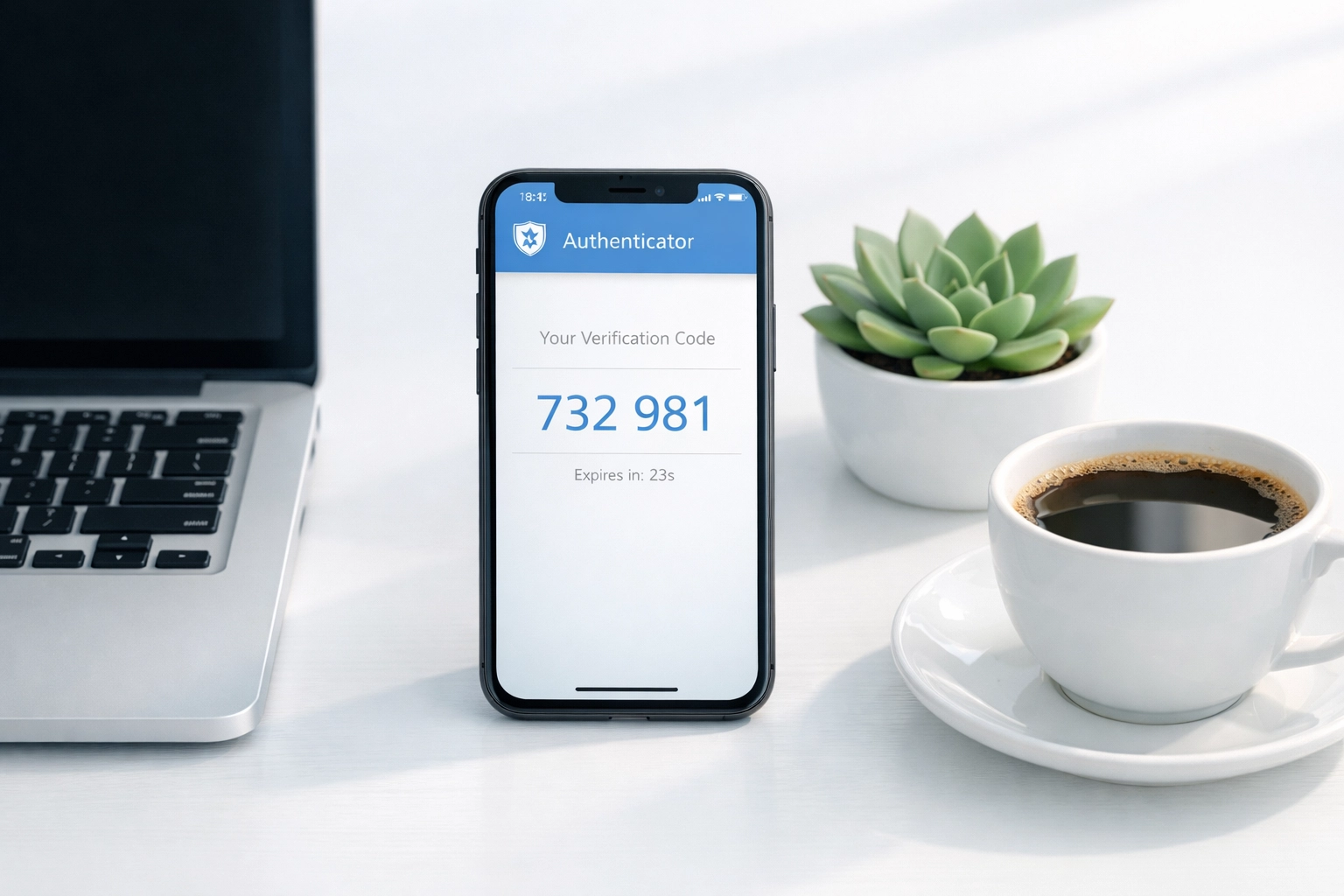
Here's the reality: MFA isn't optional anymore. It's table stakes for any business that's serious about security. Cyber insurers are requiring it. Compliance frameworks are mandating it. And hackers are specifically targeting businesses that haven't enabled it yet.
Ask yourself:
- Is MFA enabled on every account that matters? (Email, cloud storage, financial systems, etc.)
- Are you using authenticator apps instead of SMS when possible? (SMS can be intercepted)
- Does your whole team actually know how to use it?
Pro Tip: Pair MFA with a password manager for the strongest protection. These two tools work together like peanut butter and jelly: each one is good alone, but together they're unstoppable.
3. Train Your Team to Verify Before They Click
Technology can only do so much. At the end of the day, your people are both your greatest asset and your biggest vulnerability.
The rule is simple: Never click links in unsolicited messages without verifying them first.
That "urgent" email from your bank? Don't click the link: open a new browser tab and go directly to the bank's website. That text from "IT support" asking you to reset your password? Call IT directly and confirm it's real.
This might feel like overkill, but it's one of the most effective strategies for blocking hackers. Phishing attacks rely on urgency and emotion to override good judgment. When your team has a habit of pausing and verifying, those tricks don't work.
What to look for in training:
- Regular, short security awareness sessions (not just once a year)
- Simulated phishing tests to keep skills sharp
- Clear reporting procedures so employees know what to do when something looks fishy
Pro Tip: Create a culture where it's okay to question things. If an employee gets an email from the CEO asking for a wire transfer, they should feel empowered to pick up the phone and verify: even if it feels awkward.
4. Install Browser Security Extensions
Your web browser is where most of these attacks happen, so it makes sense to add protection right there.
Browser security extensions can detect and block fake login pages in real time: including those sneaky Browser-in-the-Browser attacks. They analyze page behavior and code, catching threats that look perfectly normal to the human eye.
For businesses in Cedar Rapids and Iowa City, this is an easy win. It's a small investment that adds a powerful layer of defense across your entire team.
What to look for:
- Extensions that specifically detect credential harvesting and phishing
- Centralized deployment so IT can push the extension to everyone
- Regular updates to keep up with new attack techniques
Ask your business it support services provider:
- Which browser security tools do you recommend for our industry?
- Can you deploy and manage these across all our workstations?
- How do these tools fit into our overall security strategy?
5. Get 24/7 Monitoring and Rapid Response
Here's the truth: even with all the right tools and training, something might eventually slip through. No defense is 100% perfect.
That's why monitoring matters. When you have professionals watching your systems around the clock, suspicious activity gets flagged immediately. If someone's credentials are compromised, you find out in minutes: not weeks.
This is where having the right business it support services partner makes all the difference.
A good IT partner doesn't just set up your security tools and walk away. They actively monitor your environment, respond to threats in real time, and continuously improve your defenses based on the latest attack trends.
Pro Tip: Ask your IT provider how quickly they can respond to a security incident. If they can't give you a clear answer, that's a problem.
Why Local Businesses Need Multi-Layered Defense
If you're running a business in Cedar Rapids or Iowa City, you might think, "We're not a big target. Why would hackers come after us?"
Here's the uncomfortable truth: Small and mid-sized businesses are actually prime targets. Hackers know that larger enterprises have dedicated security teams and big budgets. Smaller businesses often don't: which makes them easier to compromise.
Blocking hackers isn't about doing one thing really well. It's about layering multiple defenses so that if one fails, the next one catches the threat. Password managers, MFA, training, browser extensions, monitoring: they all work together.

At CMIT Solutions of Cedar Rapids-Iowa City, we specialize in building exactly this kind of multi-layered protection for local businesses. We know the unique challenges you face, and we provide the personalized attention that big-box IT providers simply can't match.
Your Next Step: Don't Wait Until It's Too Late
Fake login screens aren't going away. If anything, they're getting more convincing and more dangerous every month. The businesses that stay safe are the ones that take action now: before they become the next victim.
Here's what you can do today:
- Audit your current security setup: are all five of these layers in place?
- Talk to your team about the risks of clicking links without verifying
- Reach out to a trusted IT partner who can help fill the gaps
If you're not sure where to start, we're here to help. Contact CMIT Solutions of Cedar Rapids-Iowa City for a free conversation about your security needs. We'll help you figure out what's working, what's not, and what it takes to truly protect your business from today's threats.
Because when it comes to blocking hackers, the best time to act was yesterday. The second best time is right now.