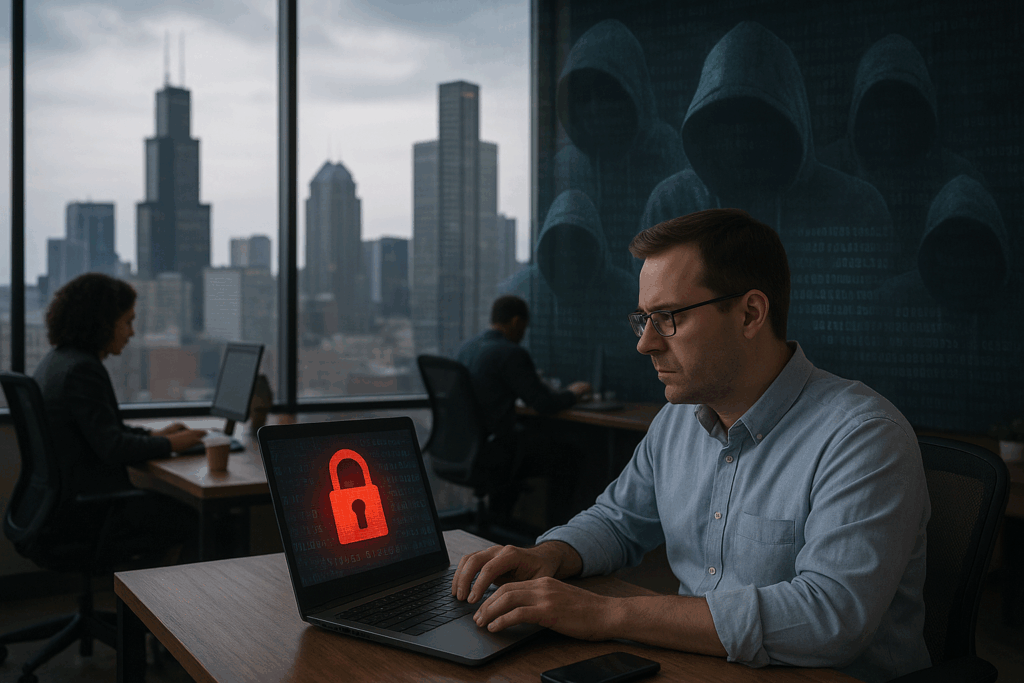
Passwords are still one of the most common ways employees access business systems, but passwords alone are increasingly difficult to rely on as a complete security measure. Employees may reuse passwords, accidentally share credentials, fall for phishing attempts, or have their login information exposed through a compromised service.
That is where multi-factor authentication (MFA) can provide an additional layer of protection.
For businesses in Chicago, MFA can help protect important accounts even when a password has been compromised. But implementing MFA across an organization is not simply about turning the feature on everywhere. Businesses should understand which accounts and systems represent the greatest risk and prioritize them accordingly.
A practical MFA strategy starts by identifying the systems that would create the biggest business impact if an unauthorized person gained access.
What Is Multi-Factor Authentication?
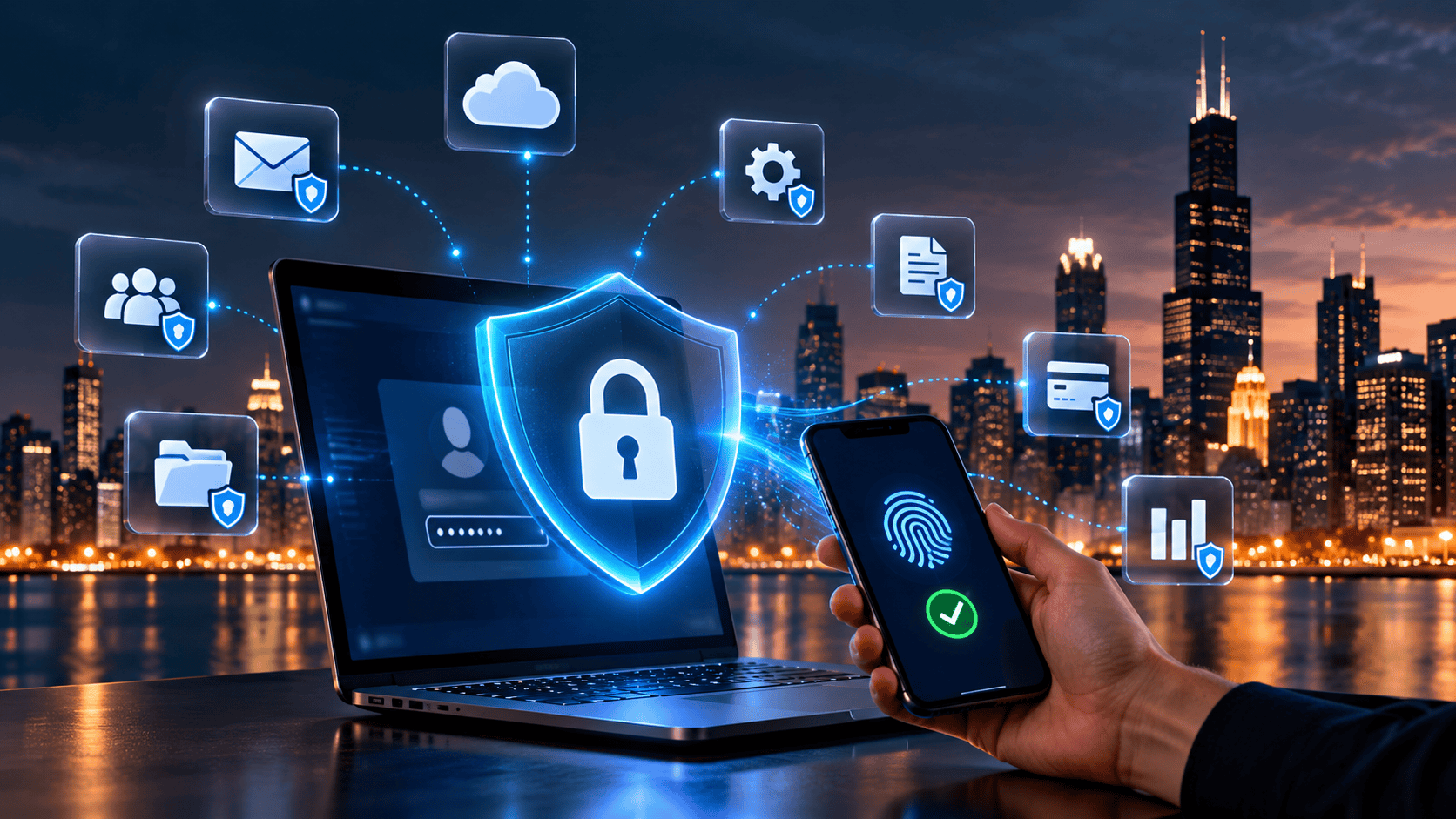
Multi-factor authentication requires users to provide more than one form of verification when accessing an account.
Instead of relying only on a password, a user may also be required to approve a login through an authentication application, enter a temporary verification code, or use another approved authentication method.
The additional step is designed to make unauthorized access more difficult. If someone obtains an employee’s password, that password alone may not be enough to access a properly protected account.
MFA is particularly valuable for business accounts that provide access to email, cloud applications, financial information, customer data, administrative systems, and remote-access tools.
Why Chicago Businesses Should Prioritize MFA
Businesses often have dozens or even hundreds of accounts spread across different systems. Employees may use Microsoft 365, Google Workspace, CRM platforms, accounting software, cloud storage, collaboration tools, industry-specific applications, and remote-access services.
Trying to address every account at once can make an MFA project unnecessarily complicated.
Instead, businesses should start by identifying the accounts that could cause the greatest damage if compromised. Prioritizing these systems can provide meaningful security improvements while giving employees time to adapt to new authentication processes.
The first question should therefore be:
If this account were compromised, what could an attacker access or change?
The answer can help determine where MFA should be implemented first.
1. Protect Business Email First
Email should generally be high on the priority list because it is connected to so many other business activities.
Employees use email to communicate with customers, vendors, partners, and coworkers. They may also receive password-reset messages, invoices, contracts, financial information, and links to cloud applications through their inboxes.
A compromised email account can therefore provide an attacker with more opportunities than simply reading messages. An attacker could potentially use the account to impersonate an employee, send convincing phishing messages, search through historical communications, or attempt to access other services.
For this reason, businesses should give serious consideration to implementing MFA for all business email accounts, particularly accounts belonging to executives, administrators, finance employees, and other users who have access to sensitive information.
2. Secure Administrator Accounts
Not all user accounts have the same level of access.
An employee with standard permissions may only be able to access a limited number of applications or files. An administrator, however, may have the ability to create accounts, change permissions, configure systems, or access sensitive settings.
That makes administrative accounts particularly important to protect.
Businesses should identify accounts with elevated privileges and make sure stronger authentication controls are applied to them. Administrative access should also be limited to employees who genuinely require it.
Protecting these accounts can help reduce the potential impact of a compromised credential.
3. Protect Remote Access
Remote work has changed how employees connect to business systems. Employees may need access from home, while traveling, from another office, or from other locations outside the company’s physical network.
Remote-access systems can therefore become an important part of a business’s security strategy.
If a remote-access account is compromised, an unauthorized user may potentially gain a path toward company systems. MFA can add another verification step before access is granted.
Businesses should identify all remote-access technologies they use and determine which accounts require additional authentication controls.
4. Secure Cloud Applications
Many Chicago businesses now rely on cloud-based applications for everyday operations.
Cloud platforms may contain customer information, financial records, business documents, project information, employee data, and other sensitive material. Employees may also use several cloud applications throughout the day without thinking about where the information is stored.
MFA should therefore be considered for important cloud services, particularly platforms that contain sensitive business information or connect to other applications.
Businesses should also review whether employees are using personal accounts or unsanctioned applications to store company information. Security becomes much more difficult when an organization does not have visibility into where its data is being stored.
5. Protect Financial and Accounting Systems
Financial accounts deserve particular attention because unauthorized access could have direct financial consequences.
Accounting platforms, payment systems, banking portals, payroll applications, and other financial services should be reviewed as part of an MFA strategy.
Businesses should also consider who has access to these systems. Not every employee needs access to financial information, and permissions should reflect actual job responsibilities.
Strong authentication combined with appropriate access controls can help create multiple barriers against unauthorized access.
6. Don’t Forget CRM and Customer Information
Customer relationship management systems can contain valuable information about clients, prospects, contracts, communications, and business relationships.
A compromised CRM account could expose sensitive customer information or allow unauthorized users to manipulate business records.
MFA should therefore be considered for CRM platforms and other applications that contain valuable customer or operational data.
Businesses should also review integrations between applications. A cloud application may have connections to other systems that expand what an attacker could potentially access after compromising a single account.
MFA Is Only One Part of Cybersecurity
While MFA is an important security control, it should not be treated as a complete cybersecurity strategy.
A business can have MFA enabled and still have weaknesses involving outdated software, unsecured devices, excessive user permissions, poor backup practices, phishing, or inadequate employee security awareness.
A broader security review should consider multiple layers of protection.
CMIT’s cybersecurity assessment approach, for example, considers areas such as network security, endpoint protection, email security, user access, backup strategies, and compliance readiness.
This type of broader assessment can help businesses understand where MFA fits into their overall security environment.
Make MFA Easy for Employees to Use
One reason businesses sometimes delay MFA implementation is concern about employee frustration.
If employees encounter confusing authentication processes or inconsistent security requirements across different applications, they may look for ways around them.
Businesses can reduce this friction by establishing clear authentication policies, providing appropriate training, and selecting authentication methods that work with the organization’s existing technology.
Employees should understand why MFA is being introduced rather than seeing it as just another IT requirement.
A simple explanation can make a difference: the purpose of MFA is to provide another layer of protection if a password is stolen.
Review MFA When Employees Change Roles
MFA implementation should not be treated as a one-time project.
Employees join organizations, leave organizations, change positions, and take on new responsibilities. Their access requirements can change accordingly.
For example, an employee who moves into a financial role may suddenly require access to systems that were previously unavailable to them. Similarly, someone leaving the company should no longer retain access to business applications.
Regular access reviews can help ensure that authentication and permissions remain aligned with employees’ actual responsibilities.
What Should Chicago Businesses Protect First?
There is no single MFA priority list that works perfectly for every organization. The right approach depends on the systems a business uses, the information it stores, and the level of access different employees have.
However, many organizations can begin by reviewing:
- Business email accounts
- Administrator accounts
- Remote-access systems
- Cloud applications
- Financial and accounting platforms
- CRM and customer-data systems
- File-sharing and collaboration platforms
- Other applications containing sensitive business information
The objective is to identify the accounts where unauthorized access could create the greatest operational, financial, or data-security impact.
Don’t Wait Until After a Compromised Account
MFA is most useful when it is implemented before an account is compromised.
Businesses should regularly evaluate their authentication controls alongside other cybersecurity measures. If an organization does not know which accounts have MFA enabled, which systems contain sensitive information, or which employees have administrative privileges, it may be difficult to understand its actual security exposure.
A cybersecurity assessment can provide a structured way to review these areas and identify opportunities for improvement.
Strengthen Your Business’s Security Strategy
For Chicago businesses, cybersecurity is not just about deploying one security product. It is about understanding where sensitive information exists, who can access it, how employees connect to business systems, and what protections are in place when something goes wrong.
Multi-factor authentication can provide an important additional layer of protection, particularly for email, administrative accounts, remote access, cloud applications, and other high-value systems. But MFA works best when it is part of a broader, proactive security strategy.
If you’re unsure whether your Chicago business is protecting the right accounts—or whether your current cybersecurity controls are enough—CMIT Solutions of Chicago Downtown can help assess your environment and identify areas that need attention.