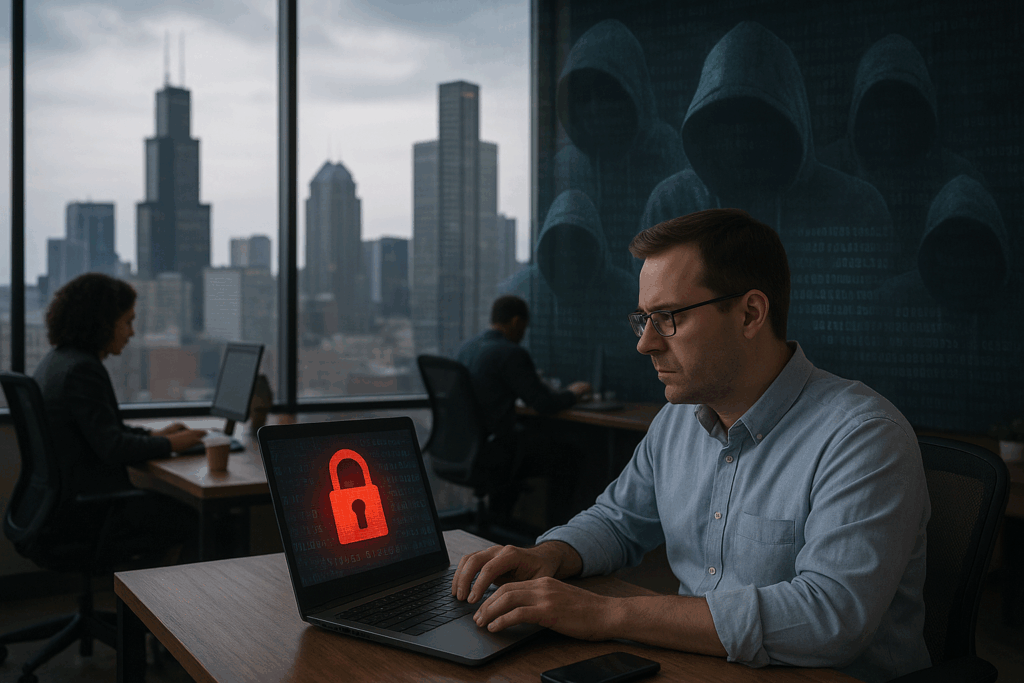

Healthcare practices in Chicago rely on technology for nearly every part of their daily operations. Electronic health records, scheduling platforms, billing systems, email, cloud applications, medical devices, and digital communications all help practices deliver services efficiently. But as more information moves through digital systems, protecting patient data becomes an increasingly important responsibility.
HIPAA compliance is an essential part of healthcare data protection, but compliance alone should not be treated as the complete cybersecurity strategy. A practice can have policies and procedures in place and still have weaknesses involving employee accounts, outdated devices, email security, backups, remote access, or cloud applications.
For healthcare organizations, healthcare IT support in Chicago can play an important role in maintaining the technology infrastructure that protects sensitive information while allowing staff to focus on patient care.
Patient Data Is Everywhere in a Modern Healthcare Practice
Patient information is no longer stored in just one system. Depending on the practice, sensitive information can exist in electronic health records, billing platforms, email accounts, cloud storage, employee computers, mobile devices, and third-party applications.
This creates multiple points that need to be secured. An employee may need access to patient information to perform their job, but that does not mean every employee should have access to every system or every record.
Healthcare practices should therefore understand where sensitive information is stored, who can access it, and how that information moves between systems and people.
A clear understanding of the technology environment makes it easier to identify potential weaknesses before they become larger problems.
Protect Employee Accounts With Strong Authentication
Employee accounts are an important part of healthcare cybersecurity. A compromised account can potentially provide access to sensitive applications and information, particularly when employees use the same credentials across multiple services.
Multi-factor authentication can provide an additional layer of protection by requiring users to verify their identity through more than just a password. Healthcare organizations should consider prioritizing MFA for email, cloud applications, remote access, administrative accounts, and other systems containing sensitive information.
Access should also be reviewed regularly. Employees change roles, new staff members join the organization, and former employees eventually leave. Accounts and permissions should reflect those changes rather than remaining unchanged indefinitely.
Secure the Devices Used by Healthcare Staff
Computers and mobile devices are essential to modern healthcare operations, but they can also become an entry point for security incidents if they are not properly managed.
Healthcare practices should maintain a consistent process for protecting workstations, laptops, and other business devices. This can include security software, operating system updates, application patching, encryption where appropriate, and controls that help prevent unauthorized access.
Device management becomes particularly important when employees work remotely or access systems outside the practice. A laptop used from a home office or another location still needs to meet the organization’s security requirements.
Email Security Matters More Than Many Practices Realize
Email remains a common way for healthcare employees to communicate with colleagues, patients, vendors, and other organizations. It can also become a significant security concern when attackers use phishing messages to trick employees into revealing credentials or opening malicious content.
Healthcare employees may receive messages that appear to come from a colleague, vendor, patient, or familiar organization. Without appropriate email security and employee awareness, it can be difficult to distinguish legitimate communications from fraudulent ones.
Technical controls can help reduce these risks, but employees also need practical security awareness training. Staff should know how to recognize suspicious messages, verify unexpected requests, and report potential incidents.
Don’t Assume Cloud Data Is Automatically Protected
Many healthcare practices use cloud-based applications because they provide accessibility and flexibility. However, moving information to the cloud does not eliminate the need for security and data protection.
Healthcare organizations should understand how their cloud applications are configured, how user permissions are managed, what security controls are available, and how data can be recovered if information is accidentally deleted or compromised.
Cloud environments should also be included in the organization’s broader backup and recovery strategy where appropriate. Simply knowing that information is stored in the cloud is not the same as having a complete recovery plan.
Backups Should Be Part of the Security Strategy
A healthcare practice needs to consider what happens if important information becomes unavailable. Hardware failure, accidental deletion, system problems, or a cybersecurity incident can all affect access to critical business information.
Reliable backups provide an important layer of protection. However, backups should not simply exist; organizations should understand what is being backed up, how frequently backups occur, where they are stored, and how information would be restored if necessary.
Testing the recovery process is also important. A backup strategy is most useful when an organization knows that it can actually recover the information it needs.
Control Third-Party and Vendor Access
Healthcare practices often depend on outside technology providers, software vendors, billing companies, consultants, and other partners. These relationships can make operations easier, but they also introduce additional access considerations.
Organizations should understand which third parties have access to their systems and information and whether that access is still required. When vendor relationships change, unnecessary accounts and permissions should be removed.
Vendor management should therefore be considered part of the overall IT security strategy rather than treated as a separate administrative task.
Build a Practical Security Culture
Technology alone cannot protect a healthcare practice. Employees interact with systems every day, which means cybersecurity also depends on how staff members use technology.
Employees should understand basic security practices, including how to recognize suspicious emails, protect credentials, use company devices appropriately, and report potential security incidents.
Training should be practical and relevant to the employee’s role. A receptionist, billing employee, clinician, and IT administrator may interact with technology differently, so their security responsibilities may also differ.
Creating clear processes for reporting suspicious activity is particularly important. Employees should know where to go when something does not look right rather than ignoring a potential problem.
Compliance Is the Starting Point, Not the Finish Line
HIPAA requirements provide an important framework for protecting patient information, but healthcare organizations should also look at the broader condition of their IT environment.
That means understanding the devices connected to the network, applications being used, employee access, cloud configurations, backup processes, vendor relationships, and incident response procedures.
Regular reviews can help healthcare practices identify areas that need attention as their technology and operations change. A security strategy that worked several years ago may not provide the same level of protection after the organization adds new applications, employees, devices, and remote-work capabilities.
A Proactive IT Approach Can Help Chicago Healthcare Practices
Healthcare organizations need technology that is reliable, secure, and practical for employees. Waiting until a system fails or a security incident occurs can create unnecessary disruption.
A proactive IT approach can help identify potential issues, maintain devices and systems, improve security controls, manage access, and prepare the organization for technology problems before they affect daily operations.
For Chicago healthcare practices, working with an experienced IT partner can also provide access to specialized expertise without requiring the practice to manage every technology and cybersecurity responsibility internally.
Protect Patient Data With a Stronger IT Strategy
Protecting patient information requires more than meeting a compliance requirement. Healthcare practices need to understand their technology environment and continuously manage the systems, devices, accounts, applications, and people that interact with sensitive information.
From securing employee accounts and devices to strengthening email protection, backups, cloud environments, and vendor access, each part of the IT environment contributes to the overall security of the practice.