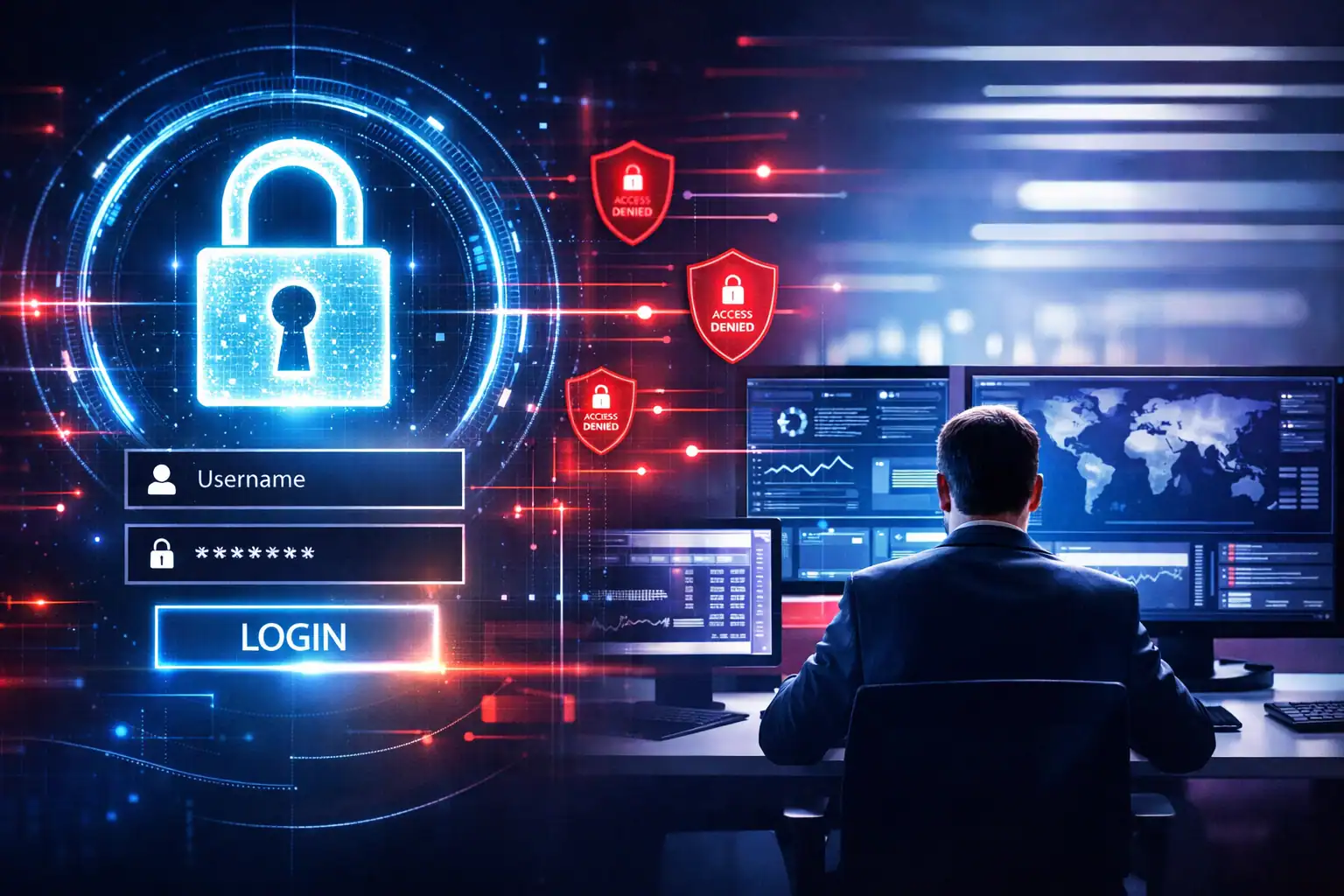
Most business owners believe cyberattacks involve sophisticated "hacking" into a network's back door. In 2026, the reality is much simpler: attackers no longer break in; they log in.
The Shift from Perimeter to Identity
For decades, cybersecurity was built on the "castle and moat" strategy. You built a strong perimeter: a firewall: to keep the bad guys out and assumed everyone inside the walls was safe. If you were on the office network in Des Moines or connected via a secure link in Overland Park, you were trusted.
That model is now obsolete. As businesses moved to the cloud and adopted remote work, the "perimeter" vanished. There are no more walls to defend because your data lives in Microsoft 365, Salesforce, and specialized industry apps. The new perimeter is not a firewall; it is the identity of your employees.
When a hacker gains access to a username and password, they don't need to exploit a technical glitch in your server. They simply enter the credentials and gain the same level of access as your most trusted staff member. To your security systems, the hacker looks like a legitimate user. This makes detection nearly impossible for traditional IT setups that are still looking for "intruders" rather than "impersonators."
The High Cost of Compromised Credentials
When a hacker logs in as an employee, the damage is rarely immediate. They often spend weeks or months silently observing. This "dwell time" allows them to understand your business operations, identify your most valuable data, and learn who has the authority to move money.
The business impact of a credential-based breach is significant:
- Financial Fraud: Using a compromised executive account, attackers can insert themselves into email threads to divert wire transfers or change payroll routing.
- Ransomware from Within: Instead of fighting a firewall, attackers use legitimate administrative tools to encrypt your data from the inside out.
- Data Exfiltration: Sensitive client information can be slowly drained from your cloud storage without triggering a single "breaking and entering" alarm.
- Reputational Damage: Explaining to a client that a hacker was reading their emails for three months is a much harder conversation than explaining a one-time technical glitch.
For a mid-sized firm in the Midwest, these incidents often result in hundreds of thousands of dollars in recovery costs, legal fees, and lost productivity. This is why proactive support is no longer a luxury; it is a requirement for operational continuity.

How AI Has Accelerated the "Logging In" Trend
In 2026, the barrier to entry for hackers has dropped because of Artificial Intelligence. Previously, phishing emails were often easy to spot due to poor grammar or suspicious links. Today, AI-driven phishing is indistinguishable from a real email from a vendor or a colleague.
Attackers use AI to scrape public information about your company and your employees. They then generate highly personalized emails that mimic the tone and style of your internal communications. This makes it incredibly easy for a distracted employee to hand over their login credentials. Once the hacker has that first set of keys, they use automated tools to "brute force" their way into other connected systems.
This is a primary reason why law firms and professional services are currently top targets. They hold high-value credentials that provide a gateway to even larger targets.
The Zero Trust Framework: Never Trust, Always Verify
Since "logging in" is the preferred method of attack, your IT strategy must shift to a Zero Trust model. In a Zero Trust environment, the system assumes that every login attempt: even those coming from inside your office: is a potential threat until proven otherwise.
Your IT provider should be moving you toward a strategy that prioritizes:
- Continuous Verification: Checking the identity, device health, and location of a user every time they access a resource, not just the first time they log in for the day.
- Least Privilege Access: Ensuring that employees only have access to the specific files and applications they need to do their jobs. If an account is compromised, the damage is limited to a small area.
- Contextual Awareness: If an employee who usually logs in from Des Moines at 9:00 AM suddenly attempts to access sensitive financial data from an unknown device in another country at midnight, the system should automatically block the attempt.
https://cdn.marblism.com/ugLdOzv3Isw.webp
Questions Every CEO Should Ask Their IT Provider
As a leader, you don't need to know how to configure a firewall, but you do need to know if your provider is protecting your business from the right threats. If your IT team is still talking about "antivirus" and "firewalls" as your primary defense, they are fighting a war from 2015.
Ask your current provider these four questions:
- How are we protecting identities beyond simple passwords? Multi-Factor Authentication (MFA) is a baseline, but "phishing-resistant" MFA is the new standard for 2026.
- What happens if a legitimate user account is compromised? Do we have systems in place to detect unusual behavior inside the network, or are we just hoping the hacker doesn't do anything "loud"?
- Are we using "Least Privilege" access? Do all our employees have "Admin" rights they don't need? Reducing these rights is one of the fastest ways to lower your risk.
- How do we monitor third-party access? Your vendors often have logins to your systems. If they get hacked, do they have a direct path into your data?
If the answers are vague or rely on the idea that "we have a good firewall," it may be time to evaluate if you have outgrown your current provider.
Practical Guidance for Business Leaders
Securing your business in 2026 requires a focus on governance and process, not just buying more software. Leaders should focus on the following high-impact areas:
- Mandate Phishing-Resistant MFA: Move away from SMS-based codes, which are easily intercepted. Use authentication apps or physical hardware keys for sensitive accounts.
- Audit User Permissions Annually: Business roles change. Ensure that people who have left the company or changed departments no longer have access to old folders and systems.
- Implement Managed Detection and Response (MDR): Ensure you have eyes on your network 24/7. When a hacker "logs in" at 2:00 AM on a Saturday, you need an automated system or a live technician to kill that session immediately.
- Train for "The Human Element": Since hackers target people to get credentials, your team needs regular, updated training on how to spot modern AI-driven phishing attempts.
- Secure Remote Entry Points: If you still use a traditional VPN, ensure it is locked down with strict identity verification. Many modern breaches start with a single weak VPN credential.
https://cdn.marblism.com/F_dxlIt6dxp.jpg
Positioning Security as a Business Asset
In the Des Moines and Overland Park business communities, reputation is everything. A breach caused by "logging in" is often viewed as a failure of management rather than a failure of technology. By prioritizing identity security, you aren't just "blocking hackers": ing you are protecting the integrity of your client relationships and the stability of your operations.
Managed IT services in 2026 should look less like a help desk and more like a risk management partner. This is why businesses work with partners like CMIT Solutions. We move the conversation away from "is the computer working?" to "is the business protected?"
Effective security should give you more control, not less. When you know exactly who has access to your data and you have the tools to verify every login, you can grow your business with the confidence that the "front door" is locked to everyone but your team.
Next Steps for Your Security Strategy
The shift from "breaking in" to "logging in" is the most significant change in the threat landscape this decade. It requires a fundamental rethink of how you authorize access to your business's most sensitive information.
This is worth addressing before it becomes urgent. If you are unsure where your current vulnerabilities lie, or if you suspect your current IT setup is still relying on outdated "perimeter" thinking, start with a conversation about identity governance.
https://cdn.marblism.com/dQ-UuzZeIFC.png
If this is something you want to understand better, start with a conversation. Protecting your business in 2026 starts with knowing who is actually behind the keyboard when they click "login."