
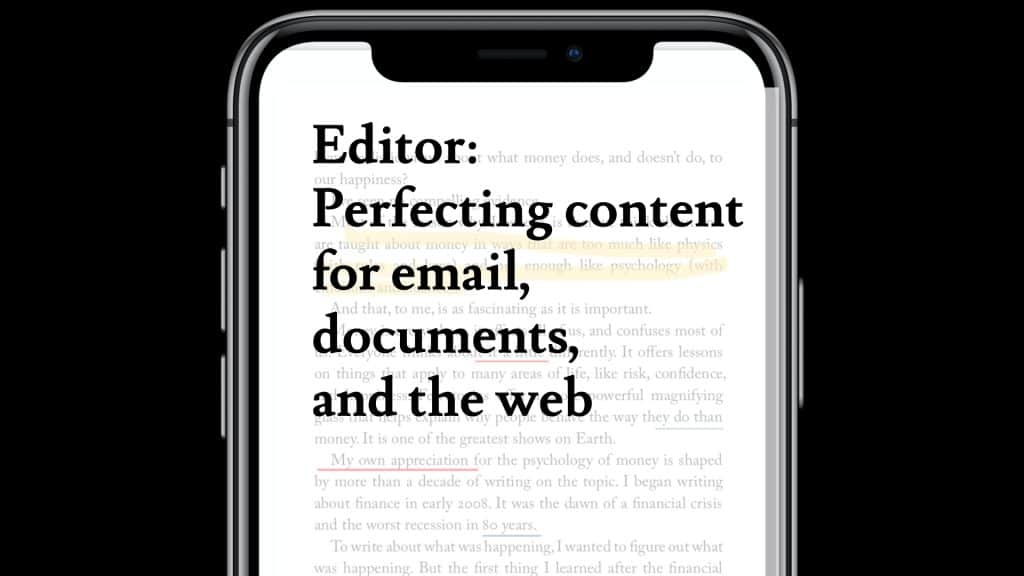
If you ever feel embarrassed by spelling or grammar mistakes, there’s help available – and it’s from an app you probably already have. Microsoft Editor is part of 365. It will check your text in real-time, help you avoid embarrassing mistakes, and come up with elegant alternatives to highlight what you’re trying to say quickly and easily. And it even works on non-Microsoft products.
To start using Editor, simply download the browser extension that’s available for both Chrome and the Edge browser.
Once you start typing in Word, Microsoft Editor will check your text in real-time. If something is wrong, it’ll be underlined.
Click on the underlined text, and a brief description of the error and a suggestion will appear.
Editor also does cool stuff like marks your content out of 100% against a long list of criteria, such as clarity, formality, and vocabulary.
If you want to improve the way you speak and write, Editor is your wingman.
To learn more about Editor, or any other Microsoft 365 tool, please get in touch with us today.