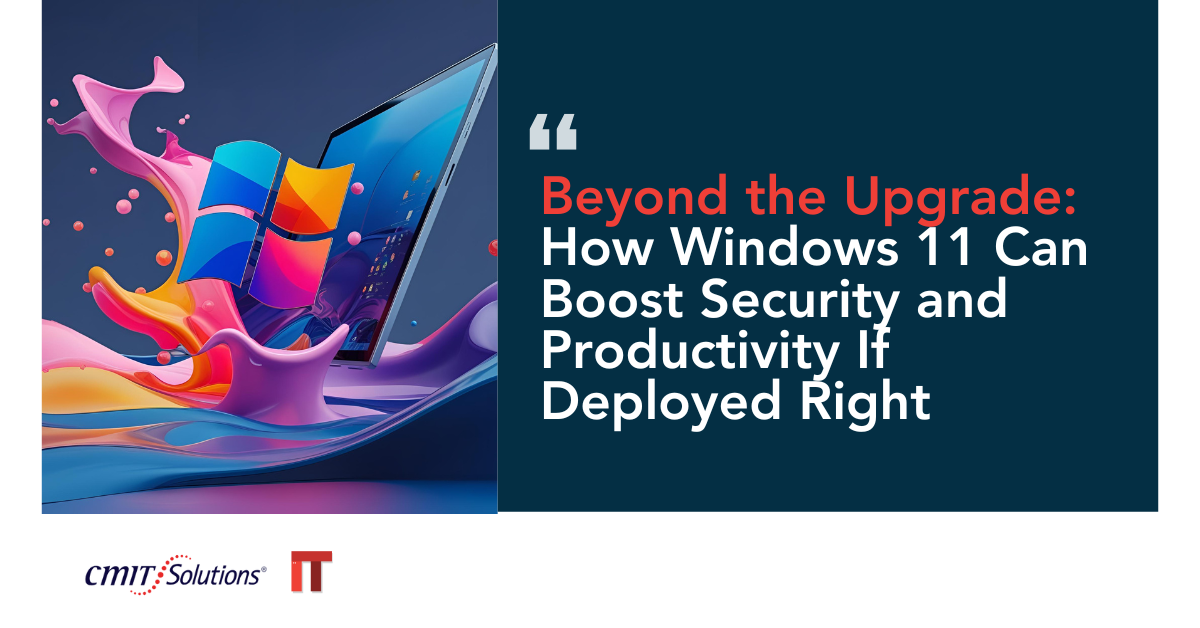
Microsoft’s Windows 11 is not just the next version of its popular operating system—it’s a leap forward in security, productivity, and user experience. But like any major technology change, the benefits are only fully realized if the upgrade is deployed strategically.
For small and midsized businesses (SMBs), the move to Windows 11 offers a unique chance to modernize infrastructure, protect against emerging threats, and create a more productive workplace. However, rushing into the transition without preparation can lead to compatibility issues, downtime, and security gaps.
Done right, this upgrade becomes more than an IT project—it’s a competitive advantage.
Why Windows 11 Is Different from Past Upgrades
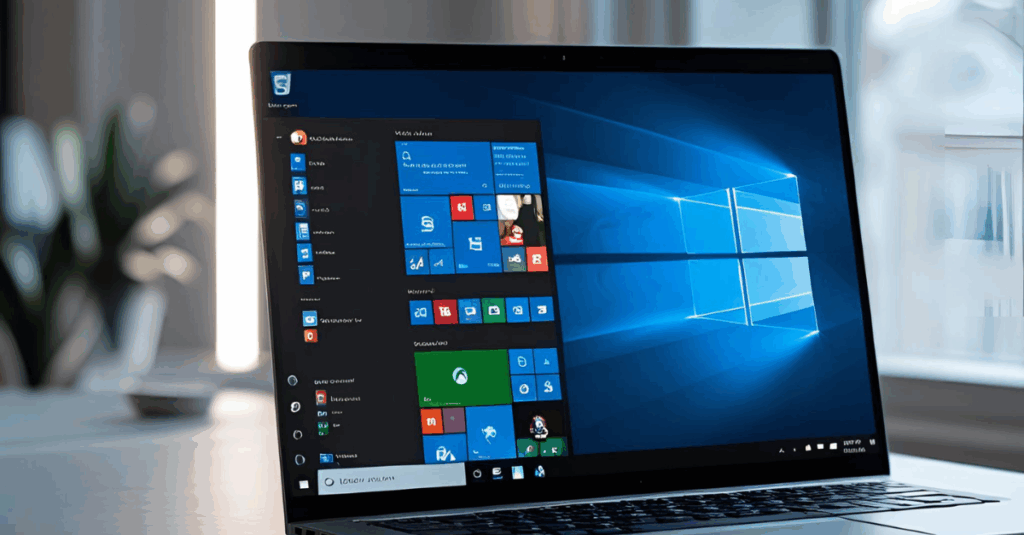
Unlike incremental patches or visual redesigns from past releases, Windows 11 introduces deep architectural changes. It blends a modern interface with performance optimizations, tighter security controls, and a platform better suited for cloud integration and hybrid work.
Key distinctions include:
- Hardware-level protections like TPM 2.0 and Secure Boot, similar to advanced AI security frameworks.
- Integrated Teams for native communication and collaboration.
- Streamlined settings and navigation that reduce time spent configuring systems.
It’s designed with the future in mind—supporting AI workloads, modern authentication methods, and evolving Zero Trust models.

Security Enhancements Built Into Windows 11
Windows 11 offers significant security advancements that protect endpoints against today’s sophisticated attacks:
- TPM 2.0 & Secure Boot: Prevents untrusted software from loading at startup.
- Virtualization-based security (VBS): Isolates critical processes from the OS kernel.
- Hypervisor-protected code integrity: Blocks unsigned drivers.
- Windows Hello: Enables passwordless login to reduce phishing risks.
These features align with best practices from Zero Trust adoption, ensuring every device and user must be verified before gaining access.
Productivity Features That Matter for Business
Windows 11’s redesigned interface and enhanced tools aim to help employees get more done with less effort:
- Snap Layouts & Snap Groups organize open windows for multitasking.
- Microsoft Teams integration makes video calls and chat frictionless.
- DirectStorage improves load times for apps and large files.
- Widgets surface real-time updates from relevant business apps.
When integrated into smart technology strategies, these features streamline workflows and reduce digital clutter.
The Right Deployment Strategy Matters
A poorly planned upgrade can cause disruptions far greater than the benefits it promises. Effective deployment should include:
- Hardware audits to verify compatibility.
- Application testing for critical business software.
- Security policy mapping to match Windows 11’s new capabilities.
- End-user training to shorten the learning curve.
Organizations working with proactive IT support can handle these steps efficiently and minimize downtime.
Strengthening Endpoint Security During the Transition
Upgrading creates a window where systems may be temporarily more vulnerable. Integrating tools like MDR and SIEM helps monitor for abnormal activity in real time.
Windows 11 also supports passkeys for secure authentication, eliminating many of the risks tied to passwords.
Integrating Cloud and Backup Solutions
Because Windows 11 is built with cloud readiness in mind, it’s an ideal time to review backup strategies. Pairing the OS with secure cloud backups ensures critical files remain safe from ransomware, accidental deletion, or hardware failure.
This integration supports both disaster recovery and compliance needs.
New Subtopic 1: Optimizing Windows 11 for Hybrid Work
Hybrid work environments require systems that are secure, adaptable, and easy to use across locations. Windows 11 offers:
- Consistent interface across devices.
- Enhanced remote management tools for IT teams.
- Stronger VPN alternatives through native Zero Trust networking.
When paired with cybersecurity without compromise, Windows 11 helps remote employees stay productive and secure.
New Subtopic 2: Leveraging Windows 11 for Compliance
Compliance isn’t just a concern for large corporations—SMBs in regulated industries must meet strict requirements for data handling and privacy. Windows 11 can help by:
- Enforcing encryption by default.
- Providing audit logs for sensitive data access.
- Integrating with compliance tools used in IT challenges solutions.
When deployed with a compliance mindset, the upgrade strengthens audit readiness and reduces the risk of fines.
Why SMBs Need Managed IT for Windows 11 Deployment
Rolling out a new OS without expert oversight can lead to:
- Missed security configurations.
- Delays from unexpected compatibility problems.
- Wasted productivity from poorly optimized setups.
An MSP brings structured planning, testing, and optimization, similar to AI-powered prevention that keeps threats from becoming breaches.
The Risk of a Poorly Managed Upgrade
Skipping proper planning can result in:
- Critical apps failing to run.
- Lost files or settings.
- Security gaps that attackers can exploit.
These risks echo patterns from real-world breach scenarios where gaps in change management became the entry point.
What Happens When Windows 11 Is Deployed Right
A well-managed rollout leads to:
- Reduced cyber risk through hardened security features.
- Better collaboration with built-in communication tools.
- Faster decision-making thanks to performance improvements.
- Future-proofing for upcoming Microsoft innovations.
The payoff mirrors the gains seen when adopting AI security strategies: early investment delivers long-term resilience.
Conclusion: From Upgrade to Strategic Advantage
Windows 11 is more than an operating system refresh—it’s a platform for building a safer, smarter, and more agile business. When deployed with planning, expert support, and an eye toward integration with cloud, compliance, and hybrid work strategies, it becomes a foundation for growth.
Handled correctly, this upgrade can deliver lasting improvements in both security and productivity—turning what could have been a routine IT change into a true business advantage.