Introduction
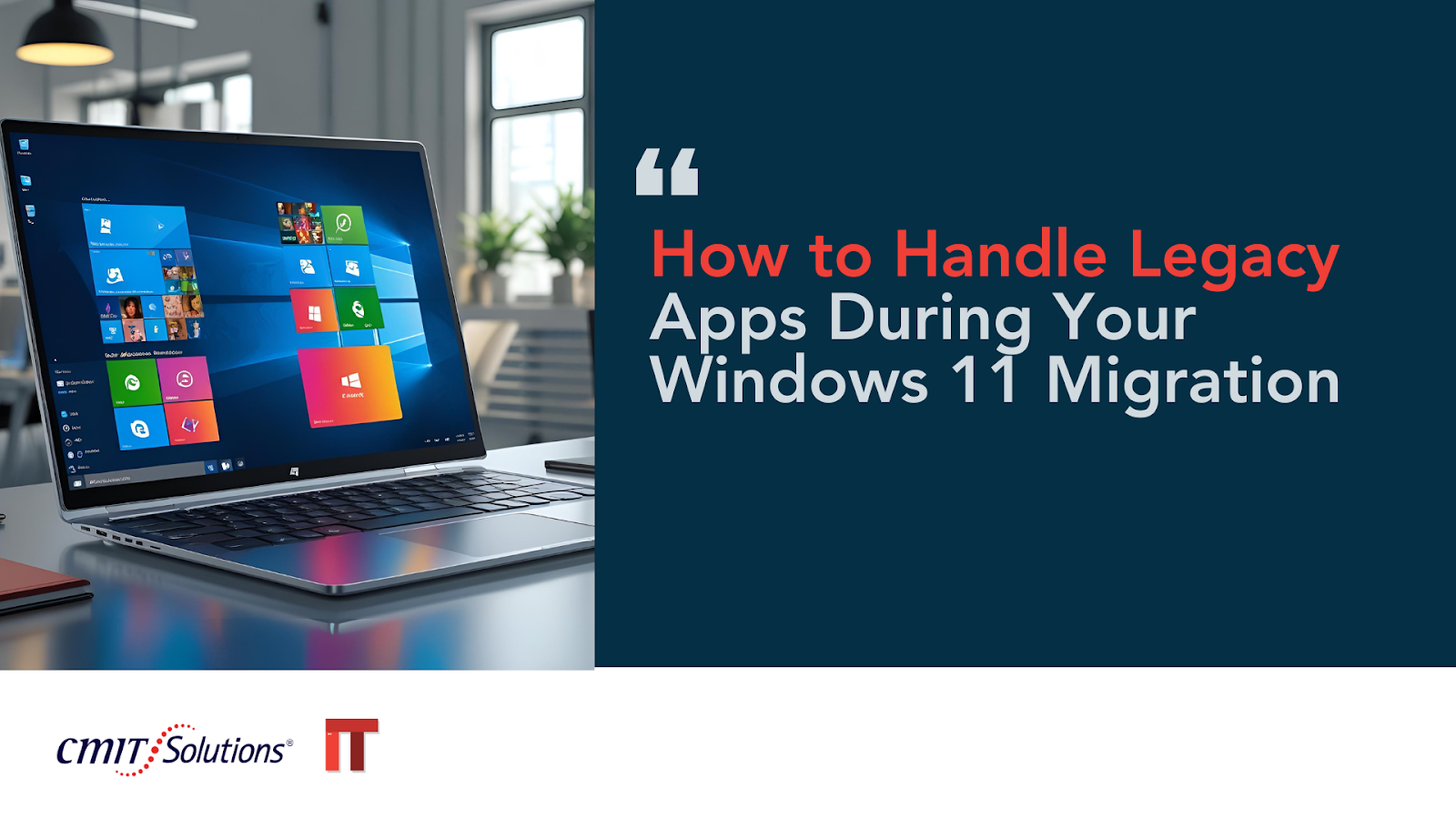
The migration from Windows 10 to Windows 11 is more than just a routine operating system upgrade—it’s a comprehensive transformation. One of the most significant challenges in this shift is handling legacy applications that were built or optimized for older systems. For businesses in Long Beach and beyond, this migration offers an opportunity to modernize, but it also brings risks of disruption, data loss, and productivity decline if not managed properly.
What Are Legacy Applications?
Legacy applications are outdated software programs that continue to serve essential business functions but are not built to run optimally—or at all—on newer operating systems like Windows 11. These tools often rely on deprecated features, older architectures, or unsupported integrations, making them highly sensitive to changes in the computing environment.
For example, if your accounting software is over a decade old and hasn’t seen regular updates, it may fall into the legacy category. Many small and midsized businesses rely on these apps due to familiarity, sunk costs, or specific industry functionality.
Why Legacy Apps Are a Problem in Windows 11
Windows 11 introduces a host of improvements in security, interface design, and performance. However, its new architecture and tightened security protocols can render older applications incompatible or unstable. Businesses that migrate without auditing and updating these applications may face system crashes, vulnerability exploits, or workflow disruptions.
This issue becomes even more critical for Long Beach businesses that handle sensitive data, as vulnerabilities in legacy systems make them prime targets for modern threats. Cyber threats in Long Beach are increasingly focused on exploiting outdated software.
Assessing Your Legacy App Inventory
Before initiating the migration, conduct a comprehensive inventory of all software in use. Categorize each by function, age, vendor support status, and business criticality. This initial step helps determine which applications need upgrades, replacements, or emulation strategies.
You can use network monitoring tools to trace app usage frequency and dependency. This kind of network management ensures you’re only allocating resources to the applications your business truly depends on.
Evaluating Compatibility with Windows 11
Next, test legacy applications in a controlled Windows 11 environment. Microsoft offers a tool called App Assure that evaluates whether specific applications will work post-migration. Other third-party sandboxing solutions can also simulate new environments to detect potential failures before going live.
For security-sensitive industries such as healthcare, where compliance is mandatory, consider how HIPAA and compliance strategies intersect with software functionality. Even if a legacy app works technically, it may not be compliant under new regulations.
Options for Dealing with Legacy Apps
1. Update or Replace
The most straightforward approach is replacing the app with a newer, Windows 11-compatible version. While this may involve license fees and retraining, it ensures long-term viability and security.
2. Virtualization
If a replacement isn’t feasible, consider virtualization tools like Hyper-V or VMware to create a Windows 10 environment within Windows 11. This technique isolates older apps from the core OS while maintaining functionality.
3. Cloud Hosting
Another effective solution is to move legacy applications to the cloud. Managed cloud services offer more control, scalability, and remote accessibility—ideal for apps that can’t be updated but must stay online.
4. Use an Application Service Provider (ASP)
An ASP partner can host legacy apps on external infrastructure, removing compatibility burdens from your local environment entirely.
Key Security Considerations
Legacy apps often present severe cybersecurity risks. Many are no longer patched by vendors, and some use outdated encryption methods. As Windows 11 enforces stronger security defaults, a legacy app’s weaknesses can become even more exposed.
Implementing advanced threat protection is essential to monitor abnormal behavior and block unauthorized access. AI-enhanced platforms can detect risks even from software behaving “normally” on the surface.
Why SMBs Need Managed IT Services
Many small businesses don’t have the internal resources to manage complex migrations. Legacy apps add another layer of difficulty that makes DIY approaches even riskier. This is where managed IT support becomes invaluable.
With managed services, businesses gain access to specialists who understand software lifecycle management, security best practices, and compliance mandates. Experts can design phased rollout plans, conduct risk assessments, and handle software upgrades—all while minimizing downtime and disruption.
CMIT Solutions of Long Beach offers customized solutions to help businesses streamline upgrades, particularly when dealing with outdated tech. They specialize in proactive support and cybersecurity, reducing your exposure while increasing your productivity.
Strategic Benefits of a Successful Migration
Beyond overcoming compatibility hurdles, migrating to Windows 11 can improve overall operational efficiency. Its improved performance and redesigned UI provide a better user experience, while its enhanced cybersecurity features help protect against evolving threats.
Legacy applications that once served your business may now be holding it back. By auditing, evaluating, and migrating them appropriately, you position your organization for growth and resilience. This is particularly true in sectors where digital innovation drives business expansion and customer engagement.
Conclusion
Handling legacy applications during a Windows 11 migration isn’t just a technical issue—it’s a strategic one. From cybersecurity risks to productivity losses, failing to address outdated software can cost your business more than you might expect. By leveraging virtualization, cloud hosting, or replacement strategies—and partnering with experienced managed service providers—you can execute a seamless transition.
A comprehensive migration strategy ensures business continuity, compliance, and improved performance. Whether you’re facing outdated OS risks or preparing for compliance audits, taking action now protects your future.
To learn more about how CMIT Solutions of Long Beach can assist with legacy app management and Windows 11 migration, reach out today and ensure your business stays secure, scalable, and modern.