
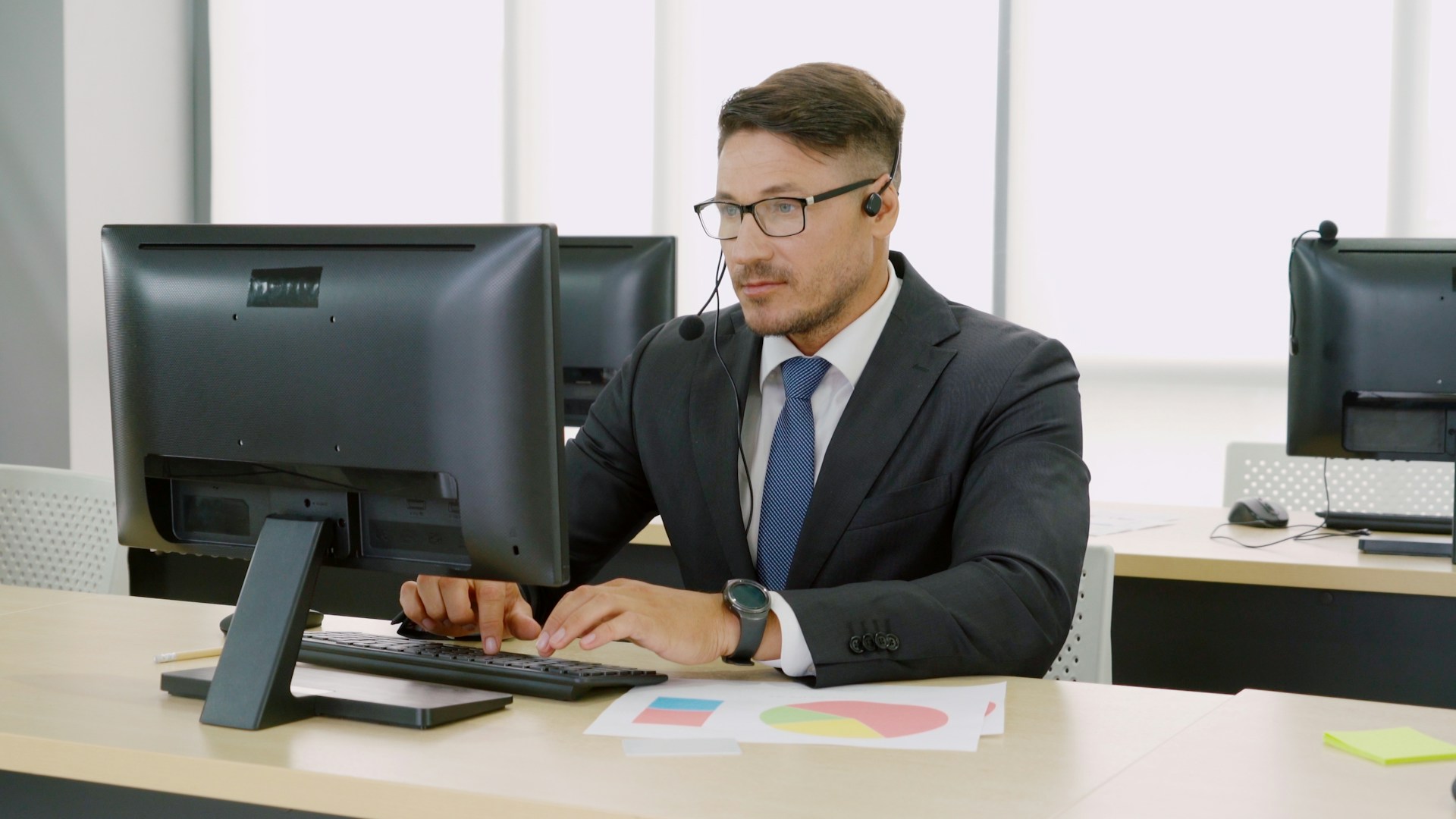
Turn Your Help Desk Data Into a Growth Engine
Strong Atlanta businesses treat their IT help desk as a strategic tool, not just a cost center. When support is fast, clear, and consistent, employees stay productive, clients stay happy, and leadership can plan with confidence. When support is slow or messy, everything from billable work to sales activity grinds down.
In a city full of fast-moving professional services, healthcare practices, logistics companies, real estate teams, and nonprofits, the quality of your IT help desk in Atlanta has a direct impact on how your business runs. Hybrid work, remote staff, and shifting schedules make reliable support especially important in the middle of the year, when vacations and new hires often stack up. In this article, we will walk through four key help desk KPIs, how to read your ticket trends, and how to turn reports into real action for growth.
Why Help Desk KPIs Matter for Atlanta Operations
Help desk performance shows up in all the places that matter most to your business. When employees can get quick, accurate help, they spend more time serving clients, closing deals, treating patients, running programs, or moving shipments, and less time fighting with their laptops.
Good help desk KPIs support areas like:
- Billable hours for professional services and consulting
- Front-desk and clinical operations for healthcare offices
- Sales and leasing activity for real estate teams
- Donor and volunteer systems for nonprofits
Poor support has a hidden price. Unresolved tickets pile up, response times grow, and people start creating workarounds. They may delay updating software, skip security steps, or use personal devices to get around slow systems. Over time, that raises risk, hurts morale, and can even push your best people to look elsewhere.
Seasonal shifts add another layer. In the summer, you may see:
- More requests from temporary staff or interns
- Coverage gaps when key team members are away
- Extra questions from employees working odd hours
That is why Atlanta executives and operations leaders should review help desk dashboards alongside financials and sales reports. The same way you watch revenue pipelines, you should watch support health and trends.
Core Metrics That Define a High-Performing Help Desk
Four core metrics can tell you a lot about how your help desk is doing: SLAs, CSAT, FCR, and ticket trends.
SLA performance
A Service Level Agreement, or SLA, sets clear targets for how quickly your help desk will respond to and resolve issues. Common SLA targets include:
- First response time for new tickets
- Resolution time for different priority levels
- Uptime commitments for key systems
Strong SLA performance supports business continuity and client promises. For example, if your firm runs time-sensitive deals or patient appointments, you cannot afford long delays when a key app fails.
CSAT feedback
Customer Satisfaction, or CSAT, is usually measured with short surveys after a ticket closes. Simple questions like “How satisfied were you with your support?” with a quick rating are enough to spot trends. CSAT tells you about:
- User sentiment and trust
- Quality of communication
- Whether people feel heard and informed
High SLA numbers with low CSAT scores can be a warning sign. Tickets may be closed fast, but users might feel rushed or confused.
FCR (First Contact Resolution)
First Contact Resolution shows how often the help desk fully solves an issue on the first call, email, or chat. High FCR usually means:
- Strong technical skill on the front line
- Good knowledge base and internal processes
- Fewer repeat tickets for the same problem
A higher FCR often cuts ticket volume, since problems do not bounce around between agents or come back again and again.
Balancing speed and quality
Speed alone is not the goal. When teams chase fast close times at all costs, they may:
- Close tickets before users confirm a fix
- Skip root cause analysis
- Patch issues without preventing repeats
The sweet spot is fast response with thorough, stable resolutions.
Ticket Trends That Predict Growth or Growing Pains
Ticket data is about more than counts. The patterns behind those tickets can hint at what is coming next.
Volume patterns
Rising ticket volume can mean two very different things:
- Healthy growth: more employees, more tools, more projects
- Growing pains: unstable systems, poor onboarding, or weak training
The key is to compare volume with hiring, project, and change activity. If tickets spike without clear business growth, that is a red flag.
Category and root cause analysis
Breaking tickets into clear categories helps you find systemic issues. Useful categories often include:
- Access and permissions
- Password resets and account lockouts
- Line-of-business applications
- Cybersecurity alerts and suspicious activity
- Hardware, printers, and networking
Once categories are in place, you can dig into root causes. For example, repeated access issues might point to confusing onboarding steps or unclear role definitions.
Time-of-day and seasonal spikes
Patterns by day and season help you plan staffing and coverage. You might see:
- Early morning spikes when staff log in
- End-of-month bumps tied to reporting cycles
- Mid-year increases when new interns and hires join
These insights guide decisions about after-hours coverage, weekend support, and the timing of system changes.
Leading indicators of change
Some patterns tend to appear before big shifts, such as:
- Frequent issues with a specific cloud app before a major migration
- Growing Wi-Fi complaints before a new office is added
- Rising security alerts before new controls are rolled out
Catching those signals early allows you to act before users feel a big impact.
How an IT Help Desk in Atlanta Should Report to You
Strong reporting makes it easier for leaders to see what is working and what is at risk. Your monthly or quarterly help desk dashboard should be clear, simple, and tied to business goals.
Key items to include:
- SLA compliance by priority level
- CSAT trends and any large swings
- FCR rate by team or ticket type
- Top ticket categories and repeat issues
- Security-related tickets and alerts
For leadership meetings, reports should focus on what the numbers mean in plain language. For example, “We saw more password reset tickets after new staff onboarding, which slowed billable work in the first week.” That kind of summary ties IT metrics to risk, revenue protection, and strategic projects.
It also helps to compare your metrics to general best practices and to peers of similar size in the Atlanta area. A local managed IT help desk in Atlanta can tailor reports to your industry, compliance needs, and short-term and long-term growth plans.
Turning KPIs Into Action for Growth
KPIs are only useful if they drive change. Once you understand your SLAs, CSAT scores, FCR rates, and ticket trends, you can make targeted improvements.
Process changes
Your data might show the need for:
- Better ticket triage and priority rules
- Standardized workflows for common issues
- Clearer escalation paths for complex problems
- A self-service portal for simple requests
These steps can lower volume and improve response quality at the same time.
Training and enablement
If the same types of tickets keep showing up, that is a sign your users need more support. You can turn those insights into:
- Short training sessions for specific teams
- Onboarding checklists for new hires
- Quick-reference guides for common tasks
The goal is not to make employees into IT experts, but to give them enough confidence to handle simple steps on their own.
Technology upgrades
Chronic issues or low FCR often point to aging hardware, outdated software, or missing security tools. For example, old laptops may fail more often, or an older firewall may generate too many manual alerts. Targeted upgrades, guided by real ticket data, tend to produce better results than broad changes based on guesswork.
Mid-year optimization
The middle of the year is a great time to review help desk KPIs and reset. By looking at the first half of the year, you can adjust:
- Hiring and staffing plans
- IT project roadmaps and rollout timelines
- Budget priorities for upgrades and security
At CMIT Solutions of Atlanta Southeast, we see the help desk as an early-warning system and a growth engine. When your IT help desk in Atlanta runs with clear KPIs, thoughtful reporting, and ongoing optimization, you gain more reliable systems, happier employees, and a stronger foundation for long-term growth.
Protect Your Business With Reliable Local IT Support
If your team is losing time to recurring tech issues, our IT help desk in Atlanta is ready to help you stabilize and secure your systems. At CMIT Solutions of Atlanta SE, we provide responsive support that keeps your staff productive and your data protected. Reach out through our contact page so we can discuss your needs and tailor a support plan that fits your business.