
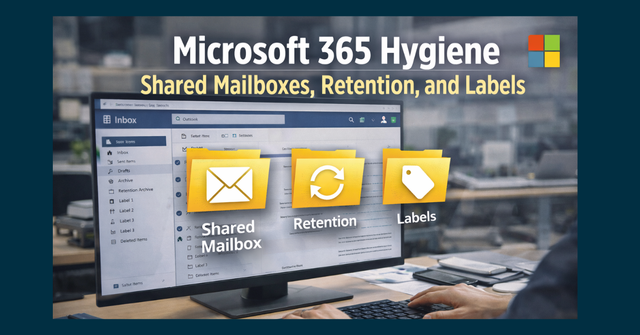
Microsoft 365 quietly becomes the backbone of daily operations for most businesses.
Email. Files. Calendars. Team chats. Shared inboxes.
It all works until it doesn’t.
What usually causes the trouble isn’t a cyberattack or a major outage. It’s clutter. Inconsistent setup. Old access that was never removed. Files that were shared “temporarily” and never reviewed again.
Over time, Microsoft 365 environments drift. And when they do, productivity drops, confusion increases, and accidental data exposure becomes far more likely.
This guide focuses on practical Microsoft 365 hygiene—simple controls that keep your environment clean, understandable, and defensible without slowing work down.
Why Microsoft 365 Hygiene Matters for Daily Operations
Operations teams rely on Microsoft 365 to keep work moving. When it’s disorganized, the impact shows up immediately:
- Emails go unanswered
- Multiple people respond to the same message
- Sensitive files are shared too broadly
- No one is sure which mailbox or folder is the “right” one
- Former employees still have lingering access
Good M365 hygiene isn’t about locking things down. It’s about reducing friction and preventing avoidable mistakes.
Shared Mailboxes: Useful Tools That Get Messy Fast
Shared mailboxes are meant to simplify collaboration. In practice, they often do the opposite.
Common issues include:
- Inconsistent naming (“info,” “info2,” “info_old”)
- Too many people with full access
- No clear ownership
- Mailboxes created for short-term needs that never get removed
What Clean Shared Mailbox Management Looks Like
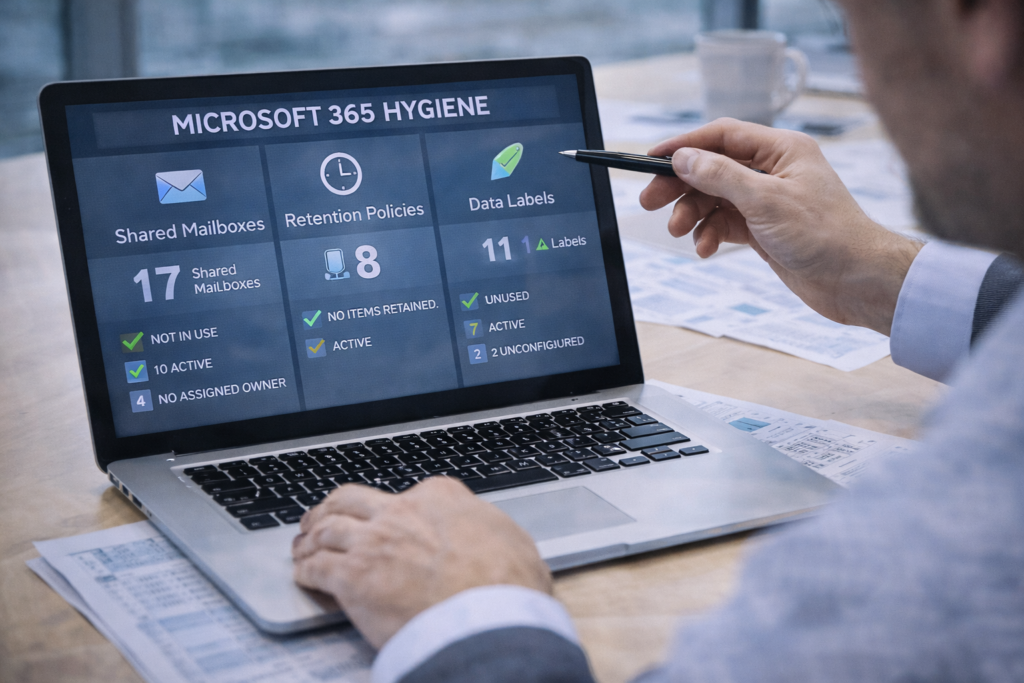
A well-maintained environment includes:
- Clear, consistent naming standards
- Defined purpose for every shared mailbox
- Assigned owners responsible for access and cleanup
- Regular access reviews
- Removal of unused or obsolete mailboxes
When shared mailboxes are structured, teams spend less time guessing and more time responding appropriately.
Access Reviews: The Most Overlooked Hygiene Task
Access rarely gets removed with the same urgency it’s granted.
People change roles. Contractors leave. Temporary access becomes permanent by accident. Over time, this creates unnecessary risk and confusion.
Why Regular Access Reviews Matter
Access reviews help ensure:
- Only the right people can see the right data
- Shared mailboxes don’t become free-for-alls
- Departed employees truly lose access
- Accountability stays clear
This isn’t about distrust. It’s about keeping systems aligned with how the business actually operates today not how it operated two years ago.
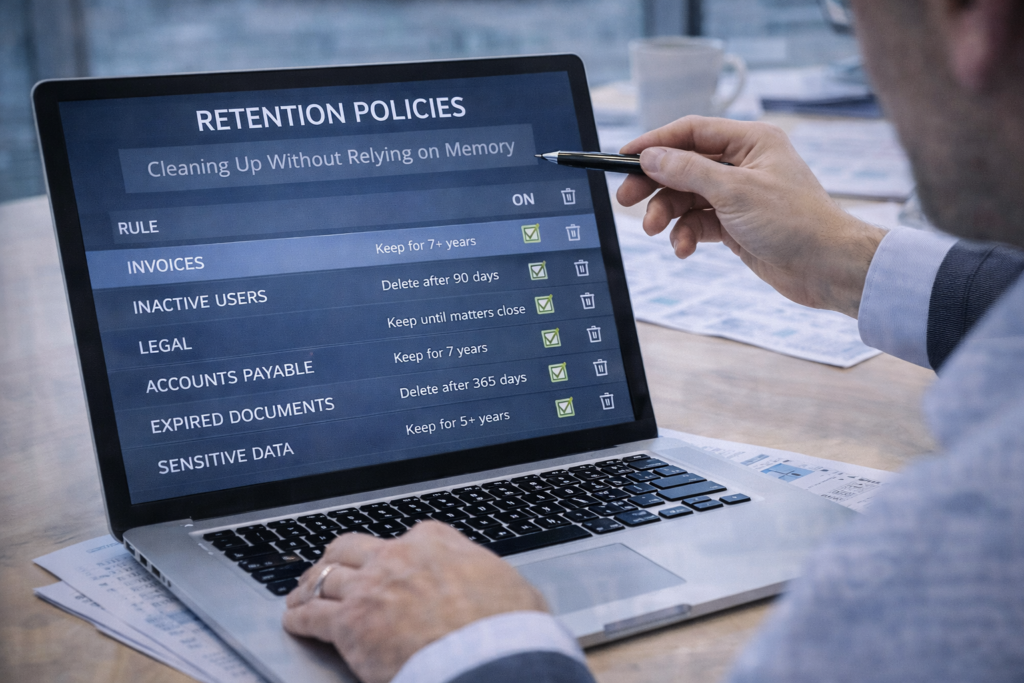
Retention Policies: Cleaning Up Without Relying on Memory
Most organizations keep far more data than they need.
Emails, files, and chats pile up because no one wants to be the one who deletes something “just in case.” Over time, this increases storage costs, legal exposure, and audit complexity.
What Retention Is Really For
Retention policies:
- Automatically keep data for required periods
- Automatically remove data when it’s no longer needed
- Reduce reliance on manual cleanup
- Ensure consistency across users and departments
Retention isn’t about deleting aggressively. It’s about removing uncertainty from how long information sticks around.
Sensitivity Labels: Preventing Accidental Exposure
Most data leaks aren’t malicious. They’re accidental.
A file is shared too broadly. An email is forwarded without thinking. A document is uploaded to the wrong channel.
Sensitivity labels help reduce these mistakes by:
- Identifying sensitive content
- Applying protection automatically
- Warning users before risky actions
- Limiting sharing where appropriate
Why Labels Help Operations, Not Just Security
When labels are used correctly:
- Employees don’t have to guess how careful to be
- Expectations are clear
- Mistakes are caught earlier
- Compliance becomes easier to demonstrate
Labels act as guardrails not roadblocks.
Standardization: The Quiet Fix for Ongoing Confusion
Many M365 problems come from inconsistency, not technology.
Different naming conventions. Different sharing habits. Different folder structures. Different rules depending on who set something up.
Standardization brings order by:
- Making systems easier to understand
- Reducing onboarding friction
- Limiting ad-hoc workarounds
- Helping teams move faster with less explanation
When things look predictable, people use them correctly.
The Real Goal: Fewer “How Did This Happen?” Moments
Good Microsoft 365 hygiene doesn’t draw attention to itself.
It shows up as:
- Fewer emails going unanswered
- Fewer accidental overshares
- Less time spent searching
- Fewer access-related questions
- Cleaner audits and reviews
It’s not flashy. It’s functional. And that’s exactly what operations teams need.
How Managed IT Services Help Maintain M365 Hygiene
This is where CMIT Solutions of Boston, Newton & Waltham plays a key role.
Maintaining Microsoft 365 hygiene takes consistency something that’s hard to sustain alongside daily operational demands.
A managed IT services provider helps by:
- Defining and enforcing mailbox standards
- Managing access reviews and permissions
- Implementing retention policies correctly
- Configuring and maintaining sensitivity labels
- Reducing clutter and shadow usage
- Keeping the environment aligned as the business evolves
The result is a Microsoft 365 environment that supports operations instead of slowing them down.
Conclusion: Clean Systems Support Smooth Operations
Microsoft 365 works best when it’s intentional.
Shared mailboxes are clear. Access makes sense. Data doesn’t linger forever. Sensitive information is treated appropriately. Teams don’t have to guess.
Good hygiene reduces confusion, limits risk, and keeps work moving.
Ready to Clean Up Your Microsoft 365 Environment?
If your Microsoft 365 setup has grown organically and now feels cluttered, inconsistent, or risky—it’s worth addressing before small issues turn into bigger problems.
CMIT Solutions of Boston, Newton & Waltham helps organizations bring order, clarity, and control to Microsoft 365 without disrupting daily operations.
Schedule a discovery call to identify where cleanup will deliver the biggest operational and security wins.
Because when systems are clean, work flows better and mistakes happen less often.