
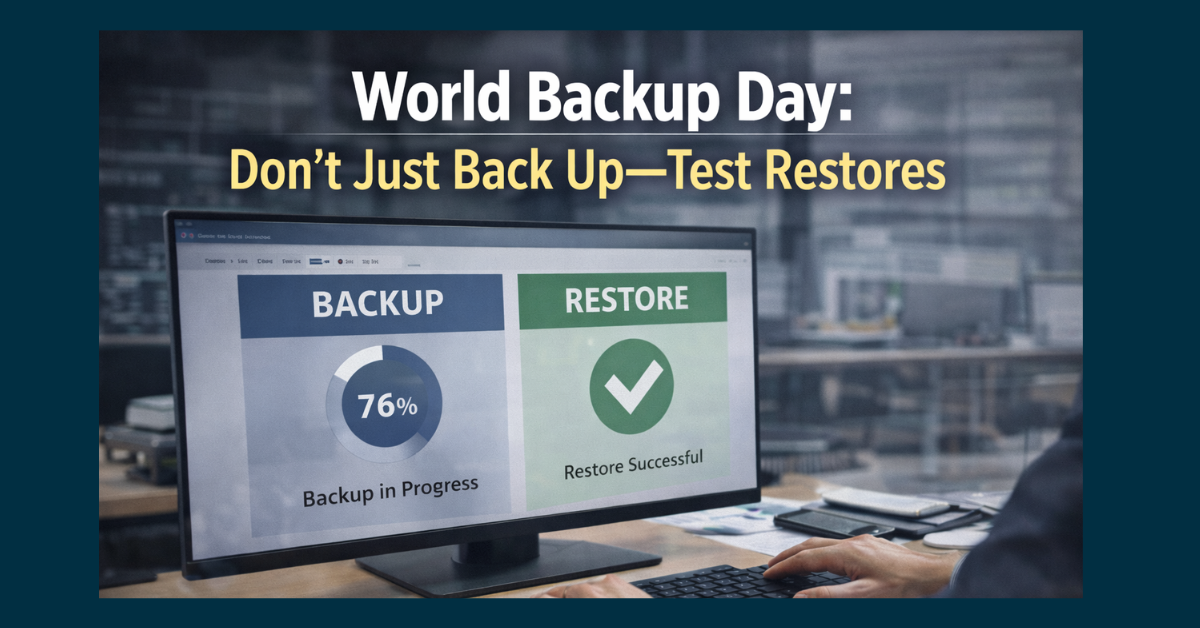
Backing up data feels reassuring.
Dashboards show green checkmarks. Storage usage grows. Reports say “successful.”
On the surface, everything looks fine. Until something breaks.
World Backup Day is a good reminder of an uncomfortable truth:
A backup you’ve never tested is a hope, not a strategy.
Backups only matter if they can be restored quickly, completely, and without surprises.
Why Backup Counts Don’t Tell the Full Story
Many organizations track backups by volume:
- How many systems are backed up
- How often backups run
- How much data is stored
Those metrics are easy to report. They’re also incomplete.
They don’t tell you:
- Whether backups are usable
- How long restores take
- What data is missing
- Who knows how to perform a restore
In real incidents, those gaps become painfully obvious.
The Most Common Backup Failure Isn’t the Backup
When restores fail, it’s usually because:
- Backups were incomplete
- Data was corrupted
- Credentials were missing
- Restores were never practiced
- Systems changed but backups weren’t updated
None of these show up in daily backup reports. They only surface when it’s too late.

 Why Verified Restores Matter More Than Storage
Restore testing answers the questions that actually matter during an incident:
- Can we get the data back?
- How long will it take?
- What systems come back first?
- What breaks during recovery?
Verified restores turn assumptions into evidence and panic into a process.
What Happens When Restores Aren’t Tested
Organizations that skip restore testing often experience:
- Extended downtime
- Partial recoveries
- Data gaps discovered mid-crisis
- Delays caused by missing permissions
- Confusion about responsibilities
These aren’t technical failures. They’re planning failures.
A Simple One-Page Restore Test Plan (Before Quarter-End)
Restore testing doesn’t have to be complicated or disruptive. A focused, quarterly test is enough to expose most issues.
Step 1: Choose One Critical System
Select a system that matters but won’t disrupt operations:
- A file share
- A non-production database
- A single user mailbox
Avoid testing everything at once.
Step 2: Define Success Criteria
Before testing, document:
- What data should be restored
- Where it should be restored
- How long it should take
Clear expectations prevent guesswork.
Step 3: Perform the Restore
Run the restore using your actual process not a workaround.
Verify:
- Data completeness
- File integrity
- Permissions and access
If something fails, document it.
Step 4: Measure Time and Effort
Track:
- Time to start the restore
- Time to completion
- Number of people involved
This becomes your real recovery benchmark.
Step 5: Document Results
Record:
- What worked
- What didn’t
- What needs improvement
Store this with your backup documentation. Auditors love this step.
Step 6: Fix One Issue Immediately
Don’t create a long to-do list.
Fix one meaningful gap uncovered during the test. Small improvements compound quickly.

How Often Restore Testing Should Happen
At a minimum:
- Quarterly for critical systems
- After major system changes
- After backup platform changes
More frequent testing is fine but consistency matters more than frequency.
Why Restore Testing Reduces Business Risk
Verified restores:
- Shorten downtime
- Reduce panic during incidents
- Improve incident response
- Support compliance requirements
- Build confidence in recovery plans
They turn backups from a checkbox into a business safeguard.
How Managed IT Services Support Restore Testing
This is where CMIT Solutions of Boston, Newton & Waltham provides practical value.
Restore testing often gets skipped because it feels disruptive or time-consuming. A managed IT services provider helps by:
- Scheduling routine restore tests
- Performing restores safely
- Documenting results
- Identifying gaps before incidents occur
- Aligning recovery plans with business priorities
The goal isn’t perfection—it’s preparedness.
Conclusion: Backups Aren’t Real Until They’re Proven
World Backup Day isn’t about celebrating storage growth.
It’s about asking a simple question:
If something fails tomorrow, can we recover—confidently?
The only way to know is to test.
Ready to Verify Your Backups Before They’re Needed?
If you’re not certain your backups have been successfully restored recently, now is the right time to find out.
CMIT Solutions of Boston, Newton & Waltham helps organizations test restores, close recovery gaps, and ensure backups actually protect the business.
Schedule a discovery call to review your backup strategy and run a restore test before quarter-end.
Because when systems fail, confidence comes from practice—not promises.