It’s surprising how many people remain clueless about the security of their online behavior. Have you ever wondered if your data or passwords are on the dark web? Have you ever looked? According to this Varonis survey, 64 percent of Americans had never checked to see if they were affected by a data breach, and recent 2026 reports show that despite increased awareness, alert fatigue causes over 70 percent of users to ignore critical security warnings. That’s crazy! Data breaches and AI-driven cyber-attacks are happening at an alarming rate, and you have to take responsibility for your data before finding yourself or your company compromised.
The following is our updated list of the biggest cybersecurity mistakes people make and the potential dangers associated with them.
Clicking Links or Attachments from Unknown Senders
This should seem obvious by now. Clicking on links or attachments from unknown senders whether it’s in an email, text message, or a direct message on a social platform is a hard no. Phishing is still the primary way hackers gain access to your sensitive information and hack your infrastructure.
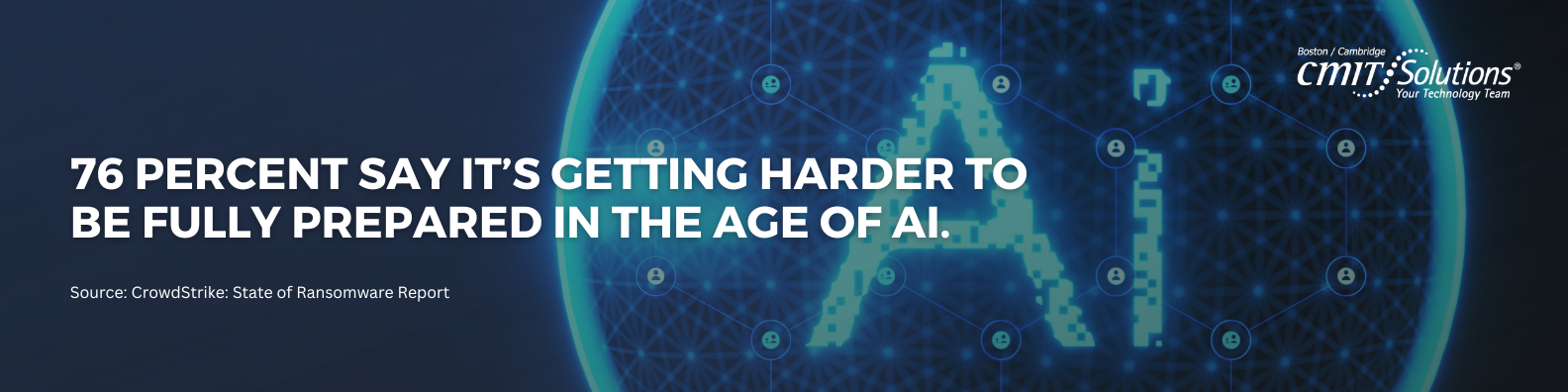
However, the landscape has shifted dramatically. With the rise of generative AI, phishing emails no longer have the tell-tale spelling errors and poor grammar they used to. Unfortunately, 69 percent of organizations don’t believe the threats they’re seeing can be blocked by traditional anti-virus software alone. As phishing attacks become more devious, incorporating deepfake audio voicemails and hyper-personalized spear-phishing messages, it is more important than ever to know how to recognize a phishing scam.
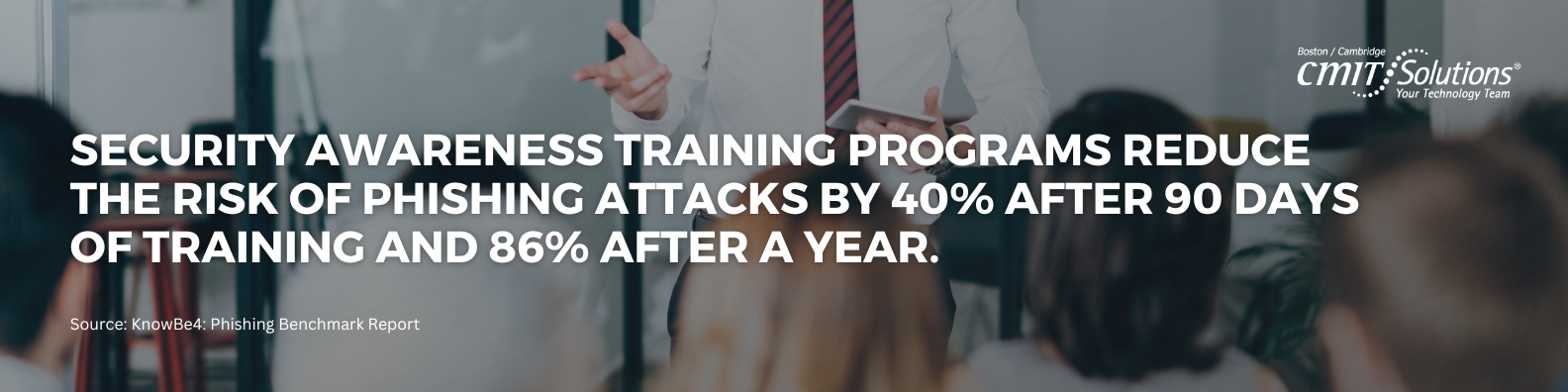
Make sure your IT department implements zero-trust technology to protect you and your staff from these threats. They must train your staff regularly on identifying AI-generated social engineering tactics. The moment you’re most vulnerable is when you think you’re safe. Staying vigilant will make you more likely to recognize and report phishing scams before becoming a victim.
Sharing or Reusing Passwords
Sharing or reusing passwords for multiple accounts is another poor cybersecurity practice. Unfortunately, nearly everyone does it on some level even when they know they shouldn’t. It’s hard to make up a strong and unique password every time – am I right?
The problem here is that whenever you share or reuse your password, you allow hackers to potentially gain access to more than a single-entry point. If you use that same password on multiple accounts and one of them is hacked, all those other accounts, devices, and cloud storage drives are now considered vulnerable. In order to prevent this, limit your password sharing to an absolute minimum and update your passwords regularly.
You can also leverage a password manager to help manage your passwords and take the stress out of creating and remembering what password goes to each account. Even better, in 2026, you should be transitioning to Passkeys and biometric authentication wherever possible. Passkeys eliminate the need for traditional passwords entirely, relying on cryptographic keys stored securely on your device, making credential stuffing attacks virtually impossible.
Installing Unauthorized Applications
Applications on a desktop or device can be a great way to track your health, access your bank accounts, play games, or meet people, but they can also expose your personal information in ways you may not expect. Every app you install increases the likelihood of exposure, so thoughtfully decide if you’re okay accepting the risk to your privacy before you install it.
This is especially true with the explosion of unverified “AI assistant” wrappers and productivity extensions that request sweeping access to your browser data. Never install programs unless you know exactly what they do and what data they scrape. If you’re unsure, ask your IT department to be safe before you hit the install button.
As a cybersecurity standard, all employees should have user-only privileges on their machines. Admin privileges should be reserved for your IT team. A written corporate policy detailing what users can and can’t do with their technology, known as a Shadow IT policy, is another highly useful guideline.
Disabling Automated Security Settings
Remember that security update you disabled because it was taking too long? And then never actually installed or re-enabled it? This should go without saying, but every time you do that, you are putting your data at risk.
Hackers love to access your data through poor update and patch management. Make sure both your office and home office gear is updated regularly. This includes routers, modems, Internet of Things (IoT) devices (smart thermostats, assistants, etc.), mobile devices, and your computers.
According to recent cybersecurity threat landscape trends, automated exploitation of zero-day vulnerabilities happens within hours of disclosure. These types of vulnerabilities are particularly tempting for hackers, offering access to enterprise servers and any sensitive data stored there. Furthermore, unpatched smart home networks are increasingly used as launchpads for massive distributed denial-of-service (DDoS) botnets. Leave automatic updates turned on for your operating systems and critical software to ensure you receive vital security patches immediately.
Visiting Untrusted Websites
There is no doubt that you’ve run into this issue at some point while browsing online. You were happily Googling when all of a sudden you quickly click a link that goes to an unsecured phishing website or run into an SSL certificate error. Secure websites rely on valid SSL certificates to encrypt traffic exchanged between your browser and the website.
Today, however, looking for the “padlock” icon is no longer enough, as over 90 percent of phishing sites now use free SSL certificates to appear secure. Sometimes a given website’s certificate has expired, is self-signed, or uses a malicious homograph domain (where a letter is replaced by a visually identical character from another alphabet). Luckily by 2029, all public SSL/TLS certificates will shift from 13 months to a 1.5-month maximum validity.
If your browser gives you a warning screen telling you that “Your connection is not private,” listen to it. Although annoying, this message is a good thing, as it is trying to protect you. It’s considered a best practice to steer clear of websites that trigger these warnings and to use DNS filtering tools to automatically block known malicious domains.
Connecting to Unsecured WiFi Networks
This goes for anytime you are doing anything sensitive online. While public Wi-Fi may be convenient, free, and ubiquitous, it’s also a great way to have your sensitive data (usernames, passwords, credit card numbers, etc.) compromised. It may be fine for checking the score of the ballgame, but it’s not safe for checking your bank account.
If you want to connect safely while on the go, disconnect from Wi-Fi and use your 5G network. You can also leverage a virtual private network (VPN). Many companies offer VPNs for users, providing additional security when using public Wi-Fi by encrypting network communications. However, ensure you are using a reputable, paid VPN service, as many free VPN apps heavily track and sell your browsing data. They are not fool-proof, so if you plan to do anything where sensitive info is exchanged, do it from your 5G connection or a trusted network.
Doing Nothing
The biggest mistake you can make with your online security is to do nothing at all. Now that you’re aware of the cybersecurity mistakes you could be making, it’s time to take charge of your data. Start small by implementing one change at a time, like setting up multi-factor authentication (MFA) on your most important accounts today.
Before you know it, you’ll be able to recognize a scam when you see one and help others up their security game too. Cyber resilience is a continuous journey, not a one-time setup.
Written by: Chris Zambuto | Chief Information Security Officer @CMITBostonCambridge