
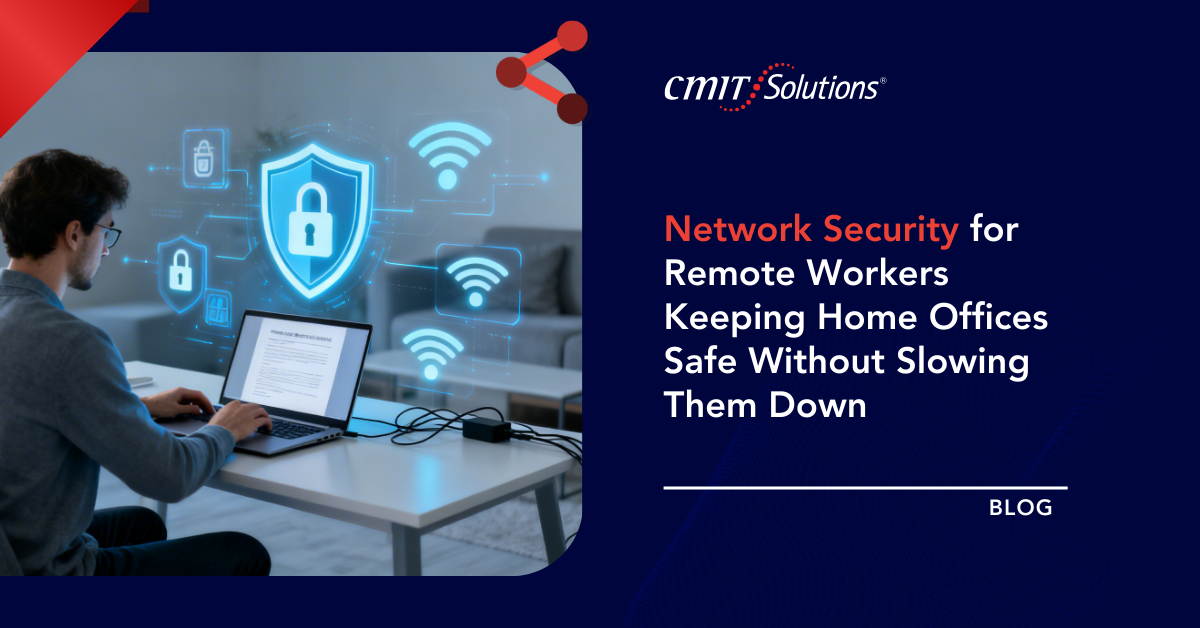
Remote work is no longer a temporary arrangement. For many small and midsize businesses, it is now a permanent part of daily operations. While this shift has improved flexibility and productivity, it has also expanded the network perimeter far beyond the office walls especially for organizations navigating broader remote work security challenges.
Home networks were never designed to support business-grade security. Yet remote employees routinely access sensitive data, cloud applications, and internal systems from personal environments. The challenge for businesses is clear: how to secure remote networks without creating friction that slows employees down.
Why remote work changes the network security equation
In a traditional office, security controls are centralized. Firewalls, monitoring tools, and access controls are managed in one environment. Remote work decentralizes that model.
Each home office introduces:
- A unique network configuration
- Consumer-grade routers and Wi-Fi equipment
- Shared connections with personal devices
- Inconsistent security practices
This variability increases risk while reducing visibility, an issue compounded as businesses adopt hybrid models without addressing productivity gaps in distributed teams.
Common security risks in home office networks
Understanding the risks is the first step to mitigating them.
Unsecured Wi-Fi networks
Many home networks rely on weak passwords, outdated encryption, or default router settings. This makes them vulnerable to unauthorized access and eavesdropping.
Outdated home networking equipment
Consumer routers often run outdated firmware and lack advanced security features, creating exploitable entry points for attackers especially when organizations delay routine updates as part of broader set-it-and-forget-it IT habits.
Shared devices and networks
Home offices frequently share networks with smart TVs, gaming consoles, and personal devices, increasing exposure and attack surface.
Lack of centralized monitoring
Unlike office environments, home networks are rarely monitored for unusual activity, allowing threats to go undetected.
Why performance and security often conflict
Many security tools are designed with corporate networks in mind. When applied to remote work without planning, they can create bottlenecks.
Common complaints include:
- Slow VPN connections
- Latency during cloud access
- Complicated login processes
- Frequent disconnections
If security measures frustrate users, they are more likely to bypass them—creating new risks. The goal is protection that operates quietly in the background, not obstacles that disrupt workflows.

Modern approaches to securing remote networks
Effective remote network security focuses on protecting access rather than controlling physical networks.
Secure access instead of network trust
Zero Trust principles assume no network is inherently secure. Access is granted based on identity, device health, and context not location.
Cloud-based security controls
Security services delivered through the cloud reduce reliance on backhauling traffic through office networks, improving performance for remote users while aligning with modern cloud security best practices.
Endpoint-focused protection
Securing the device itself ensures protection follows the user, regardless of where they connect from.
The role of VPNs and their limitations
VPNs remain useful, but they are no longer a complete solution.
Benefits include:
- Encrypted connections
- Secure access to internal resources
However, VPNs can:
- Introduce latency
- Create single points of failure
- Provide overly broad network access
Many organizations now supplement or replace traditional VPNs with more granular, application-level access controls that better reflect evolving network management strategies.
Protecting Wi-Fi and routers in home offices
Businesses don’t need to manage every home router but they should establish minimum security standards.
Recommended practices include:
- Strong, unique Wi-Fi passwords
- Modern encryption protocols
- Regular firmware updates
- Disabling unused features and services
Providing clear guidance helps employees secure their environments without constant IT involvement.

Securing data without slowing collaboration
Data security is critical, but it should not disrupt workflows.
Best practices include:
- Cloud-based file storage with access controls
- Data encryption at rest and in transit
- Role-based access to sensitive information
- Automated backup solutions
These measures protect data while allowing teams to collaborate efficiently especially when paired with modern approaches to secure file sharing.
Why monitoring and visibility still matter
Remote work doesn’t eliminate the need for visibility, it increases it.
Modern monitoring focuses on:
- Unusual login behavior
- Device compliance and health
- Suspicious network activity
- Data access patterns
With the right tools, IT teams can detect issues early without constantly interrupting users—reducing the likelihood of security incidents escalating into costly downtime discussed in proactive IT support planning.
Employee awareness as a security multiplier
Technology alone cannot secure remote environments.
Employees should understand:
- How to recognize suspicious network behavior
- Why unsecured Wi-Fi is risky
- When to report issues or anomalies
- How security tools protect not hinder their work
When users are informed, security becomes a shared responsibility rather than an obstacle.
Balancing security, productivity, and user experience
The most successful remote security strategies share common traits:
- Minimal friction for users
- Strong identity and device controls
- Cloud-optimized access
- Continuous improvement
Security works best when it enables work instead of interrupting it.
Conclusion
Remote work has permanently changed how businesses think about network security. Protecting home offices requires a shift away from perimeter-based defenses and toward secure, flexible access models.
By focusing on identity, device security, and cloud-based controls, businesses can protect remote workers without slowing them down. The result is a security strategy that supports productivity, protects data, and scales with modern work environments.
At CMIT Solutions of Bothell and Renton, we help businesses secure remote work environments without sacrificing performance or usability. If your organization wants to strengthen remote network security while keeping employees productive, can help design and manage a solution that fits how your people actually work.