As October 14, 2025, approaches, businesses across Bothell and Renton face a critical technology crossroads: the end of Microsoft’s support for Windows 10. While many may see this as a routine update in the lifecycle of operating systems, the consequences for small to mid-sized businesses (SMBs) are anything but ordinary. Relying on unsupported software opens your business up to vulnerabilities, compliance breaches, and diminished performance.
This blog explores why continuing to use Windows 10 after its end-of-life (EOL) date can be a dangerous gamble and how CMIT Solutions of Bothell and Renton can help your business navigate the transition with confidence.
What Does “End of Support” Really Mean?
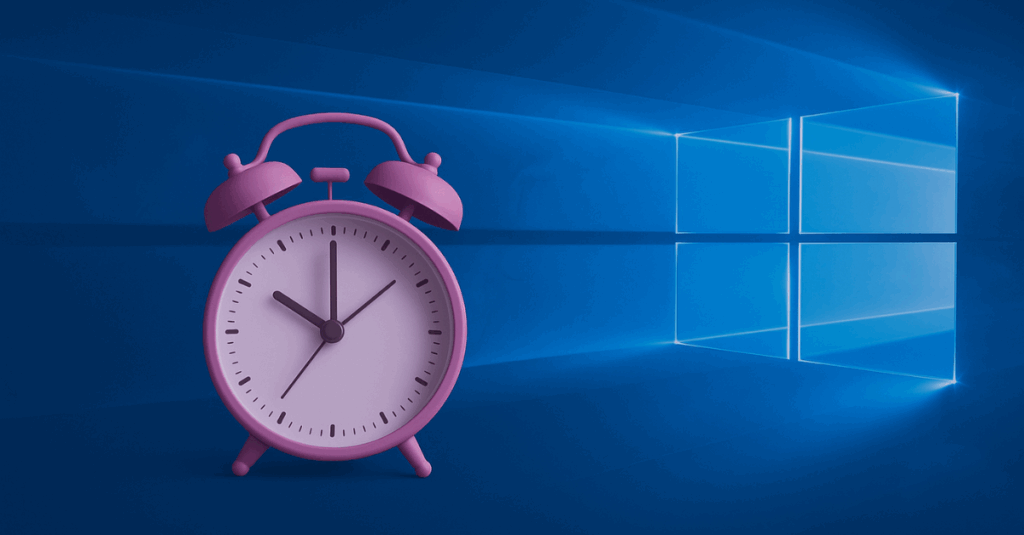
When Microsoft ends support for an operating system, it means no more security patches, updates, or technical support. These updates are vital for keeping your business protected from constantly evolving threats.
In today’s environment, where modern email threats and phishing scams are becoming increasingly sophisticated, skipping security updates leaves your systems wide open.
Furthermore, performance degradation and unpatched bugs may cause persistent issues, which will no longer be addressed. As emphasized in CMIT Solutions of Bothell and Renton’s guidance on multi-layered cybersecurity defenses, every layer of your technology must be updated to remain secure.
Cybersecurity Consequences for SMBs
Cybercriminals often target outdated systems because they lack the latest defenses. The end of Windows 10 support means that new vulnerabilities will remain unpatched. This poses a major risk for businesses in industries that depend on data security.
The situation mirrors what many companies faced when dealing with endpoint threats—issues addressed in advanced EDR strategies that CMIT Solutions implements to keep your infrastructure safe.
Staying on Windows 10 past its EOL date effectively disables these defenses, making your network a prime target.
Compliance Risks and Regulatory Exposure
If you’re in healthcare, finance, or any regulated sector, using unsupported software could place you in direct violation of compliance mandates like HIPAA or PCI-DSS. As detailed in our compliance guidance, these violations can result in steep fines and reputational damage.
When systems are not kept current, they often lack the necessary controls to meet audit standards, as seen in scenarios outlined in why Bothell businesses need audit-ready IT.
Day-to-Day Operational Challenges
Running outdated software can also cripple daily operations. Applications may no longer be compatible, devices may run slower, and employees may experience frequent crashes.
CMIT Solutions helps businesses avoid these productivity barriers through Digital Employee Experience (DEX) optimization, ensuring smooth functionality even during transitions.
Outdated systems hinder collaboration and efficiency, especially in hybrid work environments.
Avoiding the Break-Fix Trap with Proactive Planning
Businesses that wait until the last minute to upgrade risk rushed deployments, unplanned expenses, and prolonged downtime. As covered in our blog on proactive IT support, reactive models no longer suffice.
Planning ahead allows for:
- Budget-friendly upgrades
- Comprehensive testing and validation
- Seamless employee onboarding to new systems
Preparing for Windows 11 and Future Systems
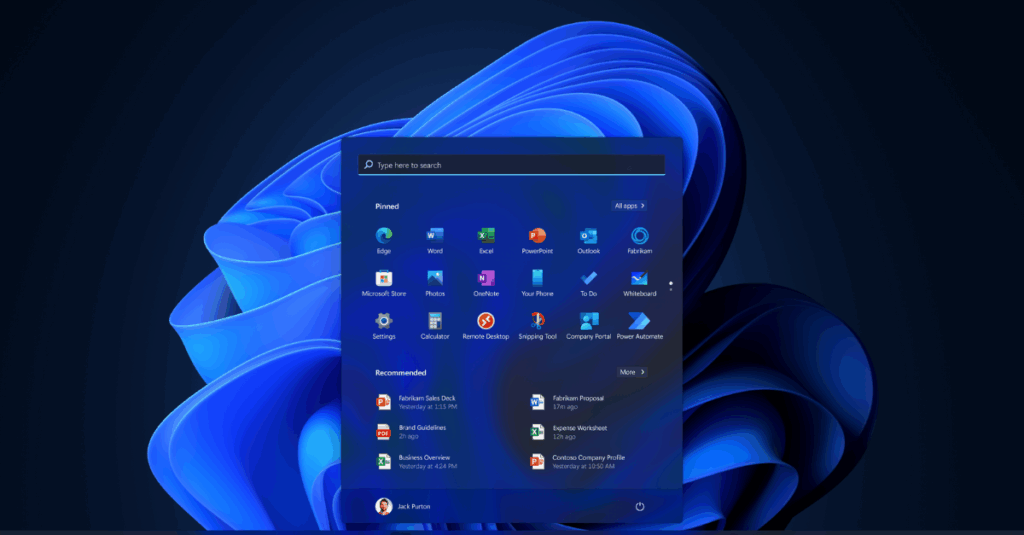
Transitioning to Windows 11 is a strategic move. It offers improved performance, enhanced security, and a more modern user experience. With CMIT Solutions of Bothell and Renton, your upgrade journey is managed from start to finish.
As discussed in our overview of managed services, we analyze your current infrastructure and develop a roadmap that minimizes disruptions.
We also assist in ASP hosting to make sure your business-critical apps are ready for the transition.
Strengthening Your Security Stack
Upgrading your OS is just the beginning. Post-upgrade, businesses need stronger defenses, such as Microsoft Sentinel for threat detection and intelligent EDR tools for real-time response.
A secure OS alone cannot shield your business unless it’s paired with advanced monitoring and proactive defense strategies.
Cloud Integration and Flexibility
Upgrading to Windows 11 opens doors to better cloud integration. This is especially beneficial for businesses that want to scale quickly and securely. Our approach to hybrid infrastructure ensures flexibility without compromising security.
As described in the cloud advantage, migrating intelligently to the cloud brings both operational efficiency and reduced risk.

Updating Your Backup and Recovery Plans
If your current disaster recovery solution is anchored to Windows 10, it may become obsolete or unreliable. CMIT Solutions offers tested and scalable recovery strategies like those featured in building disaster recovery and backup for small businesses.
Risks of Ignoring the Deadline
By not upgrading from Windows 10, your business may face:
- Increased breach frequency
- Voided cybersecurity insurance
- Audit failures
- Higher long-term costs
These are the very issues outlined in our blog on audit-ready compliance.
Seamless Communication During Change
System changes should not disrupt communication. Unified Communication tools, as detailed in streamlining productivity and hybrid team support, can keep teams connected during the transition.
Conclusion: It’s Time to Act
The end of Windows 10 support isn’t just a technology issue—it’s a business-critical priority. From security and compliance to productivity and continuity, ignoring this deadline can lead to real consequences.
Now is the time to take action. Let CMIT Solutions of Bothell and Renton help you plan, upgrade, and secure your future with expert guidance. Visit our official blog for additional resources and insights.