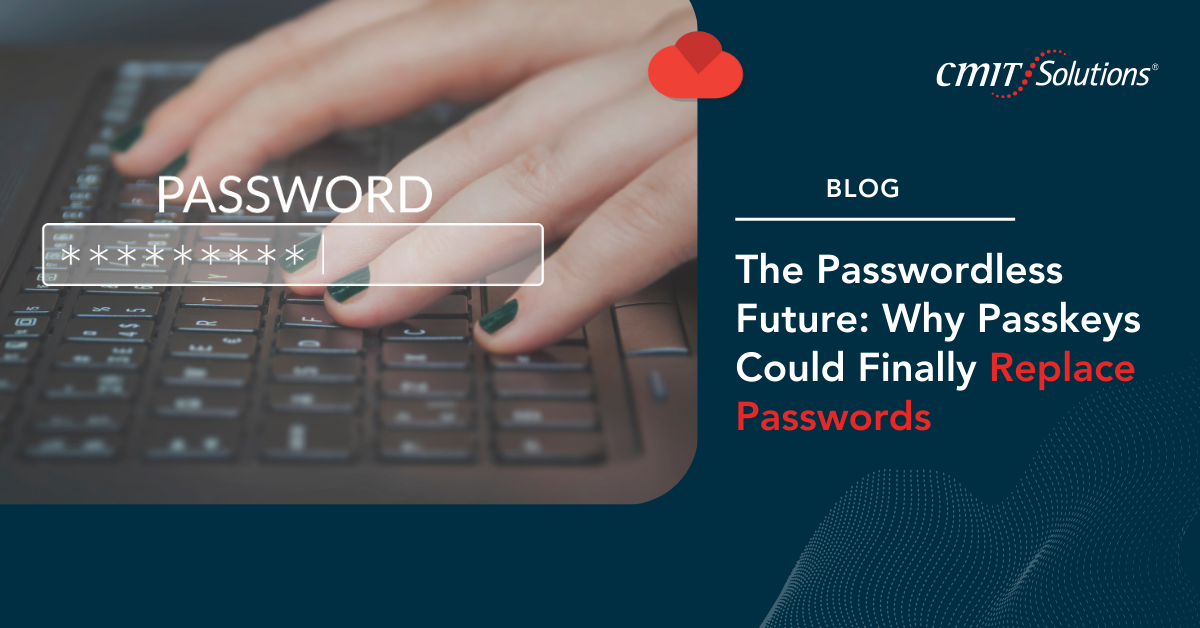
For decades, passwords have been the cornerstone of digital security. Yet, they’ve also been one of the weakest links—easy to forget, prone to reuse, and highly vulnerable to phishing, credential stuffing, and brute-force attacks. As cybercriminals get smarter, the need for stronger authentication methods has never been greater.
Enter passkeys, a passwordless authentication solution poised to revolutionize how businesses and individuals secure their digital accounts. Unlike traditional logins, passkeys use public-key cryptography to eliminate the need for passwords altogether. For small and mid-sized businesses (SMBs), this shift could mean stronger security, fewer breaches, and simpler user experiences.
Here’s why passkeys are gaining traction, what they mean for your business, and how to prepare for the passwordless future.
The Problem with Passwords
Despite countless awareness campaigns, password misuse remains rampant. Employees often:
- Reuse the same password across multiple accounts.
- Create weak passwords to make them easier to remember.
- Fall victim to phishing scams designed to steal credentials.
Once compromised, passwords can open the door to ransomware, financial theft, and massive data breaches. Even advanced protections like multi-factor authentication (MFA) can’t fully address the issue when users fail to follow best practices. Cybercriminals increasingly exploit these weaknesses with phishing campaigns, which is why businesses must deploy multi-layered security to stop credential theft before it escalates.
What Are Passkeys?
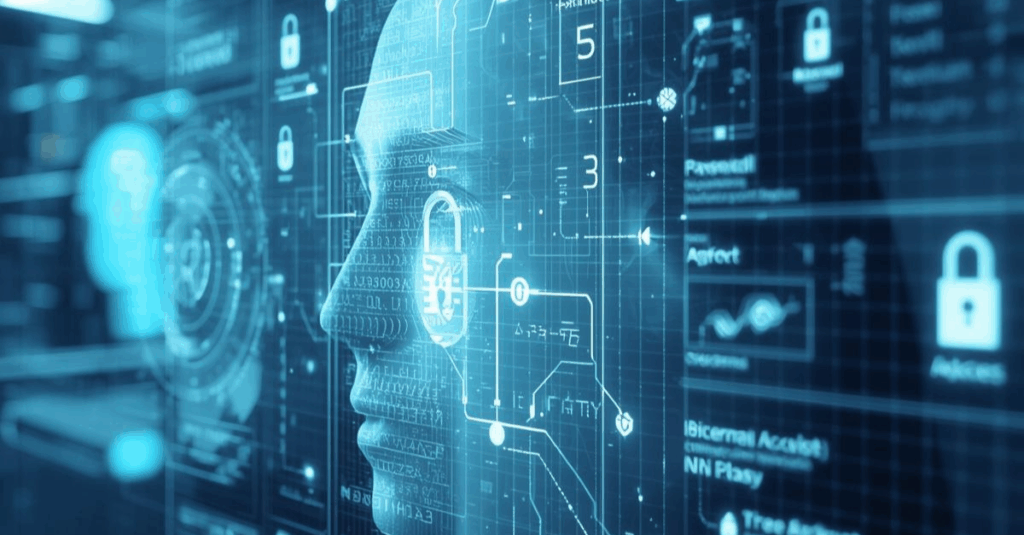
Passkeys replace passwords with cryptographic key pairs. Here’s how they work:
- When you create an account, your device generates a public key (stored by the service) and a private key (kept securely on your device).
- The private key is protected by your device’s built-in authentication (fingerprint, face scan, or PIN).
- When logging in, the service verifies the public key against the private key without ever transmitting your secret.
This makes phishing nearly impossible—there’s nothing to steal, guess, or reuse.
Why Passkeys Are More Secure
Unlike passwords, passkeys:
- Can’t be guessed or brute-forced.
- Are resistant to phishing since credentials aren’t entered manually.
- Stay locked to your device, making them harder to intercept.
- Remove the risk of credential reuse across multiple accounts.
Combined with tools like endpoint detection and response and advanced monitoring, passkeys provide a more reliable foundation for identity protection.
The Business Case for Passwordless Security
Adopting passkeys isn’t just about security—it’s also about efficiency and cost savings. For SMBs, benefits include:
- Reduced IT Support Costs: No more password reset tickets.
- Improved Employee Productivity: Faster, seamless logins across apps.
- Better Compliance: Easier alignment with data protection requirements such as HIPAA and PCI-DSS, supported by compliance-ready solutions.
- Stronger Business Continuity: Passwordless systems integrate seamlessly with disaster recovery plans, ensuring secure access even during disruptions.
Passkeys and the Cloud: A Perfect Match
Cloud adoption is accelerating, and passwordless authentication fits perfectly within cloud-first strategies. Passkeys can be deployed across SaaS applications, cloud storage, and collaboration platforms—enhancing both security and usability.
For businesses already pursuing cloud-first hybrid infrastructures, integrating passkeys ensures that remote teams remain protected while enjoying a seamless login experience.
Supporting Remote and Hybrid Teams
The rise of hybrid work makes passwordless authentication even more relevant. Employees logging in from multiple devices and networks introduce more security risks than ever. Tools like Microsoft Intune help IT teams enforce passkey usage, ensuring consistent security policies across every device.
Additionally, unified communication strategies benefit from streamlined authentication, allowing employees to collaborate securely without juggling dozens of passwords.
The Role of Managed IT Services in a Passwordless Future
Implementing passkeys requires planning, integration, and ongoing monitoring. Many SMBs lack the in-house expertise to roll out such systems effectively. That’s where managed IT providers come in.
With support from CMIT Solutions of Bothell and Renton, businesses gain:
- Expert configuration of passwordless authentication tools.
- 24/7 monitoring to ensure passkeys are working effectively.
- Strategic IT roadmaps for long-term security planning.
- Proactive guidance to stay ahead of evolving threats.
Preparing for the Transition
While passkeys are gaining momentum, businesses should prepare by:
- Auditing Current Authentication Systems: Identify weak points in password policies.
- Educating Employees: Train teams on how passkeys work and why they matter.
- Integrating with Cloud Apps: Ensure compatibility with SaaS platforms and collaboration tools.
- Partnering with Experts: Work with an MSP to design a passwordless roadmap tailored to your needs.
Conclusion: A Safer, Simpler Future
Passwords have served their purpose, but their flaws are undeniable. Passkeys offer a secure, user-friendly alternative that reduces risk while improving the employee experience. By combining passwordless authentication with multi-layered security, compliance strategies, and proactive IT support, SMBs can finally close the chapter on weak passwords. With help from CMIT Solutions of Bothell and Renton, your business can embrace a passwordless future gaining stronger security, lower costs, and greater confidence in every login.