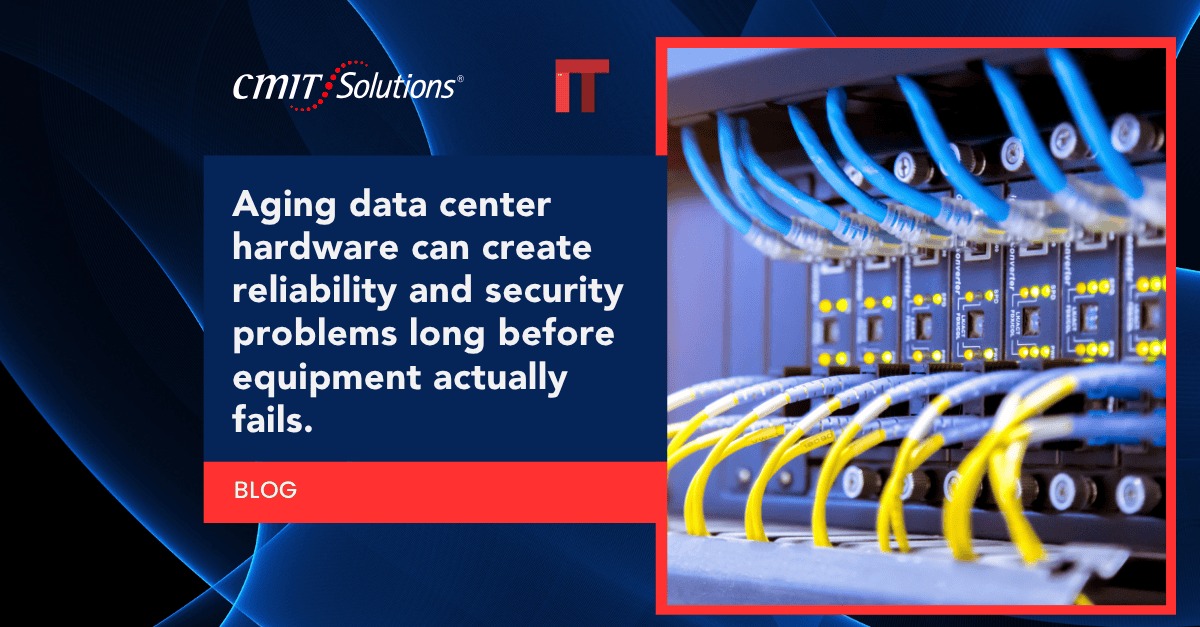
Most businesses do not think about their servers, switches, or storage arrays until something breaks. Hardware sitting quietly in a server room can look like it is running fine for years, even while it quietly becomes a liability. Aging data center equipment does not usually fail all at once. Instead, it creates a slow accumulation of risk that shows up as unexpected downtime, security gaps, rising energy costs, and compliance headaches.
CMIT Solutions of Cincinnati East works with growing businesses that depend on stable infrastructure but rarely have the internal bandwidth to track hardware lifecycles on their own. This guide breaks down exactly where the hidden risks come from, how to recognize the warning signs, and what a realistic upgrade path looks like for a business that cannot afford extended downtime.
If your team has not reviewed server age, warranty status, or firmware support in the last year, it is worth starting with a closer look at your current managed IT services setup before problems surface on their own.
Why Aging Hardware Is a Bigger Risk Than It Looks
Hardware does not need to be broken to be dangerous. Manufacturers eventually stop releasing security patches, firmware updates, and replacement parts for older equipment. Once that support ends, every day of continued use adds risk that most businesses cannot see until an incident forces the issue.
Common warning signs include:
- Servers or storage systems older than five to seven years
- Increasing frequency of unexplained reboots or slowdowns
- Vendors no longer offering firmware or driver updates
- Replacement parts becoming difficult or expensive to source
- Rising energy bills tied to inefficient older equipment
A structured IT self assessment is often the fastest way to uncover how many of these warning signs are already present in your environment.
Security Vulnerabilities That Never Get Patched
Once a manufacturer ends support for a piece of hardware, security patches stop coming. Attackers actively look for unpatched systems because they represent an easy entry point into a network. Aging firewalls, switches, and servers are frequently the weakest link in an otherwise well-protected environment.
This is one of the most overlooked common cybersecurity mistakes business owners make, since aging hardware rarely gets the same attention as software updates. Pairing hardware refresh cycles with dependable cybersecurity protection services closes gaps that outdated equipment leaves wide open.
Increased Downtime and Slower Recovery Times
Older hardware fails more often, and when it does, recovery tends to take longer because replacement parts are harder to find. A single failed drive or power supply on legacy equipment can turn a routine repair into a multi-day outage.
Businesses running multiple offices feel this pain even more acutely. A closer look at the outdated network costs tied to legacy infrastructure shows how quickly downtime expenses add up across locations. Reliable network management solutions can help identify failing components before they cause a full outage.
Data Loss and Backup Failures
Aging storage hardware is more prone to silent data corruption, drive failures, and backup errors. If backup systems rely on the same outdated infrastructure as production systems, a single hardware failure can compromise both live data and the backups meant to protect it.
Businesses should regularly verify that their data backup solutions run on hardware separate from production systems and are tested on a consistent schedule. Companies that have already experienced data loss often discover too late how small business cyber threats frequently target the exact moment when backup infrastructure is weakest.
Compliance Violations Tied to Outdated Systems
Industries such as healthcare, legal, and finance operate under strict data handling regulations. Aging hardware that can no longer support current encryption standards or security certifications can put a business out of compliance without anyone realizing it until an audit occurs.
Firms working with compliance support services need documented hardware lifecycle plans as part of their regulatory obligations. Healthcare practices in particular should review how they can reduce healthcare cyber risk without a full infrastructure overhaul, since targeted upgrades often address the most pressing compliance gaps first.
Rising Operating and Energy Costs
Older servers and storage systems consume significantly more power and generate more heat than modern equipment, driving up both electricity and cooling costs. What looks like a way to save money by delaying a hardware refresh often costs more over time through inflated utility bills and inefficient performance.
Manufacturing businesses running equipment around the clock feel this cost difference the most. Many are already investing in smarter cybersecurity alongside hardware upgrades to address both efficiency and risk in a single project.
Compatibility Issues With Modern Software
Software vendors design new applications around current hardware capabilities. Aging servers frequently cannot support the latest versions of business-critical software, forcing companies to stay on outdated, less secure software versions simply because their hardware cannot handle an upgrade.
This becomes especially limiting for businesses trying to adopt modern productivity application tools or expand their use of unified communications systems, both of which depend on stable, current infrastructure to function properly.
Slower Cloud Integration and Migration
Businesses trying to move workloads to the cloud often discover that aging on-premises hardware creates bottlenecks during migration. Old network switches, limited bandwidth capacity, and outdated servers can all slow down or complicate a cloud transition.
Companies planning a move should review the most frequent cloud migration mistakes tied to unprepared infrastructure before starting the process. Modern cloud services solutions work far more efficiently when paired with updated on-site hardware rather than legacy equipment struggling to keep pace.

Higher Long-Term Repair and Maintenance Costs
As hardware ages, repair costs climb steadily. Replacement parts become scarce, specialized technicians charge more for legacy systems, and the cumulative cost of keeping old equipment alive often exceeds the price of a planned upgrade.
A clear view of available IT service packages can help businesses compare the true cost of continued repairs against a structured replacement plan. Working through proper IT procurement services also ensures new hardware purchases are budgeted and timed correctly rather than made as emergency, last-minute decisions.
Increased Vulnerability to Ransomware and Malware
Ransomware attacks frequently target systems running outdated firmware or unsupported operating systems, since these environments lack the security controls found in current hardware. A single unpatched server can become the entry point for an attack that spreads across an entire network.
Businesses adopting a zero trust security framework often find that aging hardware undermines the effectiveness of that model, since legacy systems cannot always support modern authentication and monitoring requirements. Staying alert to methods like QR code phishing is equally important, since attackers often combine social engineering with known hardware vulnerabilities.
Reduced Employee Productivity
Slow, unreliable hardware directly impacts how efficiently employees can work. Long load times, unexpected crashes, and intermittent connectivity issues add up to significant lost productivity across an organization, even if no single incident seems severe on its own.
Professional service firms depending on consistent performance should review how AI changing IT support can help identify performance bottlenecks tied to aging hardware before they escalate into larger outages.
Difficulty Scaling as the Business Grows
Businesses experiencing growth often discover that aging infrastructure simply cannot keep up with new demands, whether that means supporting more users, larger data volumes, or additional office locations. Scaling on outdated hardware usually means patching together temporary fixes rather than building a sustainable foundation.
Companies in growth mode benefit from reviewing how a solid startup IT foundation supports long-term scalability, even for businesses well past the startup phase. Engineering and technical firms in particular need engineering firm infrastructure capable of handling demanding workloads without constant slowdowns.
Loss of Vendor and Manufacturer Support
Once a manufacturer officially discontinues support for a product line, businesses lose access to technical assistance, replacement components, and critical firmware updates. Continuing to run unsupported hardware means every future issue has to be solved without vendor help, often at a much higher cost and with longer resolution times.
This is one of the clearest signals that it is time to consult strategic IT guidance to plan a phased hardware replacement before support gaps create a real emergency.

Signs It Is Time for a Hardware Refresh
Recognizing the right time to upgrade can prevent a reactive, expensive scramble later. Businesses should consider a refresh when they notice:
- Hardware nearing or past its five to seven year lifecycle
- Repeated performance complaints from staff
- Increasing repair frequency or unavailable replacement parts
- Manufacturer end-of-life or end-of-support notices
- Difficulty meeting current compliance or security standards
Reviewing these signs alongside a trusted IT partner helps businesses plan upgrades on their own timeline rather than being forced into an emergency replacement after a failure.
Planning a Realistic Hardware Upgrade Path
A full infrastructure overhaul is rarely necessary or affordable in one step. Most businesses benefit from a phased approach:
- Inventory all current hardware along with age and warranty status
- Identify which systems pose the highest security or compliance risk
- Prioritize replacements based on business impact, not just age
- Budget upgrades across multiple quarters to spread out costs
- Reassess the full environment annually going forward
Working with local IT experts throughout this process helps ensure nothing gets missed, from data migration planning to proper disposal of old equipment.
Ready to Address Aging Hardware Before It Becomes a Bigger Problem?
Waiting for a hardware failure to force action almost always costs more than planning ahead. Aging data center equipment creates risks that build quietly over time, from security vulnerabilities to compliance gaps to rising operating costs. CMIT Solutions of Cincinnati East helps local businesses assess their current hardware, prioritize upgrades based on real risk, and build a realistic timeline that fits their budget.
If it has been more than a year since your last infrastructure review, schedule a consultation to get a clear picture of where your hardware stands today.
Frequently Asked Questions