
Cyberattacks are more sophisticated than ever. From phishing emails to stolen credentials, hackers now have endless ways to compromise business data.
Yet one simple, proven defense can block the majority of these attacks: Multi-Factor Authentication (MFA).
This blog breaks down what MFA is, how it works, and why every small and midsized business (SMB) should make it a cornerstone of their cybersecurity strategy.
What Is Multi-Factor Authentication?
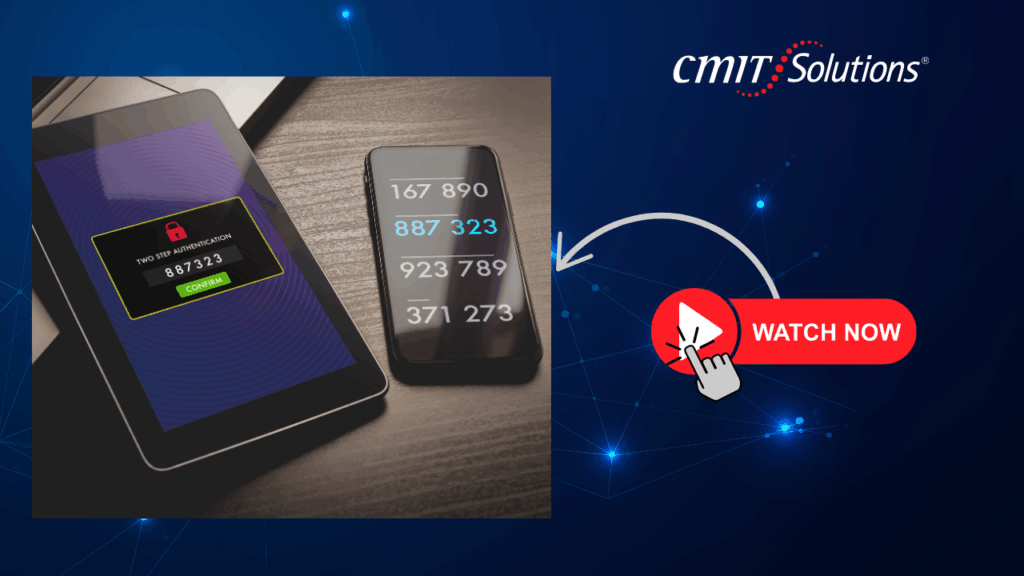
Multi-Factor Authentication adds an extra verification step when users log in to an application or system. Instead of relying only on a password, MFA requires at least one additional factor to confirm a user’s identity.
The Three Common MFA Factors
- Something You Know – A password, PIN, or security question.
- Something You Have – A mobile phone, hardware token, or smart card.
- Something You Are – A biometric identifier like a fingerprint or facial scan.
Even if a hacker steals a password, they can’t access the account without the second factor.
Why Passwords Alone Are No Longer Enough
Passwords have long been the first line of defense, but they are also the easiest target for cybercriminals.
Common Password Weaknesses
- Reused or weak credentials.
- Phishing attacks that trick users into sharing login details.
- Data breaches that leak millions of passwords online.
These risks highlight why SMBs must upgrade to a multi-layered cybersecurity strategy where MFA plays a central role.
How MFA Works in Practice
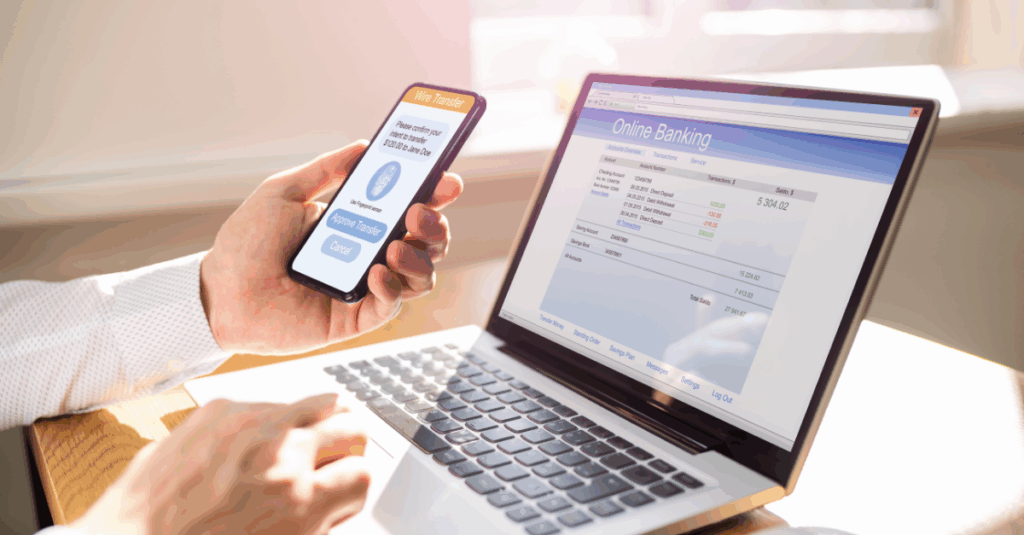
When MFA is enabled, users enter their password and then complete a second verification step.
This could involve:
- Entering a one-time code sent via SMS or email.
- Approving a push notification from a mobile authenticator app.
- Scanning a fingerprint or using facial recognition.
This extra step drastically reduces the chance of unauthorized access even if passwords are stolen through phishing or brute force attacks.
Benefits of Multi-Factor Authentication for SMBs
MFA offers more than just stronger logins. For small businesses, it delivers a range of operational and financial benefits.
Key Advantages
- Blocks Most Attacks: Studies show MFA can prevent over 99% of automated hacking attempts.
- Protects Remote Workers: Essential for hybrid teams accessing company resources from home.
- Supports Compliance: Meets authentication requirements in regulations like HIPAA and PCI DSS.
- Enhances Customer Trust: Demonstrates a commitment to protecting sensitive data.
Partnering with experts in managed IT support ensures MFA is properly implemented across all business applications.
Implementing MFA: A Step-by-Step Plan
Rolling out MFA across an organization requires planning to minimize disruption and maximize protection.
- Assess Risk Areas – Identify critical accounts, including email, cloud platforms, and financial systems.
- Start with High-Value Targets – Secure executive and administrative accounts first.
- Educate Employees – Provide training on using authenticator apps or security keys.
- Test and Adjust – Conduct pilot programs before company-wide deployment.
- Monitor Continuously – Pair MFA with 24/7 monitoring and anti-phishing strategies.
MFA and Cloud Security
With more businesses moving to the cloud, protecting accounts hosted on third-party platforms is critical.
MFA integrates with cloud providers to secure logins and prevent unauthorized access.
A cloud-smart security strategy ensures MFA works across hybrid environments while addressing risks like cloud misconfigurations.
Supporting Compliance Requirements
Regulatory frameworks such as HIPAA, PCI DSS, and GDPR often require strong authentication to protect sensitive data.
MFA simplifies compliance by meeting or exceeding these security mandates.
Automating audits and reporting with compliance management solutions further reduces the risk of fines and penalties.
Pairing MFA with Backups and Business Continuity
While MFA prevents most unauthorized logins, no single tool is foolproof.
Businesses should combine MFA with reliable backup and recovery solutions.
- Deploy ransomware-proof backup plans to protect data from encryption attacks.
- Test business continuity strategies to ensure quick recovery if systems are compromised.
Training Employees to Embrace MFA
Technology works best when people use it correctly.
Regular training helps employees understand why MFA matters and how to avoid workarounds that weaken security.
Professional IT consulting services can design onboarding sessions, phishing simulations, and refresher courses that create a security-first culture.

The Role of a Trusted IT Partner
Deploying MFA across multiple platforms email, file sharing, cloud apps requires technical expertise and ongoing management.
A managed service provider can:
- Configure MFA for all critical systems.
- Monitor login attempts for suspicious behavior.
- Integrate MFA with advanced digital growth strategies.
This partnership ensures MFA remains effective as technology and threats evolve.
Conclusion: A Simple Step with Big Results
Hackers thrive on stolen passwords. Multi-Factor Authentication stops them cold by requiring more than a single credential to gain access.
By combining MFA with multi-layered cybersecurity, reliable backups, and expert management, SMBs can dramatically reduce the risk of data breaches and costly downtime.
Don’t wait for an attack to expose weak passwords.
Implement MFA today and give your business the secure foundation it needs to grow with confidence.