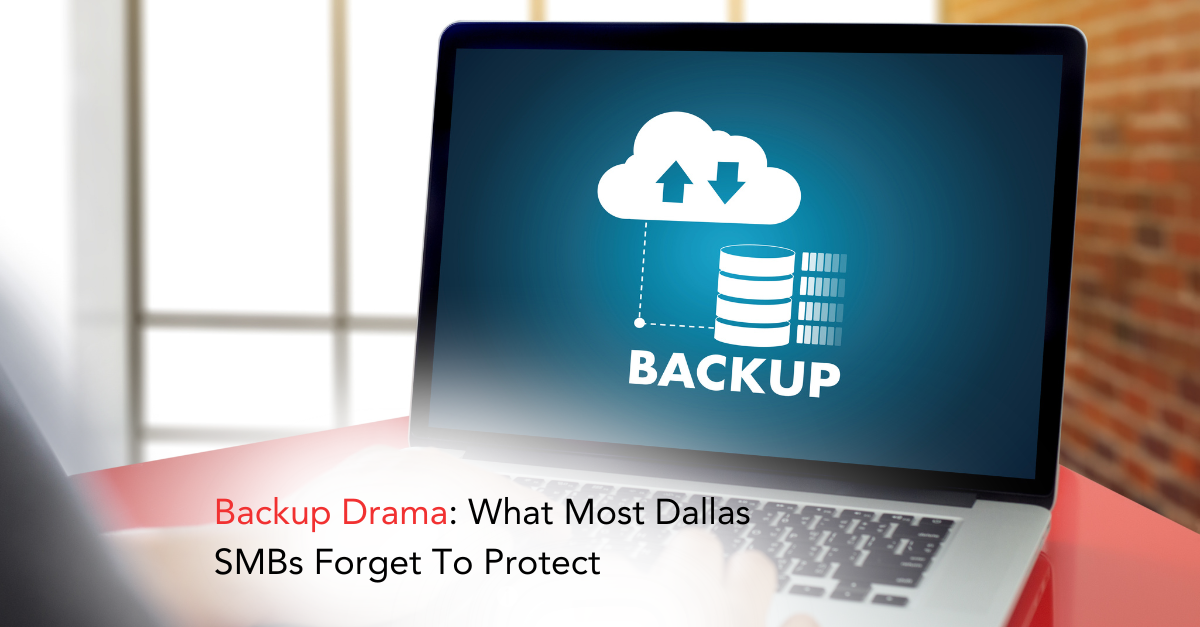
Backups are one of those things businesses feel confident about right up until they actually need them.
A server fails. A laptop was stolen. A file is accidentally deleted. Suddenly, the question isn’t “Do we have backups?”
It’s “Why didn’t that come back?”
For many Dallas SMBs, backup drama doesn’t come from a total lack of backups. It comes from protecting the obvious things and forgetting the rest.
The False Sense of Security Around Backups
Most businesses can answer “yes” when asked if they back up data. But that answer usually means:
- A server is backed up
- Files sync to the cloud
- Something runs automatically at night
What it doesn’t always mean is:
- Everything critical is included
- Backups are recoverable under pressure
- Data can be restored quickly enough to matter
Backups that exist but don’t fully restore operations are still a business risk and one that often leads to unexpected downtime.
What Gets Protected First and Why That’s a Problem
When backups are set up, IT teams naturally start with servers and shared drives. That makes sense those systems feel central.
But modern businesses don’t operate from a single location anymore. Data is spread across tools, devices, and platforms that don’t always get equal attention, especially as companies adopt new cloud tools without fully understanding the risks of cloud misconfigurations.
That’s where gaps form.
The Data Dallas SMBs Most Often Leave Exposed
Email and Collaboration Platforms
Email conversations, shared calendars, and collaboration tools hold far more than messages. They contain approvals, contracts, attachments, and business context.
Many cloud platforms offer limited retention or recovery options. Once data is deleted or corrupted beyond a certain point, it may be gone for good without a separate backup a reality often overlooked during broader digital transformation.
Remote Work Devices
Laptops used at home or on the road often store files locally, even when cloud tools are in place.
If those devices are lost, damaged, or compromised:
- Local files may never be recovered
- Sync issues may leave gaps
- Security incidents can wipe data before backups run
Remote work expands the backup surface whether businesses plan for it or not, which is why protecting the anywhere office has become critical.

Application-Level Data
Industry-specific software often falls outside standard backup policies.
This can include:
- Accounting platforms
- CRM systems
- Scheduling and inventory tools
- Operational databases
These systems may require special backup methods, and assuming they’re covered can lead to painful surprises especially when data loss stems from everyday mistakes outlined in why data loss today is more likely to be human error than a hack.
The “How Things Work” Data
Files matter but so does configuration.
Firewall rules, user permissions, system settings, and application configurations are often rebuilt manually after a failure because they were never backed up.
That rebuild time turns minor incidents into major downtime.
Why Ransomware Turns Backup Gaps Into Crises
Ransomware has changed what “good backup” means.
Today’s attacks often:
- Encrypt active systems
- Search for connected backups
- Delete or corrupt recovery points
Without protected, isolated, and regularly tested backups, recovery options shrink fast a reality tied closely to the evolution of modern ransomware threats.
Backups aren’t just about recovery anymore they’re about resilience.
The Question Businesses Rarely Ask
Most SMBs ask:
“Are we backed up?”
The better question is:
“If we lost a system today, what wouldn’t come back?”
That answer usually reveals the real risk.

What a Practical Backup Strategy Actually Covers
Strong backup strategies focus on business recovery, not just storage.
They account for:
- Where critical data lives today
- How quickly systems must be restored
- Which platforms need specialized protection
- How often backups are tested not just run
This mindset aligns with broader business continuity planning and the principles behind effective backup, recovery, and business continuity.
The goal isn’t perfect backups. It’s predictable recovery.
Conclusion: Backups Should Reduce Stress, Not Create It
Backup failures don’t usually happen because nothing was backed up. They happen because something important was missed.
When recovery plans don’t match how the business actually operates, downtime grows, pressure mounts, and confidence disappears.
CMIT Solutions of Dallas helps businesses identify backup blind spots, protect the data that truly matters, and build recovery strategies that work when systems don’t. From cloud platforms to remote devices and critical applications, we make sure your backups support your business not surprise it.
If you want to know what would really be recoverable in a worst-case scenario, now is the time to find out. Reach out via Contact Us and take the drama out of data recovery before it becomes a crisis.