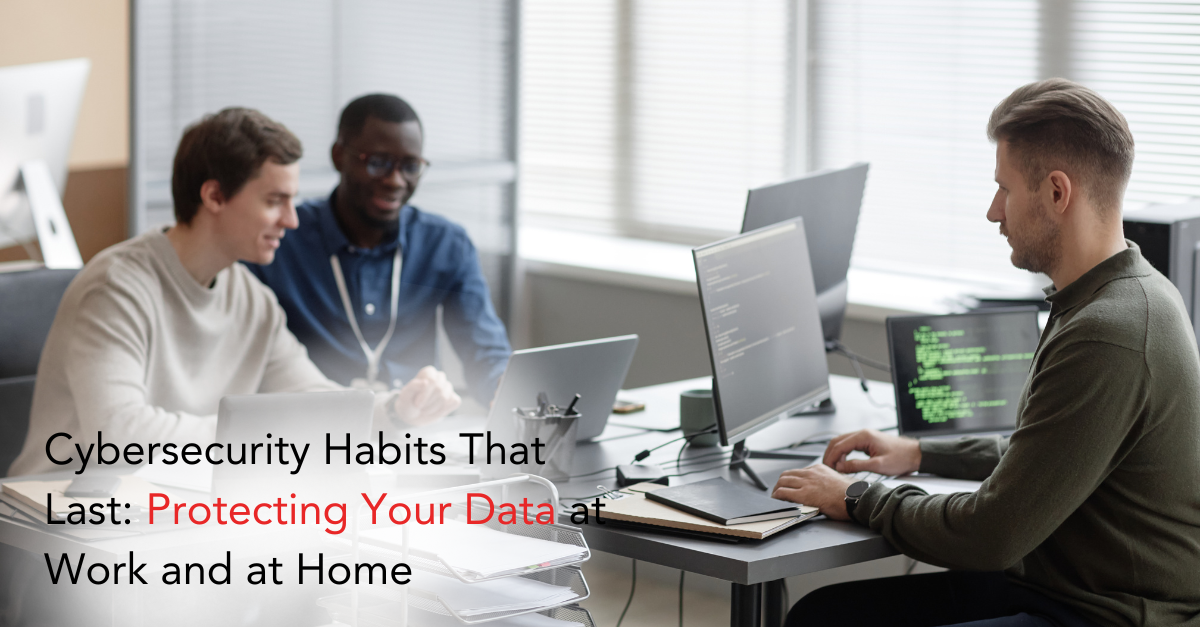
Cybersecurity isn’t just an IT issue it’s a daily habit. From personal email to business-critical systems, every login, click, and download can open the door to cybercriminals.
Whether you’re working from the office, managing a hybrid team, or checking bank statements at home, good cybersecurity habits protect your most valuable data and keep operations running smoothly.
This guide explores smart password management and other security practices that safeguard both your workplace and your personal life.
Why Everyday Cybersecurity Matters
Cyberattacks are no longer rare or limited to big corporations. Small and midsized businesses (SMBs) and individuals are frequent targets because they often lack advanced defenses.
The consequences of a single breach financial loss, identity theft, or compliance penalties can be devastating.
Common Threats You Face Daily
- Phishing emails designed to steal passwords or deliver malware.
- Ransomware attacks that encrypt files and demand payment.
- Credential stuffing, where stolen usernames and passwords from one breach are used elsewhere.
- Shadow IT, or employees using unauthorized apps without security oversight.
Adopting secure habits starting with stronger passwords reduces these risks dramatically.
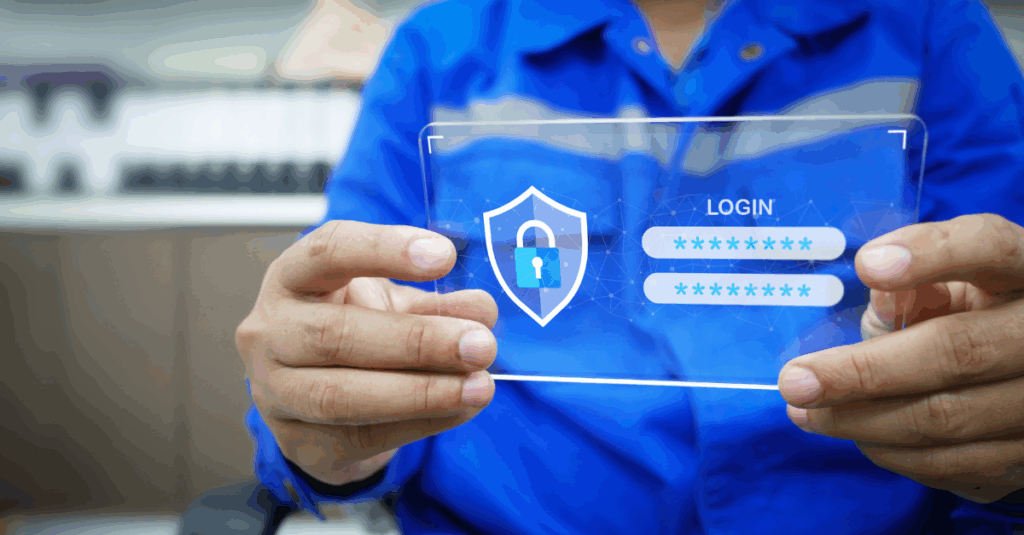
The First Line of Defense: Strong, Unique Passwords
Passwords remain the primary gateway to your accounts, yet weak credentials remain one of the top causes of breaches.
Attackers use automated tools to guess simple combinations in seconds, making it critical to create long, complex, and unique passwords for every account.
Password Best Practices
- Use at least 12–16 characters with a mix of numbers, symbols, and upper/lowercase letters.
- Avoid personal information such as birthdays or pet names.
- Never reuse passwords across accounts especially between work and personal logins.
- Update passwords immediately if a service reports a data breach.
Learn why implementing a multi-layered cybersecurity strategy is essential to keep passwords and your entire network secure.
Smart Password Management: Ditch the Sticky Notes
Many people still write passwords on sticky notes, save them in unsecured spreadsheets, or rely on memory.
These shortcuts invite cybercriminals and make data loss inevitable.
A password manager solves these problems by securely storing and encrypting credentials while generating strong, random passwords for every account.
Advantages of Password Managers
- Stronger Security: Automatic creation of complex, unique passwords.
- Simplified Access: Remember one master password instead of dozens.
- Centralized Control: Easy onboarding and removal of employees.
- Encrypted Storage: Protection even if a device is lost or stolen.
Partnering with experts in managed IT support ensures password managers are configured properly and meet compliance standards.
Multi-Factor Authentication: Adding a Safety Net
Even strong passwords can be stolen through phishing or malware.
Multi-factor authentication (MFA) requires a second step such as a text code, mobile app approval, or biometric scan—before granting access.
Implementing MFA across all key applications stops the majority of automated attacks.
Businesses that combine MFA with a cloud-smart security strategy can protect sensitive data and maintain productivity across remote and hybrid teams.
Protecting Data at Work: Managed IT Services for SMBs
For companies, cybersecurity is not a one-time project. It requires constant updates, monitoring, and policy enforcement.
A trusted partner offering intelligent network management ensures that passwords, devices, and cloud applications stay protected 24/7.
Benefits of Managed IT Services
- Continuous Monitoring: Detect suspicious activity before it becomes a breach.
- Automated Patching: Close security gaps with timely updates.
- Policy Enforcement: Company-wide password complexity and rotation rules.
- Strategic Planning: Expert guidance on new threats and technology upgrades.
Explore how a digital growth strategy aligns cybersecurity investments with business objectives.
Staying Compliant: Meeting Industry Regulations
Many industries—including healthcare, finance, and retail require strict password and access controls.
Failing to comply with standards like HIPAA, PCI DSS, or GDPR can result in steep fines and reputational damage.
Automating audits and policy enforcement with compliance management solutions simplifies reporting and ensures your business stays audit-ready.
Backup and Recovery: Your Safety Net for Human Error
Even with strong passwords and MFA, no system is completely immune.
A well-designed backup and disaster recovery plan ensures you can restore critical data after a breach, hardware failure, or accidental deletion.
Discover how ransomware-proof backup plans keep your files safe and your operations running.
Cybersecurity at Home: Protecting Personal Data
Workplace security habits also apply to your personal life. Cybercriminals don’t care whether they’re stealing business credentials or personal banking information.
Home Cybersecurity Tips
- Use a password manager for all personal accounts.
- Enable MFA on email, financial services, and social media.
- Keep operating systems, routers, and smart devices updated.
- Back up important files to an encrypted external drive or cloud service.
Home users can also benefit from professional guidance. Expert IT consulting services provide practical steps for securing household networks and connected devices.
Employee and Family Education: Building a Culture of Security
Technology alone isn’t enough—people must understand how to use it safely.
Whether you’re managing employees or teaching children about online risks, education is key.
Essential Training Topics
- Recognizing phishing attempts and suspicious links.
- Creating and updating strong passwords.
- Using password managers and MFA correctly.
- Reporting unusual account activity immediately.
Dallas businesses can stay ahead of sophisticated scams by following these anti-phishing strategies.
The Cost of Poor Password Practices
Ignoring password management exposes both businesses and families to significant consequences:
- Financial Loss: Data breaches can result in costly downtime and regulatory penalties.
- Identity Theft: Stolen credentials can lead to fraudulent accounts or credit damage.
- Reputational Damage: Customers and partners lose trust after a public breach.
Proactive planning, combined with strategic cloud security, keeps your data safe and your reputation intact.
Conclusion: Make Cybersecurity a Daily Habit
Strong cybersecurity isn’t built overnight—it’s the result of consistent, informed habits.
By implementing smart password management, enabling MFA, and partnering with experienced IT professionals, you can protect sensitive information at work and at home.
Whether you need managed IT support, multi-layered cybersecurity, or guidance on secure cloud migrations, CMIT Solutions delivers the expertise SMBs require to stay ahead of evolving threats.
Start today because the best cybersecurity plan is the one you practice every day.