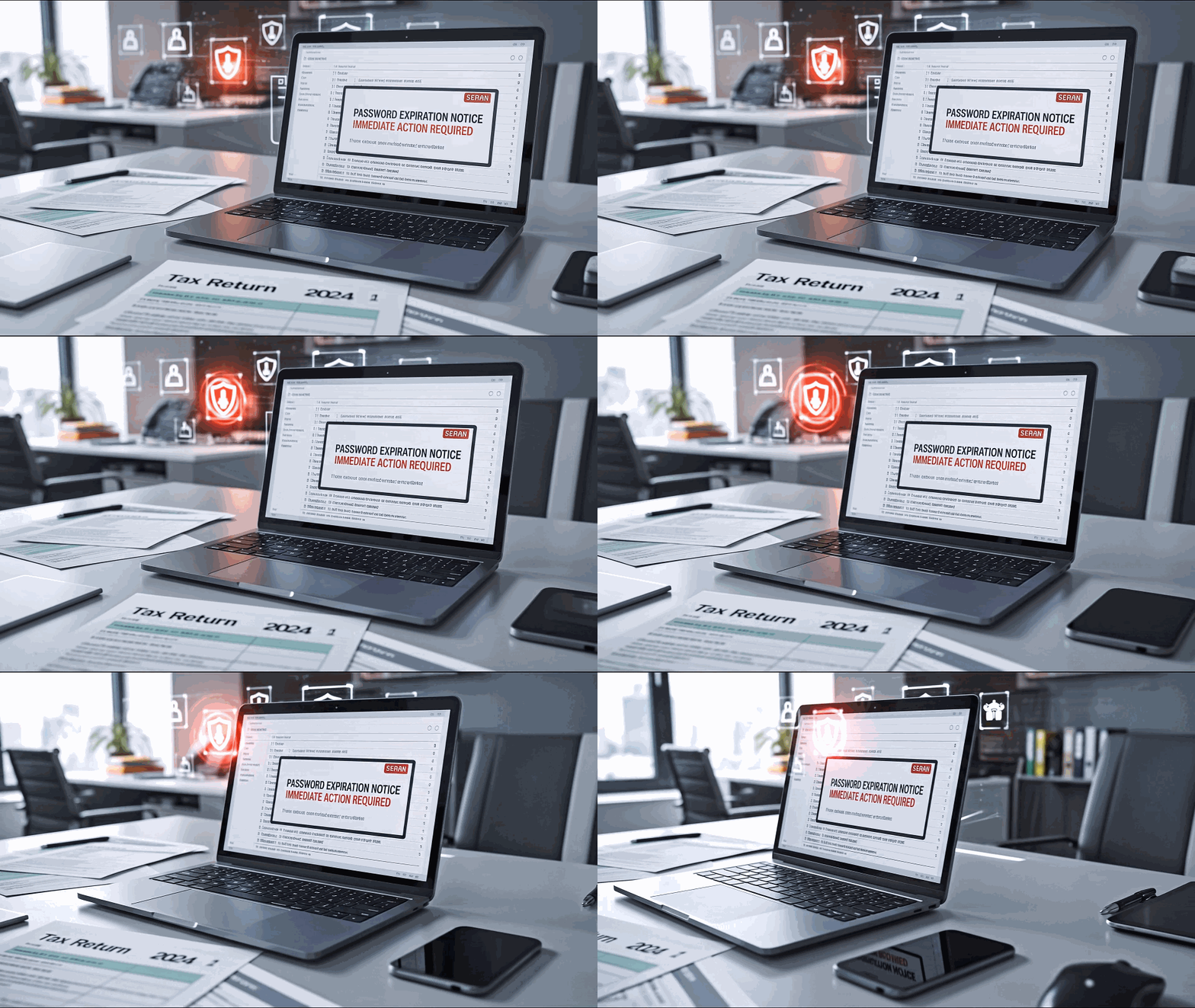

Your website was built once. The software running underneath it changes every month, and someone has to own that job. That job is website maintenance for a small business, and it’s easy to assume someone else has it covered.
Last week gave us a good reminder of why. On October 21, the PHP project released emergency fixes for two critical security flaws, nicknamed PHP2Shell (PHP.net). PHP runs nearly 70% of websites whose server-side programming language can be identified, including WordPress, which runs about 40% of all websites (W3Techs). Both flaws were rated 9.2 out of 10 for severity. In plain English, an attacker could use them to run their own software on an unpatched web server.
This one also showed how much faster things move now. The flaws were uncovered through security research involving Calif, OpenAI and Wiz, with AI tools playing a significant role in the research (Wiz). Details leaked before the fix was ready. Amazon’s threat team saw attackers going after the flaws four days before the patch even shipped, and by October 24 researchers had confirmed successful code execution against deliberately vulnerable honeypot servers (BleepingComputer). The patch came out on a Wednesday. By the weekend, the race was on.
The good news is that most large hosting companies moved fast. The more useful question for a business owner is a simpler one: if this happened to your website, who would have handled it?
The website nobody owns
For many established businesses, the website story goes something like this. A web designer or a nephew with good taste built the site five or six years ago. It looked great, it launched, and everyone moved on to running the business. The designer may have moved on too.
The site kept running, so it felt finished. Under the hood, though, a website is a stack of software that each needs its own updates:
- The server software, including PHP, which the hosting company usually controls
- WordPress itself, the core system that runs the site
- Plugins and themes, the add-ons that handle contact forms, galleries, booking tools and design
PHP2Shell was a good example of how easy it is to look in the wrong place. Updating WordPress did nothing for this flaw, because the fix lived in PHP on the server (WordPress.org). A WordPress security plugin wasn’t a substitute for patching PHP either. Some hosts and firewall services blocked known attacks while they patched, but they were clear that patching PHP was still required (Cloudflare). A business owner who dutifully clicked “update” in the WordPress dashboard could still have been exposed.
Age matters too. About 35% of reporting WordPress sites run PHP versions that no longer receive security fixes from the PHP project (The Repository). PHP 8.2, a common version, reaches end of life on December 31, 2026 (PHP.net). It’s not uncommon to see a business site that hasn’t had its server version reviewed since the day it launched.
The window to react is also shrinking. Mandiant found that the average time between a flaw becoming public and attackers using it dropped to five days in 2023, down from 32 days in the prior two years (Google Cloud / Mandiant). With PHP2Shell, attackers were already probing before the patch was released, and successful code execution was confirmed three days after it.
So who is actually responsible?
The short answer is “it depends on your setup,” which is exactly why so many sites fall through the cracks. Here is how the pieces usually split:
| Piece of the website | Who usually handles it | What to confirm |
|---|---|---|
| Server software and PHP | Your hosting company, on shared or managed hosting. You (or whoever set it up), on your own server or cloud account. | That they install security fixes, and how fast |
| WordPress core | Often automatic for minor updates; major updates need someone to approve and test them | Who checks that updates installed and the site still works |
| Plugins and themes | Whoever maintains the site, if anyone | Who reviews and updates them, and removes the ones you no longer use |
| Backups | Sometimes the host, sometimes a plugin, sometimes nobody | Where backups live and whether anyone has tested a restore |
| Logins and admin accounts | You | Who has access, and whether former employees or vendors still do |
During PHP2Shell, the split was easy to see. Managed WordPress hosts such as WordPress.com and WP Engine protected customers within hours, and WordPress.com told customers they had nothing to do. Owners running their own servers had to install the fix and restart PHP themselves. Some budget hosting plans were still relying on temporary protections a day later while they waited for updated packages (The Repository).
In other words, two businesses with identical-looking websites could have had very different weeks. The difference came down to the hosting agreement behind each site, and whether anyone had ever read it.
This is the same problem we wrote about in Who Manages All Your Technology Vendors?: when every vendor handles one piece, nobody is watching the whole picture.
What website maintenance for a small business should include
Website maintenance often gets sold as “we’ll keep it updated.” That phrase can mean a lot or almost nothing. A maintenance plan worth paying for usually covers these areas, with someone’s name next to each one:
- Security updates on a schedule, plus a plan for emergencies. Routine updates can wait for a monthly window. A flaw like PHP2Shell can’t. Ask how fast critical fixes get installed and who decides.
- Testing after updates. Updates sometimes break a contact form or a booking tool. Someone should check the pages that bring in business, not just confirm the update ran.
- Backups you can actually restore. A backup stored on the same server as the website can disappear with it. Off-site copies and an occasional test restore are what make a backup useful.
- A short list of who has admin access. Old logins for former staff or past vendors are a common way in. Review them a couple of times a year.
- Keeping the server version current. This means knowing which PHP version the site runs and planning the move before it reaches end of life, rather than after.
- Monitoring. Uptime alerts and a basic security scan catch problems before a customer emails to say your site looks strange.
None of this requires a big budget. It does require that the work is written down and assigned, so it doesn’t depend on someone remembering.
Five questions to ask this week
You don’t need to be technical to get clear answers. Send these to your web designer, hosting company or whoever manages your site:
- Was our server patched for PHP2Shell, and on what date?
- Which PHP version does our site run, and when does it stop getting security fixes?
- Who installs WordPress, plugin and theme updates, and how quickly for critical ones?
- Where are our backups stored, and when did someone last test a restore?
- Who has admin access to the site and the hosting account today?
If you use WordPress, you can check question 2 yourself. Log in and go to Tools > Site Health > Info > Server to see your PHP version. Some hosts install fixes without changing the version number, so your host is still the one who can confirm it for certain.
Pay attention to how the answers come back. A quick, specific reply is a good sign. “We added firewall protection” without confirming the actual fix, or “I’ll have to look into that,” tells you the job may not have an owner yet.
Your website is often the first impression a new customer gets, and it’s connected to your email, forms and customer data. It deserves the same attention as the rest of your technology. If you’d like a second set of eyes on who handles what across your website, hosting and other technology vendors, our team at CMIT Solutions of Fort Lauderdale can help you sort it out. Learn more about our cybersecurity services in Fort Lauderdale.
Frequently asked questions
Who is responsible for updating my business website’s software?
It depends on how your site is hosted. On shared or managed hosting, the hosting company usually updates the server software, including PHP. WordPress, plugins and themes are usually the job of whoever maintains your site. If you run your own server or cloud account, all of it is on you or your IT provider. Get the split in writing.
What does website maintenance include for a small business?
Good website maintenance covers security updates with a plan for emergencies, testing after updates, off-site backups that are tested, a review of who has admin access, keeping the server version current, and basic monitoring. Each item should have a named owner.
Does updating WordPress protect my site from PHP2Shell?
No. PHP2Shell was a flaw in PHP, the software on the web server, so the fix had to be installed by whoever manages the server. Updating WordPress or adding a security plugin did not fix it. Ask your host to confirm the PHP fix is installed.
How quickly should security updates be installed after they’re released?
Critical fixes should be installed within days, and sometimes hours. Mandiant found the average time from a flaw going public to attackers using it fell to five days in 2023. With PHP2Shell, attacks began before the patch was even released.
How do I check which PHP version my WordPress site uses?
Log in to WordPress and go to Tools > Site Health > Info > Server. Compare the version with your host’s guidance. Some hosts install fixes without changing the version number, so your host should confirm.