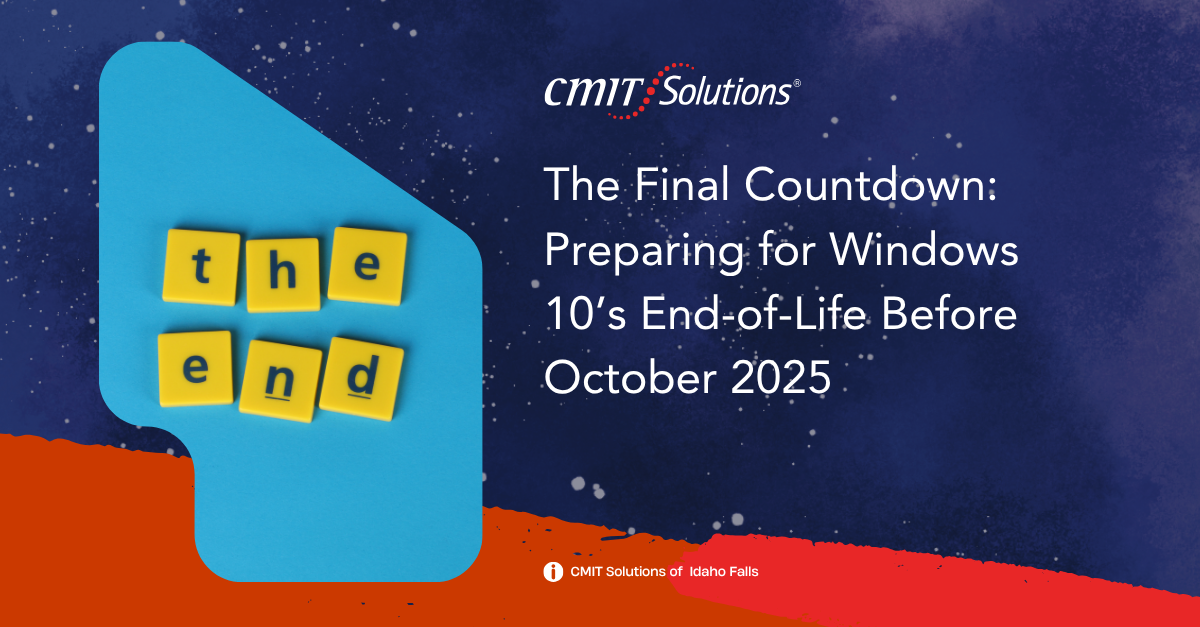
Windows 10 has served millions of users and businesses faithfully for over a decade. But every journey has an end, and for Windows 10, that day is fast approaching. Microsoft has officially announced that October 14, 2025, marks the end-of-life (EOL) for Windows 10. After this date, devices running the operating system will no longer receive free security updates, patches, or technical support.
At CMIT Solutions of Idaho Falls, we understand that this transition is more than just a routine update—it’s a critical step in safeguarding your business from evolving cyber threats, compliance failures, and productivity disruptions. In this blog, we provide an in-depth roadmap to help your organization prepare effectively.
Why Windows 10’s End-of-Life Matters
The end-of-life designation means Microsoft will stop supporting Windows 10, leaving any systems still using it vulnerable to cyberattacks and ineligible for updates. One of the biggest concerns is that unsupported systems quickly become low-hanging fruit for hackers. With no patches or fixes to counteract new threats, these systems become entry points for ransomware, data theft, and network infiltration.
This change also affects your business’s compliance posture. Regulatory standards like HIPAA, PCI-DSS, and others often require up-to-date security patches. Operating unsupported software could violate those standards, leading to fines, audits, and loss of trust.
Moreover, Microsoft recently confirmed a critical vulnerability (CVE-2025-29813) that exposes Windows 10’s cloud-based integrations to credential theft and privilege escalation. This underscores how remaining on Windows 10 beyond its EOL is not just a maintenance issue—it’s a security time bomb.
What If You Don’t Switch to Windows 11?
Failing to upgrade from Windows 10 can lead to serious consequences, including:
- Increased Downtime: Older systems crash more frequently and are less compatible with modern software.
- Higher IT Costs: Maintaining legacy systems often requires more IT support and patchwork fixes.
- Security Breaches: Unpatched systems invite malware, ransomware, and phishing attacks.
- Loss of Data: Without updated backup protocols, you risk losing mission-critical files.
- Reputation Damage: Breaches can erode customer trust and public credibility.
The longer you delay, the more these risks accumulate. Migration isn’t just smart—it’s essential.

Key Risks of Not Upgrading
1. Cybersecurity Exposure
Cyber threats are relentless, and operating on unsupported systems increases your attack surface dramatically. At CMIT Solutions of Idaho Falls, our cybersecurity experts are already helping local businesses assess and patch vulnerabilities while planning for long-term mitigation.
2. Compliance Violations
Many businesses must adhere to industry regulations. Continuing to operate Windows 10 could mean non-compliance, which results in fines, penalties, and legal liabilities. Our compliance services ensure that your systems meet both internal and external standards.
3. Operational Disruptions
Unpatched systems are prone to failure. Whether through malware or compatibility issues, your productivity tools and workflows could be significantly impacted. Our productivity applications support ensures your business stays on track during the migration.
4. Hardware Limitations
Not all hardware can run Windows 11. In such cases, you might need to replace or upgrade your infrastructure. Our team provides IT procurement services to ensure your business gets cost-effective, reliable hardware tailored to your needs.
Our Comprehensive Approach to EOL Transition
Step 1: Full Environment Audit
We begin by conducting a thorough system discovery to identify all devices running Windows 10. This inventory helps us create a prioritization matrix based on device criticality, exposure level, and upgrade feasibility.
Step 2: Custom Migration Strategy
Every business is different. That’s why we design a tailored upgrade plan, whether that means transitioning to Windows 11, exploring cloud services, or adopting alternative secure platforms.
Step 3: Hardware Compatibility Assessment
We evaluate each device’s capability to support Windows 11. If upgrades aren’t possible, we provide hardware replacement recommendations aligned with performance and budget goals.
Step 4: Risk-Based Security Measures
Until full migration is complete, our team implements interim security controls, including patching, antivirus updates, and advanced threat detection. Our network management solutions ensure that every endpoint remains protected.
Step 5: Backup & Recovery
EOL transitions are the perfect time to reassess your data backup strategy. We help ensure your critical files are securely stored and quickly recoverable in the event of failure or breach.
Step 6: Communication & Training
We assist in educating your team about the EOL timeline, migration timelines, and the importance of using supported systems. This reduces pushback and builds internal support for changes.
Why It Matters for SMBs
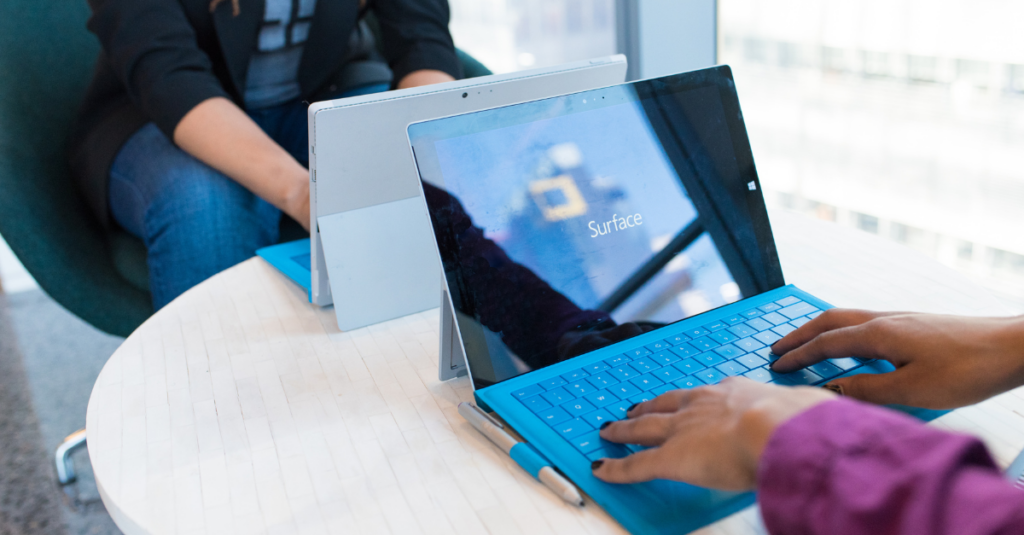
Small and mid-sized businesses (SMBs) are often more vulnerable to cybersecurity threats due to smaller IT teams and limited budgets. Migrating away from Windows 10 isn’t just a defensive move—it’s a strategic one that gives SMBs:
- Access to modern tools that increase productivity
- Improved user experience with newer features and better performance
- Stronger protection from ransomware and phishing
- Higher uptime and fewer service disruptions
- Better integration with platforms like Microsoft 365
If you’re a small business owner in Idaho Falls, this transition can be a gateway to digital transformation—and CMIT Solutions of Idaho Falls is here to guide you.
Why Work with CMIT Solutions of Idaho Falls?
As a trusted local MSP, we specialize in managed IT services tailored to small and mid-sized businesses across various industries. Our proactive approach means we address risks before they become emergencies.
What sets us apart:
- 24/7 IT support from our experienced technicians (learn more)
- Deep expertise in compliance, cybersecurity, and cloud environments
- Transparent pricing and clear deliverables
- Strong vendor partnerships to ensure access to premium software and hardware
- Local presence with national scale support
Need to speak with us directly? Contact us today.
Unified Communications: The Next Step After Migration
Once your systems are upgraded, consider implementing unified communications to streamline voice, video, messaging, and collaboration tools across your network. Unified communications not only improves internal efficiency but also enhances client-facing interactions by centralizing communication into one cohesive platform. By eliminating silos and enabling real-time collaboration, your teams can resolve issues faster, make smarter decisions, and maintain a consistent workflow whether they’re in the office or working remotely.
A modern OS like Windows 11 supports seamless integration with productivity platforms such as Microsoft Teams, Zoom, and cloud-based file sharing tools. These integrations make it easier to conduct virtual meetings, access shared data, and maintain communication history. Whether you’re managing remote workers or aiming to strengthen in-office coordination, unified communications helps establish a culture of transparency and agility—two vital traits for growth-oriented organizations.
Looking Ahead: IT Guidance Beyond Windows 10
Our support doesn’t end after the upgrade. In fact, it’s just the beginning. With technology evolving at a rapid pace, having a knowledgeable IT advisor by your side ensures that your business doesn’t just keep up—it leads. Our IT guidance services are built to help businesses like yours make informed decisions about infrastructure, cloud strategy, data security, and software adoption.
We’ll assist you in aligning IT initiatives with strategic objectives, helping you prioritize investments that maximize ROI. From planning quarterly upgrades to integrating AI tools or automation platforms, we help you create a resilient and forward-thinking technology ecosystem.
And for businesses looking to simplify vendor relationships and reduce operational complexity, we offer custom IT packages that combine essential services—like managed IT, data backup, compliance monitoring, and cybersecurity—into one streamlined solution. Our packages are tailored to your industry, your challenges, and your growth trajectory, allowing you to focus on what matters most: running your business.
Final Thoughts: Time Is Running Out
October 14, 2025, may feel far off, but for any business relying on Windows 10, the clock is ticking. Postponing your migration leaves your systems exposed to growing cybersecurity threats and compliance pitfalls. The longer your organization delays, the higher the likelihood of encountering disruptions—whether it’s a ransomware attack, software incompatibility, or regulatory audit.
The transition from Windows 10 is more than an upgrade; it’s an opportunity to modernize your infrastructure, improve employee experience, and establish a future-proof IT foundation. CMIT Solutions of Idaho Falls brings unmatched local insight and enterprise-grade resources to help businesses migrate with confidence, minimize risk, and enhance performance every step of the way.
Whether you need system discovery, upgrade planning, hardware procurement, training sessions, or post-upgrade monitoring, we’ll create a roadmap tailored to your organization’s unique needs. Let’s work together to future-proof your IT ecosystem and ensure your business is not only ready for the post-Windows 10 era—but positioned to thrive in it.