Fully Managed vs Co-Managed: Which Fits a Business Your Size
Two ways to solve the same problem
We have spent this month on one situation: the person at your business who ended up handling technology without ever being asked to, and what happens when the company grows past what that arrangement can carry.
This last post is about the two ways out, because there are two, and a lot of businesses assume there is only one.
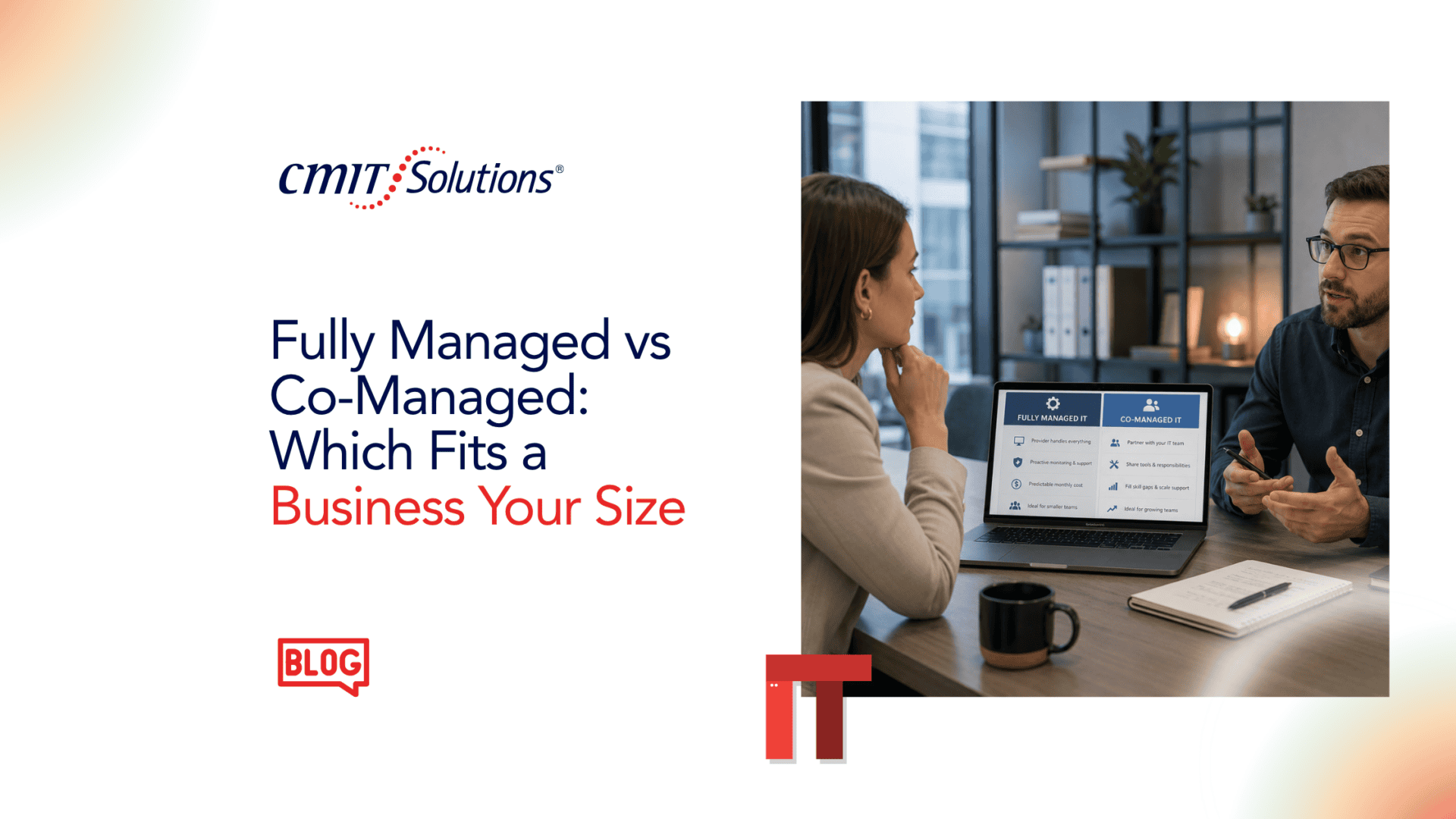
This tends to fit organizations with nobody internal whose job includes technology, where the current arrangement is somebody’s unpaid second job, and where leadership would rather stop thinking about this category entirely. That describes most professional services firms and nonprofits we work with.
Co-managed, in plain terms
You keep somebody internal. We work alongside them.
The split varies and is agreed rather than assumed. A common arrangement has us carrying the continuous load, meaningmonitoring, patching, backups,after-hours cover, and the routine ticket volume, while your person stays the internal face of technology, keeps the institutional knowledge, and handles what needs somebody who knows the business. When a project comes along that is bigger than one person, we bring the additional hands, and the longer-term planning side sits under ourIT guidance service.
This tends to fit organizations that already have someone doing technology work in a real and acknowledged way, where the constraint is depth or hours rather than the absence of a person, and where the internal person genuinely wants to keep part of the job.
How to tell which one you are
The instinct is to decide by headcount, and headcount is the least reliable guide available. We have seen fifteen-person organizations that are clearly co-managed and sixty-person organizations that are clearly fully managed.
Three questions do a better job.
Does anyone’s actual job description include technology? Not “everybody knows Priya handles the computers.” Whether it is written down, resourced, and reviewed. If it is not, you are probably looking at fully managed, whatever the org chart implies.
What is the constraint you are trying to fix? If the problem is that nobody has the specialist knowledge, co-managed adds depth alongside someone who stays. If the problem is that the person carrying this is already underwater and needs the load gone rather than shared, co-managed can quietly make it worse by adding coordination to an already full plate.
What does the person themselves want? This gets asked least and matters most. Some people enjoy the technology part and would be genuinely sorry to lose it. Others have been waiting years for somebody to take it away and have never felt able to say so. It is worth asking them directly and privately, and it is worth believing the answer.
Nobody is being replaced
Worth stating plainly, since it is the fear that stalls this decision more than any other.
In our experience the internal person is rarely the obstacle once they understand what is actually on offer. What they are usually afraid of is that a provider will arrive, declare everything wrong, and make them look bad in front of leadership. That fear is reasonable and it happens. It is also not how a decent arrangement starts, and if you are evaluating providers it is a fair thing to ask them about directly.
The part that takes the pressure off
Here is what we most want you to take from this post: the choice is not permanent, and you should be deeply suspicious of any arrangement that requires it to be.
Businesses move between these models regularly and in both directions. An organization on fully managed hires an operations person who turns out to be capable and interested, and the arrangement shifts. A co-managed client loses their internal person and needs us to absorb the whole thing for a while. Growth changes the answer. So does a single hire.
That is why we do not dolong-term contracts. Not as a promotion, but because tying a business into a multi-year commitment for a decision that should be revisited as circumstances change is not a good arrangement for the client, and an arrangement that only works while the client is locked in is not much of an arrangement.
It also matters for whoever holds your job next. If you are an operations lead or an executive director, some of what you sign becomes your successor’s inheritance. Being able to say you did not commit them to anything they cannot change is worth something, and it is the kind of detail aboard notices.
Where the month lands
Four weeks of posts, and one argument underneath all of them. Growth is what broke your old way of handling technology. Nothing was neglected and nobody failed. The arrangement simply stopped fitting, quietly, somewhere along the way.
Fully managed and co-managed are both reasonable answers. The wrong answer is continuing by default because the decision never made it onto anyone’s agenda.
Talk it through, no obligation
CMIT Solutions of San Marcos & New Braunfels works with growing businesses across San Marcos, New Braunfels, Kyle, Buda, Wimberley, Lockhart, and Seguin. Our free thirty-minute IT assessment includes a straight conversation about which model actually fits you, and we are perfectly willing to tell you that neither is worth doing yet.
No pressure and no obligation. Call (830) 515-4151 or reach out online.
Frequently Asked Questions
1. What is the difference between fully managed and co-managed IT services?+
Fully managed IT means an outside provider handles most or all of a company’s technology needs. Co-managed IT means the provider works alongside an internal employee or IT team and shares responsibilities based on an agreed plan.
2. What is included in fully managed IT services?+
Fully managed IT services can include monitoring, software updates, backups, help desk support, cybersecurity, account setup and removal, hardware and software purchasing, vendor coordination, network management, and long-term technology planning.
3. Who is fully managed IT best for?+
Fully managed IT is often a good fit for businesses that do not have a dedicated internal IT person. It can also work well when technology has become an unofficial second job for an office manager, operations leader, executive, or another employee.
4. What are co-managed IT services?+
Co-managed IT services allow a business to keep its internal IT resource while using an outside provider for additional support, tools, expertise, monitoring, cybersecurity, projects, or after-hours coverage.
5. Who is co-managed IT best for?+
Co-managed IT is usually a strong fit for organizations that already have someone officially responsible for technology but need more capacity, specialist expertise, or continuous support.
6. How are responsibilities divided in a co-managed IT arrangement?+
The responsibilities are typically divided based on the business’s needs. The provider may handle monitoring, patching, backups, routine support, and cybersecurity while the internal person focuses on business-specific systems, projects, and internal relationships.
7. Is company size the best way to choose between fully managed and co-managed IT?+
No. Headcount alone is not a reliable guide. A smaller company with an internal IT professional may be a good fit for co-managed IT, while a larger company with no dedicated IT role may benefit more from fully managed services.
8. How do I know if my business needs fully managed IT?+
Fully managed IT may be appropriate if nobody’s actual job description includes technology, IT work is being handled informally, support requests are interrupting other responsibilities, or leadership wants one provider to take ownership of the environment.
9. How do I know if co-managed IT is a better fit?+
Co-managed IT may be a better fit if your business already has an internal IT person who wants to remain involved but needs additional capacity, expertise, tools, or coverage.
10. Can co-managed IT reduce pressure on an internal IT employee?+
Yes. A co-managed provider can take over repetitive and continuous responsibilities such as monitoring, updates, backups, routine tickets, and after-hours support so the internal employee can focus on higher-value work.
11. Can co-managed IT make an internal employee’s workload worse?+
It can if responsibilities are unclear. If an overloaded employee has to coordinate the provider while still carrying the same workload, the arrangement may add pressure instead of reducing it. Clear ownership and defined responsibilities are important.
12. Does outsourcing IT mean replacing existing employees?+
No. Managed IT services do not automatically mean replacing internal employees. In many cases, the goal is to support them, reduce their workload, and provide expertise they may not have time to maintain internally.
13. What should businesses ask their internal IT person before choosing a support model?+
Ask which responsibilities they want to keep, which tasks take too much time, where they need more expertise, what support they wish they had, and whether they actually want technology to remain part of their role.
14. What does a fully managed IT provider handle day to day?+
A fully managed provider may handle help desk requests, device management, network monitoring, cybersecurity, backups, updates, user accounts, vendor issues, technology documentation, and strategic planning.
15. How does cybersecurity fit into fully managed and co-managed IT?+
Cybersecurity can be included in either model. Under fully managed IT, the provider may take primary responsibility for security. Under co-managed IT, cybersecurity tasks can be divided between the provider and internal staff.
16. How does network monitoring fit into managed IT services?+
Network monitoring helps identify performance issues, outages, security concerns, and device problems. It is often handled continuously by the managed IT provider under both fully managed and co-managed arrangements.
17. Can a business switch from fully managed IT to co-managed IT later?+
Yes. A business may move to a co-managed model after hiring an internal IT person or developing more internal technology capability.
18. Can a business switch from co-managed IT to fully managed IT?+
Yes. If an internal IT employee leaves, responsibilities change, or leadership wants the provider to take on more ownership, the arrangement can shift toward fully managed IT.
19. Why is flexibility important when choosing an IT support provider?+
Technology needs change as businesses grow, hire new employees, adopt new systems, or face new cybersecurity requirements. A flexible support model makes it easier to adjust responsibilities as those circumstances change.
20. How can CMIT Solutions of San Marcos & New Braunfels help businesses choose between fully managed and co-managed IT?+
CMIT Solutions of San Marcos & New Braunfels can review the organization’s current IT responsibilities, internal resources, technology environment, cybersecurity needs, support workload, and future plans. This can help businesses in San Marcos, New Braunfels, Kyle, Buda, Wimberley, Lockhart, and Seguin determine which support model fits best.
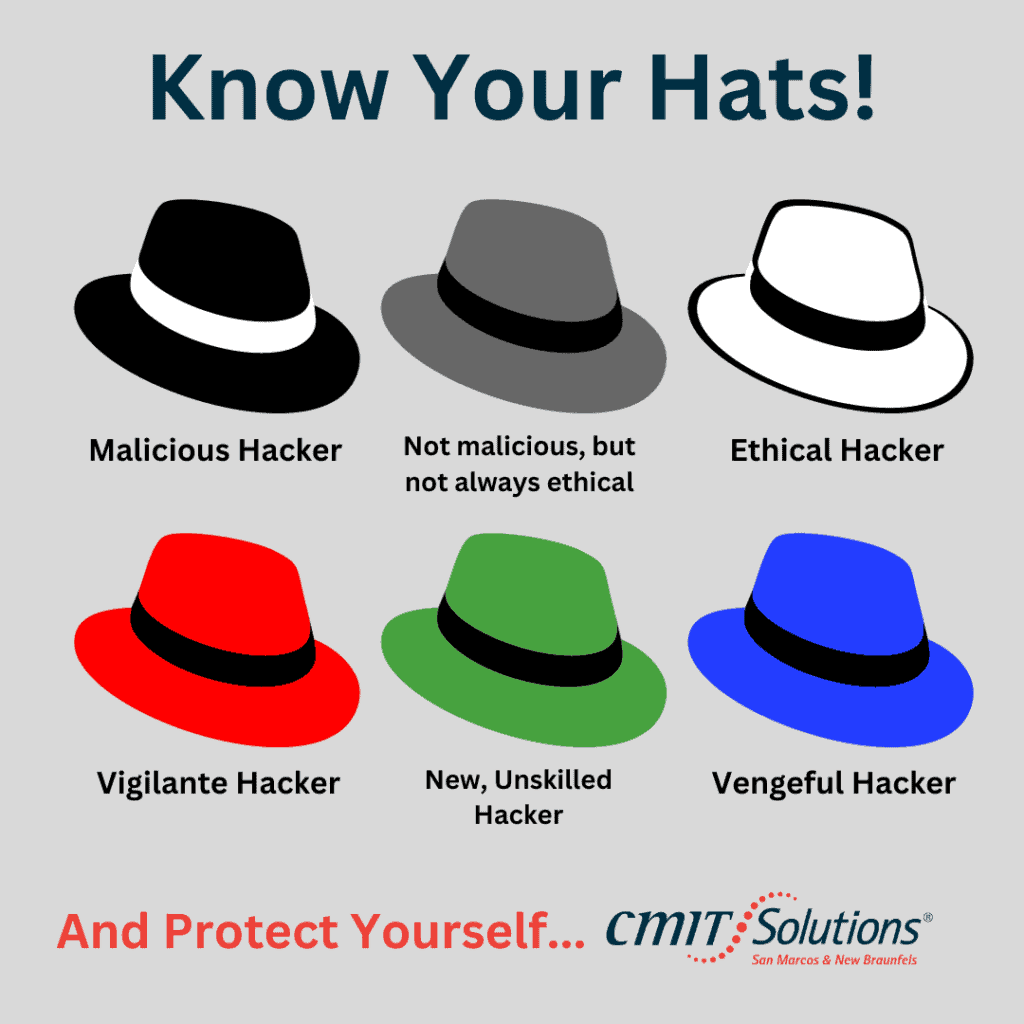
Do you ever wonder who is behind all those cyberattacks that steal private information or cause mayhem online? Well, there are many different types of hackers out there, from black hats to red hats and everything in between.