
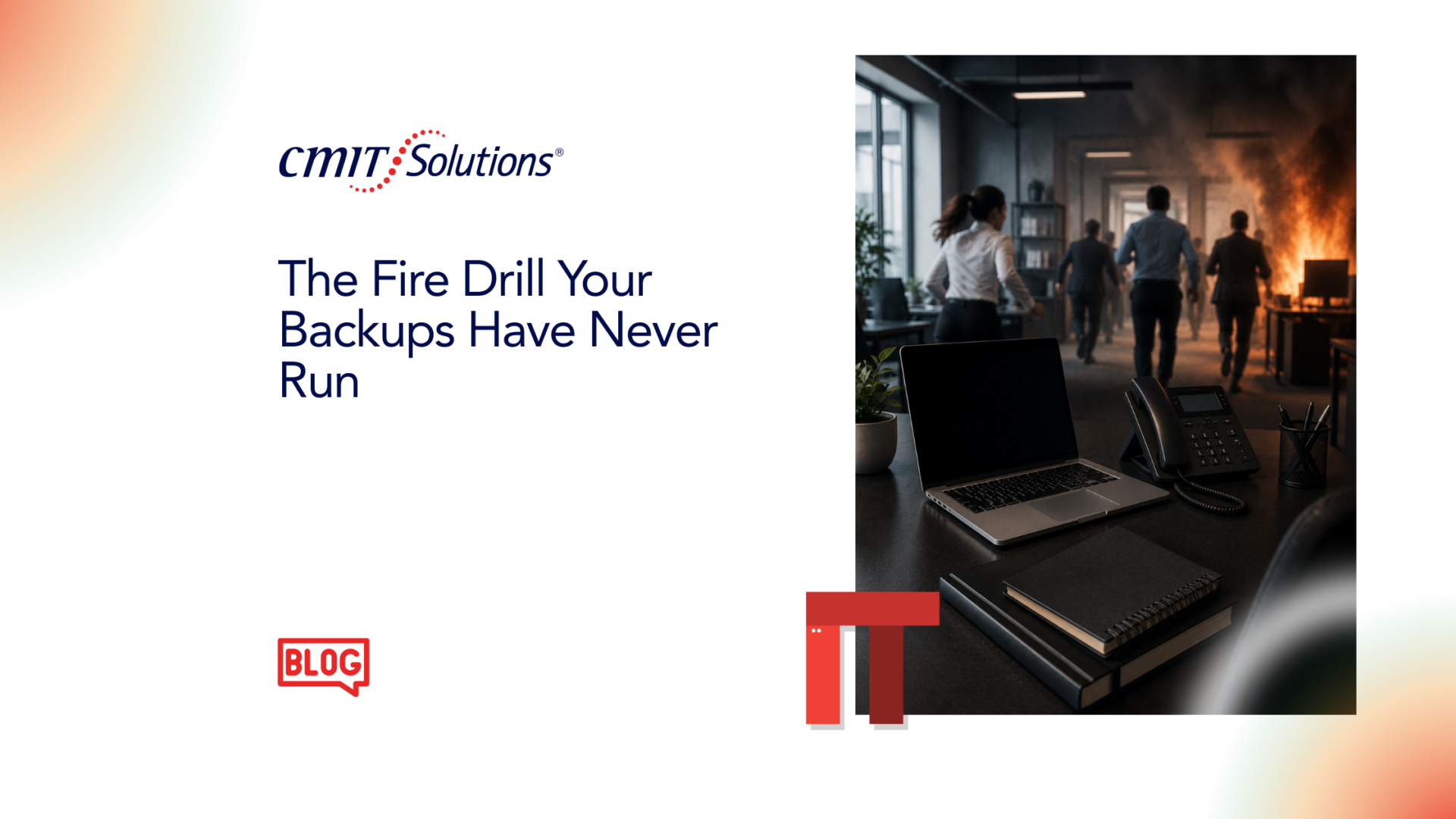
When a fire alarm goes off at a school, nobody stops to figure out what to do next. The students line up, the teachers guide them to the exits, and everyone knows where to go because they have done it before.
Your backup plan should work the same way. The catch is that most organizations have never actually practiced their recovery, so they are hoping it works rather than knowing it does.
Why fire drills protect people and organizations
A fire drill does more than satisfy a policy or tick a box. It lets people get comfortable with the steps before any pressure sets in, and it answers the one question that really matters: will this work when we actually need it?
When everyone knows where to go, who leads, and what happens in what order, panic does not take over. And if the plan has a weak spot, you find it during the drill instead of during the real thing.
That is the value of practice. It takes the guesswork out before the pressure hits.
The business version of a fire drill
Here is the same idea in everyday terms. You almost certainly have backups running. The harder question is whether anyone has confirmed those backups will actually be restored.
A lot of teams have never checked, and much of the time it comes down to growth. The informal setup that worked fine at a smaller size quietly stops keeping up as a company adds people, systems, and data.
- The person keeping an eye on backups often already has three other jobs and no time for a full test
- Nobody notices the gap until something breaks
- That is when the real questions start: will it restore, how long will it take, and which systems come back first
That is also the moment the cost becomes real.
A multi-hour outage is more than downtime.
- A medical practice loses access to patient records and the schedule
- A nonprofit or professional services team can’t answer the people counting on them
- A growing software company watches developers and product work grind to a halt
Payroll stalls, requests pile up, and internal communication grinds to a halt. For a team that has never practiced recovery, a few hours can stretch into days.

What recovery testing looks like
Recovery testing is not theoretical. We sit down with your team and run a real recovery. We restore from your backups, time how long it takes, and see which systems come back first and which ones stall. The point is to find the gaps now, while nothing is actually on fire.
A good test answers the questions most teams do not face until everything is already down:
- Will the restore work the way you assume it will?
- How many hours will a full recovery take?
- Which systems have to come back first for you to keep operating?
- Can your team keep working during recovery, or does everything stop?
- Are there gaps in your current backup setup that no one has spotted yet?
That is the difference between having backups and being ready to recover.
What Happens When the Drill Gets Skipped
When recovery has never been tested, even a routine disruption can turn into a much bigger problem. People lose access and sit idle while leadership asks for updates nobody can give. Front-line staff can’t pull up the information they need, work that depends on those systems stops, and payroll can slip.
What should have been a two-hour fix turns into six hours or more, simply because no one had practiced the steps.
The real cost is not only the lost time. It is the trust that takes a hit and the scramble that never had to happen. For a regulated business, an untested recovery can add a compliance requirements headache on top of everything else.

Don’t wait for the emergency to learn the plan
Nobody runs a fire drill because they expect a fire tomorrow. They run it because an emergency is the worst possible time to work out who does what and where the plan falls apart.
Backup recovery deserves the same preparation. If you have never tested a restore, you are trusting a set of assumptions at the exact moment you can least afford them to be wrong.
Let’s find out where you stand
Most of the teams we talk to discover they are not as ready as they thought. That is a far better thing to learn during a calm, controlled test than in the middle of a real crisis.
CMIT Solutions of San Marcos and New Braunfels, and we work with medical practices, nonprofits, professional services firms, and growing software teams across San Marcos, New Braunfels, Kyle, Buda, and the surrounding Central Texas area. If it would help, we can walk through your backup plan together, sort out what has been tested and what has not, and give you a clear read on whether your recovery will hold up when it counts. No pressure, and no obligation.
When an outage does hit, you want to be following a plan, not writing one under pressure.
You can also reach us at (830) 515-4151 or visit cmitsolutions.com/sanmarcos-tx-1047 to set up a time that works for you.
Frequently Asked Questions
1. Why is backup recovery testing important?
Backup recovery testing verifies that your backups can actually be restored successfully. It helps identify issues before an outage, ransomware attack, or hardware failure disrupts your business.
2. Isn’t having backups enough?
No. Backups are only useful if they can be restored quickly and completely. Without testing, you cannot be certain your recovery process will work when you need it most.
3. How often should businesses test their backups?
Most businesses should perform backup recovery testing at least once or twice a year. Organizations handling critical data or operating in regulated industries may benefit from more frequent testing.
4. What happens during a backup recovery test?
During a recovery test, your IT team restores data from backups, measures recovery time, verifies data integrity, and confirms that critical applications and systems function properly after restoration.
5. How long does backup recovery testing take?
The length depends on your environment, the amount of data, and the systems being tested. Many organizations can complete a planned recovery test within a few hours without disrupting normal operations.
6. Can backup testing be performed without interrupting business?
Yes. In most cases, recovery testing can be conducted in a controlled environment that minimizes or eliminates disruption to day-to-day business activities.
7. What is the difference between backups and disaster recovery?
Backups are copies of your data. Disaster recovery is the complete process of restoring systems, applications, and operations so your business can continue after an unexpected event.
8. How do I know if my backups are working properly?
The only reliable way is to perform regular recovery testing. Automated backup reports confirm that data was copied, but they do not guarantee a successful restore.
9. What are the biggest risks of never testing backups?
Untested backups can lead to failed restores, extended downtime, lost data, missed deadlines, reduced productivity, financial losses, and damage to customer trust.
10. Which systems should be restored first during recovery?
Every business is different, but critical systems such as servers, business applications, email, financial systems, and customer databases are typically restored first based on business priorities.
11. Can ransomware affect my backups?
Yes. If backups are not properly protected or isolated, ransomware may encrypt or delete them. A strong backup strategy includes secure, immutable, or offline backup copies whenever possible.
12. How can businesses reduce downtime after an outage?
Regular recovery testing, documented recovery procedures, reliable backups, proactive IT monitoring, and clearly defined recovery priorities all help reduce downtime.
13. Are cloud backups automatically protected?
Not always. While cloud providers offer infrastructure reliability, businesses are often responsible for protecting and recovering their own data. Additional backup solutions may still be necessary.
14. What industries benefit most from backup recovery testing?
Healthcare providers, law firms, manufacturers, financial services, nonprofits, engineering firms, professional service companies, and growing technology businesses all benefit from regular recovery testing.
15. What is Recovery Time Objective (RTO)?
Recovery Time Objective (RTO) is the maximum amount of time your business can tolerate systems being unavailable before significant operational or financial impacts occur.
16. What is Recovery Point Objective (RPO)?
Recovery Point Objective (RPO) measures how much data your business can afford to lose, typically expressed as minutes or hours between backup intervals.
17. How often should backup strategies be reviewed?
Your backup and disaster recovery strategy should be reviewed annually and whenever major changes occur, such as new software deployments, office expansions, cloud migrations, or significant business growth.
18. How does CMIT Solutions help with backup recovery?
CMIT Solutions helps businesses evaluate backup systems, perform recovery testing, identify weaknesses, improve disaster recovery planning, and ensure critical systems can be restored efficiently after an outage.
19. Which businesses does CMIT Solutions of San Marcos and New Braunfels support?
CMIT Solutions of San Marcos and New Braunfels supports medical practices, nonprofits, professional service firms, software companies, and small to mid-sized businesses throughout San Marcos, New Braunfels, Kyle, Buda, and the surrounding Central Texas area.
20. How can I schedule a backup recovery assessment?
You can contact CMIT Solutions of San Marcos and New Braunfels by calling (830) 515-4151 or visiting https://cmitsolutions.com/sanmarcos-tx-1047/ to schedule a backup recovery assessment and determine whether your business is prepared for an unexpected outage.