
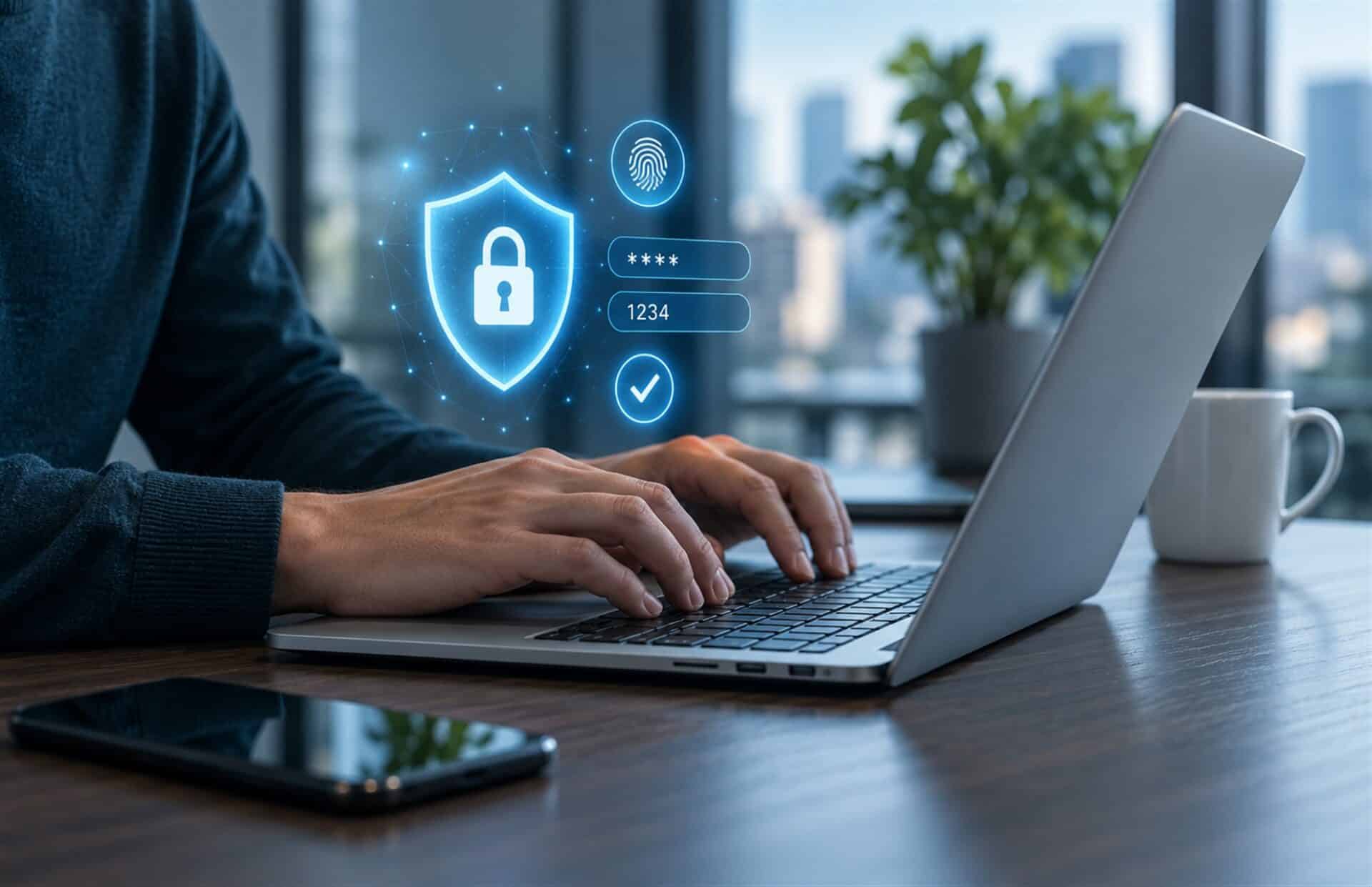
As cyber threats evolve, strong password security is a top priority; recent high-profile data breaches involving a password manager have understandably raised alarms. This leads to a fair question that deserves a straight answer: are password managers safe, or do they create a single point of failure that needs careful management? While no tool is entirely risk-free, a password manager remains the most secure method for protecting credentials when supported by proper risk management. This article will analyze the real risks and benefits and outline how to implement these tools securely. Ultimately, effective protection relies on a trifecta: zero-knowledge architecture, a strong master password, and multi-factor authentication.
Understanding What Happened in High-Profile Manager Breaches
It’s true that password manager providers have experienced security incidents, with the LastPass breach being the most high-profile example. To understand the real risk from this Data Breach, let’s look at what happened. Hackers successfully stole encrypted digital vault backups from the provider’s cloud storage. While the attackers possessed copies of user data, the strong Encryption used by the service rendered the information unreadable. Without each user’s unique master password, this stolen data was essentially a locked box with no key. For users who had implemented a strong master password, the system worked exactly as designed, as their data remained secure.
The real exposure, however, came from weak master password flaws. Because they had the encrypted files, attackers could use powerful computers to guess these weak passwords offline, free from any time limits or account lockouts. This is the core lesson: it wasn’t the password manager’s fundamental technology that failed; it was the weak master password protecting the digital vault.
In fact, incidents like this have pushed the industry forward, leading to the development of even more robust security protocols designed to further protect users.
How Core Security Architecture Protects Business Data
A password manager is essentially a secure Digital Vault. It securely stores all your login credentials usernames, passwords, and other sensitive data in one encrypted location. Robust Encryption, typically AES-256, protects this Digital Vault, the same industry standard used by governments and financial institutions for top-secret information.
Most reputable password managers are built on a foundational principle called a zero-knowledge architecture. This means the company itself cannot see your master password or decrypt your data, much like a bank provides a safe deposit box but has no copy of your key. Your master password is the only key that can unlock your vault, and your device encrypts it before it ever reaches the provider’s servers.
As a result, even if attackers breached the provider’s cloud servers, they would only find an unreadable, encrypted vault of data. This design offers far more security than simply letting a web browser remember your passwords. Browsers are a frequent target for cyberattacks and often lack the robust protective measures found in a dedicated password manager.
For businesses with varying risk appetites, options exist ranging from Cloud-based managers to on-premises solutions that keep data entirely within your network. With this fundamental security architecture providing a solid foundation, businesses can then look beyond risk mitigation to the operational advantages these tools provide.
Also Read: Cybersecurity Awareness
Weighing the Operational Rewards Against Manageable Security Risks
While creating a single point of failure (Centralized Data) has risks, the trade-offs for a business are highly favorable given the operational advantages. Consumer-grade tools fall short for businesses because they lack the controls needed to securely manage a team. Business-Grade Password Managers, on the other hand, are designed for teams, offering key advantages in efficiency, security, and administrative oversight.
First, it boosts productivity and delivers real-time savings by letting users log into apps without typing passwords. This automation saves time and also protects against keylogging malware. Second, Shared vaults handle Secure Password Sharing, letting you control access to team credentials for accounts like social media or software.
Third, they give IT Administrators vital visibility into password practices through a centralized Admin Dashboard. From here, you can enforce Password Policies, monitor for weak credentials, and see who has access to what. The platform also streamlines user provisioning and user offboarding. When an employee leaves, administrators can revoke access instantly, preventing unauthorized entry without changing every shared password.
Finally, for regulated industries, these tools provide Compliance Support with features like detailed Audit Logs to meet Compliance Requirements. In practice, these advantages transform a password manager into a core component of effective risk management and an essential cybersecurity service. Daily, tangible gains in security, productivity, and control outweigh the manageable risk by a wide margin.
However, realizing these benefits and mitigating risks hinges on adopting the tool correctly and enforcing critical security practices.
Implementing a Password Manager Securely in Your Business
The answer to whether password managers are safe depends on your actions; this is why your team’s security relies on implementing precise controls to protect your data. To ensure your implementation is secure, follow these best practices:
1. Use a Strong, Unique Master Password
If you allow a weak or reused master password, you’ve undermined the whole system, leaving your company’s entire vault vulnerable. Optimize your policy to mandate a long passphrase of 15+ characters that is both unique and memorable.
2. Enable Multi-Factor Authentication (MFA)
The next step is to enable Multi-Factor Authentication (MFA);it plays a massive role in your security strategy and adds a vital layer of defense. This guarantees that a stolen master password alone is insufficient, as any unauthorized access attempt will flow into a second verification step, blocking entry.
3. Choose a Reputable Provider
You should also take a deeper look at your choice of provider; plan wisely when selecting from the available Business-Grade Password Managers. A thorough IT Risk Assessment and Vendor Due Diligence are essential steps. Just as with any core IT security partner, review their SOC reports and business continuity plans.
4. Implement Security Awareness Training
As this strategy is all about building awareness, start by implementing ongoing Security Awareness Training to create a secure culture. Phishing Attacks, a common tactic among cybercriminals, often target users. For example, when a user receives a fake login page designed to steal their master password, they might not recognize the threat without training.
By applying these foundational security controls, you can mitigate these risks and leverage a password manager as a cornerstone of your security strategy.
A Secure Password Manager Is a Non-Negotiable Business Asset
No security tool eliminates every risk, but the math is clear: the risk of using a password manager is far smaller than the risk of not having one at all. Weak and reused passwords are vulnerabilities that lead to breaches, and a password manager helps you eliminate these fundamental risks as part of your Risk Management strategy. You maximize its effectiveness by using a strong, unique master password and enabling multi-factor authentication (MFA) as part of a Holistic Cybersecurity Approach. So, if it’s time to upgrade your security strategy, CMIT Solutions of Tempe offers comprehensive IT services for your business. Contact us today for a comprehensive IT assessment.