
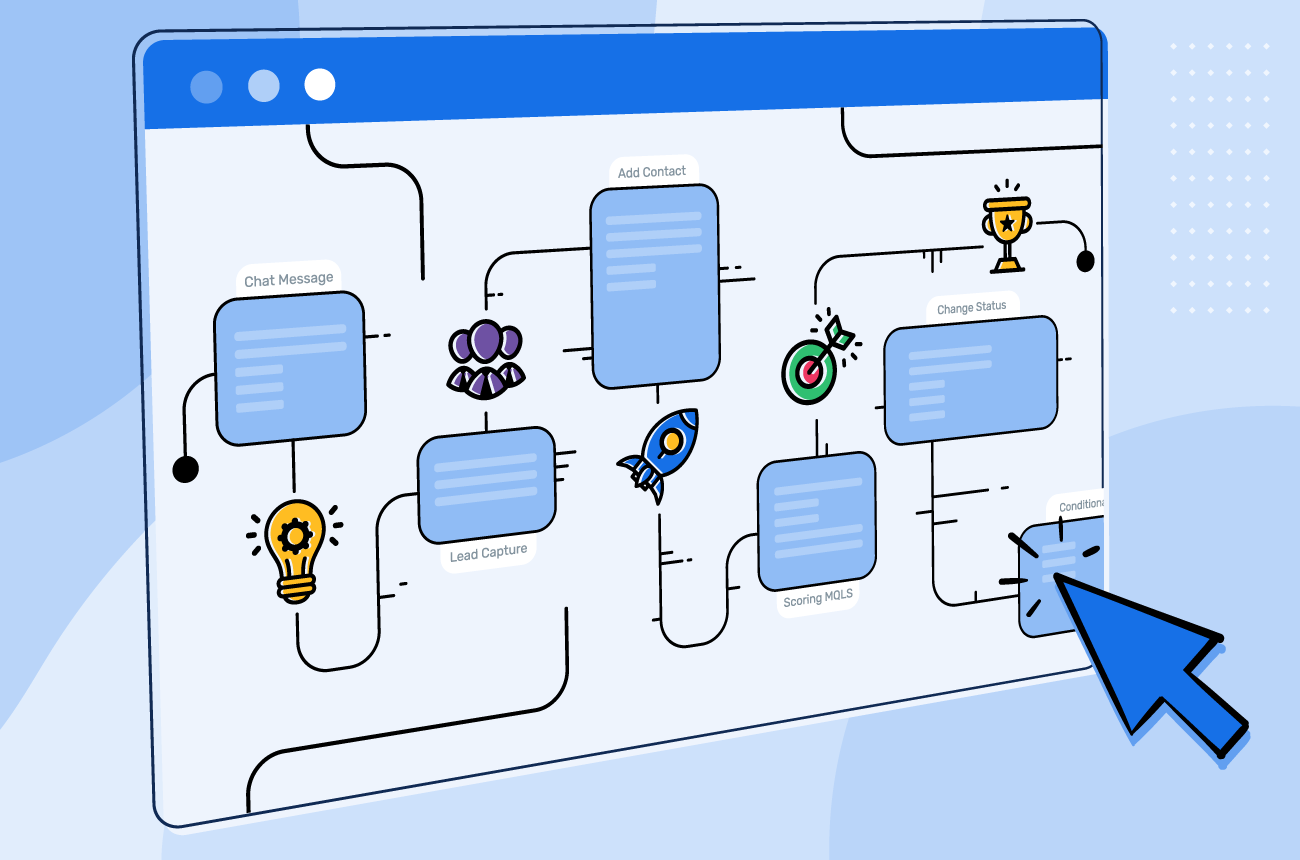
Automation isn’t about replacing people or adding unnecessary complexity. At its core, automation is about creating systems that handle repetitive tasks consistently, so your team can focus on higher-value work. For small and midsize businesses, automation often starts with a simple question: “Why are we still doing this manually?” If a task follows the same steps every time, chances are it can be automated.
What Is Automation, Really?
Automation connects your tools and processes so actions happen automatically based on rules or triggers.
In simple terms: Something happens (a trigger), a set of steps runs (the workflow) and finally an outcome is produced (without manual effort)
For example:
- A new lead fills out a form → it’s added to your CRM → your team gets notified
- An invoice is paid → the status updates → a receipt is sent
- A report is generated → shared → archived automatically every month
The Building Blocks of an Automated Workflow
Most automations are made up of three core components:
1. Triggers
A trigger is the event that starts the workflow. Examples include a form submission, a new email, aile upload or a calendar date or time.
2. Actions
Actions are the steps that happen after the trigger. That might be to create or update a record, send a notification move data between systems or generate a document or report
3. Logic (Optional but Powerful)
Logic adds decision-making to automation. These could be If/then conditions, filters or delays or approvals
This is where workflows become tailored to how your business actually operates.
Common Automation Tools Businesses Use
There are many automation platforms available, but a few are especially popular with small and midsize organizations:
Zapier
Zapier is one of the most well-known automation tools. It’s easy to get started and connects thousands of apps. It’s great for sim
ple, linear workflows like syncing data between systems or sending notifications.
Best for:
- Straightforward automations
- Teams new to automation
- Common SaaS tools
Microsoft Power Automate
Power Automate integrates tightly with Microsoft 365 tools like Outlook,
Excel, SharePoint, and Teams. It’s a strong option for organizations already using Microsoft’s ecosystem.
Best for:
- Microsoft-centric environments
- Approval workflows
- Document and email automation
n8n
n8n is a more flexible, developer-friendly automation platform. It allows
for complex logic, custom integrations, and greater control over data—often without per-task pricing.
Best for:
- Advanced workflows
- Custom integrations
- Businesses that need more control
Adding Aritificial Intelligence
Many automations are rule-based and run quietly in the background, handling predictable steps exactly the same way every time. These workflows form the foundation of a reliable automation strategy.
AI can be layered on top of automation when it adds real value. For example, AI can help summarize information, draft emails or reports, categorize incoming requests, or assist with decision-making when inputs vary. When used intentionally, AI enhances automation by adding flexibility and insight without replacing the underlying workflow.
The goal isn’t to automate everything or add AI everywhere. It’s to use automation to handle routine work and introduce intelligence only where it improves outcomes.
Where Automation Delivers the Most Value
Automation works best in everyday business processes where steps are repeated, information moves between systems, and delays or errors create friction. Areas such as lead intake and follow-ups, reporting and recurring tasks, data syncing between systems, onboarding and offboarding, and financial or operational workflows see the most upside when automated. In these cases, the biggest gains come from reducing manual effort and preventing human error.
How We Help
Many businesses start with prebuilt templates or generic workflows, only to discover that they don’t reflect how their team actually works. Steps get skipped, exceptions aren’t handled, and automations break as tools or processes evolve. We design custom automation workflows tailored to how your business actually operates. That includes:
- Mapping your current processes
- Identifying what should (and shouldn’t) be automated
- Selecting the right tools
- Building workflows that are reliable, secure, and easy to maintain
Whether that means simple rule-based automation or more advanced, AI-assisted workflows, the focus is always the same: practical systems that save time and reduce friction.
Ready to streamline your workflows?
If you’re unsure where automation could help—or you suspect you’re doing more manual work than necessary—we can help review your setup and identify opportunities.
Schedule your free consultation today or call us at (203) 443-1646.