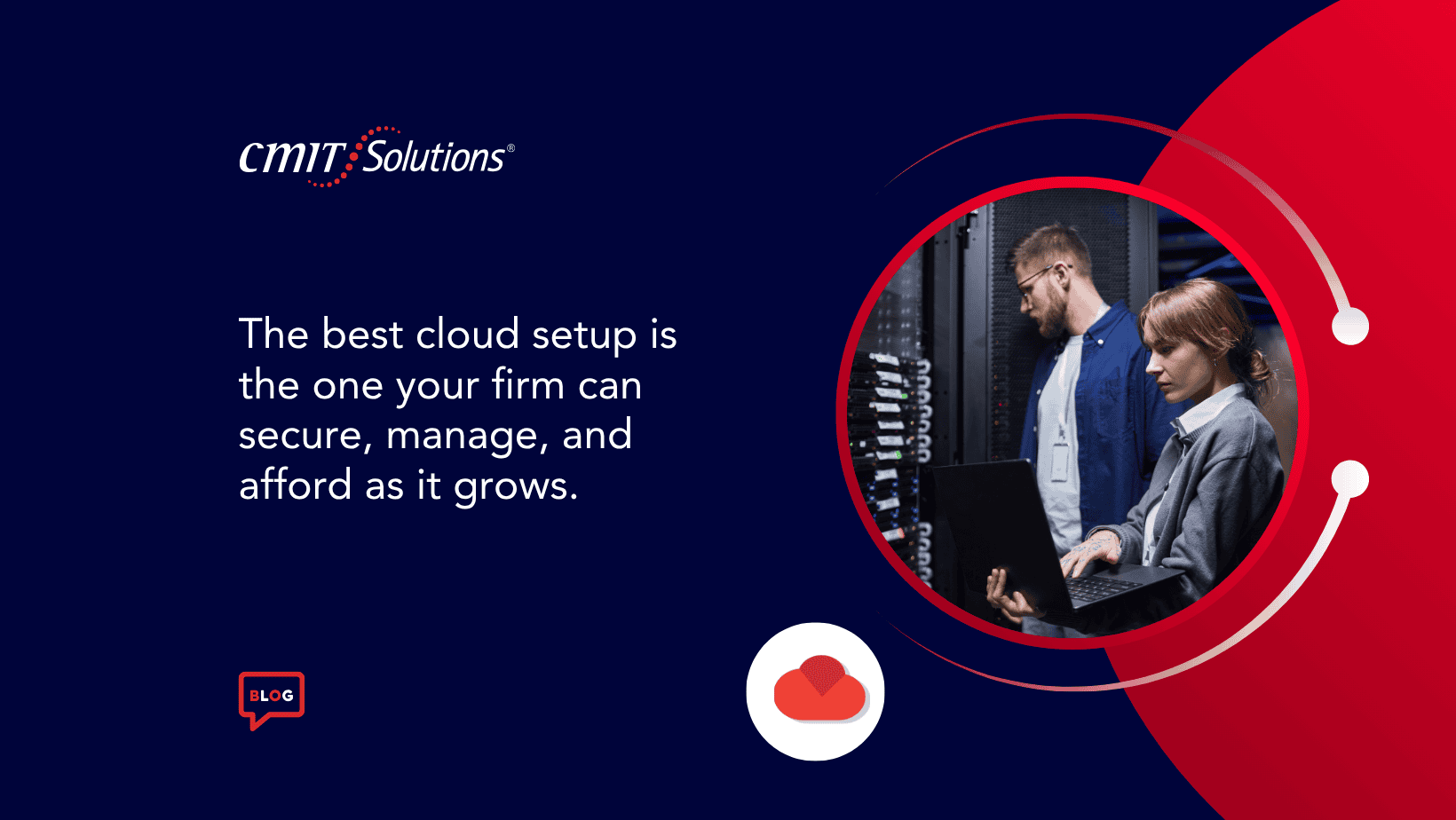
Every growing firm reaches a moment when the cloud stops being a simple hosting choice and becomes a strategic decision. Headcount rises, data piles up, clients ask tougher security questions, and someone eventually asks whether it is smarter to keep everything with one provider or spread workloads across several. It sounds like a technical debate, but it is really a question about cost, risk, speed, and control.
At CMIT Solutions of Austin Downtown and West, we work with business owners and operations leaders who face this choice every year. The honest answer is that neither model wins in every situation. A single cloud is the better fit for some companies, while multi-cloud is the right call for others. This guide explains how each approach works, where each one helps, where each one hurts, and how to decide with confidence. Whether you rely on a local IT partner or manage technology internally, the framework below will help you make a choice you will not regret in three years.
The Short Answer
For most growing firms, a well-governed single cloud is the better starting point, and multi-cloud becomes worthwhile only when a specific requirement demands it. Single cloud wins on simplicity, predictable cost, and consistent security. Multi-cloud wins on flexibility, specialized capability, and reduced vendor dependence. The right choice depends on your workloads, compliance obligations, internal skills, and growth plans, and the rest of this guide shows you how to weigh each factor.
Single Cloud and Multi-Cloud: Clear Definitions
A single cloud strategy means running most of your workloads, data, and services with one major provider, such as Microsoft Azure, Amazon Web Services, or Google Cloud Platform. A multi-cloud strategy means deliberately using two or more providers and assigning each workload to the platform that suits it best.
A few related terms often get mixed together:
- Hybrid cloud: A blend of on-premises infrastructure and public cloud. Many firms take this route when legacy systems cannot move yet, which is a common theme in any hybrid cloud strategy.
- Multi-cloud: Two or more public cloud providers used on purpose, with or without on-premises systems.
- Accidental multi-cloud: What happens when departments buy services independently with no shared plan. It is the most common version and often the most expensive, and it is a textbook case of vendor sprawl risks.
The difference matters. Intentional multi-cloud is a design decision. Accidental multi-cloud is a governance problem wearing a technology costume.
Why This Decision Matters More as Your Firm Grows
A ten-person company can succeed on almost any setup. Once you pass that stage, cloud choices begin to shape everything downstream:
- Monthly spend and how predictable it stays
- Security exposure and audit readiness
- How fast new hires become productive
- Recovery speed after an outage or cyberattack
- Your ability to adopt new tools, including AI
Growth also makes early choices sticky. Decisions made under time pressure tend to become permanent, and what worked for 15 users can become expensive and fragile at 75. Local businesses are increasingly treating the cloud as a long term strategy rather than a one-time project, and cloud adoption trends across Austin reflect that shift.
The Case for Staying With a Single Cloud
For many growing firms, one well-managed cloud is the smartest option. Here is why:
- Simpler operations: One console, one billing relationship, and one support channel reduce daily friction.
- Better pricing leverage: Committing volume to one provider typically unlocks reserved pricing and enterprise agreements.
- Tighter integration: Services from the same vendor are built to work together, which speeds up deployment.
- Smaller skills footprint: Your team or provider needs deep expertise in one platform instead of shallow knowledge of three.
- Consistent security controls: One identity system and one policy framework are easier to monitor and audit.
Firms already standardized on Microsoft 365 often find that Azure extends naturally from their existing environment, especially when paired with well-supported productivity applications. A single platform also makes scaling cloud infrastructure more predictable, since capacity planning, budgeting, and staffing all follow one model. If you are still moving workloads off aging servers, professional cloud migration services can keep the transition orderly and limit downtime.
Where a Single Cloud Falls Short
Simplicity has a price. Before committing fully to one provider, weigh these risks:
- Vendor lock-in: Proprietary databases, serverless tools, and APIs can make later migration slow and costly.
- Concentration risk: A regional outage, billing dispute, or policy change affects everything at once.
- Feature gaps: No provider is best at every service, so you may accept compromises in analytics, AI, or specialized tooling.
- Weaker negotiating position: Once you are deeply embedded, renewal discussions tilt toward the vendor.
Cost surprises are another concern. Data transfer charges, premium support tiers, and idle resources add up quietly, and these hidden cloud fees are among the main reasons leaders feel trapped after a few years. None of these problems are fatal, but they should be priced into the decision on day one instead of discovered at renewal.
The Case for Going Multi-Cloud
Multi-cloud has real advantages when it is planned properly:
- Best tool for each job: Use one provider for productivity and identity, another for analytics, and a third for a niche industry application.
- Reduced dependence on one vendor: You keep the option to move workloads and can negotiate from a stronger position.
- Resilience options: Critical services can fail over to a second provider if one experiences a serious outage.
- Regulatory and regional flexibility: Certain data residency or industry rules may favor specific providers or regions.
- Smoother acquisitions: If you buy or merge with another company, you may inherit a different cloud and need to run both for a while.
Performance can also drive the decision. Some workloads run better on a provider with stronger regional coverage, especially where edge computing latency affects customer experience or real time operations. Firms that build their own applications may also adopt a cloud native approach that makes it easier to move containers and services between platforms, which can lower the cost of a multi-cloud design.
The Hidden Challenges of Multi-Cloud
The brochure version of multi-cloud is flexibility and freedom. The daily reality includes several challenges that growing firms often underestimate:
- Operational complexity: Each provider has its own console, terminology, automation tools, and identity model.
- Skills gaps: Finding staff who can manage multiple platforms well is difficult, and cross-training takes time.
- Inconsistent security: Policies configured differently across providers create gaps that attackers look for.
- Data fragmentation: Information scattered across platforms makes reporting, backup, and data growth control harder.
- Tool and license overlap: Duplicate subscriptions quietly erode software spending value over months.
- Blurred accountability: When something breaks between two platforms, each vendor may point at the other.
Identity is the thread that holds a multi-cloud environment together. If user access is not managed centrally, permissions drift and stale accounts pile up. That is why identity first security has become a priority for firms running more than one platform. Without a central owner and clear standards, multi-cloud rarely delivers the savings or resilience it promises.
Single Cloud vs. Multi-Cloud at a Glance
| Factor | Single Cloud | Multi-Cloud |
|---|---|---|
| Complexity | Lower | Higher |
| Cost Predictability | Stronger | Weaker without governance |
| Vendor Lock-in Risk | Higher | Lower |
| Outage Resilience | Depends on one provider | Potentially stronger with planning |
| Security Consistency | Easier to standardize | Requires unified controls |
| Skills Required | Focused | Broad |
| Flexibility for Specialized Tools | Limited | Strong |
| Best Fit | Firms wanting simplicity and speed | Firms with varied workloads or strict risk needs |
Security and Compliance Considerations
Security should influence the decision as much as price does. A single provider gives you one set of native controls to configure, monitor, and audit. Multi-cloud multiplies the number of settings, alerts, and potential misconfigurations. Either model can be secure, but multi-cloud demands more discipline.
Strong zero trust security principles apply to both approaches: verify every user, verify every device, and limit access to what each role truly needs. Layer on managed cybersecurity services such as continuous monitoring, endpoint protection, and incident response, so threats are caught quickly no matter where workloads live. Preparation matters too, and simple ransomware readiness steps like immutable backups, access reviews, and tested response plans can shorten recovery dramatically.
Compliance adds another layer. Law firms, healthcare practices, financial companies, and contractors all face obligations around data location, retention, and access. Consider these questions:
- Where must regulated data physically reside?
- Which provider certifications match your requirements?
- Can you produce audit logs from every platform quickly?
- Who is responsible for each control, you or the provider?
Firms that build audit ready compliance habits into daily operations, backed by regulatory compliance support, avoid last minute scrambles when an assessment arrives.
Cost: Look Beyond the Monthly Bill
Cloud pricing looks simple until you model real usage. A fair comparison should include:
- Compute, storage, and licensing charges
- Data transfer and egress fees between platforms
- Support plans and premium tiers
- Monitoring, security, and management tooling
- Staff time, training, and outside expertise
- Migration and exit costs if you ever change course
Single cloud usually wins on predictability and volume discounts. Multi-cloud can win on unit pricing for specific services, but the savings often disappear once integration, duplicate tools, and labor are included. Centralizing purchasing through IT procurement services gives you cleaner contracts, fewer overlapping licenses, and a single view of what you actually own. Just as important, treat cloud spending as a regular management topic. A monthly review of usage against budget catches waste before it becomes a habit.
Resilience, Backup, and Disaster Recovery
Many leaders assume multi-cloud automatically means better uptime. It does not. Real resilience comes from design and testing, not from the number of vendors on the invoice. A poorly planned second cloud can even add new failure points.
Good practices include:
- Following the 3-2-1 backup principle: three copies, two media types, one offsite
- Keeping at least one backup copy isolated from your primary provider
- Defining recovery time and recovery point objectives for each system
- Testing restores on a schedule, not just backups
- Documenting who does what during an incident
Reliable data backup solutions should protect cloud workloads and software as a service data alike, because providers secure their infrastructure but do not guarantee your data against user error or malicious deletion. A documented approach to disaster recovery planning then ties the pieces together so your team knows exactly how to restore operations.
Performance and User Experience
Staff and clients judge your technology by how it feels. Slow file access, laggy applications, and dropped calls damage productivity and reputation quickly. When comparing options, consider where your users sit, where your data lives, and how traffic moves between them. Placing applications and data close together reduces delays, while splitting them across providers can introduce new latency if not designed carefully. Test with real users during your pilot, and measure response times before and after any change.
Governance, Skills, and Ownership
The best cloud architecture on paper fails without clear ownership. Growing firms usually lack a full time cloud architect, so decisions fall to whoever is available. That is how sprawl begins.
Effective governance includes:
- A named owner for each platform and each major workload
- Standards for naming, tagging, access, and approvals
- A review process before anyone buys new cloud services
- Documented architecture and recovery procedures
Many firms handle this through managed IT services that provide monitoring, patching, and lifecycle management under one roof. Day to day questions from staff still need a fast answer, which is where responsive help desk support keeps productivity high while the architecture stays stable. Leadership-level planning matters as well, and vCIO leadership services give smaller companies executive-grade technology direction without a full executive salary. Combined with a technology playbook approach, this keeps decisions consistent as your team grows.
Connectivity and communication also depend on the cloud. Reliable network management services keep traffic flowing between offices, remote staff, and cloud platforms, while unified communications solutions bring voice, video, and messaging into the same governed environment.
Common Mistakes Firms Make
- Choosing multi-cloud to avoid lock-in alone: Lock-in is a legitimate concern, but doubling your platforms to reduce it often creates more cost and risk than it removes.
- Ignoring exit planning: Few firms document how they would leave a provider, which leaves them with little leverage at renewal.
- Letting departments buy independently: Shadow IT is the fastest route to unmanaged, duplicated, and insecure environments.
- Treating the provider as fully responsible for security: Under the shared responsibility model, you still own identity, data, configuration, and user behavior.
- Skipping restore tests: A backup that has never been restored is only a hope.
- Underestimating change management: New platforms require training, documentation, and clear communication with staff.
Each of these mistakes is avoidable with clear ownership, regular reviews, and a written plan.
How to Reduce Lock-In Without Going Multi-Cloud
You can keep your options open while staying with one provider. Practical steps include:
- Prefer open standards and widely supported technologies, such as standard databases and containers, over proprietary alternatives when the business impact is similar
- Keep infrastructure defined in code so environments can be rebuilt elsewhere
- Store backups and critical exports in a location independent of your primary provider
- Negotiate contract terms around data return, transfer fees, and termination
- Document your architecture and dependencies so a future migration does not start from zero
These habits cost little to adopt and give you most of the flexibility that leaders want from multi-cloud, without the daily complexity of running several platforms.
A Practical Framework for Choosing
Use these steps to reach a decision based on evidence instead of hype:
- Inventory every workload and dataset. List applications, databases, file stores, and software as a service tools along with owners and dependencies.
- Map compliance and contractual requirements. Note data location, retention, and client confidentiality rules.
- Define three-year business goals. Consider hiring plans, new offices, acquisitions, and client demands.
- Assess internal skills honestly. Decide what your team can support today and what needs outside help.
- Model total cost of ownership. Include labor, tooling, egress, and exit costs, not just list prices.
- Pilot before committing. Move one nonessential workload and measure performance, cost, and support experience.
- Document and review. Record the decision, assign owners, and revisit it every year.
If you want an outside perspective while working through these steps, strategic IT guidance can turn assessment findings into a clear, prioritized roadmap. A simple rule of thumb also helps: choose a single cloud by default, and add a second provider only when a specific business, compliance, or performance requirement justifies the extra complexity.
Which Approach Fits Which Firm?
Every business is different, but patterns emerge:
- Startups and early scaleups: A single cloud usually delivers the fastest path to launch, and keeping architecture portable leaves options open.
- Law firms: Client confidentiality and document management often favor a tightly controlled single cloud, with a separate isolated backup.
- Healthcare practices: Compliance drives design. A single HIPAA-aligned platform plus separate backup storage is a common and manageable model.
- Construction and engineering firms: Large files, field access, and project tools sometimes justify two platforms, one for collaboration and one for heavy storage or design workloads.
- Financial services: Strict audit requirements and concentration risk concerns may support multi-cloud for critical systems, provided governance is mature.
- Hybrid and remote teams: Cloud virtual desktops can deliver consistent, secure access to applications regardless of where the underlying workloads run.
Multi-cloud is rarely the answer for firms without dedicated technical leadership. If your team is small, the risk of mismanaging two platforms often outweighs the benefits of flexibility.
A Simple 12-Month Roadmap
- Months 1 to 2, Discover: Inventory workloads, data, contracts, and compliance needs. Identify shadow IT and duplicate tools.
- Months 3 to 4, Decide: Model costs, run a pilot, and select your primary platform. Define any justified exceptions.
- Months 5 to 8, Migrate and secure: Move workloads in phases, implement identity controls, and validate backups and recovery.
- Months 9 to 12, Optimize: Right-size resources, review spending, train staff, and schedule the first annual strategy review.
Treat the roadmap as a living document. Priorities shift, and your plan should shift with them.
Making the Right Cloud Decision for Your Firm
The single cloud versus multi-cloud debate has no universal winner. Single cloud offers simplicity, cost predictability, and a smaller security surface. Multi-cloud offers flexibility, leverage, and specialized capability at the price of complexity and governance demands. For most growing firms, the smartest path is to start with one well-run platform, protect it with strong backup and security, and add another provider only when a clear requirement calls for it.
The team at CMIT Solutions of Austin Downtown and West helps local businesses evaluate their environments, compare options, and build cloud strategies that fit their budget, compliance needs, and growth plans. If you are weighing this decision right now, schedule a consultation to talk through your workloads and get a practical recommendation.
“`html
Frequently Asked Questions
“`