For a small business owner, there are few things more terrifying than staring at a screen where your critical files used to be. Whether it’s a simple accidental deletion, a malicious ransomware attack, or a severe South Florida storm that shuts down your physical office, losing access to your data doesn’t just disrupt your day—it threatens your entire livelihood.
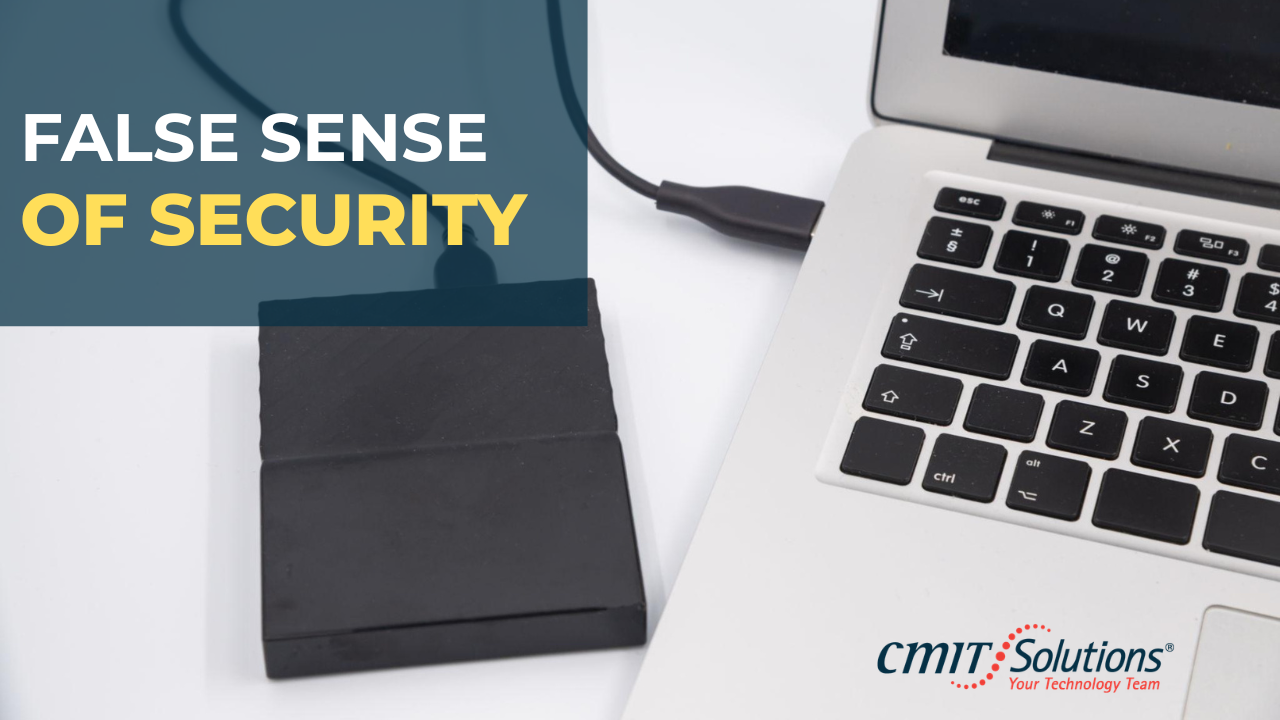
Many businesses assume they are protected because they have a copy of their files saved on an external drive. But a true backup strategy goes far beyond a simple thumb drive.
In this brief video, we break down the essentials of real data protection for small and medium-sized businesses. We cover:
- Why a single, local backup leaves you vulnerable to physical disasters.
- The critical (and often ignored) step of actively testing your backups.
- How failing to maintain a verified backup strategy can actually void your cyber insurance claims.
Watch the video to discover how to build a practical, automated, and multi-location backup plan. When the unexpected happens, you shouldn’t be scrambling to figure out if your data is safe—you should have the absolute confidence of knowing your company’s future is already secured.
Frequently Asked Questions (FAQ)
Q: What exactly should my small business be backing up?
A: You need to protect the lifeblood of your operation. This includes financial records, customer databases, important shared documents, emails, and your endpoints or desktops. If your team needs a specific file or system to do their jobs, it must be included in your backup strategy.
Q: We have an external hard drive connected to the server. Isn’t that enough?
A: Having one local backup is better than nothing, but it’s a massive risk. If your office floods, catches fire, or gets hit by a power surge, both your server and your backup drive could be destroyed at the same time. A true strategy requires multi-location storage—meaning you keep a local copy for quick recovery and an offsite or cloud copy for total disaster protection.
Q: How do South Florida weather events impact my backup needs?
A: Operating a business in South Florida means we have to plan for hurricanes, severe storms, and extended power outages. Physical building access can be cut off for days. If your only backups are sitting inside your physical office, your business is highly vulnerable. Cloud or offsite backups ensure your data survives even if your building doesn’t.
Q: Why do we need to test our backups if the software says it was successful?
A: Assuming a backup works without testing it is like having a fire extinguisher on the wall but never checking the pressure gauge—it looks great until there’s an actual fire. Backup files can become corrupted, or the restoration process might fail. Regular testing proves that you can actually recover your data when the unexpected happens.
Q: Can my backup strategy affect my cyber insurance policy?
A: Absolutely. If you suffer a data breach or ransomware attack, your insurance provider will investigate. If you cannot prove you had a solid, verified, and tested backup strategy in place, they may deny your claim for failing to meet their baseline security requirements.
Q: Do cyber insurance policies require specific backup methods?
A: Yes. As ransomware and cyberattacks have surged, insurance carriers have become much stricter. Most providers now require small businesses to prove they have offsite, disconnected (often called “immutable”) backups and a regular testing schedule before they will issue a policy or pay out a claim.
Q: Is syncing my files to OneDrive, Google Drive, or Dropbox considered a real backup?
A: Not exactly. While cloud sync tools are excellent for collaboration, they are designed to sync changes immediately across all your devices. If an employee accidentally deletes a critical folder, or if your computer gets hit by ransomware, those deletions or encrypted files will instantly sync to the cloud too. A true backup strategy captures historical, unchangeable snapshots of your data, allowing you to “roll back the clock” to a clean version before the disaster happened.
Q: Do we need a dedicated IT person to manage all of this?
A: Not at all. In fact, most small businesses find that partnering with a Managed Service Provider (MSP) is much more cost-effective. At CMIT Solutions of Fort Lauderdale, we manage, monitor, and test your backups automatically in the background, so you can focus on running your business instead of worrying about IT.